

Screenshots
Description
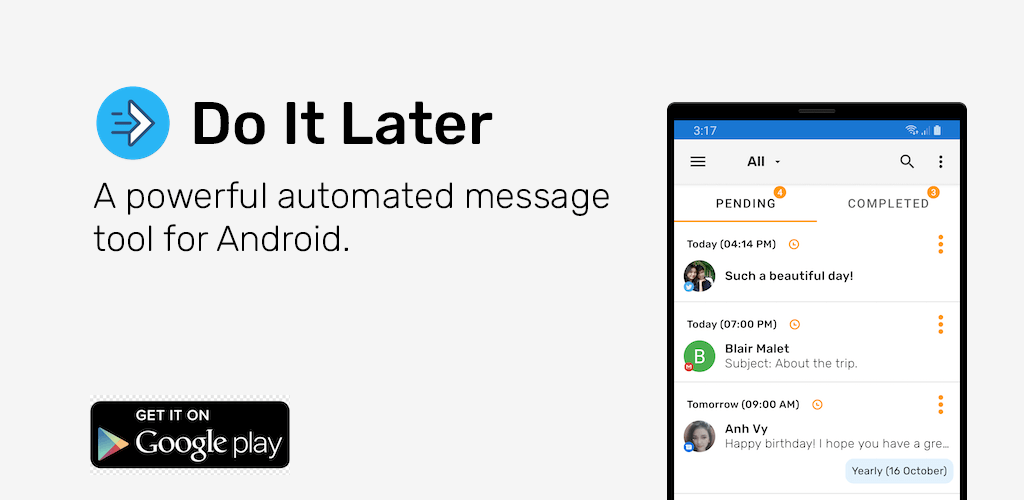
Do It Later Mod APK is the easiest way to schedule SMS, phone calls, emails, WhatsApp, and other social messaging apps.
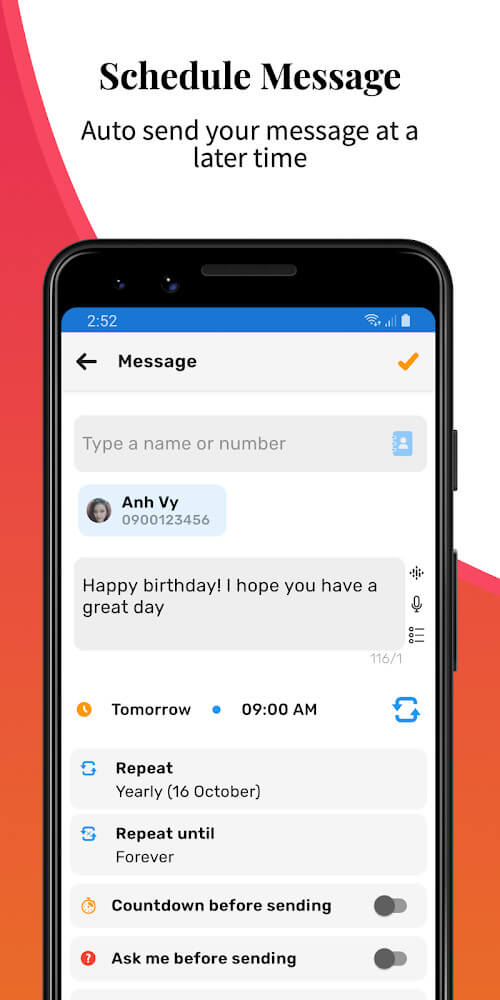
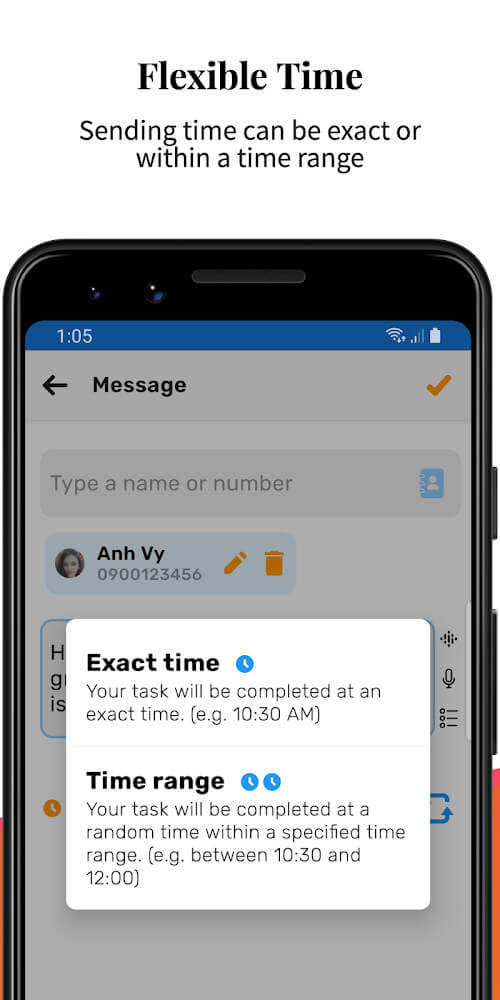
Do It Later – Auto SMS Message makes replying to messages easier than almost any other app. It can schedule messages, choose suitable replies for the sender by text, call, or email, and handle bulk messaging to many recipients at once.
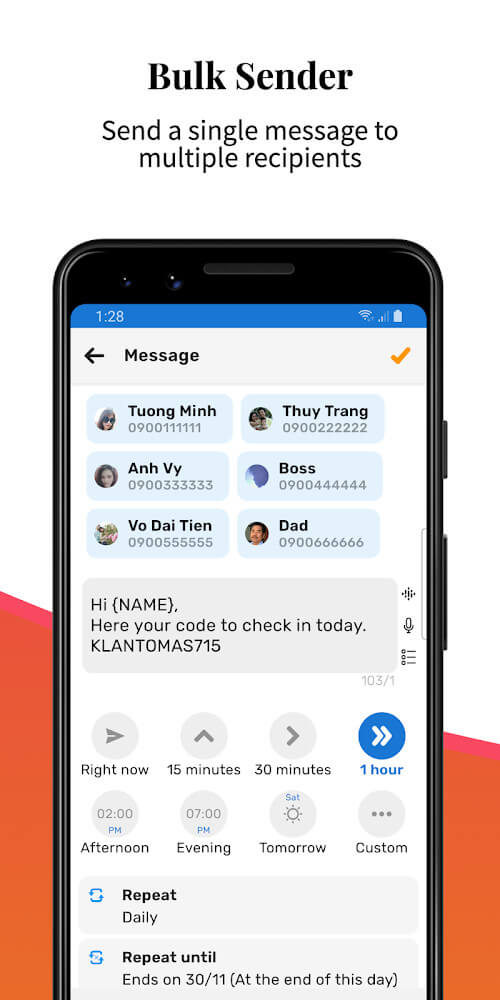
SEND MESSAGES TO MANY PEOPLE AUTOMATICALLY
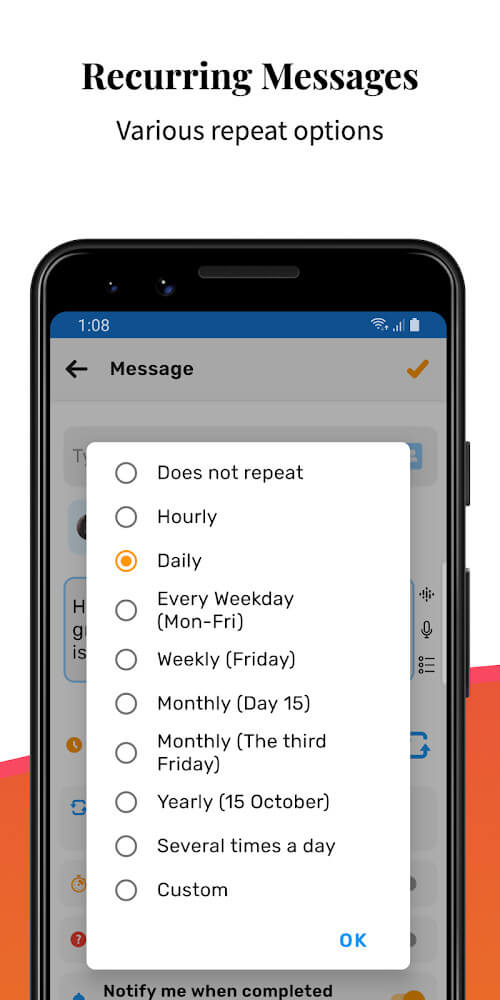
With Do It Later, you can message many people at once without spending time typing each one out, saving a great deal of effort and time. Use it to send New Year wishes or an important announcement everyone needs to see. You can also set up recurring messages as notifications or reminders for recipients, scheduled up to 5 times a week, every day, or every few weeks, so you can choose the timing that suits you best.
REPLY TO RECEIVED MESSAGES QUICKLY
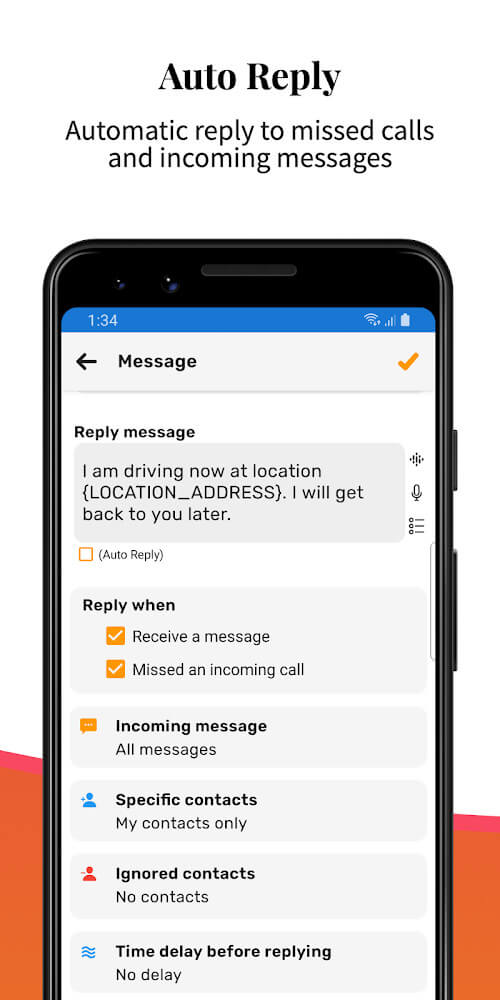
So senders never have to wait, Do It Later can automatically reply to messages with the most appropriate content. If texts or calls arrive while you're busy with work, it can respond within seconds. Better still, you can easily stay in touch with friends, work colleagues, or customers. With this app, you don't have to lift a finger to answer everyone.
KEEP YOU ON TRACK WITH IMPORTANT REMINDERS
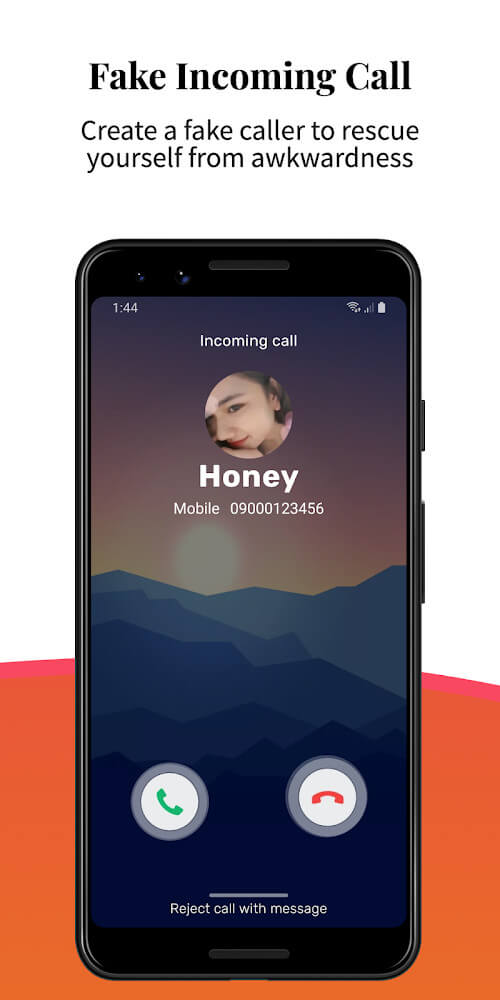
Do It Later also works like a constantly ringing alarm clock. If you're worried about being late for work each morning, you can use it alongside your alarm clock. Set it up as a reminder that comes in like an incoming call, and you'll be alerted right on time the next day. That means no more being late for school or work.
How to install
- Download the APK file above to your phone.
- Allow “Install unknown apps” when prompted.
- Open the downloaded APK and tap Install.
- If the package includes OBB/XAPK data, follow the bundled instructions.
MOD APKs are modified builds, so Play Protect may show a warning. Install only if you trust the file; use at your own risk.