

MOD features
Updated to the new base 126.20 – Stable (Play Store) [Enabled] – Developer mode [Added] Reply to messages or edit your own messages with a double tap [Added] Zoom in on profile photos [Added] Option – Anti-delete messages [Includes an option to download or save deleted messages as a text document] [Added] Option – Anti-edit messages [Includes an option to save edited messages as a text document] [Added] Option to download profile pictures [Added] Option to copy the profile picture URL [Added] Option to copy a username [Added] Option to show the date the account was created [Added] Option – Anti-delete reactions [Added] Option to lock the app with a PIN [Added] Option to reveal message spoilers [Added] Option to send media as spoilers [Added] Option to translate messages [Added] Block being added to groups (Beta)
Screenshots
Description
Discord MOD APK is one of the top chat apps for staying in touch with friends, and it's also a powerful gaming tool thanks to its voice channels, video viewer, servers, and more.
This modified build of Discord adds a range of utility and privacy upgrades to the standard messaging platform. It gives users greater control over message history, media interaction, and how much profile information is visible to others.
What's Changed in Discord
- The base version has been updated to 126.20 – Stable.
- Developer mode is turned on in the app's settings.
- Users can reply to or edit a message with a double-tap gesture.
- A zoom feature has been added so profile photos can be viewed in greater detail.
- An anti-delete messages option is included, which can generate a text file containing deleted content.
- An anti-edit messages option tracks changes and can create a text file with the original versions of edited messages.
- Profile pictures can be saved straight to local storage.
- A user's profile picture URL can be copied to the clipboard.
- Usernames can be copied directly through a dedicated option.
- The exact date an account was created is shown on user profiles.
- An anti-delete reactions feature keeps reactions visible even after the sender removes them.
- The app includes an option to lock the interface with a PIN.
- Message spoilers can be revealed automatically using a new toggle.
- Media can be sent as spoilers, keeping content hidden until someone deliberately clicks it.
- A built-in message translation tool supports conversations across multiple languages.
- A beta feature prevents users from being added to group chats without their consent.
This build is version 331.14 – Stable, with a file size of 115M and the package name com.discord. Because it is re-signed, it cannot be installed over a version downloaded from the official store.
About Discord
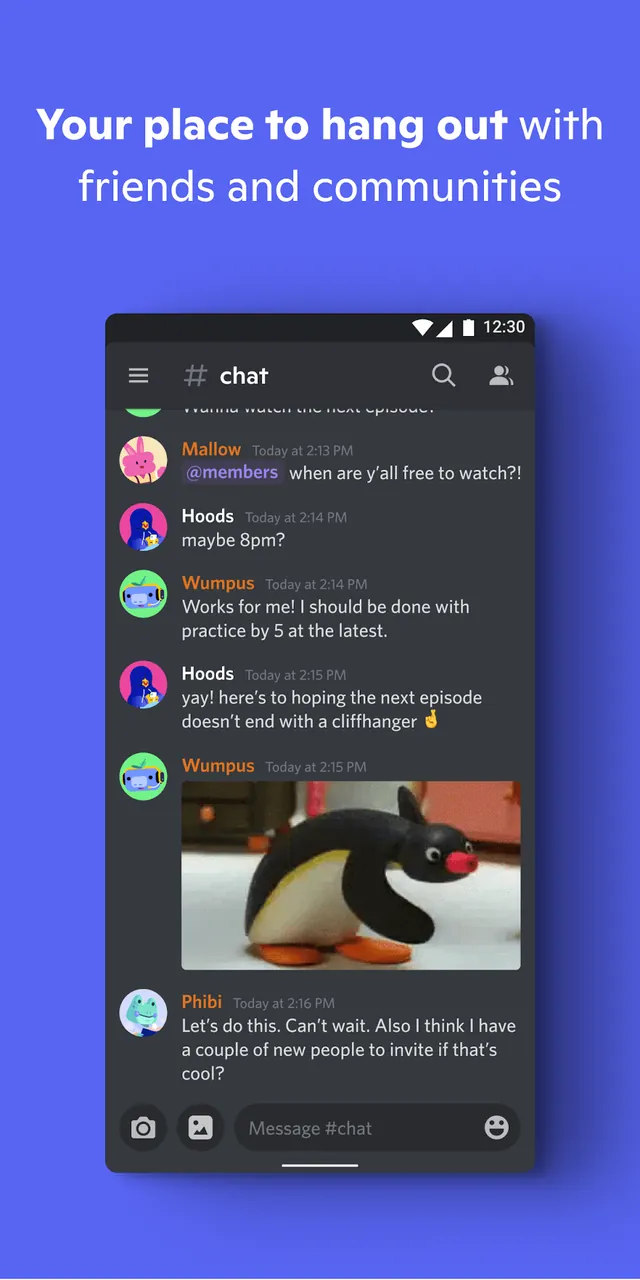
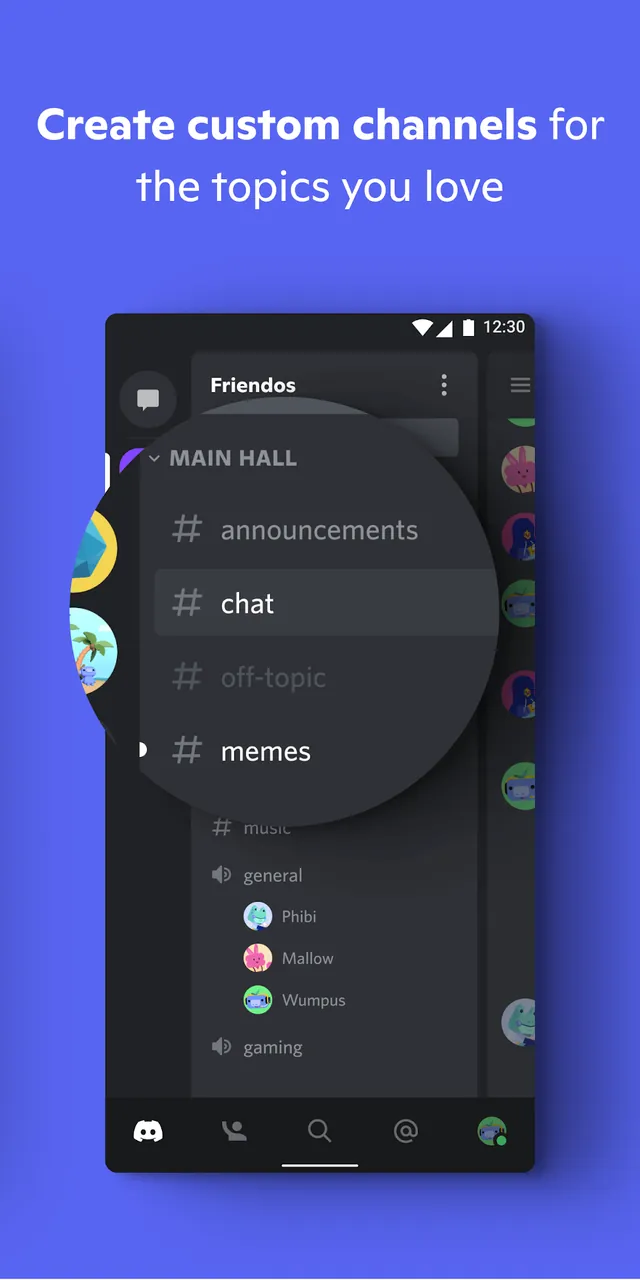
Discord is built for gamers, creators, and social community builders who want to communicate and manage online communities. Its server-based structure lets organizations such as school clubs or competitive gaming teams create and maintain their own digital spaces. Inside a server, users can create and browse text channels to discuss topics and organize information in a tidy way, rather than crowding a single main chat. Each text channel keeps its message history, so people can revisit past discussions or join in whenever they like. The server growth and access system lets administrators share invite links to bring new members in. Discord's interface combines text, voice, and video chat, making it easy to interact socially in many different ways.
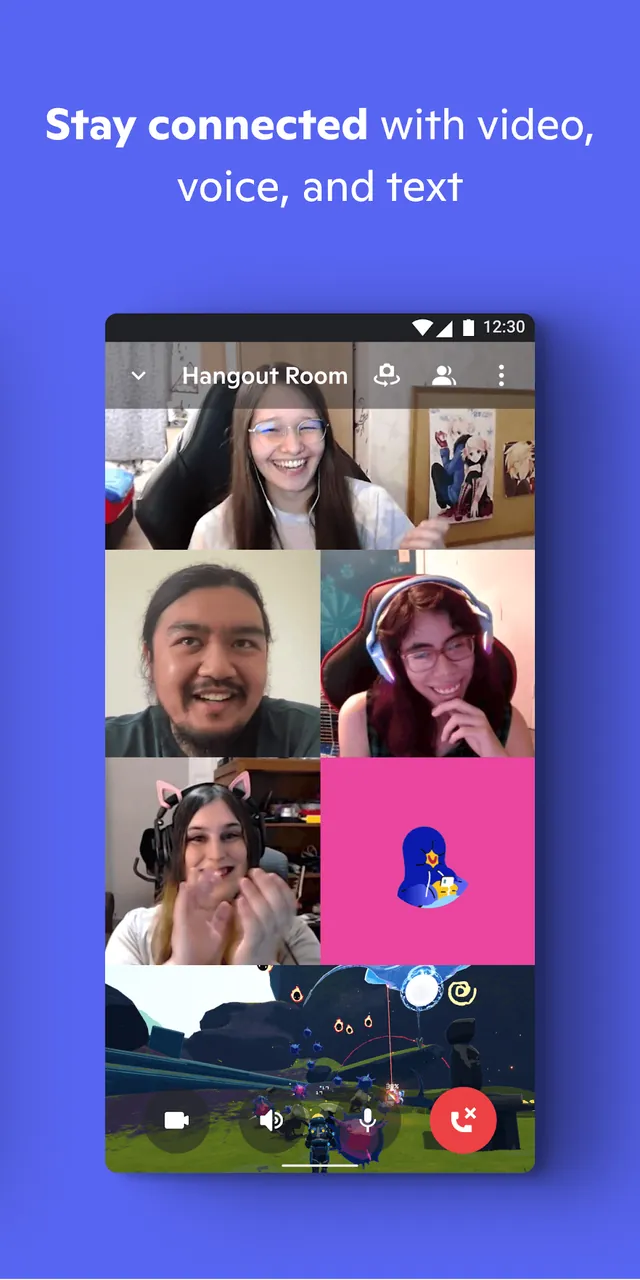
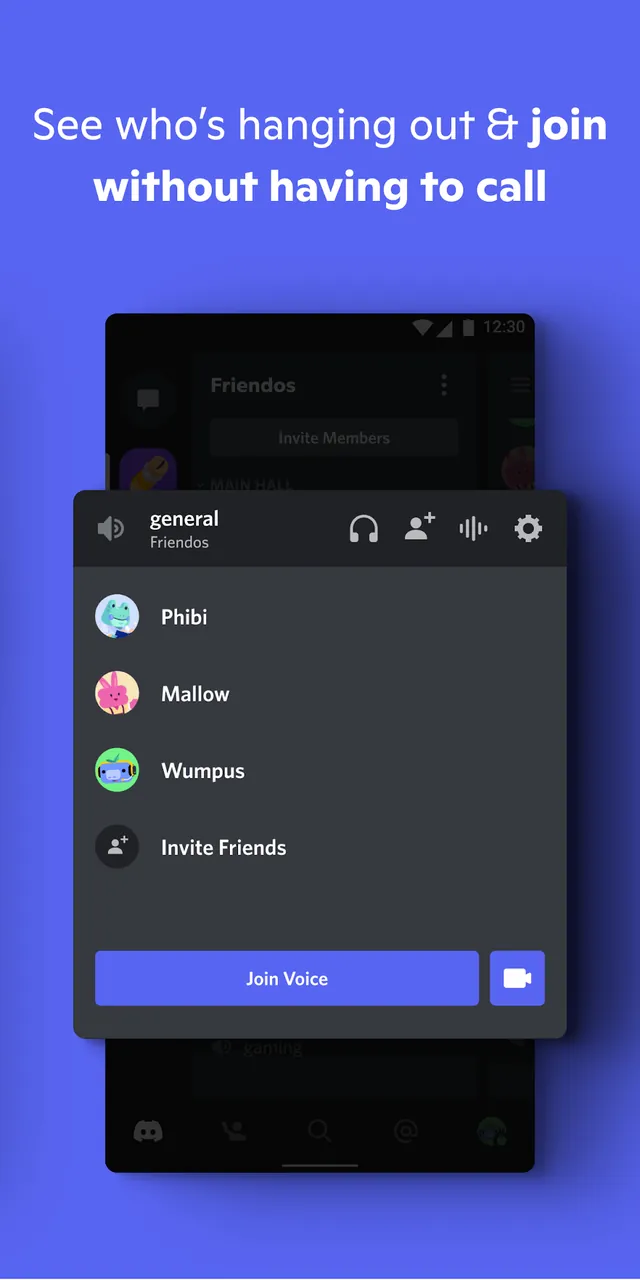
The platform offers high-quality, low-latency voice and video channels, tuned for gaming and other resource-heavy activities. Users can join or leave voice channels at any time, so there's no need to schedule a call for a casual hangout. Screen sharing is a standout feature, letting people broadcast what they're doing, whether that's hosting a game stream or showing a friend a project. Discord also provides Stage Channels for community events, which clearly separate speakers from the audience and suit larger presentations. For social features, Rich Presence displays what a user is currently doing, such as streaming or playing a game. That makes it easy for friends to jump into a session together or start a conversation around shared interests.
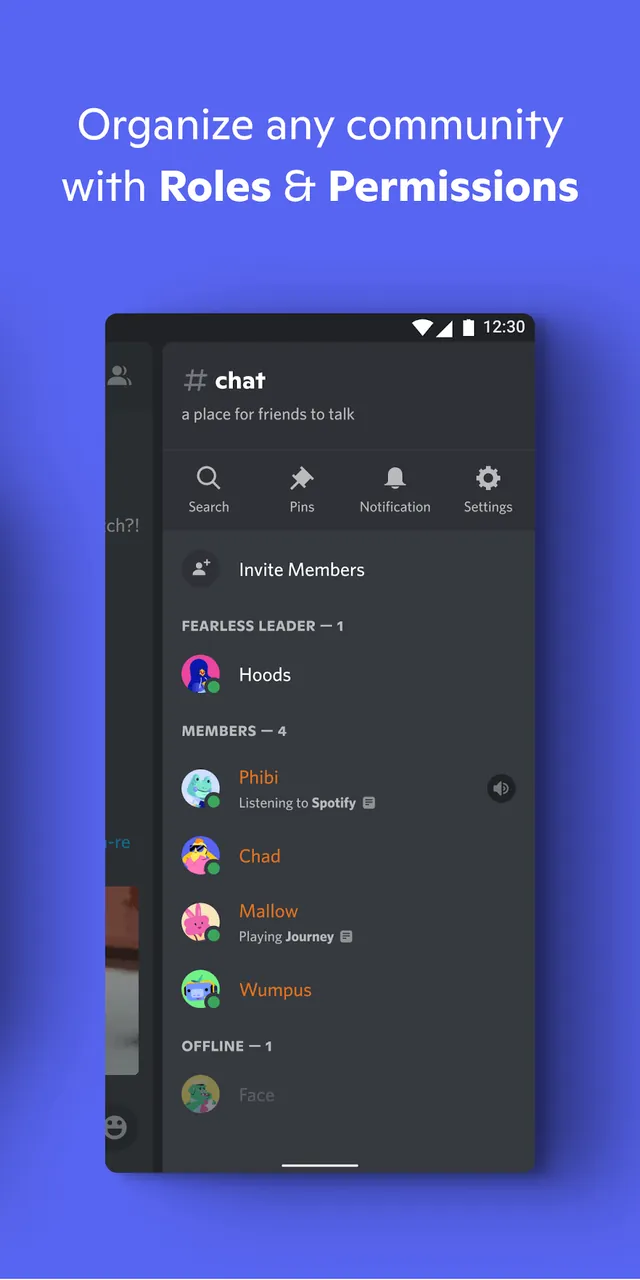
Server administrators can assign custom roles that grant different levels of permission to members, which simplifies community management and lets admins delegate moderation tasks. The platform also includes a comprehensive blocking system, along with a range of security features and moderation bots. Automated community rules and spam filtering help reduce the workload for moderators. For more control, developer APIs are available. Integrating these APIs opens up many new possibilities, from background music and statistics to complex games that can be played entirely within a chat. To round things out, the platform includes robust extras such as emoji and GIF support, helping community members express themselves through custom media.
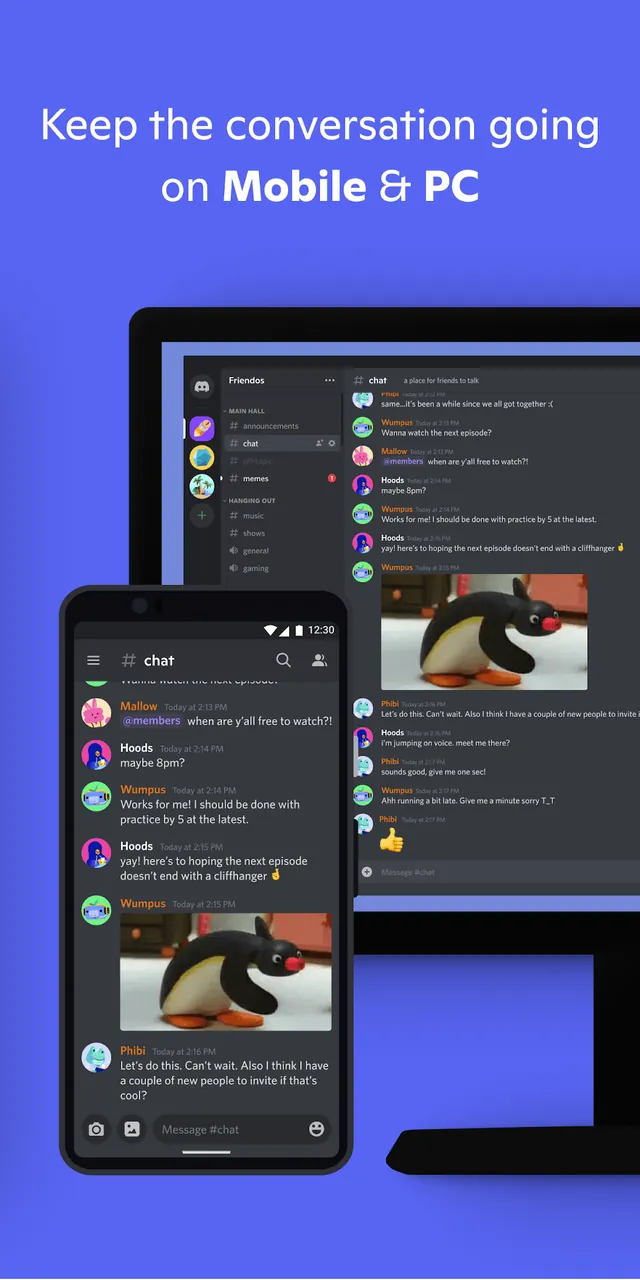
This application is built around cross-platform communication, so you can reach your community from any device. Servers and apps can be installed and synced across personal computers, Mac systems, mobile phones and gaming consoles. Once synced, your messages, server settings and role assignments stay consistent everywhere, letting you stay connected whenever you need to. The program offers tools that enhance and expand how you communicate, tailored to what you need. Whether you're organizing a large in-game campaign or simply want a private space to hang out and chat, it supports both. Each server's structure and the wide range of messaging options make the platform suitable for casual friends and formal groups alike. Its goal is to bring people from different regions together in shared digital spaces. Sharing media and running collaborative sessions with diverse groups is kept secure, and the whole experience is fully customizable.
Key features
- Topic-based server creation
- Smooth voice and video channels
- Screen sharing for watch parties
- Custom roles and permissions
- Custom emoji and GIF support
- Cross-platform synchronization
- Stage Channels for moderated events
- Rich Presence game integration
- Advanced blocking system
- Spam-filtering moderation bots
- Developer APIs for custom bot integration
Related MOD APKs
- Truecaller
- Telegram
- Truecaller
- Psiphon Pro
FAQ
What does Discord MOD APK unlock?
This Discord (331.14 – Stable) build comes with these modifications: Optimized and All devices. It works like the standard Discord Inc. app, and all changes take effect immediately after installation.
What is the latest version of Discord MOD APK?
Version 331.14 – Stable matches the official Discord Inc. release from June 3, 2026. We don't host older versions here. To update, install this build over your current one; if you see a signature conflict, uninstall the old app first.
Is Discord MOD APK safe to download?
This Discord 331.14 – Stable build from Discord Inc. includes Optimized and All devices tweaks and has a user rating of 3.8 from 269 reviews. It does not require root access. You may see Play Protect warnings during setup, which you can ignore, but always download from this page.
Can I use Discord MOD APK on PC or iPhone?
This Android file won't run on iPhone. To use the app on a computer, run it through an emulator such as BlueStacks or LDPlayer. Install your chosen emulator, then drag the file into its window.
How to install
- Download the APK file above to your phone.
- Allow “Install unknown apps” when prompted.
- Open the downloaded APK and tap Install.
- If the package includes OBB/XAPK data, follow the bundled instructions.
MOD APKs are modified builds, so Play Protect may show a warning. Install only if you trust the file; use at your own risk.