

Screenshots



Description
- Home /
- Apps
Deleted Photo Recovery MOD APK (Premium Unlocked) 1.8.6
- Apps
- Tools
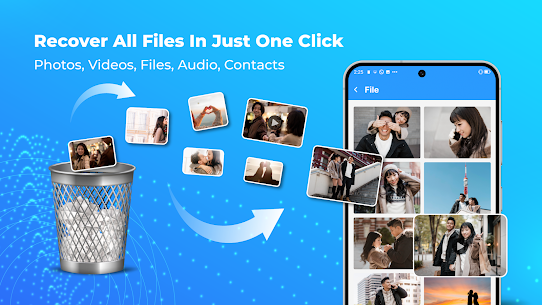
Deleted Photo Recovery stands out as a premier Android tool for bringing back lost photos, video recordings, contacts, and essential documents. It also comes equipped with an integrated duplicate cleaner that scans your device for redundant images, clips, songs, and files to free up valuable storage space. Developer: Maxlabs File Tools | Size: 30 MB | Version: 1.8.6 | Requirements: Android 7.0+
- Telegram
Report This App
Images
MOD Info
- Premium Features Unlocked
Description
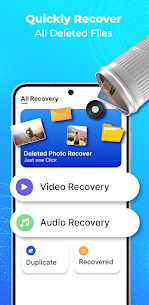
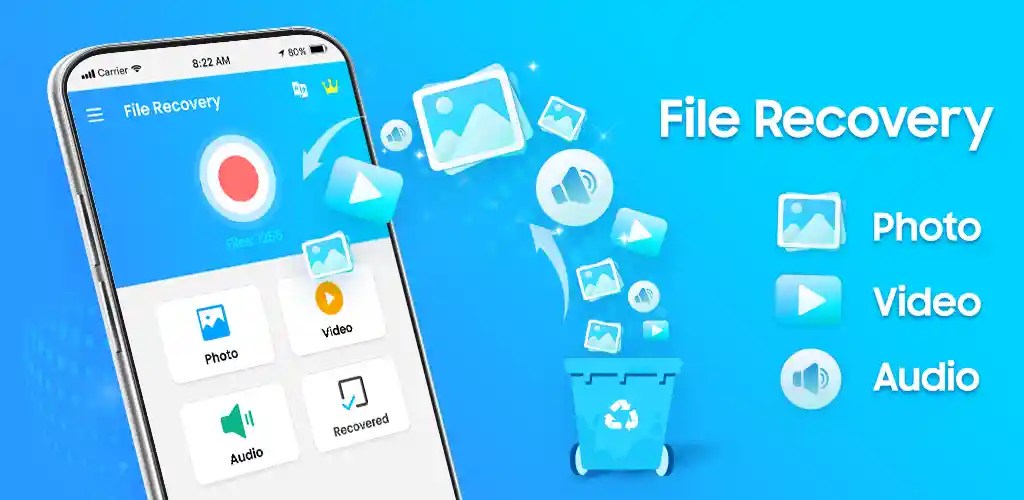
Deleted Photo Recovery provides a reliable solution for retrieving erased pictures, videos, phone contacts, and documents. On top of powerful retrieval tools, it features a built-in duplicate file cleaner to locate and wipe redundant media or docs, keeping your internal memory organized.
If you accidentally deleted crucial data, Photo Recovery – Recover Deleted Photos & Videos is designed to bring it right back. In just a single tap, every selected item is safely retrieved and moved back into your device storage.
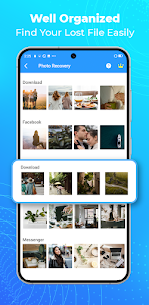
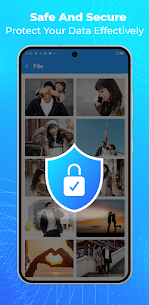
[Features] ⭐️ Restore deleted images, video clips, sound tracks, documents, and contacts ⭐️ Deep-scans your local storage for previously removed content ⭐️ High-speed photo recovery in seconds ⭐️ Clean, intuitive interface with snappy performance ⭐️ Secure, beginner-friendly recovery workflow ⭐️ Works completely offline without an active internet connection ⭐️ Root access is not required
[Disclaimers] – All copyrights belong strictly to their respective owners. – Should you find any material that infringes upon your copyright, please let us know immediately so we can take it down promptly.
Related Apps
Insget 3.14.4 Spaple 88.09 MB Premium Unlocked | Poke Genie 8.19.1 Poke Genie 107.92 MB | NekoBox+ 1.4.2-101 NekoBox+ 159.46 MB No Ads | Inure App Manager build107.3.0 Hamza Rizwan 25.96 MB Premium Unlocked | SmartCookieWeb 17.0-beta3 SmartCookieWeb 5.40 MB No Ads
How to install
- Download the APK file above to your phone.
- Allow “Install unknown apps” when prompted.
- Open the downloaded APK and tap Install.
- If the package includes OBB/XAPK data, follow the bundled instructions.
MOD APKs are modified builds, so Play Protect may show a warning. Install only if you trust the file; use at your own risk.