
Screenshots
Description
Dark Mode Launcher is a personalization tool for Android that transforms your mobile interface into a sleek, desktop-style environment with a sophisticated dark aesthetic. This app integrates a highly adjustable home screen, a Start menu, a functional taskbar, a notification hub, and desktop-style widgets. It also includes support for themes, custom icon packs, live wallpapers, and an integrated file manager. You can easily manage your applications via folders, tiles, and shortcuts, while navigating your data with a desktop-like experience. Additionally, the launcher supports app hiding, provides secure lock screen options, and works seamlessly on both tablets and Android TV devices.
Desktop-Style Home Screen (Dark Mode)
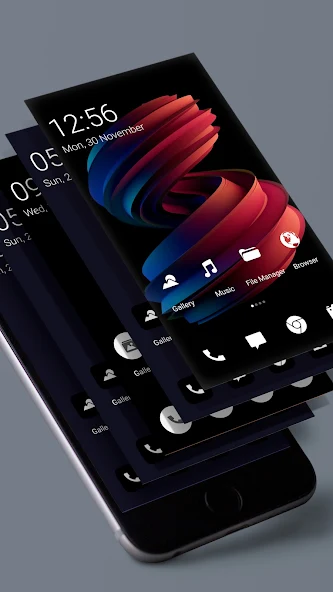
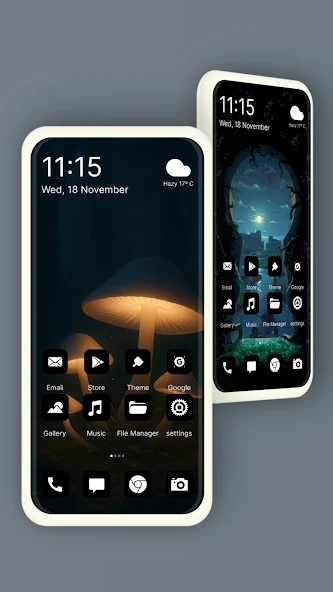
Dark Mode Launcher reimagines your Android home screen by bringing a desktop-inspired layout to your device. You can enjoy quick access to essential apps through a Start menu, intuitive app tiles, a taskbar, and customizable desktop folders. Long-press any icon to generate shortcuts, rearrange your workspace with simple drag-and-drop gestures, and personalize the taskbar by adjusting its transparency and choosing from a diverse color palette.
- Includes a desktop-inspired Start menu and app drawer.
- Set up shortcuts for your most-used applications.
- Modify taskbar transparency, colors, folders, and icons to suit your preference.
Built-in File Manager
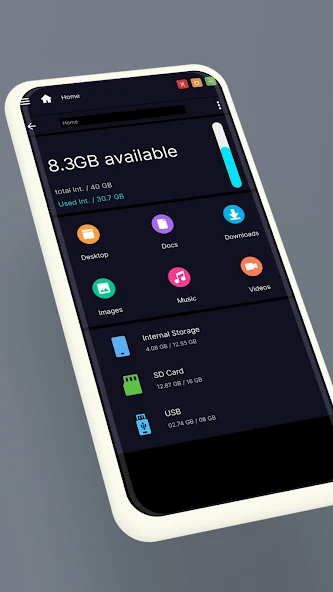
This launcher comes with a native file explorer, so you won't need to install extra file management tools. You can effortlessly browse your internal storage and SD cards, create new directories, and perform standard file operations like copying, cutting, pasting, moving, sharing, or deleting items. It also features built-in support for extracting ZIP and RAR archives, along with a recycle bin to help you manage deleted files more effectively.
- Easily access your storage, SD cards, and media files like photos, videos, and music.
- Perform essential file actions including copying, moving, renaming, sharing, and deleting.
- Support for decompressing ZIP and RAR archive formats.
Widgets, Themes, and App Customization
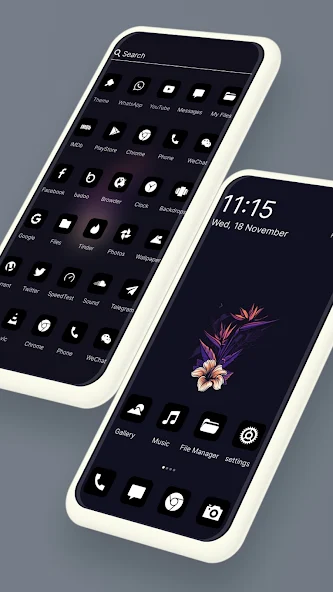
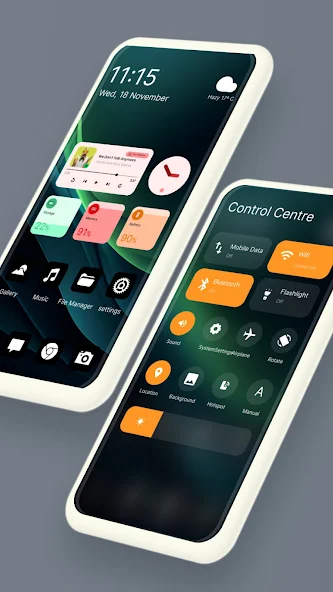
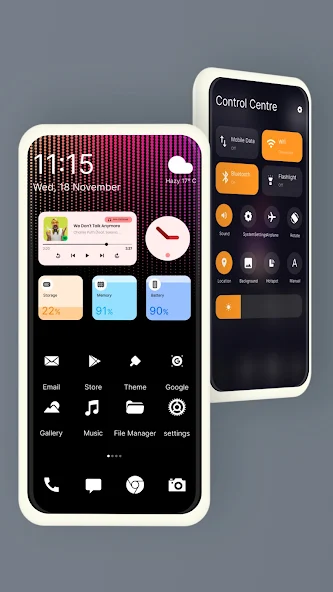
Dark Mode Launcher provides extensive customization features to help you build a unique desktop experience on Android. You can place widgets for weather, clocks, RAM status, calendars, and photos directly on your desktop, and enhance the visual appeal with live wallpapers or photo tiles. Furthermore, you can apply custom themes and icon packs, hide private apps, tweak the Start menu and taskbar layout, and use the integrated gallery and photo viewer.
- Place custom widgets on your desktop for weather, clock, RAM, calendar, and photos.
- Refine your interface using various themes, icon packs, and live wallpapers.
- Hide sensitive apps and fully personalize your desktop and Start menu components.
How to install
- Download the APK file above to your phone.
- Allow “Install unknown apps” when prompted.
- Open the downloaded APK and tap Install.
- If the package includes OBB/XAPK data, follow the bundled instructions.
MOD APKs are modified builds, so Play Protect may show a warning. Install only if you trust the file; use at your own risk.