
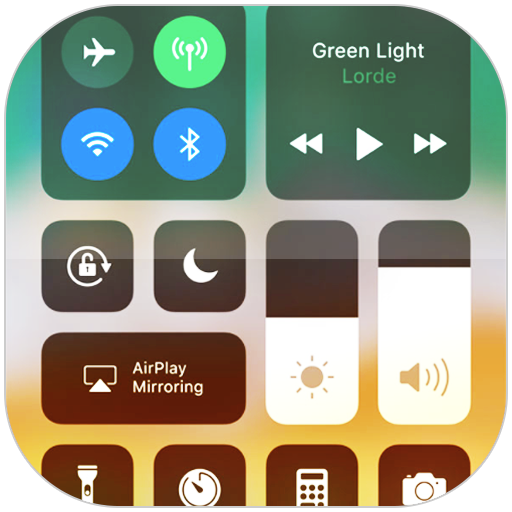
Screenshots
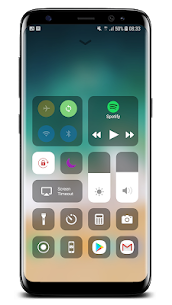
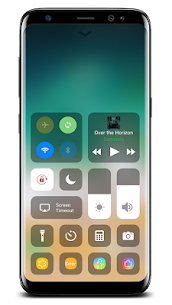
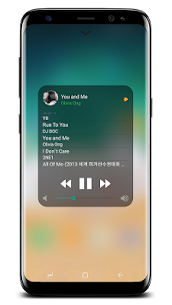

Description
LuuTinh DeveloperSize
6 MBVersion
3.3.5Requirements
4.1Get it on
Mod Info
Pro Unlocked Report this app
Images
mod info
๏ Pro Features Unlocked
๏ AOSP Compatible (No Google)
๏ CPUs: universal
๏ Multi Languages
๏ Debug Info Removed
Description
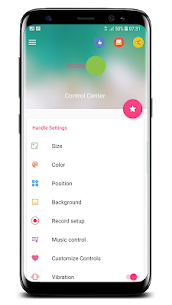
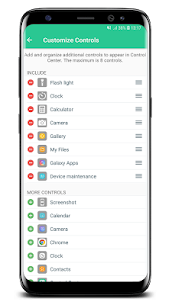
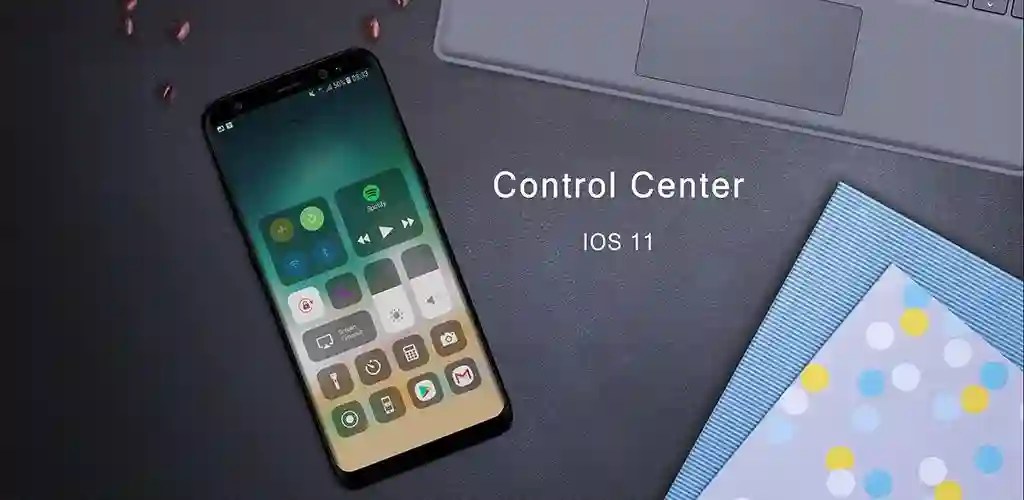
Control Center iOS 15 gives you instant access to the Camera, Clock, Record the screen, Screenshot, and more settings like iOS X, iOS XS. With the Control Center app, you can customize more styles, such as size, color, position, vibration, and more like to iOS XS. If you want to change how you access Control Center on your device, open the Control Center application.
To Open Control Center iOS 15
– Swipe up, swipe down, swipe right, or swipe left from the edge of the screen.
To Close Control Center iOS 15
– Swipe up, swipe down, swipe right, swipe left or tap the top of the screen, or press the Back, Home, Recent button.
Quickly change settings and open apps:
With Control Center, you can quickly access multiple settings and apps.
– Airplane Mode: Use Airplane Mode to instantly turn off Bluetooth, Wi-Fi, and cellular connections on your android device.
– Wi-Fi: Turn on Wi-Fi to browse the web, stream music, download movies, and more.
– Bluetooth: Connect to headphones, car kits, wireless keyboards, and other Bluetooth-enabled devices.
– Do Not Disturb Silence calls, alerts, and notifications that you receive while your device is locked.
– Portrait Orientation Lock: Keep your screen from rotating when you move your device.
– Adjust brightness: Adjust the brightness of your display from any screen.
– Flashlight: The LED flash on your camera doubles as a flashlight, so you can get extra light when you need it.
– Alarms and Timer: Set an alarm, timer, or stopwatch, or check the time in another country or region.
– Calculator: Tap numbers and functions in Calculator, just like a standard calculator.
– Camera: Never miss a moment to take a picture with quick access to your camera.
– Control audio: From here, you can quickly play, pause, and control the volume of your favorite song, podcast, and more.
– Record Screen: Record any action on your phone. (Support android 5.0 above only)
– Screenshot: Capture screen (Support android 5.0 above only)
Developer's apps
Launcher OS 27 8.9.2 LuuTinh Developer 14.02 MB Premium Unlocked Smart Screen On/Off Pro 3.5.0 LuuTinh Developer 5 MBRelated apps
SmartCookieWeb 17.0-beta3 SmartCookieWeb 5.40 MB No Ads Aloha Browser 8.12.1 Aloha Mobile 151.42 MB Premium Unlocked Facemoji Emoji Keyboard Pro 3.6.8.4 Nexileap 39.99 MB Pro Unlocked Notifications archive 1.6.10 Difer 9.25 MB Premium Unlocked Ice Box – Apps freezer 3.30.14 G Ruoxin He 16.44 MB Pro UnlockedHow to install
- Download the APK file above to your phone.
- Allow “Install unknown apps” when prompted.
- Open the downloaded APK and tap Install.
- If the package includes OBB/XAPK data, follow the bundled instructions.
MOD APKs are modified builds, so Play Protect may show a warning. Install only if you trust the file; use at your own risk.