

MOD features
● Pro Features Unlocked ● Tracking & Analytics Disabled ● Ad Networks Completely Stripped ● Original Compression Flags Kept ● Zero Third-Party Patches ● Clean Build Without Added Components
Important: Grab the Untouched build from GameMod.dev if you need Google sign-in for Caller ID functionality. – Uninstall any existing installation, then reboot your device. – Set up the Untouched APK and complete the Google login before removing it. – Finally, install the Modded release and sign in.
Screenshots

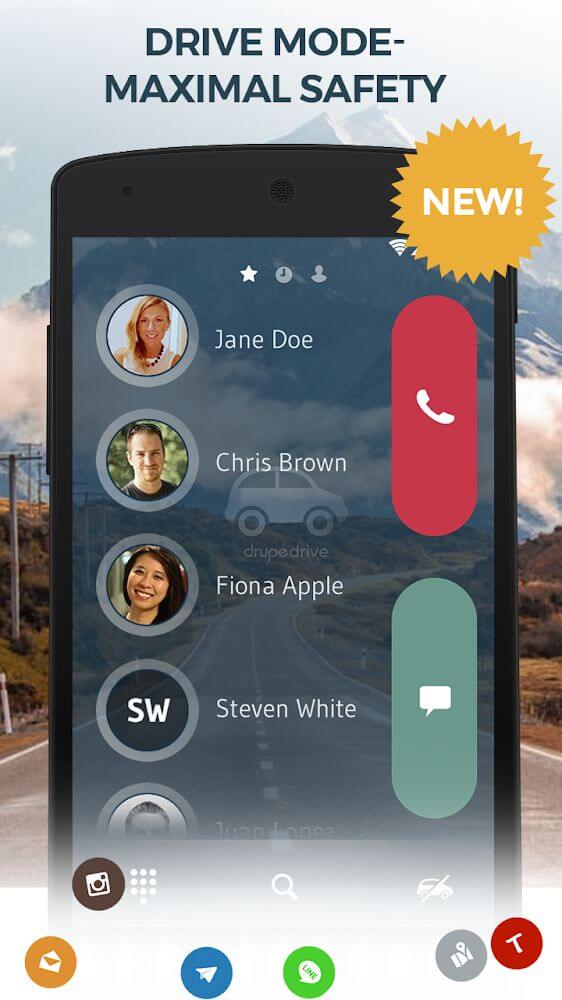
Description
Contacts, Phone Dialer & Caller ID reimagines everyday calling by bundling dialing, messaging, and real-time caller lookup into a single smooth app.
At GameMod.dev, this Drupe MOD APK unlocks all Pro features completely free while purging embedded ad frameworks. Background analytics and tracking scripts have also been stripped out to ensure total privacy for your everyday calls and messages.
What’s Modified in Drupe
- Pro Features Unlocked: Access all premium capabilities without paying for a subscription.
- Analytics Removed: Built-in tracking SDKs and data-collection services are completely deactivated.
- Ad Networks Removed: All third-party banner and interstitial ad services have been cleared out.
- Compression Flags Untouched: Package compression and structural flags are preserved in their original state to prevent stability issues.
- No Third Party Patch: A clean, standalone modification built without reliance on secondary patch engines.
- No Additional Component: Free of useless bloat, keeping only the essential components required for optimal performance.
- Google Account Support: Because Caller ID features rely on Google account sync, use an untouched installer first to sign in before updating to this modded build.
This release is version 3.26.1.0 (package: mobi.drupe.app) with a download size of 26M; it uses a custom signature, so you cannot install it directly over the official Play Store release.
About Drupe
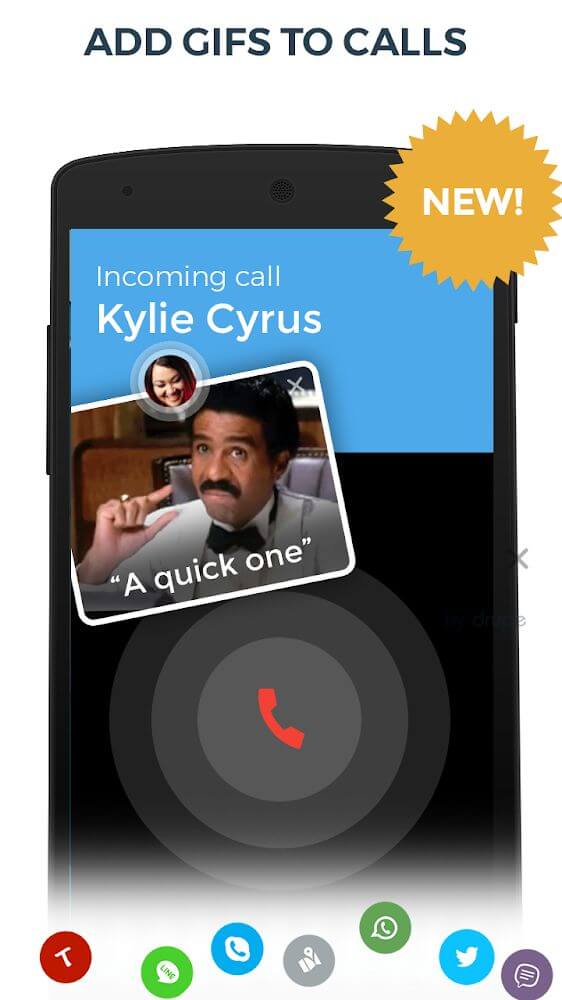
Drupe replaces conventional phone dialers with a unified interactive interface that ties all your messaging and calling channels together. The app syncs seamlessly with your favorite social networks, matching friends' avatars and profile details directly to your phonebook entries. By bringing scattered communication tools into one visual hub, Drupe cuts down the taps needed to place a call or drop a text. Linked accounts keep contact profiles constantly refreshed with recent details, making staying in touch faster and far more intuitive.
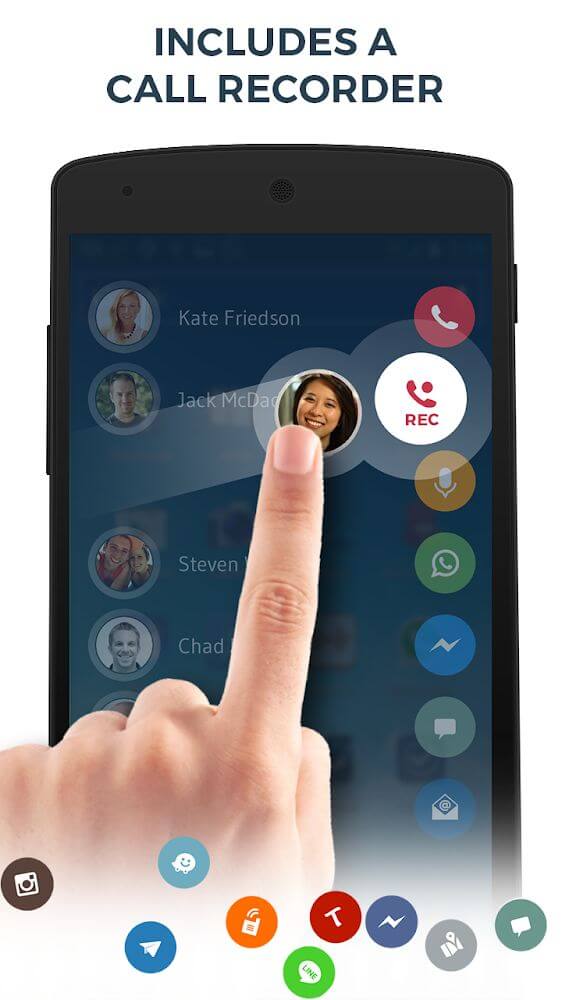
Reliable call recording and voicemail tracking are among Drupe’s standout strengths. It automatically captures two-way audio for both inbound and outbound phone conversations—ideal for professionals documenting work discussions or anyone wanting reliable archives of vital talks. Beyond standard phone calls, Drupe also saves incoming audio messages straight to your local storage, letting you effortlessly monitor, organize, and review critical conversations whenever needed.
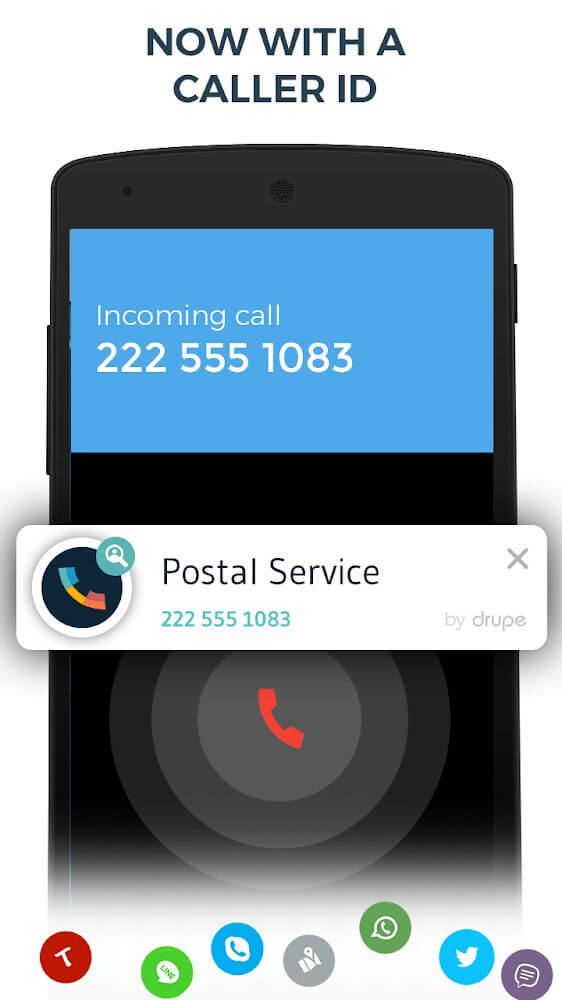
Smart Caller ID and built-in spam defenses shield you from the constant hassle of unknown callers and robocalls. Whenever an unfamiliar number rings, Drupe instantly pulls caller details to help you decide whether it is an urgent personal call, a business associate, or junk. Obvious spam can be blocked permanently with a single tap, while instant notification alerts warn you about suspect numbers in advance, giving you total peace of mind over who reaches your phone.
Drupe cleans up messy, overcrowded address books with intelligent phonebook management tools. An automated duplicate finder merges redundant entries in seconds, transforming cluttered lists into a tidy directory. It also turns text-heavy lists into a rich visual directory by pulling profile pictures and social media avatars, allowing you to quickly spot and call contacts simply by glancing at their photos.
Designed as an all-in-one communication hub, this application brings calls, texts, and your favorite social platforms together so you no longer have to juggle multiple apps. A centralized log gathers all your incoming and outgoing call records alongside text conversations into a single unified space. Users have full control to inspect details or clear entries at will, making daily connectivity smoother and far more organized through a unified, clean interface.
Never overlook critical conversations, scheduled appointments, or urgent messages thanks to handy alerts delivered right to your notification drawer. Beyond timely prompts, the app helps you filter out nuisance robocalls and unwanted disruptions effortlessly. It puts you back in charge of your contact flow, pairing speedy dialing and automated call capture with smart reminders for a frictionless messaging and calling routine.
Key Features
- Direct Social Media Integration for Saved Contacts
- Automatic Audio Recording for Both Incoming and Outgoing Calls
- Convenient Voice Note and Message Capture
- Smart Caller ID to Identify Unfamiliar Numbers Instantly
- Spam Call Detection and One-Tap Number Blocking
- Duplicate Contact Cleaner for a Tidy Address Book
- Consolidated Call and SMS History Timeline
- Actionable Status Bar Prompts for Missed Calls and Unread Chats
- Personalized Contact Photos, Badges, and Visual Icons
Related MOD APKs
- Truecaller
- Telegram
- Truecaller
- Psiphon Pro
FAQ
Is Premium unlocked in Drupe MOD APK?
Yes, this Drupe 3.26.1.0 release comes fully equipped with Pro Unlocked. It delivers the complete drupe – Contacts & Caller ID experience, ensuring every enhanced feature is unlocked and ready to use the moment you install the package on your Android device.
What is the latest version of Drupe MOD APK?
The current build is 3.26.1.0, based on the official drupe – Contacts & Caller ID release from June 27, 2026. Only the most up-to-date release is provided on GameMod.dev. Upgrading is easy—simply install the new package over your installed build; if a package signature mismatch occurs, remove the older build before reinstalling.
Is Drupe MOD APK safe to download?
Drupe 3.26.1.0 provides the full drupe – Contacts & Caller ID suite with Pro Unlocked activated, maintaining a solid 4-star score from 30 user reviews. It runs smoothly on standard non-rooted setups. You can safely bypass any standard Play Protect installation prompts, provided you grab your file directly from GameMod.dev.
Can I use Drupe MOD APK on PC or iPhone?
Because this installer is built strictly for Android, it will not operate natively on iOS devices such as iPhones or iPads. If you wish to run the 26M APK on a desktop or laptop, configure an Android emulator like BlueStacks or LDPlayer and simply drop the file onto the emulator window to complete setup.
How to install
- Download the APK file above to your phone.
- Allow “Install unknown apps” when prompted.
- Open the downloaded APK and tap Install.
- If the package includes OBB/XAPK data, follow the bundled instructions.
MOD APKs are modified builds, so Play Protect may show a warning. Install only if you trust the file; use at your own risk.