

Screenshots
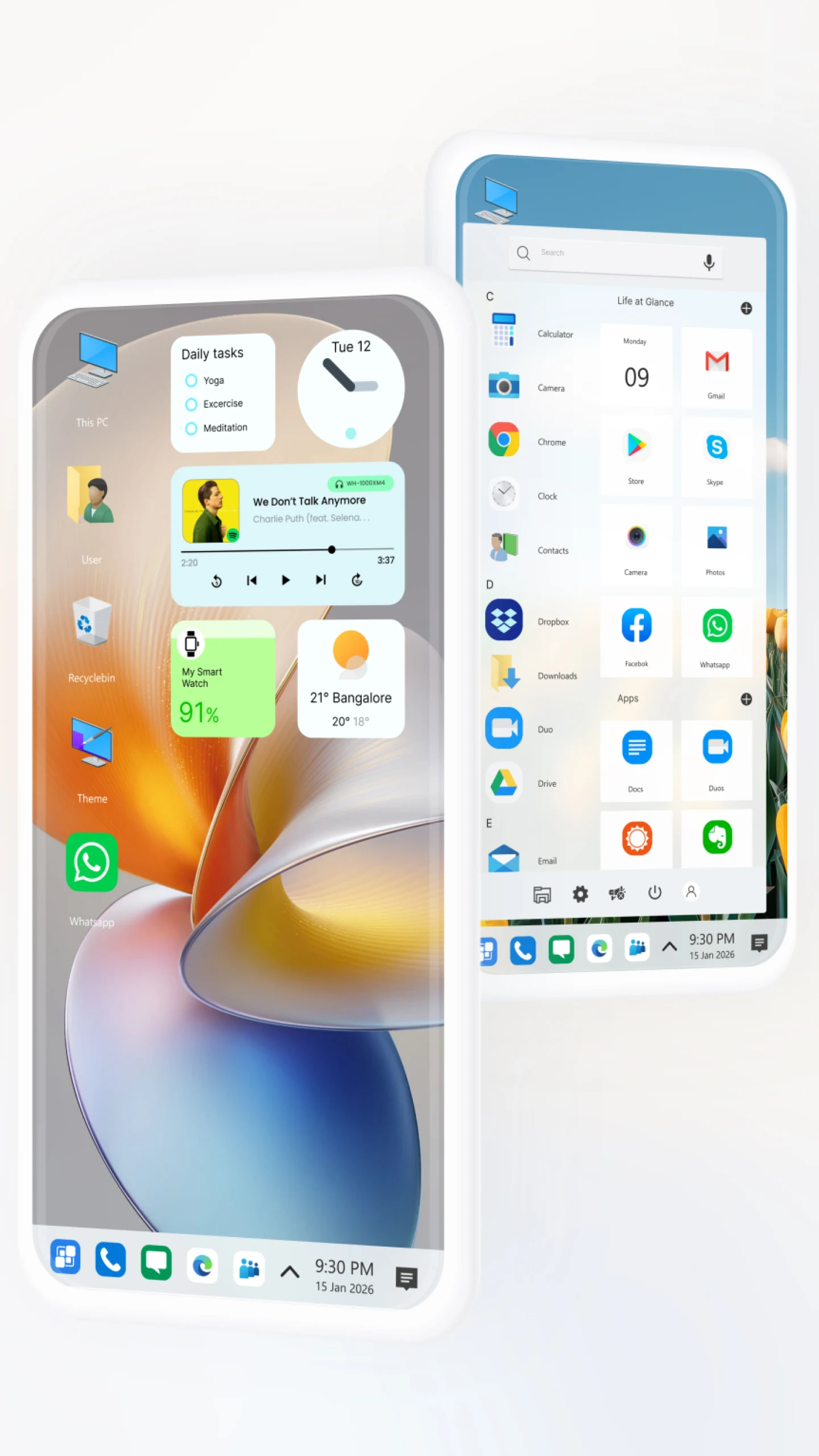
Description
Computer Launcher Pro transforms your Android device into a PC-style desktop, complete with a Windows-like interface, Start Menu, Taskbar, themes, and powerful customization tools.
This build unlocks every professional feature without requiring a separate subscription or purchase. The Computer Launcher Pro MOD APK gives you the full range of customization tools and visual enhancements that are locked in the standard version.
What's Modified in Computer Launcher Pro
- All premium features are fully unlocked, giving you access to every professional theme, advanced color options, and layout customization settings.
This build is version 15.4, weighs 16 MB, uses the package name com.protheme.launcher.winx2.launcher, and has been re-signed, so it cannot be installed over an existing copy from the official store.
About Computer Launcher Pro
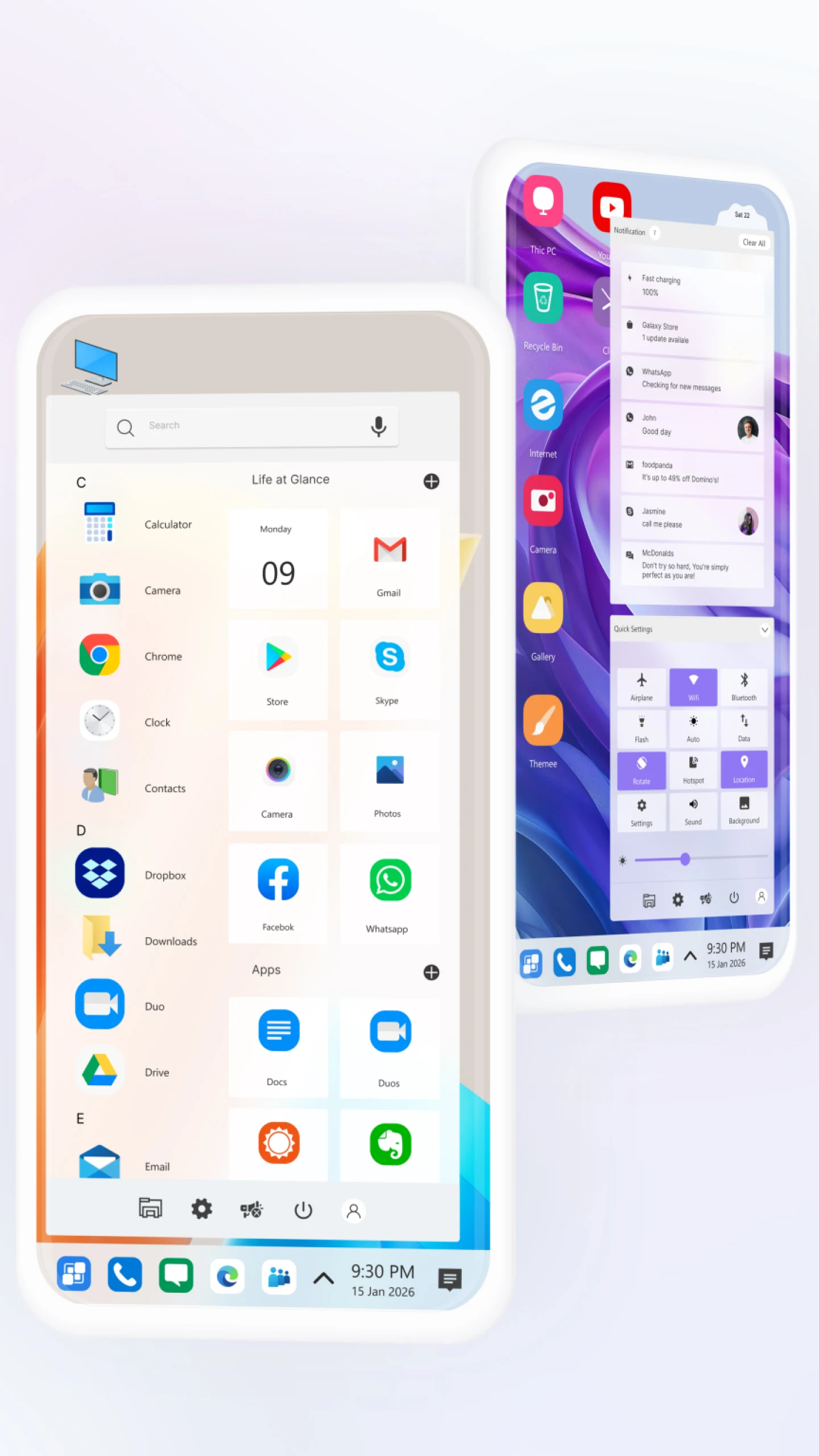
The Computer Launcher Pro MOD APK brings a desktop-style interface to the Android operating system. Its main goal is to give you a layout resembling a Windows PC, built around a Start Menu and Taskbar. Compared with the standard Android home screen, this creates a more structured and organized environment. You can open and manage apps the way you would on a PC, using the Taskbar and Start Menu for quick, practical access.
At the heart of the app is the file manager. It lets you browse your phone's storage and any connected drives in a familiar, computer-like way. You can move, rename, and delete files, select multiple items at once, copy files, compress them, and create ZIP archives. Like other Android launchers, Computer Launcher Pro is built to improve the overall user experience. It handles file system operations in a background process, which keeps the impact on system performance low and helps preserve battery life.
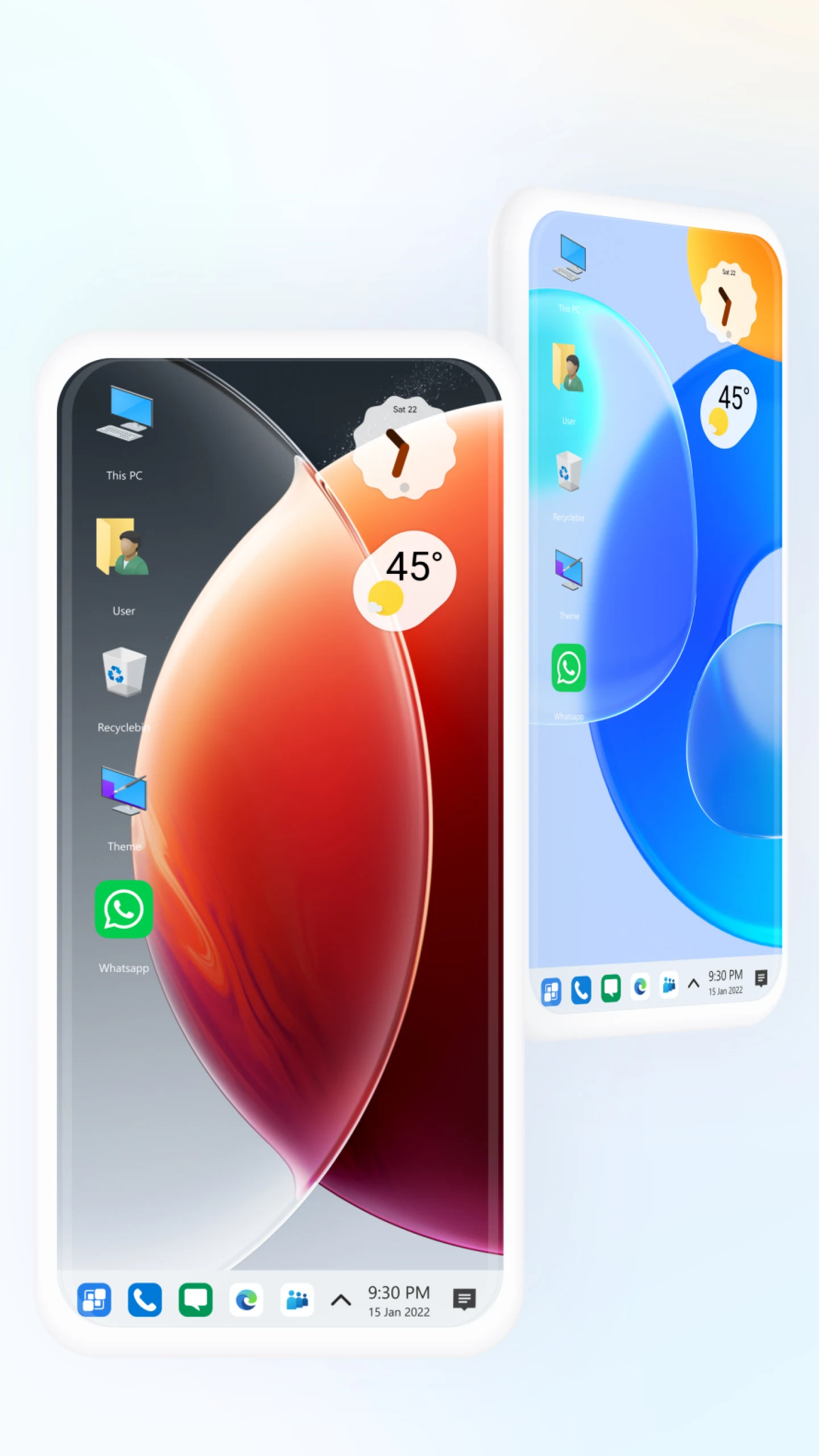
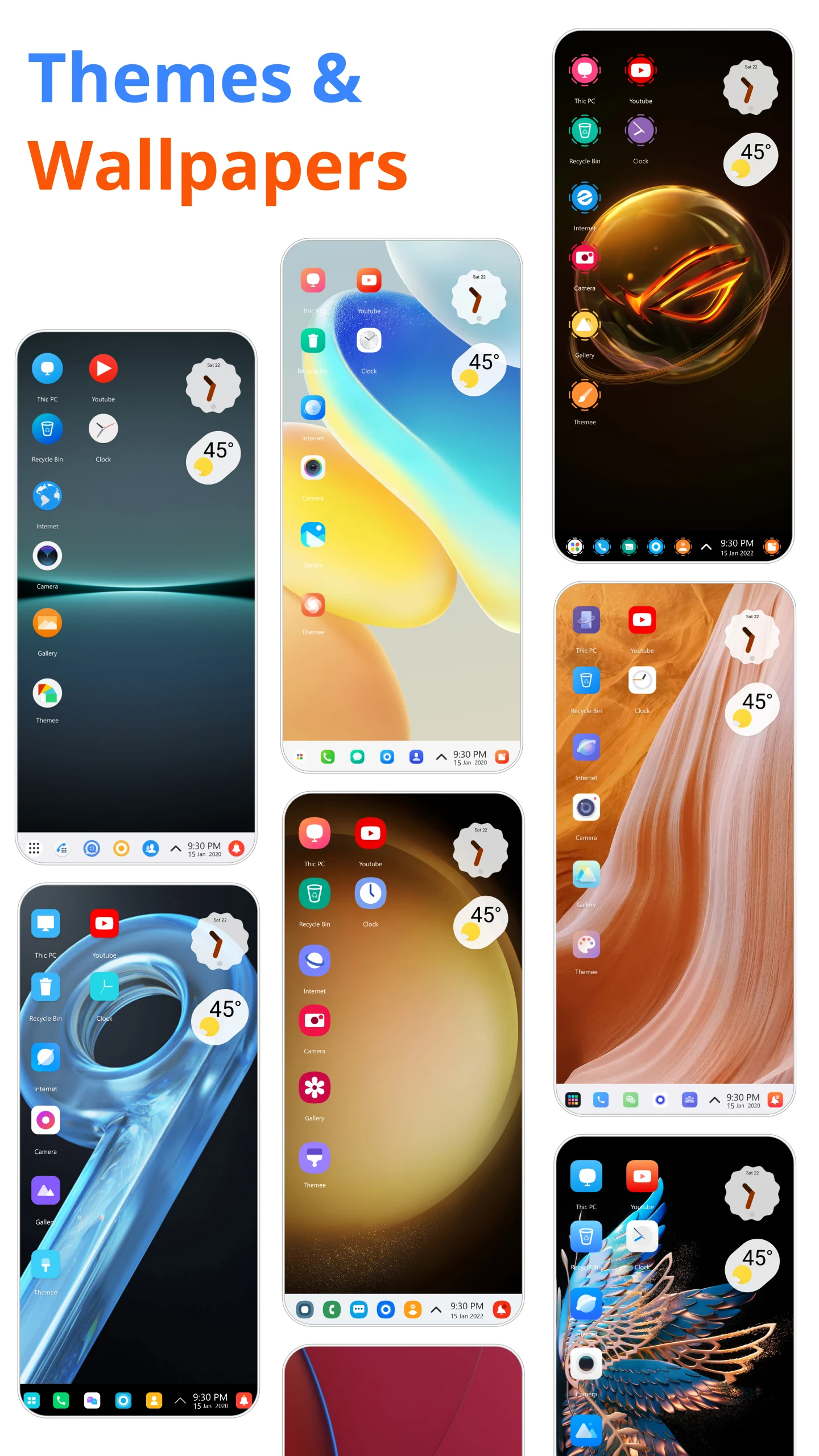
Customization is one of the app's standout strengths. You can change the look of desktop icons and the Taskbar, swap the desktop background, and adjust transparency. The app supports HD wallpapers to enhance the overall visual appeal of the interface. You can switch the theme of the launcher and the app to achieve the exact style you want. Thousands of wallpapers and themes are available to match your taste, and you can reposition desktop items and widgets to build the layout you prefer.
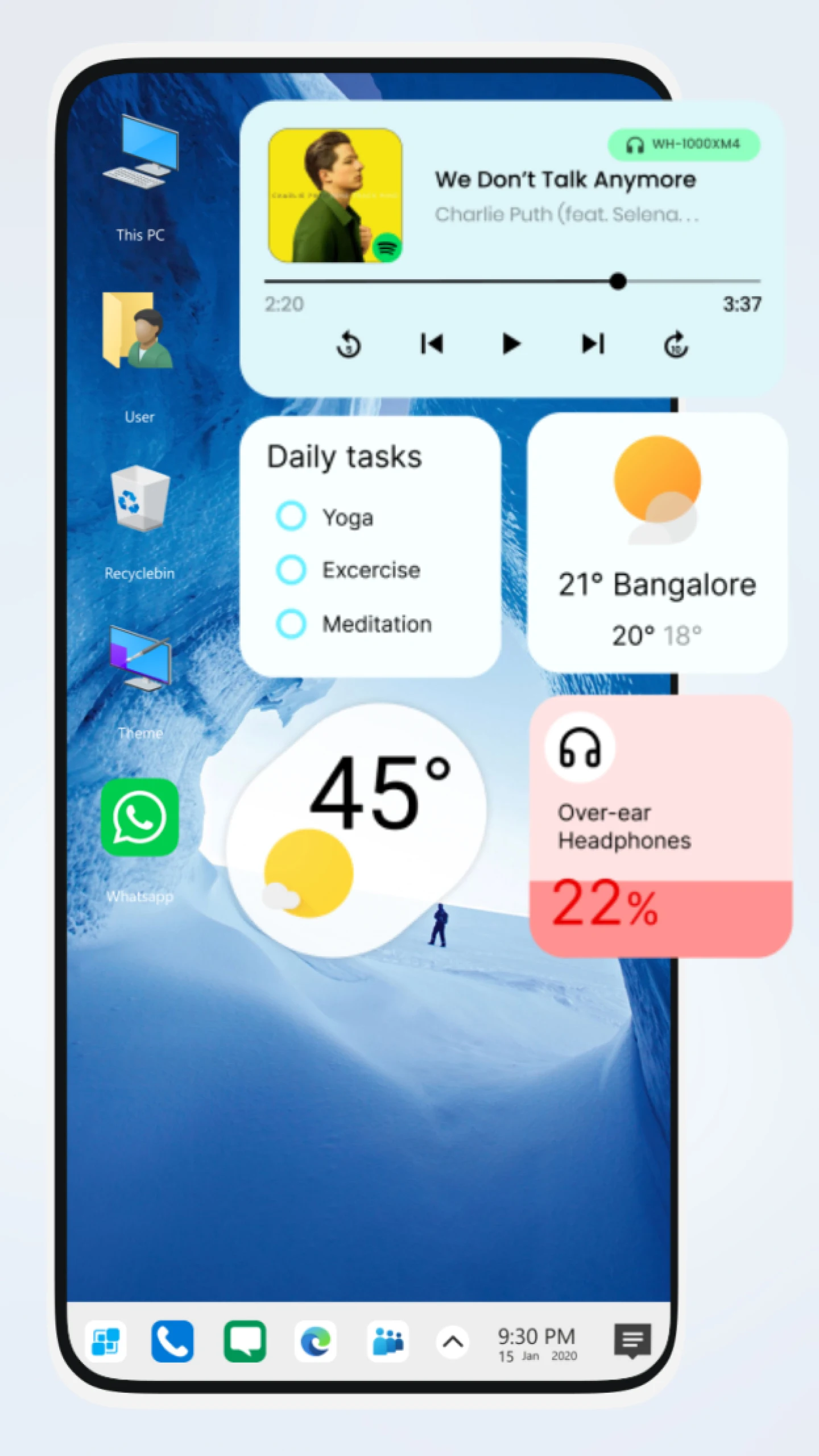
You can personalize your desktop with a range of clock, calendar, and weather widgets. In this version, you can also resize widgets and place app shortcuts directly on the desktop. The launcher includes a folder feature for grouping app shortcuts, and you can hide shortcuts to add a layer of privacy to your desktop environment.
The launcher gives you plenty of ways to fine-tune your desktop. You can make desktop notifications less intrusive, personalize your widgets and icons further, and revert to earlier changes if you are not satisfied with a new setup. You can also save your customized layouts for future use.
Designed with users around the world in mind, the launcher offers multiple language options and accessibility settings. It works on all touchscreen devices and delivers a computer-like desktop experience built around true multitasking. By bringing a PC-style environment to Android, it helps organize the system and makes navigation easier, which is especially useful for students and professionals. Its file management tools and extensive customization options let you shape the device to suit your needs, all within a more polished user interface.
Key features
- PC-Style Desktop Interface
- Start Menu and App Drawer
- Taskbar with Quick Access Shortcuts
- File Manager Integration
- Custom Themes and Wallpapers
- Drag and Drop Controls
- Widgets Support
- Folder Management System
- Fast Search System
- Smooth Performance Optimization
- Notification Center
- App Hiding and Privacy Tools
- HD Icon Packs Support
- Backup and Restore Layout
- Battery-Friendly Design
- Accessibility and Multi-Language Support
Related MOD APKs
- Computer Launcher
- Glassify – Widgets & Themes
- Niagara Launcher
- ZEDGE
Frequently Asked Questions
Does Computer Launcher Pro MOD APK come with Premium Unlocked?
Yes, build 15.4 of Computer Launcher Pro features Premium Unlocked. It delivers the full Pro Themes and Launchers experience, granting instant access to all perks right after installation.
Which build of Computer Launcher Pro MOD APK is the most recent?
The current 15.4 build corresponds to the Pro Themes and Launchers update launched on August 26, 2026. Only the freshest release is hosted here. You can update by installing this package over your existing build, or delete the older version first if an installation signature conflict appears.
Is downloading Computer Launcher Pro MOD APK completely secure?
This 15.4 version of Computer Launcher Pro from Pro Themes and Launchers comes with Premium Unlocked and holds a 4.6/5 score from 31 players. No root privileges are needed. Although Google Play Protect might trigger a false warning, downloading straight from GameMod.dev ensures a clean file.
Does Computer Launcher Pro MOD APK work on iOS devices or computers?
This Android-specific package is incompatible with iOS. However, you can easily launch the 16 MB application on Windows or Mac through an Android emulator such as LDPlayer or BlueStacks—simply install the program and drag the APK into it.
How to install
- Download the APK file above to your phone.
- Allow “Install unknown apps” when prompted.
- Open the downloaded APK and tap Install.
- If the package includes OBB/XAPK data, follow the bundled instructions.
MOD APKs are modified builds, so Play Protect may show a warning. Install only if you trust the file; use at your own risk.