

Screenshots
Description
Character Pad – Unicode Mod Apk
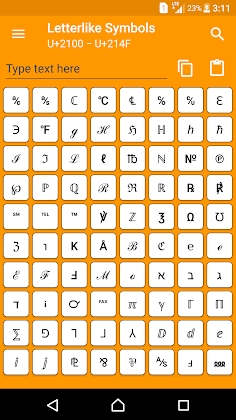
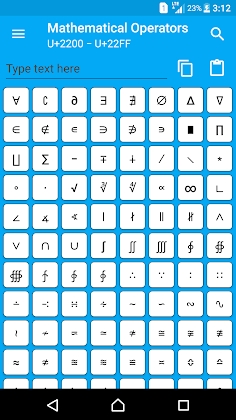
Enhance and personalize your emails, notes, and documents with an extensive library of Unicode symbols, spanning ancient hieroglyphs, technical math notations, geometric shapes, and expressive emojis effortlessly.
Key Features:
Recents: Quickly locate and reuse any symbol or character you have copied recently right here.
Favorites: Bookmark your top-used symbols for instant access whenever you need them.
Clipboard: A handy floating overlay widget that lets you grab your favorite and recent glyphs on the fly without switching back to the app.
Text Creator: A dedicated scratchpad area where you can type, combine, and share any sequence of custom symbols seamlessly.
Character Details: Inspect comprehensive metadata for every glyph, including official Unicode and HTML code names, font blocks, bold/italic variants, and emoji skin shades.
Supported Characters: Filter out unreadable placeholders and display only the glyphs natively rendered by your device's system font.
Important Notes:
Certain symbols might render as blank boxes or question marks depending on your Android version and whether your system font includes them. Even if you can paste a character, your device will only display it properly if the native font files support it—something app developers cannot alter.
Devices on Android 6.0 Marshmallow or newer support character filtering by default; this capability is unavailable on Android 5.1.1 and earlier releases due to legacy system limitations.
For additional details regarding Unicode specifications, visit:
Unicode Consortium
Copyright (c) 1991-2021 Unicode, Inc.
How to install
- Download the APK file above to your phone.
- Allow “Install unknown apps” when prompted.
- Open the downloaded APK and tap Install.
- If the package includes OBB/XAPK data, follow the bundled instructions.
MOD APKs are modified builds, so Play Protect may show a warning. Install only if you trust the file; use at your own risk.