

Screenshots

Description
Give your MIUI device a fresh look with ChaoMe Theme Editor! Customize icons, change fonts, and design one-of-a-kind Xiaomi themes using this powerful personalization tool.
Get the most out of your Xiaomi device with the ChaoMe Theme Editor (MIUI Theme Editor) MOD APK, a top-tier tool for mobile personalization. Tired of the same default interface? ChaoMe Theme Editor lets you step into the role of a designer, so you can modify, build, and polish every part of your MIUI experience. From deep system-level theme adjustments to fine-tuned icon edits, this app is the go-to choice for Android fans who want a unique, refined look for their phones.
Why Choose ChaoMe Theme Editor?
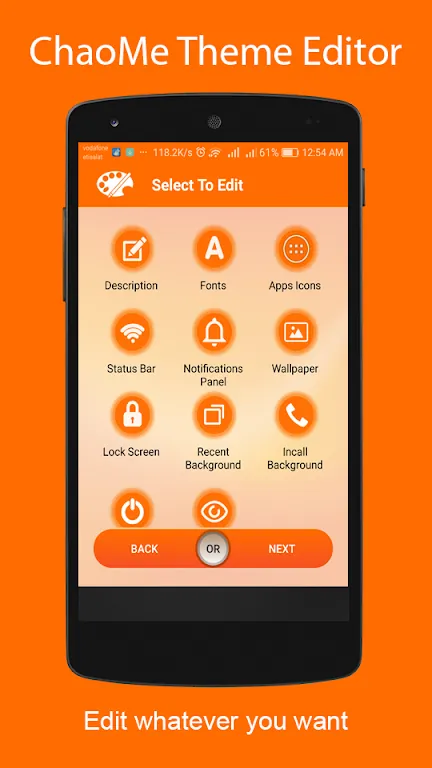
ChaoMe Theme Editor is far more than a basic theme picker. It works as a full editing suite that bridges the gap between standard settings and advanced customization, letting you import third-party .mtz files and tweak them exactly to your liking. Whether you want to fix a single icon or overhaul your whole system UI, the app offers a professional interface that is simple to navigate yet loaded with powerful features.
Key Features for Ultimate Personalization:
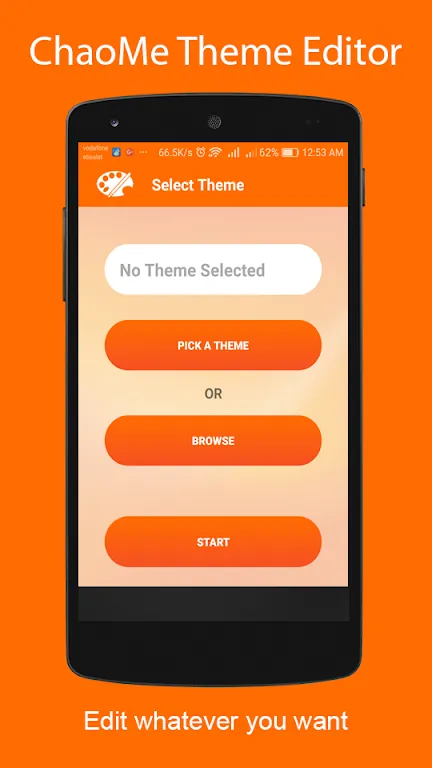
- Advanced Theme Manager: Browse, select, and organize all your available themes with ease. The built-in storage browser helps you quickly find and import themes from your internal memory.
- Precision Icon Customization: Take full control of your app drawer. The Icon Mask feature keeps every app consistent with your chosen style, so no mismatched icons spoil your clean home screen.
- Dynamic Icon Support: Make your screen come alive! ChaoMe supports dynamic icons, such as calendars that display the current date or clocks with real-time movement, so your theme is as practical as it is attractive.
- External Icon Pack Integration: Already love an icon pack from the Play Store? Link it directly to your MIUI theme. The app supports manual edits and smooth integration of third-party assets.
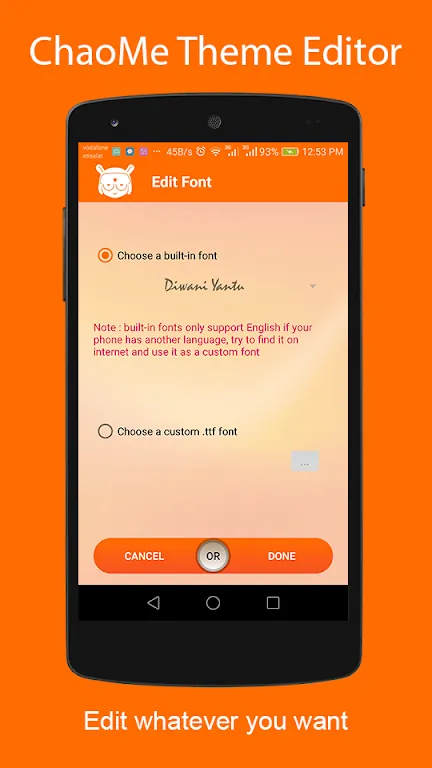
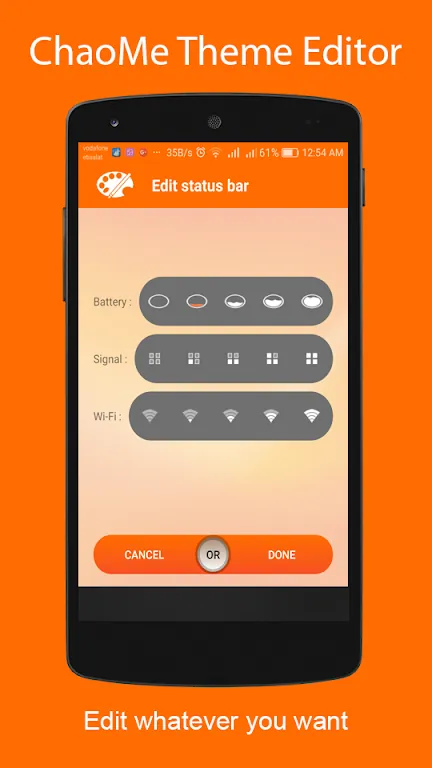
- Font & UI Tweak System: Swap system fonts and adjust UI colors to build sharp, easy-on-the-eyes interfaces that reflect your personal taste.
- Quick Save & Export: When your creation looks just right, use Quick Save to lock in your progress. You can then share your custom themes with friends or the wider MIUI community with ease.
How the Customization Process Works:
Using ChaoMe Theme Editor is straightforward. Start by loading an existing theme or browsing your device for an .mtz file. Once it is loaded, the editor breaks the theme down into editable modules. Head to the ‘Icon’ section to apply masks or import custom shapes, then move to the ‘Font’ section to choose typography that improves readability and style. The ‘Extras’ section provides advanced system-wide tweaks. When you are happy with the result, tap the ‘Finish’ button to compile your changes into a working theme ready to apply right away.
Conclusion:
For Android customization, the ChaoMe Theme Editor (MIUI Theme Editor) MOD APK is an essential utility for Xiaomi, Redmi, and POCO users. It helps you move beyond factory presets and show off your creativity. Download ChaoMe Theme Editor today on GameMod.dev and start crafting a mobile interface that is truly your own!
How to install
- Download the APK file above to your phone.
- Allow “Install unknown apps” when prompted.
- Open the downloaded APK and tap Install.
- If the package includes OBB/XAPK data, follow the bundled instructions.
MOD APKs are modified builds, so Play Protect may show a warning. Install only if you trust the file; use at your own risk.