
Screenshots
Description
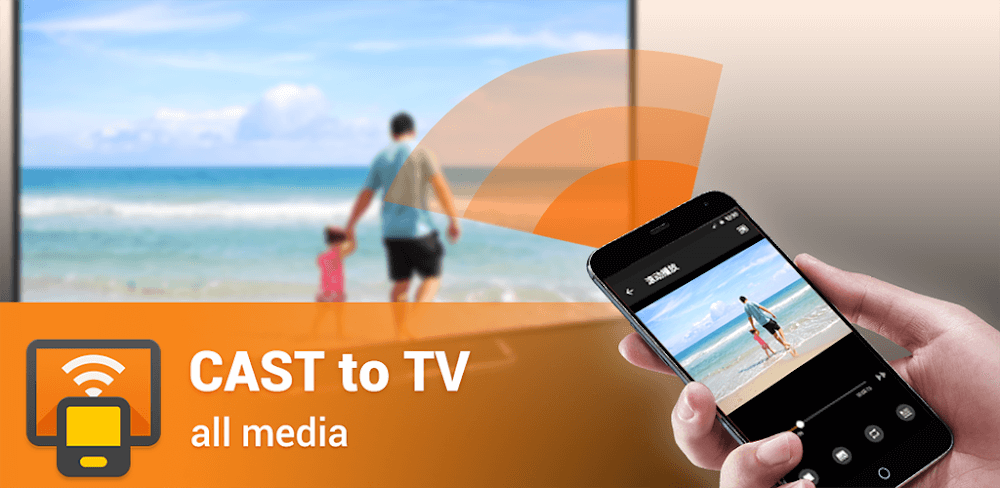
Cast to TV lets you broadcast content to a wide range of devices and TVs so you can keep enjoying what you already have. Depending on the file type, your Android device can also act as a remote control in several different ways.
This release comes with the app's premium features already unlocked. Cast to TV MOD APK users get the full set of casting capabilities and interface tools without running into the restrictions of the standard version.
What's Modified in Cast to TV
- Premium Unlocked: Every premium feature in the app is enabled, so there's no need to make extra purchases or subscribe.
This build is version 2.5.2, about 12 MB in size, with the package name cast.video.screenmirroring.casttotv. It has been re-signed, so it can't be installed over an existing copy from the official store.
About Cast to TV
Cast to TV, formerly known as XCast, lets you cast or "beam" what's on your Android device to your television. The developers recognized that audio or video is sometimes better enjoyed on a TV, and that a larger screen can make sense depending on your device or the content you're playing. XCast streamlines the beaming process so you can send content to your TV with just a few taps. Because everything is transmitted wirelessly, a stable Wi-Fi connection is important, and your Android device and TV need to be on the same network for XCast to work properly.
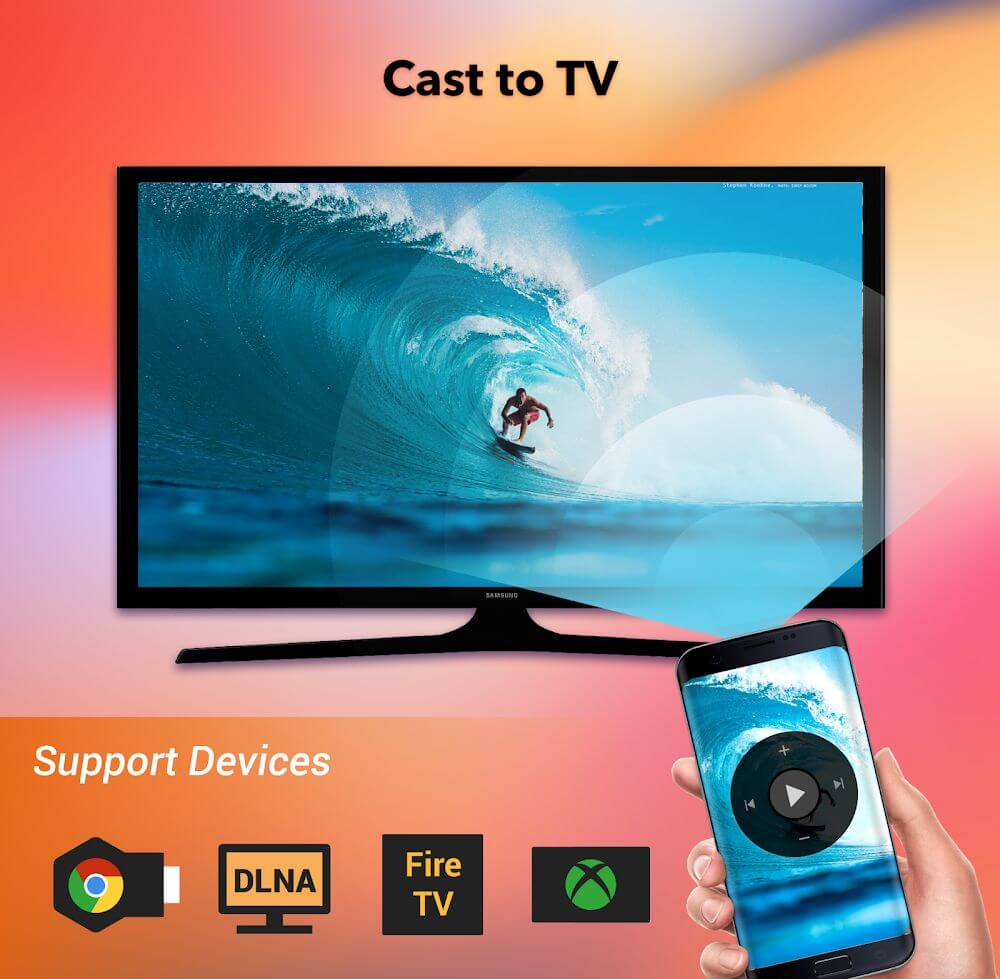
The app supports a wide variety of hardware, so users with different TV brands and streaming devices can take advantage of it. It can stream to Smart TVs, Chromecasts, Fire TVs, and Roku devices, as well as any DLNA-compatible device. If you have a DLNA device, connect it and your phone to the same Wi-Fi network so they can find each other. The app shows a list of available devices and services to make connecting straightforward, and this list updates automatically. Simply pick a service to connect to it.
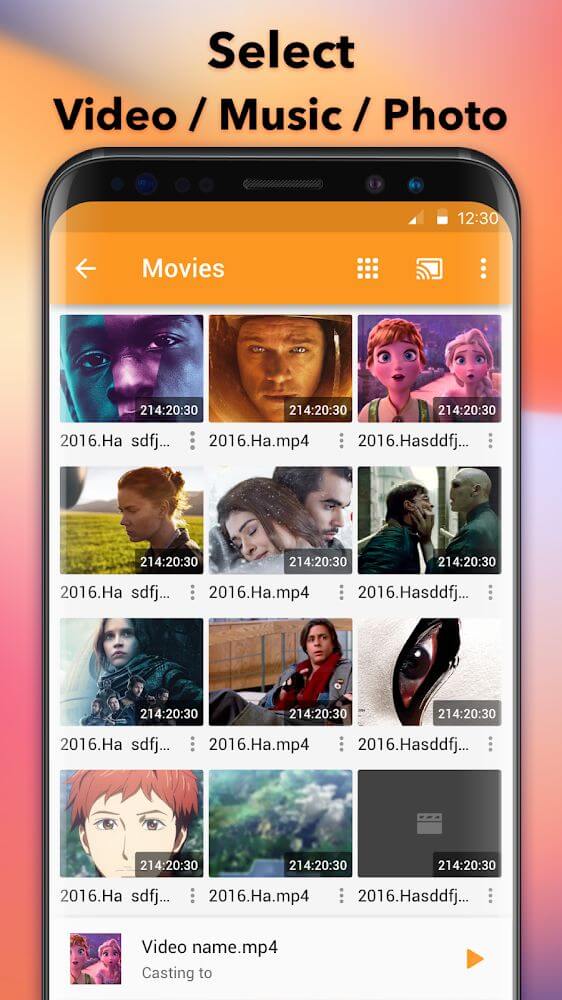
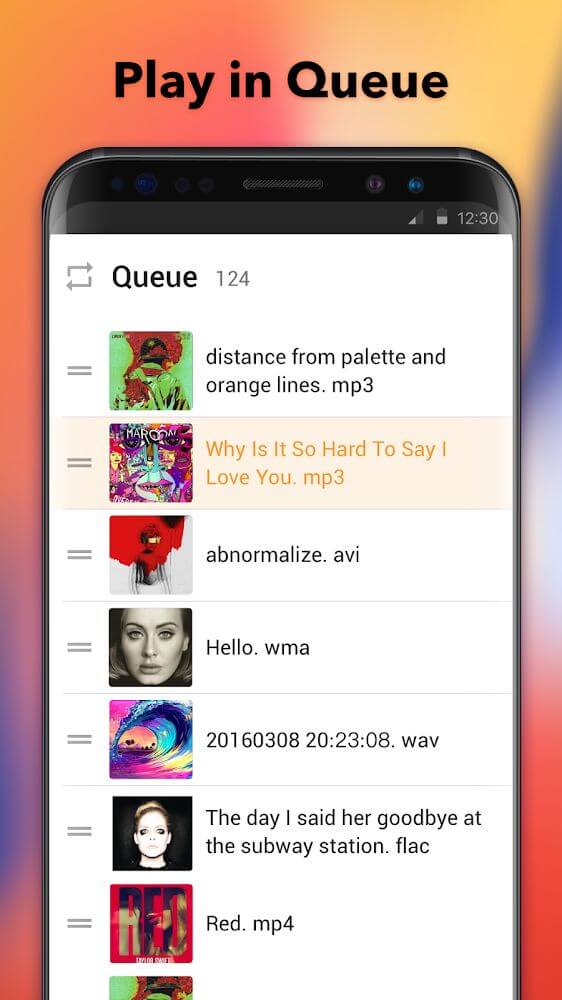
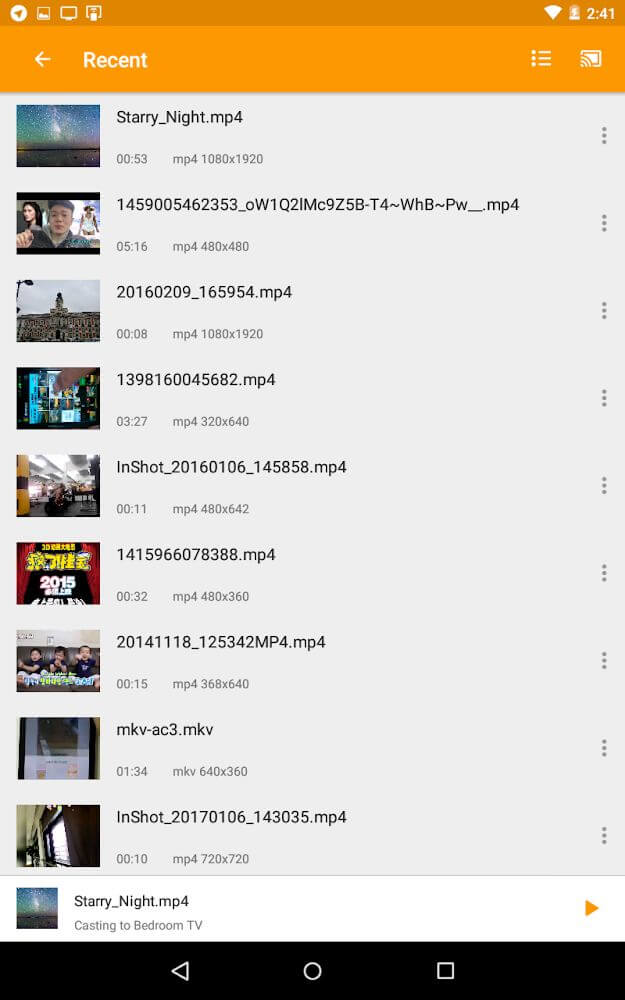
Once connected to a TV, the app scans your phone or tablet for media, searching all storage on the device automatically to save you the effort. Your files are sorted and presented in a clear layout. You can add any media you find to a playback queue, which lets you play back a series of videos or songs without manually starting each item in turn.
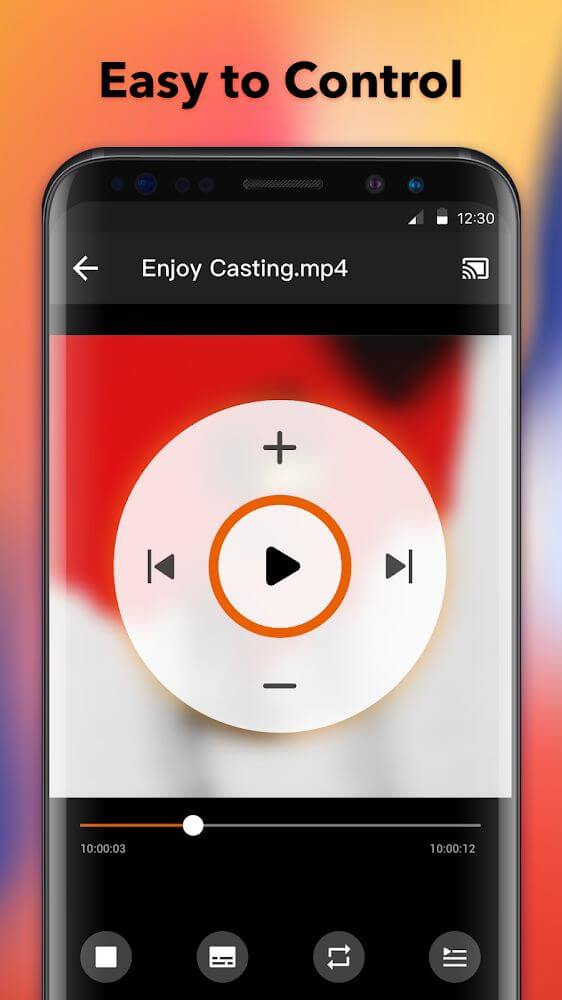
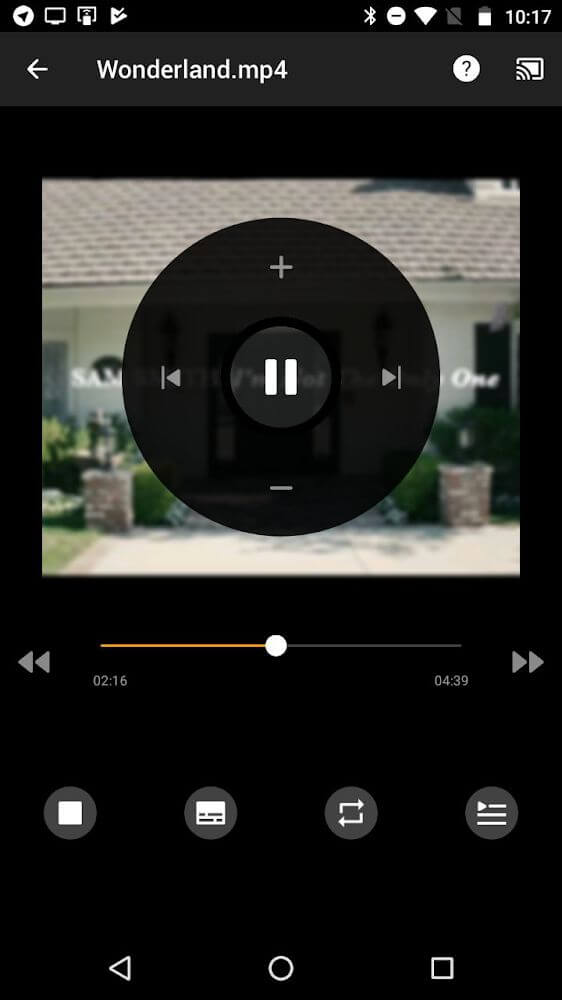
Your Android device becomes the remote control and the TV acts as the receiver, so you don't have to hunt down the TV's physical remote. Just open the app on your phone or tablet to manage playback. You can stop a broadcast, skip to the next item, or go back to the previous one. When streaming audio, you can also shuffle the playlist to vary your listening experience.
Casting your screen to a bigger display is useful in many situations, both at home and at work. At work, you can show your work to colleagues during a group presentation, or keep tighter control over interaction in a one-on-one session. With your screen on a larger display, you can stand in front of your audience, control the presentation from wherever you are, and let everyone see it clearly from a distance. At home, you can use the app to run entertainment for your guests while moving around freely. For example, a host can preload a movie or playlist on their phone, queue it up, and project it onto a big screen for everyone to enjoy.
We designed the experience to be as easy to use as possible. Our development team has worked to simplify sending content from smaller screens to larger ones in the fewest steps possible. A stable connection matters a lot when streaming, and viewers appreciate a stream that doesn't buffer or drop out. The app can detect what kind of content (such as video or audio) is being streamed and adapt the interface to match. It can also organize and stream your local files. By combining local media streaming with queue management and remote control, it lets you handle all the media in your home without any extra wiring or hardware.
Key Features
- Chromecast and Smart TV Compatibility
- Amazon TV and Roku Support
- DLNA Device Streaming
- Automatic Local File Discovery
- Media Queue Management
- Remote Control Playback Interface
- Audio Shuffle Feature
- Real-Time Device List Updates
Related MOD APKs
- XRecorder
- XPlayer
- YouCut
- Background Eraser
FAQ
Is Premium Unlocked in Cast to TV – XCast MOD APK?
Version 2.5.2 of Cast to TV – XCast comes with Premium Unlocked. It works just like the original InShot Inc. app, and these features become active as soon as you finish installing the file on your device.
What Is the Latest Version of Cast to TV – XCast MOD APK?
Version 2.5.2 is the newest InShot Inc. build, updated on August 17, 2026. We don't host older versions. To update, install this file over your current app. If you get a signature error, you'll need to uninstall the previous version first.
Is Cast to TV – XCast MOD APK Safe to Download?
This 2.5.2 release of Cast to TV – XCast from InShot Inc. only modifies Premium Unlocked. It has a 3.7 rating from 52 users. Root access is not required. You may see a Play Protect warning during installation, so always download the file from this page.
Does Cast to TV – XCast MOD APK Remove the Watermark?
This build includes Premium Unlocked. Since removing the watermark is a Pro feature in Cast to TV – XCast, check the export screen after installing the app to confirm.
How to install
- Download the APK file above to your phone.
- Allow “Install unknown apps” when prompted.
- Open the downloaded APK and tap Install.
- If the package includes OBB/XAPK data, follow the bundled instructions.
MOD APKs are modified builds, so Play Protect may show a warning. Install only if you trust the file; use at your own risk.