

Screenshots

Description
C64.emu stands out as a specialized retro console emulator powered by an advanced open-source VICE engine, packed with rich customization options.
If you are passionate about classic gaming and eager to revisit vintage masterpieces, C64.emu offers an ideal retro emulation experience paired with a clean, clutter-free user interface. It faithfully captures authentic vintage audiovisual aesthetics for true retro charm. Additionally, it runs smoothly across a broad spectrum of Android hardware, ranging from legacy devices like the Xperia Play to modern powerhouses like the Nvidia Shield and Google Pixel.
Supports Various File Formats
To give retro enthusiasts seamless access to an extensive library of classic titles, C64.emu handles all standard tape, disc, and cartridge formats. You can effortlessly load archives compressed in ZIP, RAR, or 7Z formats directly without manual extraction. This capability lets gamers dive into legendary Commodore favorites such as Dragons Den, Le Mans, Jupiter Lander, and Jack Attack, with expanded options available via in-app purchases.
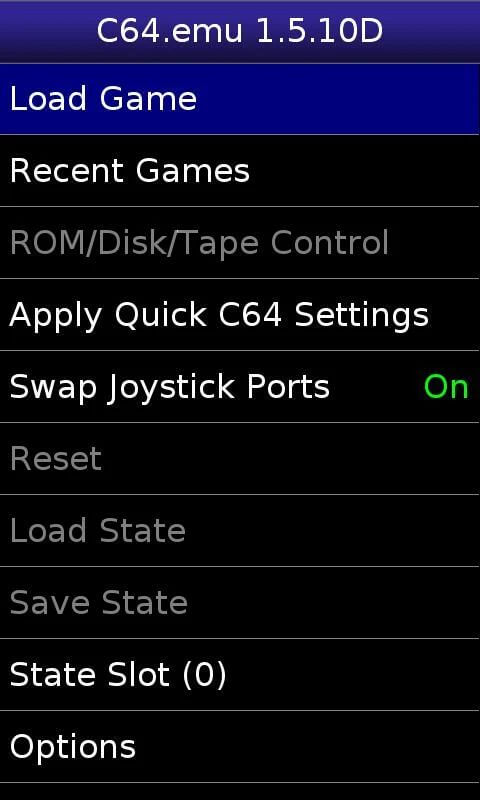
Clean, Intuitive, and User-Friendly Interface
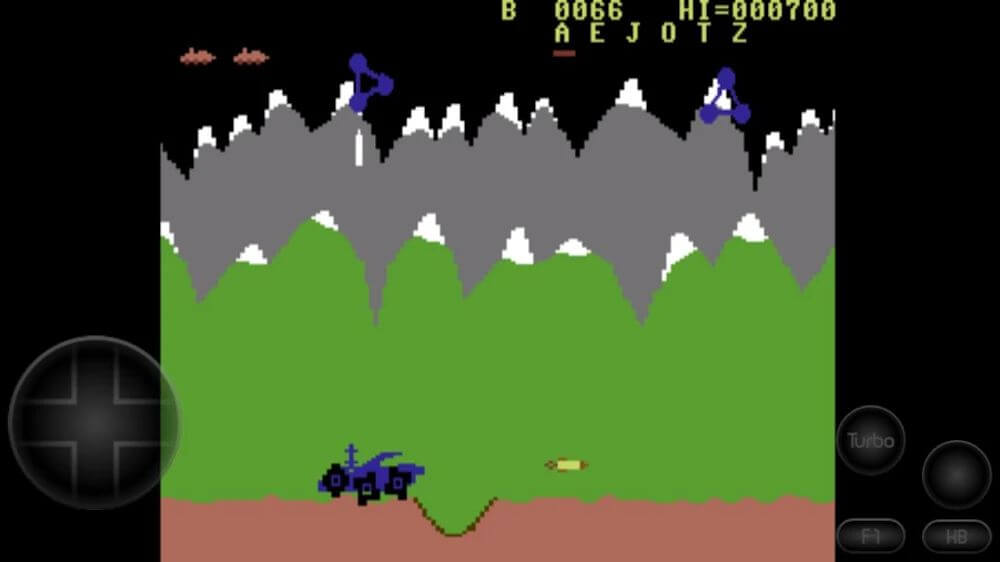
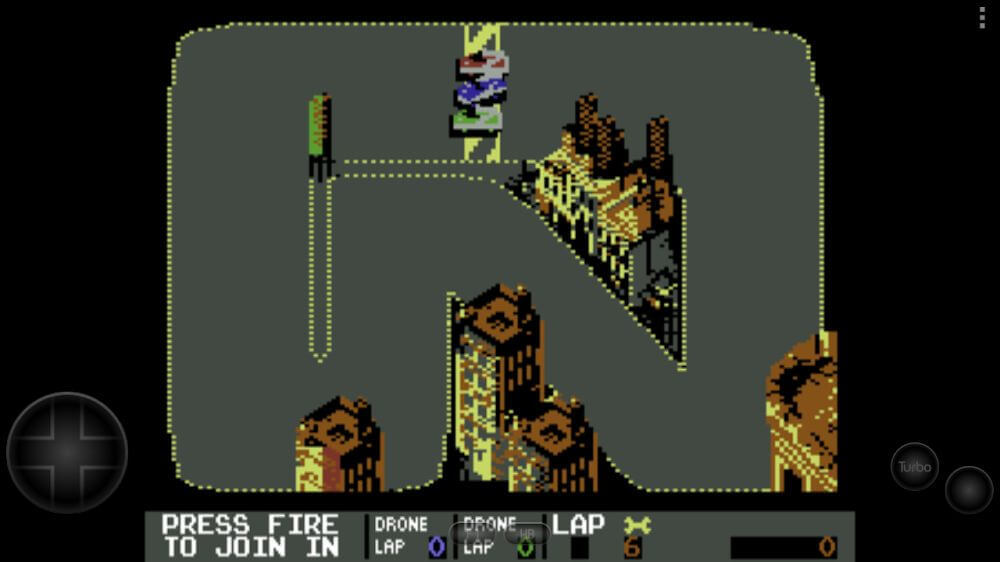
The emulator features an organized layout designed for effortless navigation. The developers structured folders neatly so gamers can jump straight into the action without a steep learning curve. During gameplay, responsive directional controls occupy the left side of the display while action inputs rest comfortably on the right for smooth, instinctive handling. Fully customizable touch overlays help you fine-tune the control scheme to your personal preference in seconds.
Multiple Emulation Modules and Gamepad Compatibility
To recreate classic systems with outstanding accuracy, C64.emu integrates dedicated emulation modules covering the C64, C64DTV, C128, PET, Plus/4, and CBM-II architectures. Players can control games using custom virtual touch buttons or connect physical external keyboards and peripherals via Bluetooth or USB.
External controllers must follow standard HID protocols recognized by Android, including popular gamepads like Xbox and PS4 controllers. Note that C64.emu does not come bundled with ROMs or disc images, meaning users need to supply their own legitimate game dumps. Conveniently, it seamlessly integrates with Android's Storage Access Framework, letting you load game files effortlessly from internal memory, SD cards, or external USB drives.
Key Features
- Compatible with standard cartridge, tape, and floppy disk images, including direct loading from ZIP, RAR, and 7Z archives.
- Integrates emulation engines for C64, C64DTV, CBM-II, and PET systems.
- Features fully customizable on-screen virtual touch controls.
- Supports external gamepads and keyboards via Bluetooth or USB HID connections.
- Leverages Android Storage Access Framework to load games easily from internal storage, SD cards, and USB media.
How to install
- Download the APK file above to your phone.
- Allow “Install unknown apps” when prompted.
- Open the downloaded APK and tap Install.
- If the package includes OBB/XAPK data, follow the bundled instructions.
MOD APKs are modified builds, so Play Protect may show a warning. Install only if you trust the file; use at your own risk.