

Screenshots
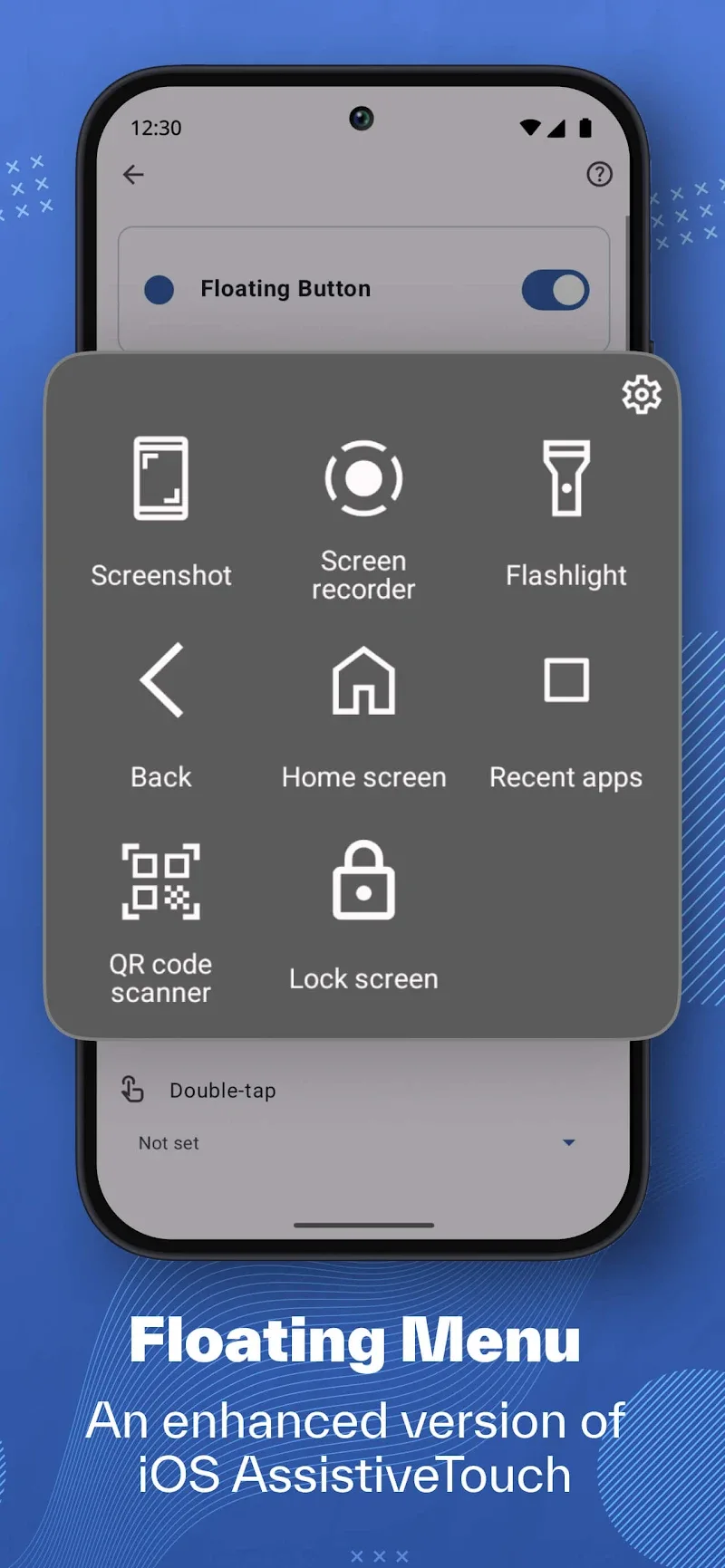
Description
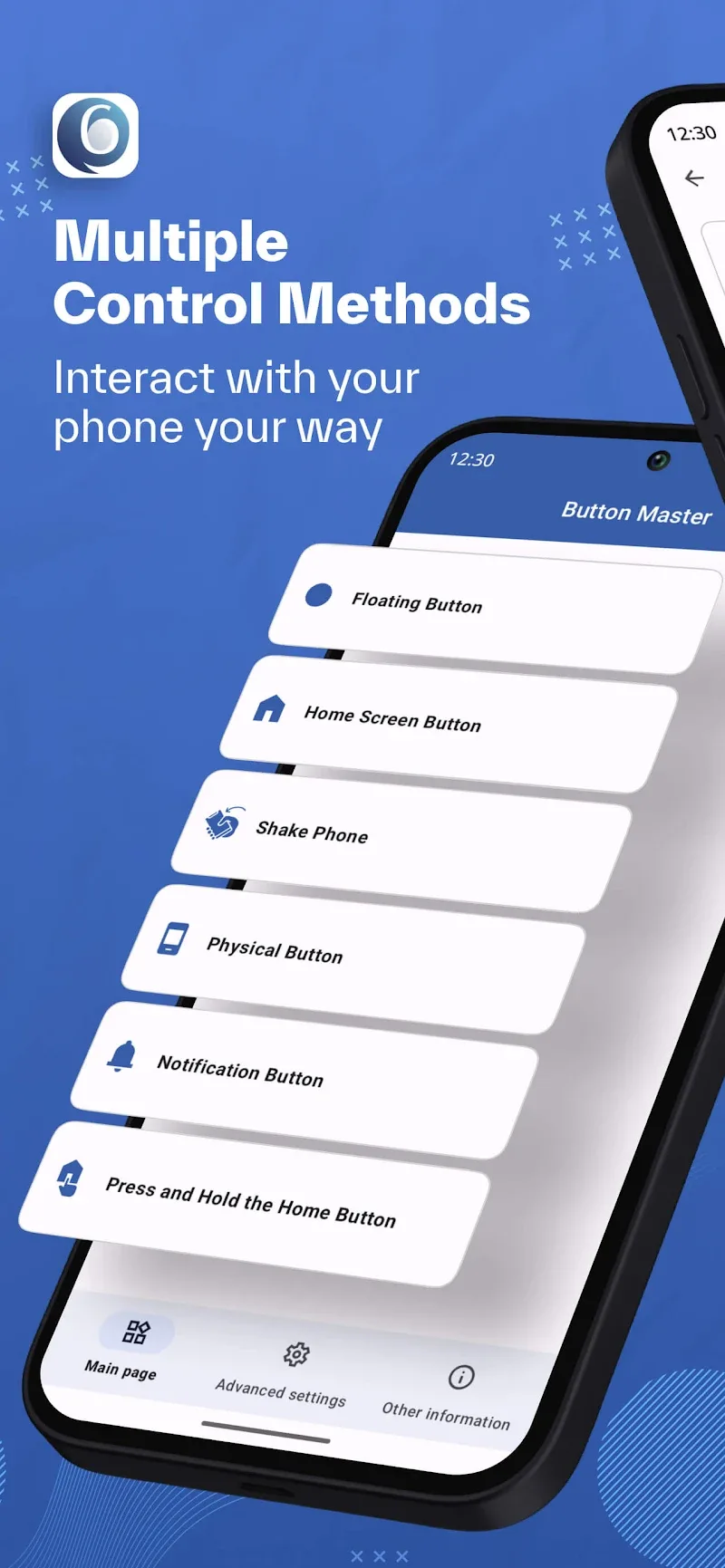
Button Master – Shortcut Maker is an app that helps you get more out of your device by letting you customize how you interact with it. It lets you create smart shortcuts for your phone, making everyday use faster and easier. You can add virtual shortcuts to your screen or reassign actions to your physical buttons with just a few taps.
FLOATING BUTTON POWER
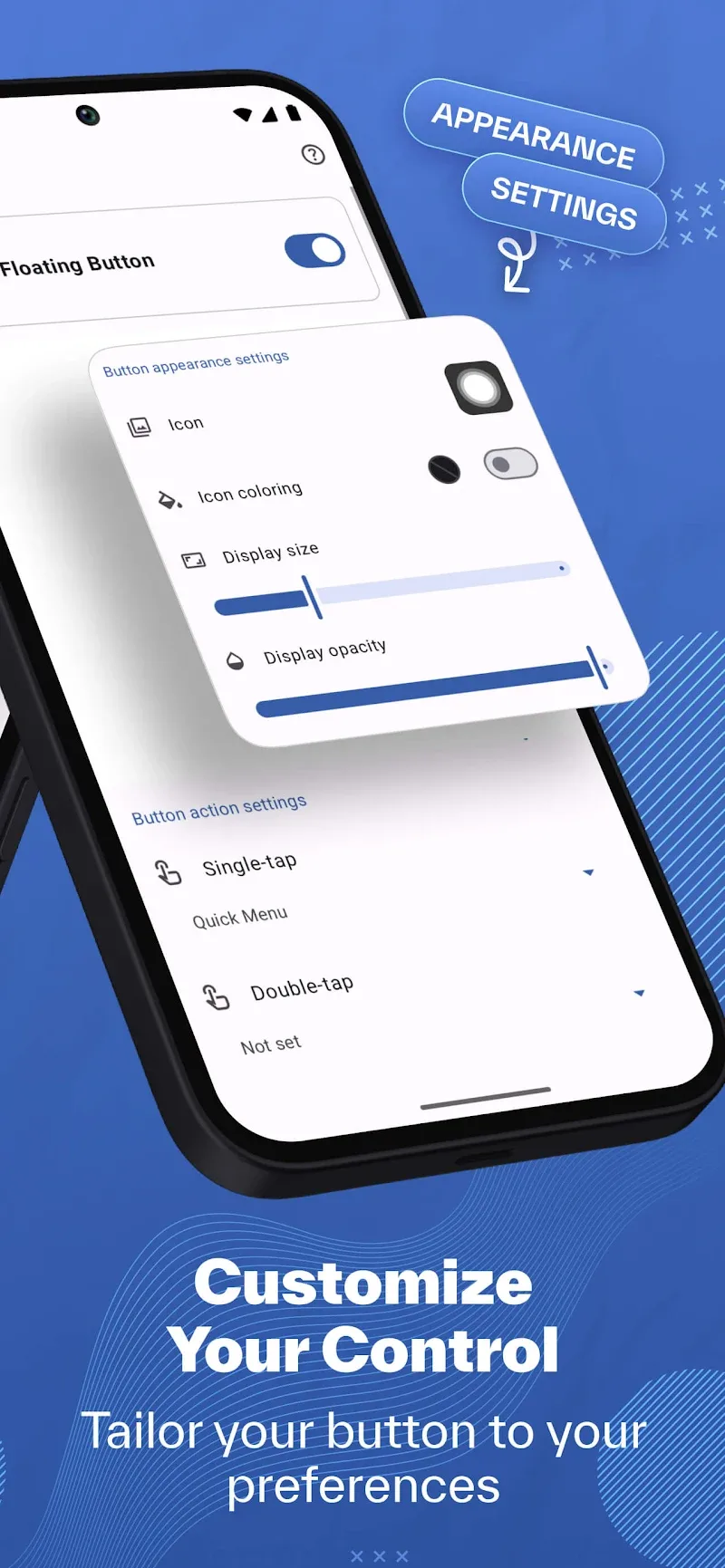
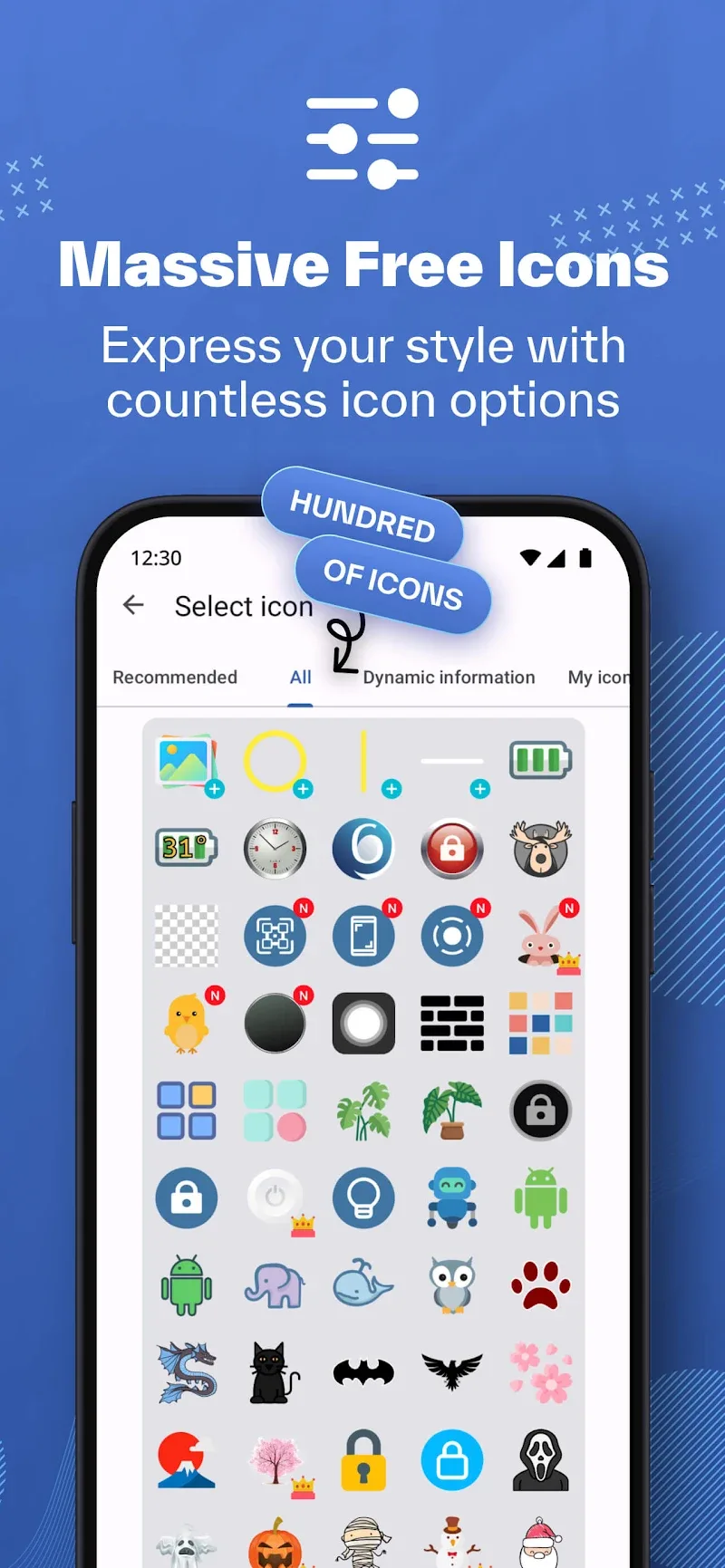
One of the standout features of this app is the ability to place floating buttons on your device screen. With this feature, you can quickly and effortlessly reach the core functions of your phone that normally take several steps to open. You can also fully customize the floating button to include the features you use most often.
- Smart Touch Control: The app lets you access all essential functions with one tap through customizable floating control buttons.
- Auto Hide System: The system includes a smart display mode that automatically shows or hides the floating button depending on which apps are running.
- Gesture Support Suite: You can use a variety of gestures, including tap, double tap, and 8-way swipe.
COMPLETE KEY MAPPING
Beyond placing a floating button on your screen, the app also lets you reassign the functions of your physical hardware keys. Instead of relying only on their default roles, you can turn these buttons into useful helpers for everyday tasks. You can now launch apps and use a range of features assigned to the power button, volume up/down keys, and more.
- Custom Button Control: Turn your volume buttons into powerful shortcuts that help you move through tasks faster.
- Enhanced Device Control: Remap your physical keys to extend your device's capabilities well beyond its original design.
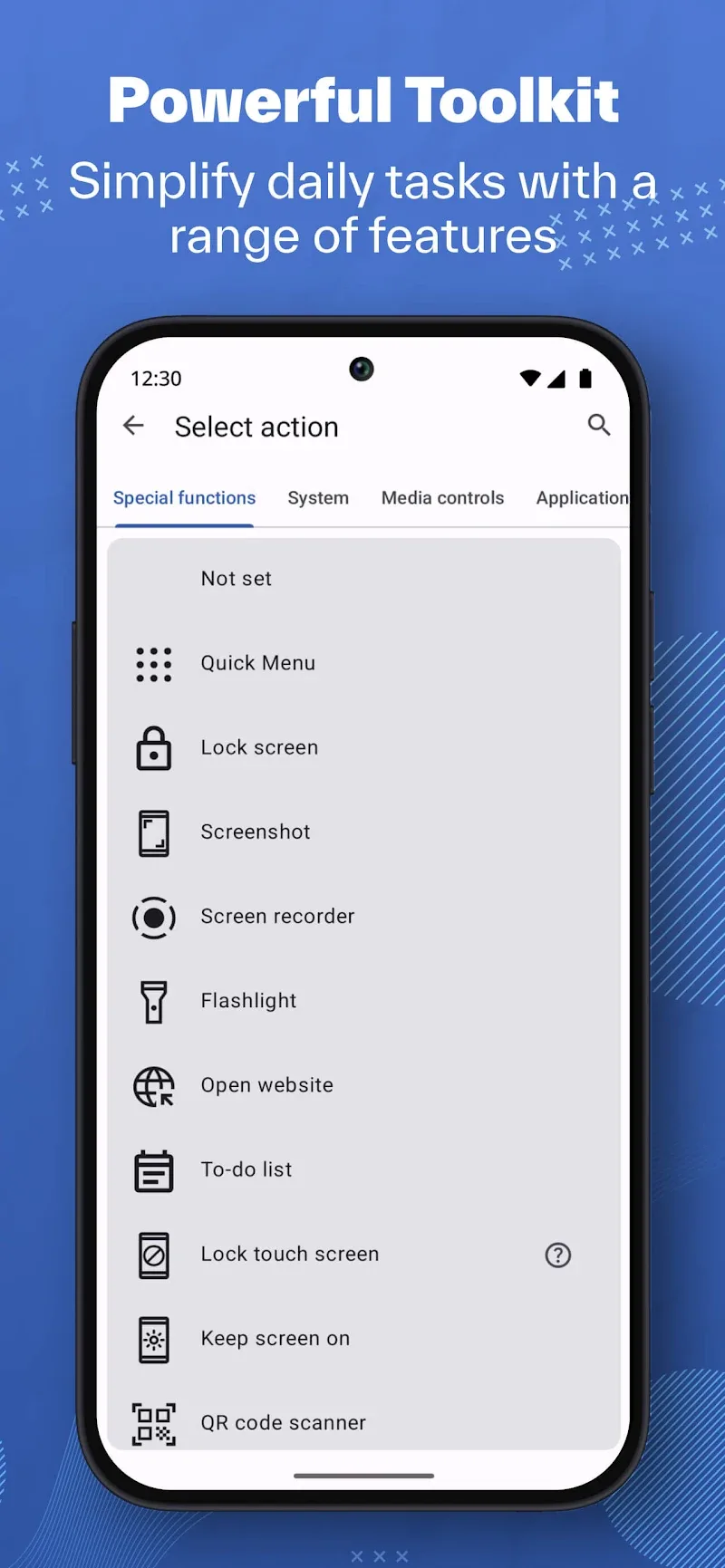
- Instant Device Access: Get quick access to more than 50 built-in functions, including screen lock and system navigation.
How to install
- Download the APK file above to your phone.
- Allow “Install unknown apps” when prompted.
- Open the downloaded APK and tap Install.
- If the package includes OBB/XAPK data, follow the bundled instructions.
MOD APKs are modified builds, so Play Protect may show a warning. Install only if you trust the file; use at your own risk.