

MOD features
Full Version
Install using SAI (Split APKs Installer)
Screenshots
Description
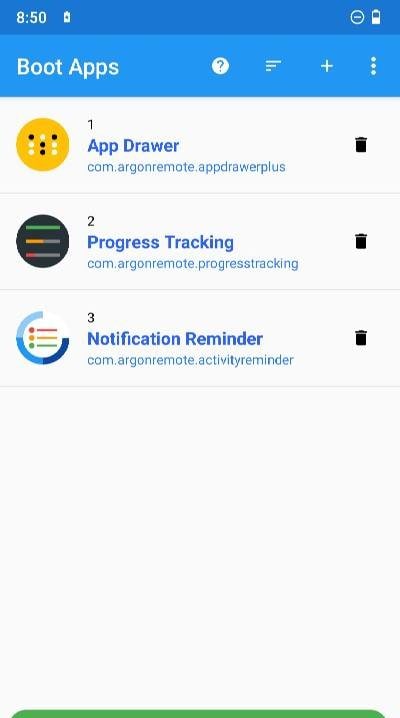
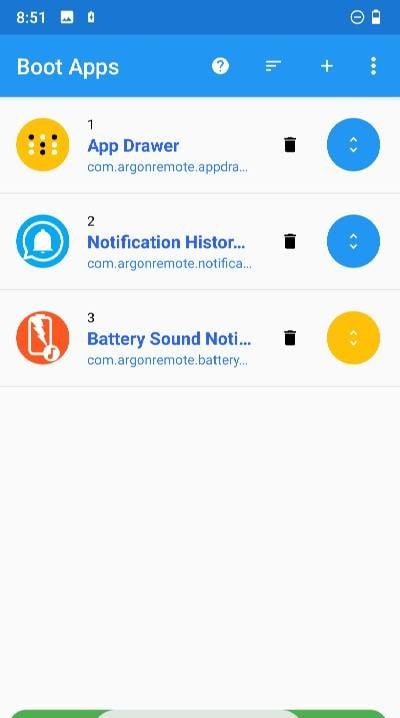
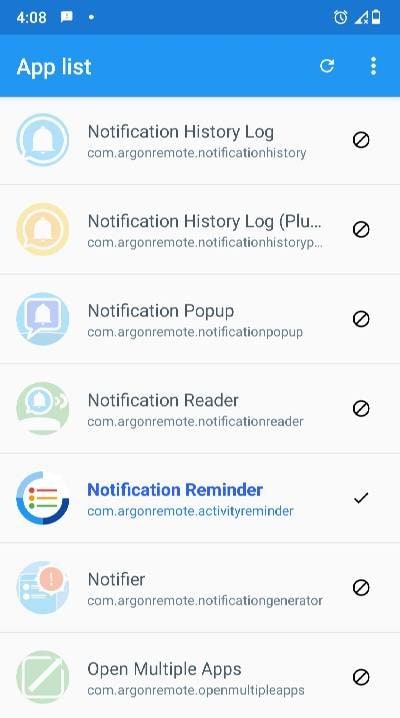
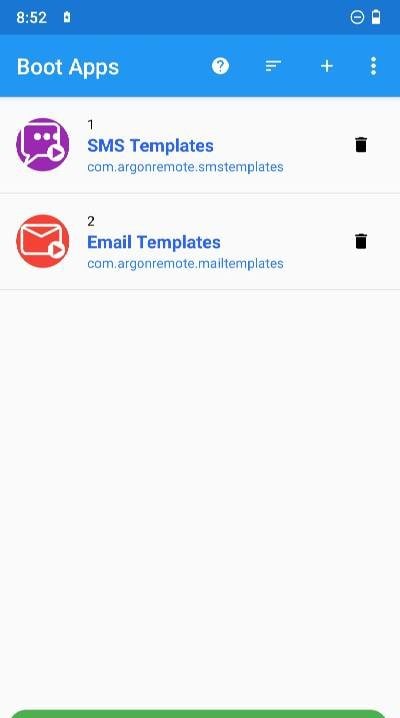
Boot Apps is an exceptionally handy utility for anyone who relies on their Android device for dedicated tasks and specific daily workflows. If your routine requires a set of applications running constantly in the background, this tool effortlessly automates the entire startup process. It automatically opens your customized list of apps upon device boot, system restart, and more. You can easily fine-tune launch order, delays, and timing so you never waste time manually launching essential tools again. Everything runs seamlessly in the background without demanding your effort or attention.
How to install
- Download the APK file above to your phone.
- Allow “Install unknown apps” when prompted.
- Open the downloaded APK and tap Install.
- If the package includes OBB/XAPK data, follow the bundled instructions.
MOD APKs are modified builds, so Play Protect may show a warning. Install only if you trust the file; use at your own risk.