

Screenshots

Description
Bluric is a personalization app designed to refresh your smartphone with exclusive wallpapers, custom backgrounds, and themed icon packs.
Bored with your device's dull home screen, or struggling to find the right visuals to revitalize your Android display? Bluric provides an all-in-one makeover solution. This tool lets you effortlessly set premium backgrounds across your home and lock screens. Featuring an extensive library filled with diverse aesthetic themes, it empowers you to personalize your device to match your unique taste. On top of that, it includes a distinctive icon pack alongside an innovative dynamic calendar widget.
Set Custom Wallpapers and Lock Screens
Bluric showcases an exclusive gallery crafted by creative artists. The catalog spans a wide range of aesthetics, from clean minimalism to vibrant and eye-catching artwork. Applying any design takes just a single tap: simply select the artwork you like, tap the wallpaper option, and your display updates instantly. Changing your lock screen follows the exact same straightforward process. Fresh backgrounds arrive daily to keep your setup looking modern and completely eliminate visual monotony.
Exclusive Icon Collection
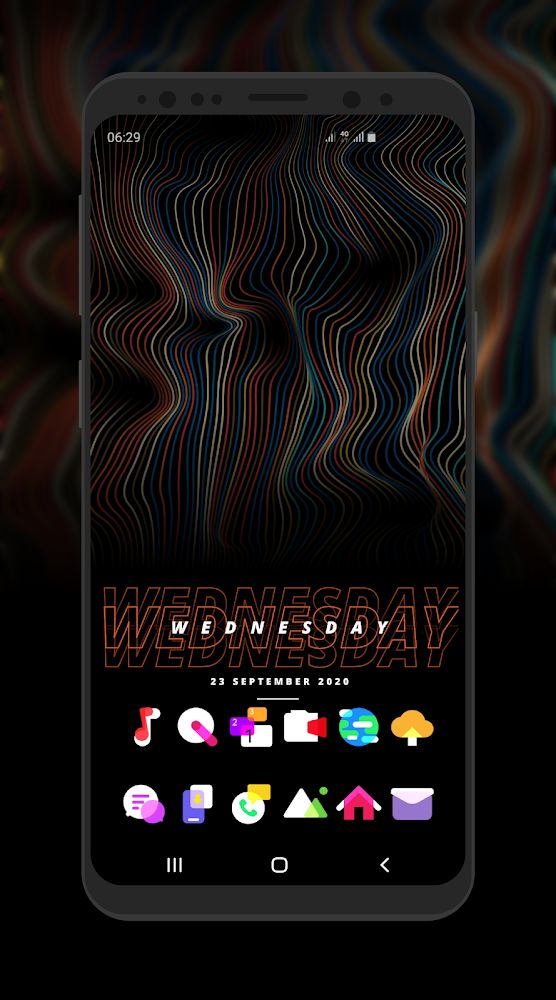
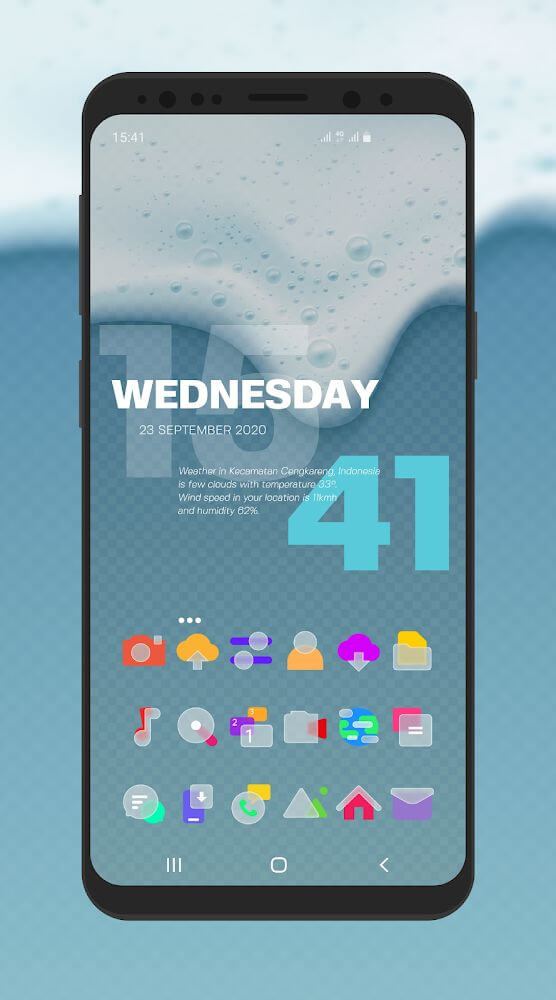
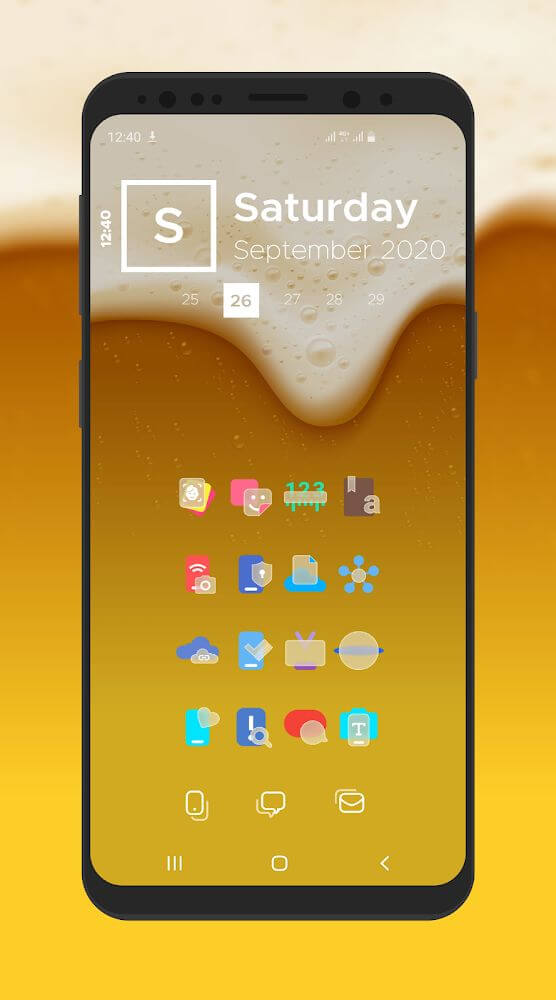
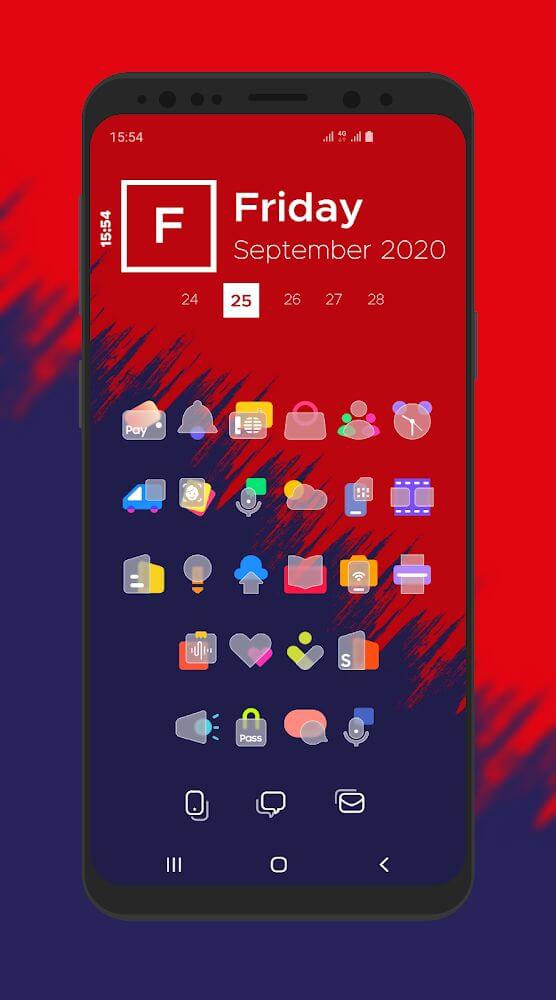
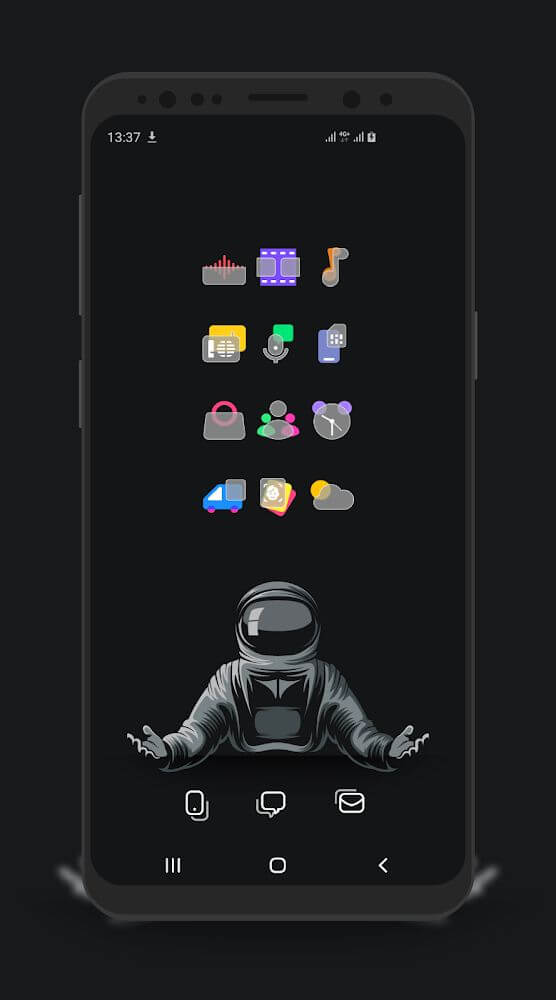
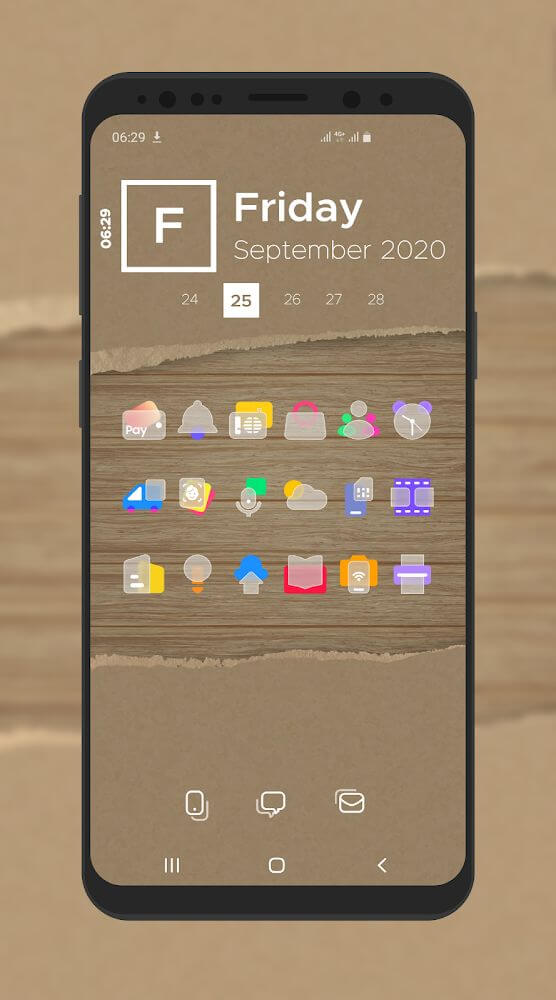
The app comes packaged with a distinctive custom icon suite. Available as soon as you install the application, these icons integrate smoothly with popular Android launchers such as Nova, Apex, or ADW, giving your entire interface a cohesive, polished makeover.
Configure Dynamic Calendar Displays
Beyond standard backdrops, Bluric lets you integrate dynamic live calendars directly onto your home screen or lock screen. Explore several stylish layouts, complete with localization options tailored to your local language, timezone, and regional date formats. Packed with versatile visual tools, it stands out as a premier personalization choice for your Android device.
Key Features
- Apply stunning wallpapers and lock screens in seconds with one-tap controls.
- Browse a rich catalog of artistic visuals spanning minimalist aesthetics, modern designs, and charming artwork.
- Seamlessly apply custom icon packages using popular launchers like Nova, Apex, and ADW.
- Display dynamic, customizable calendars with local language and regional date formats on your lock or home screen.
- Enjoy an entirely free, top-tier personalization experience built to transform your device interface.
How to install
- Download the APK file above to your phone.
- Allow “Install unknown apps” when prompted.
- Open the downloaded APK and tap Install.
- If the package includes OBB/XAPK data, follow the bundled instructions.
MOD APKs are modified builds, so Play Protect may show a warning. Install only if you trust the file; use at your own risk.