

Screenshots

Description
Band Live Rock Mod APK – Drums, Piano, Bass, Guitar, Vocals. A multitrack recording studio and easy-to-use digital audio workstation.
Why Use Band Live Rock?
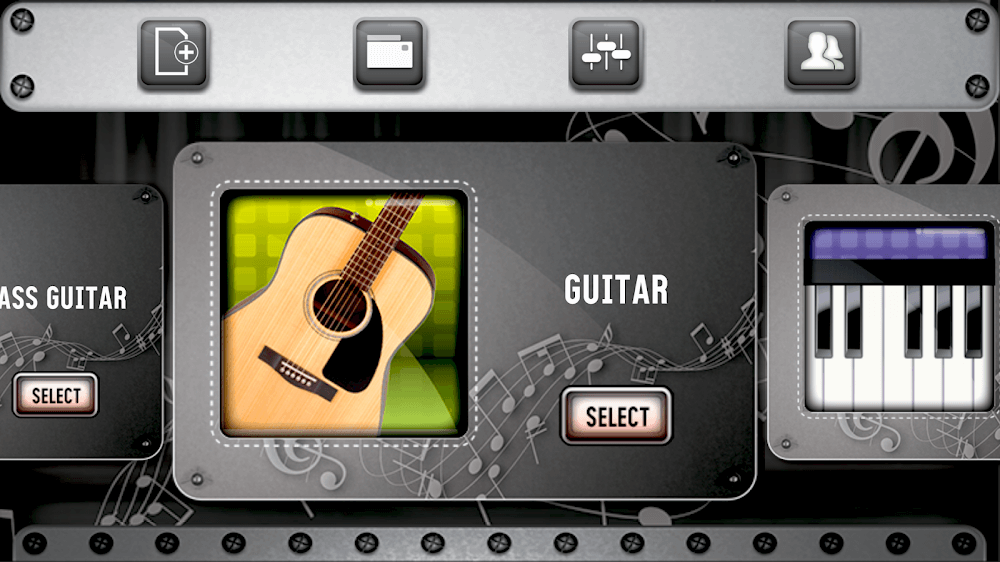
Jam with a full band using this free sequencer and mixer simulator. Sharpen your skills as a rock hero on drums, guitar, piano, and bass, and sing along with the microphone, all within a single app. You can mix your songs right on your phone or tablet.
Band Live Rock gives you a multitrack recording studio. Focus on a single instrument, or expand your creativity by writing complete songs, recording each part separately while hearing the rest of the mix.
Save your recordings and share them with friends whenever you like. For the best experience, listen at a higher volume with headphones. Band Live Rock is made for everyone, from beginners curious about learning instruments to experienced musicians looking to grow their creativity in a portable digital audio workstation.
Key Features
- Works with external MIDI controllers
- Easy-to-use app with a wide range of instruments
- Extremely low latency on Android
- High-quality sound banks recorded in a professional studio
- Record an unlimited number of tracks
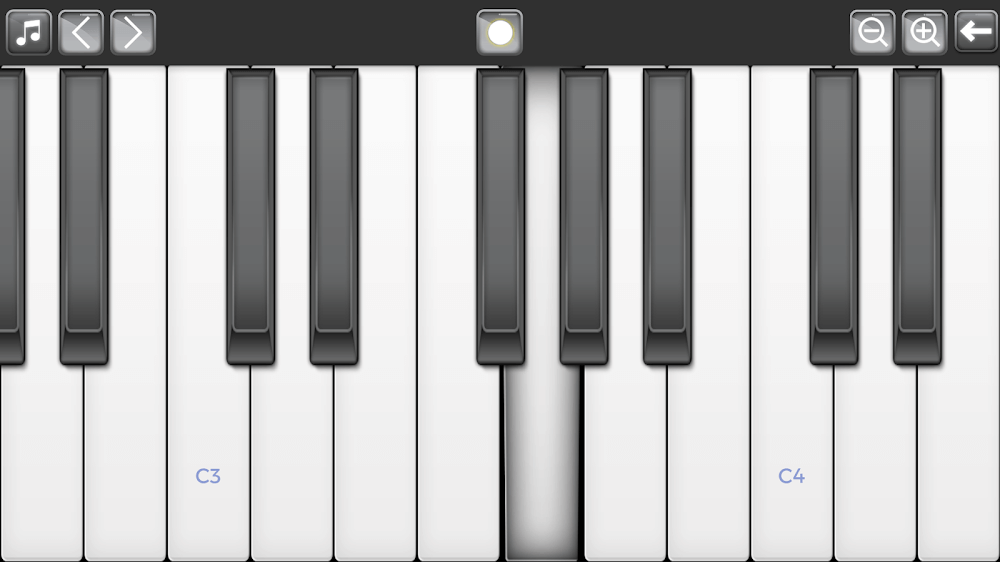
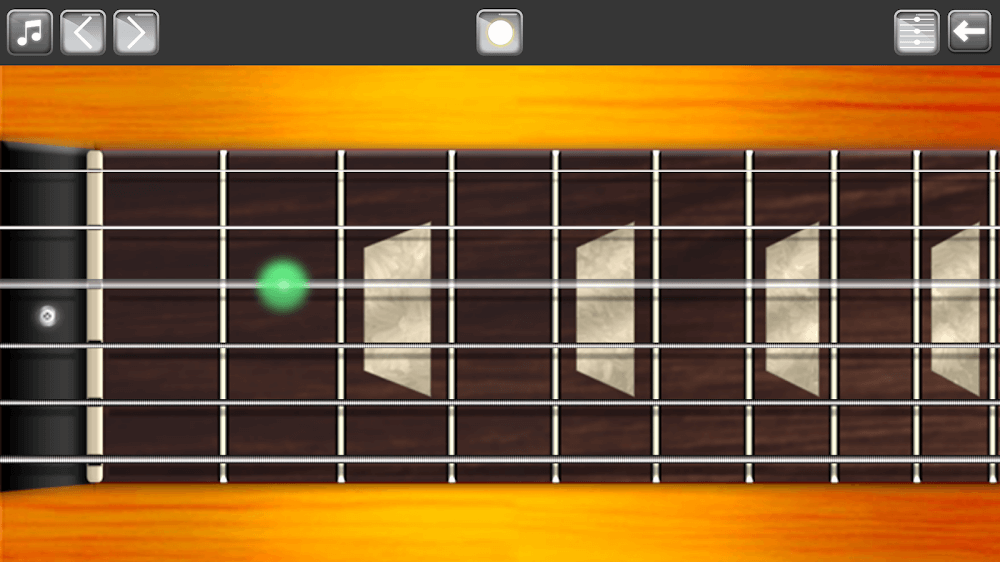
- Full 81-key piano, plus bass and guitar with 19 frets each
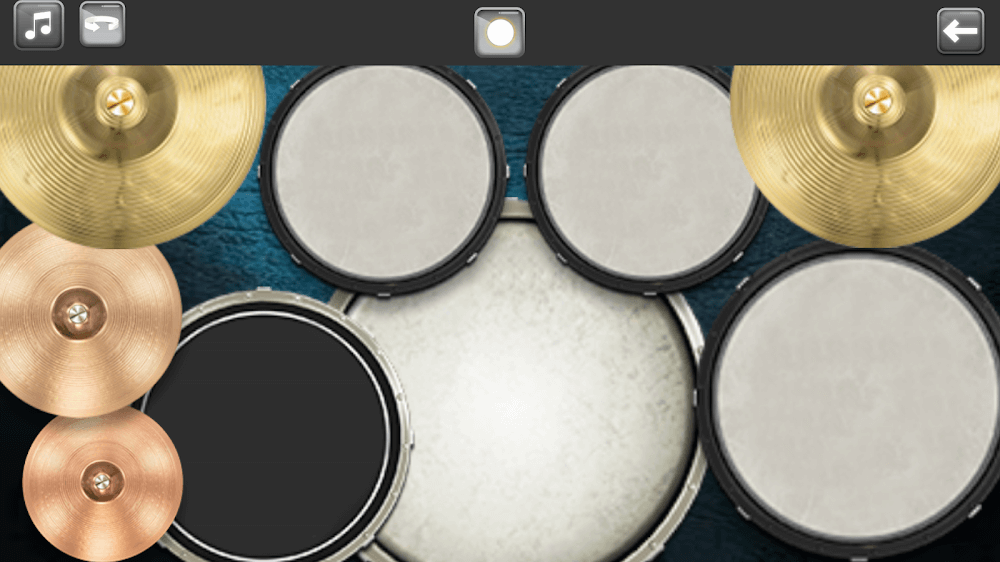
- Advanced drum kit with left-hand mode and double bass
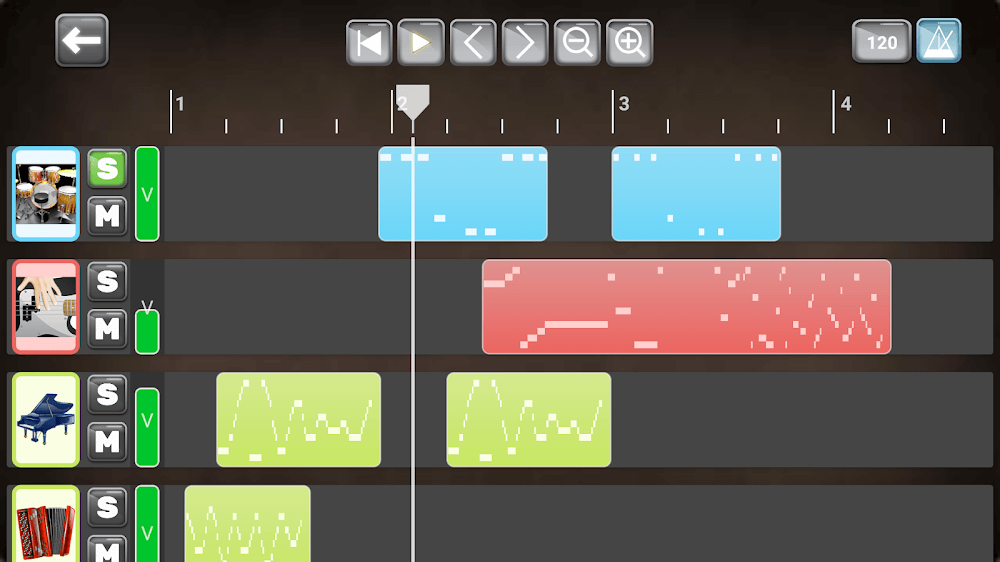
- Complete digital audio workstation with multiple tracks, BPM control, and several sub-sections for each track
- In edit mode, copy, delete, or change the sound of your tracks, and zoom in and out to work on specific parts of the music
- Edit every section or segment by moving, copying and pasting, deleting, transposing, or adjusting velocity. More useful features are coming soon!
- Mix your music with advanced tools including Solo, Mute, and individually adjustable volumes
- Export your creations to several audio formats, including MIDI, OGG, and MP3
- Adjust the playback position
- Autosave mode
- Band Live Rock is free to play, but you can purchase a permanent license to remove ads and get access to upcoming exclusive content.
How to install
- Download the APK file above to your phone.
- Allow “Install unknown apps” when prompted.
- Open the downloaded APK and tap Install.
- If the package includes OBB/XAPK data, follow the bundled instructions.
MOD APKs are modified builds, so Play Protect may show a warning. Install only if you trust the file; use at your own risk.