

Screenshots


Description
AutostartsFirst of all, it should be said that to work with this application, you will need to download the cache. In addition, it is important to know the key features of using such programs.
Features
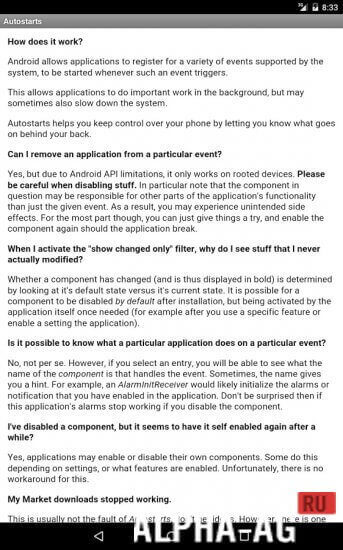
Autostarts is one of the most effective utilities for quickly tidying up your mobile device's system.
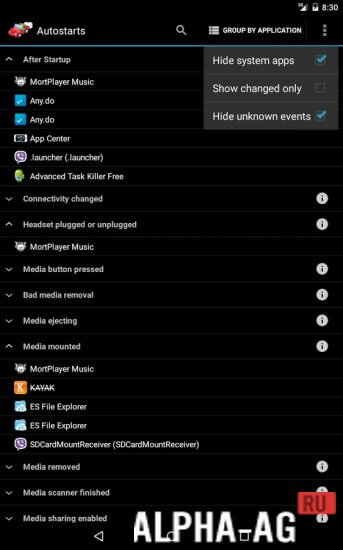
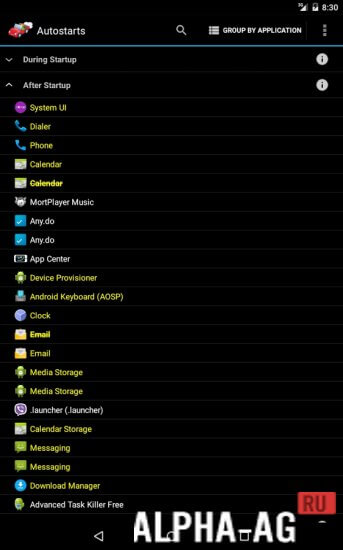
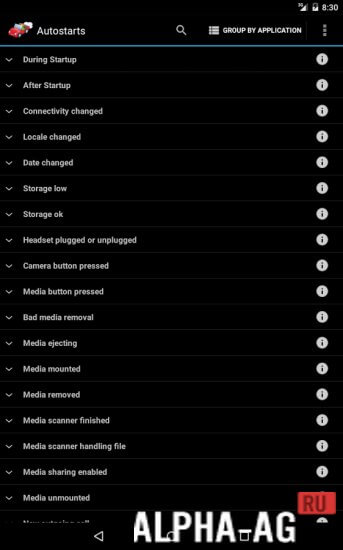
It allows you to disable the autostart of certain applications that activate upon system boot, cluttering the system with various digital junk.The program features a fairly simple interface, making it relatively easy to use. You will be offered a fairly wide range of actions.
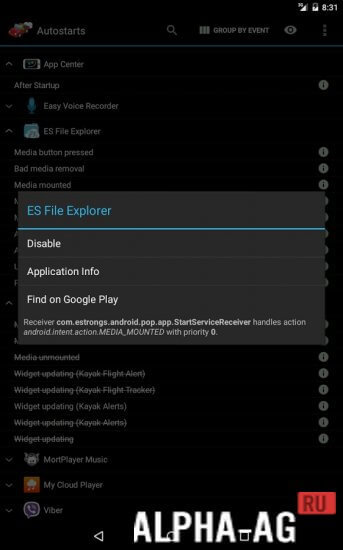
You can view auto-starting applications by groups or specific categories, which offers more advantages than the former option.To disable the desired settings, no complex steps are required. You only need to touch the icon of the selected app and choose the "Disable" function from the context menu that opens.
Characteristics
Be very careful with the applications you close, as stopping certain apps can make the system unstable. For instance, stopping a critical app might prevent your alarm from working or SMS messages from being received.
It is also important to note that this application is not free, so you will need to pay a small fee to use it. However, it is well worth the money spent, as it provides many useful capabilities.
0 29 Apr Additional information:- Android version required: 5.0 or higher
- Age restrictions: 3+
- Russian localization: present
- Cache installation: not required
Subscribe to our YouTube channel!
Add commentHow to install
- Download the APK file above to your phone.
- Allow “Install unknown apps” when prompted.
- Open the downloaded APK and tap Install.
- If the package includes OBB/XAPK data, follow the bundled instructions.
MOD APKs are modified builds, so Play Protect may show a warning. Install only if you trust the file; use at your own risk.