

Screenshots
Description
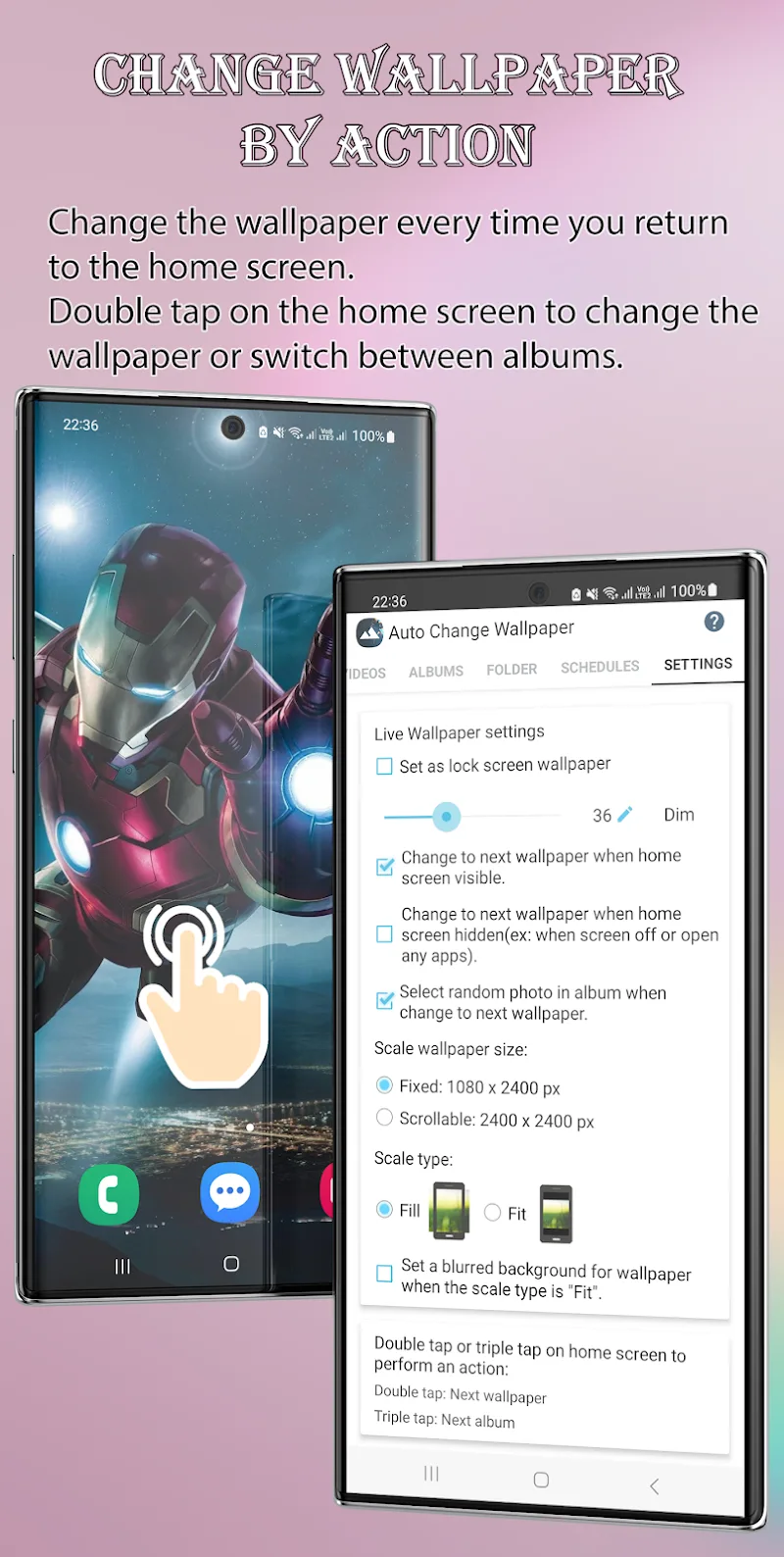
Auto Change Wallpaper is a handy app that refreshes your phone every day with a new wallpaper. It lets you switch between a wide variety of styles, so your home screen never looks the same for long.
Customizable Wallpaper Scheduling
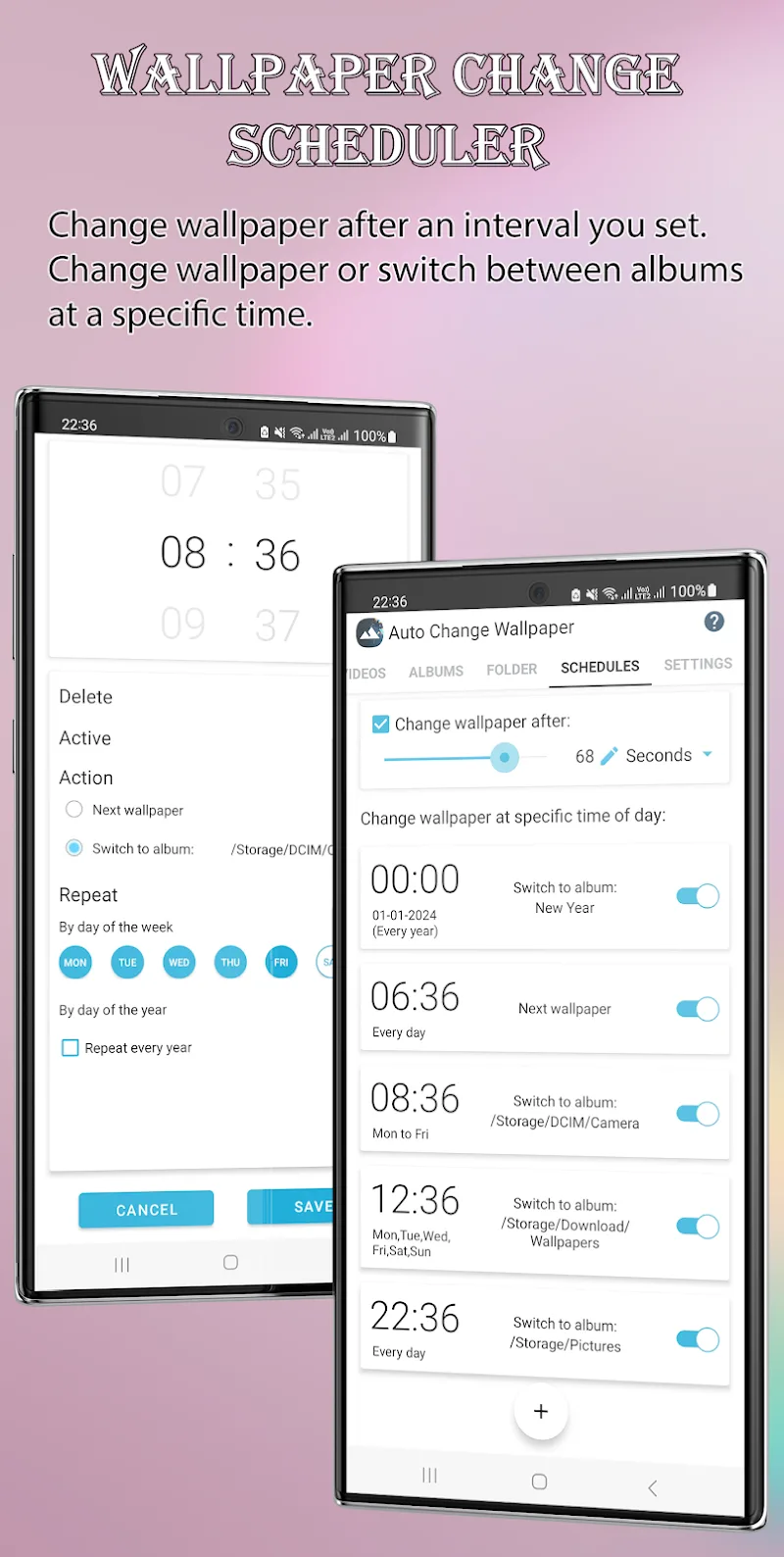
Set a timer and the app will swap your wallpaper automatically based on the schedule you choose. You can change it every few minutes, every few days, or at whatever interval suits you best.
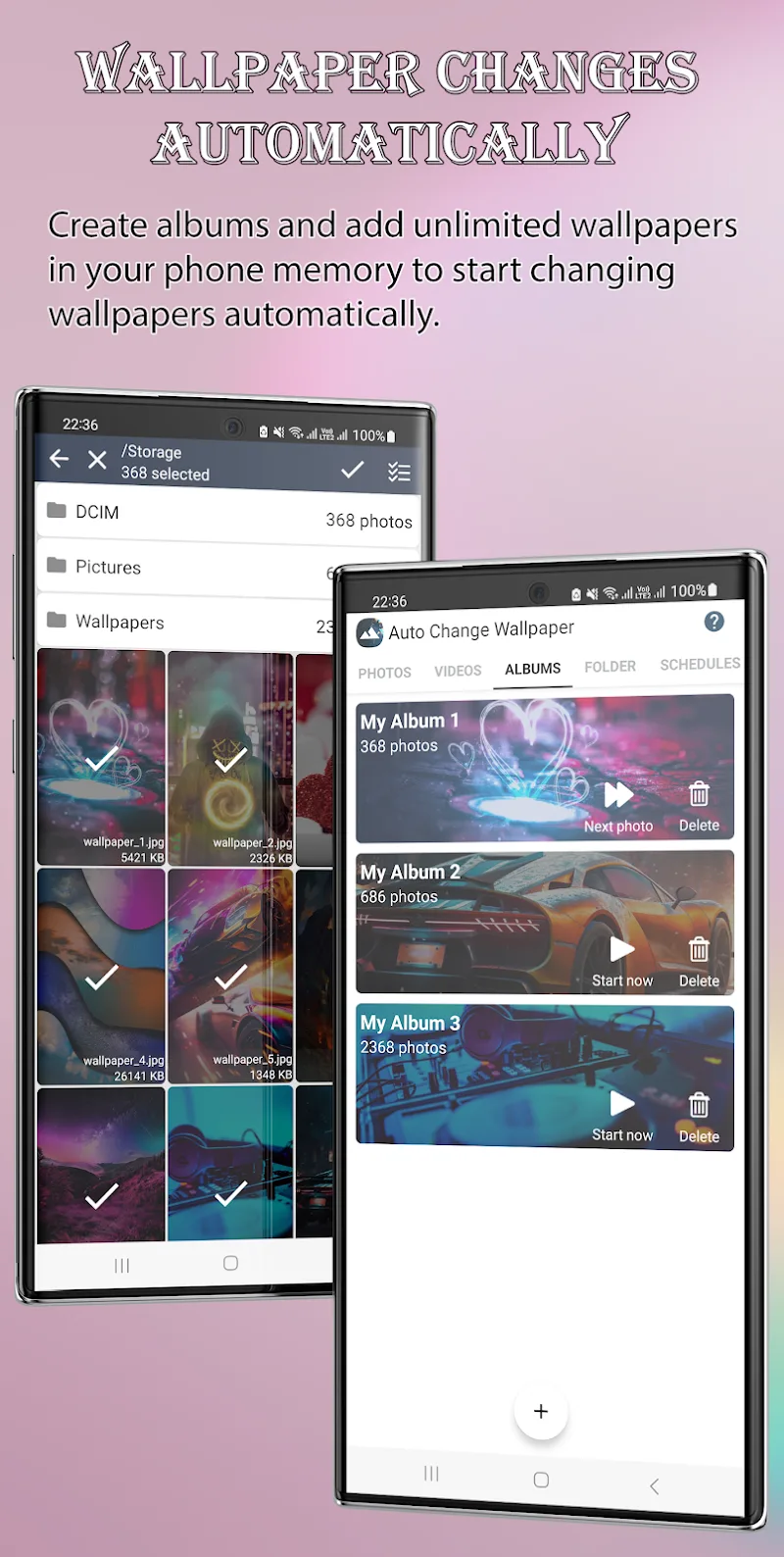
- Advanced Album Switching: Besides the built-in images, you can pick pictures straight from your photo album. Use snapshots of yourself, your family, or your adorable pets as your phone wallpaper.
- Precise Date Scheduling: Choose specific images and assign each one to a set time that suits you. For example, pick seven favorite photos for seven days, and the app will update the wallpaper for you automatically.
- Flexible Time Control: The app changes the image according to the timing you configure. In just a few minutes, you can set up a wallpaper changer that keeps your screen fresh, interesting, and uniquely yours.
Versatile Image Source Options
Add any images you like to the app's album and use them as wallpapers without restrictions. You can also take a fresh photo to use as your background, or search the web for pictures you love and apply them directly.
- Unlimited Personal Gallery: Bring your entire photo collection into the app and rotate through it daily, turning your phone into a pocket-sized photo gallery.
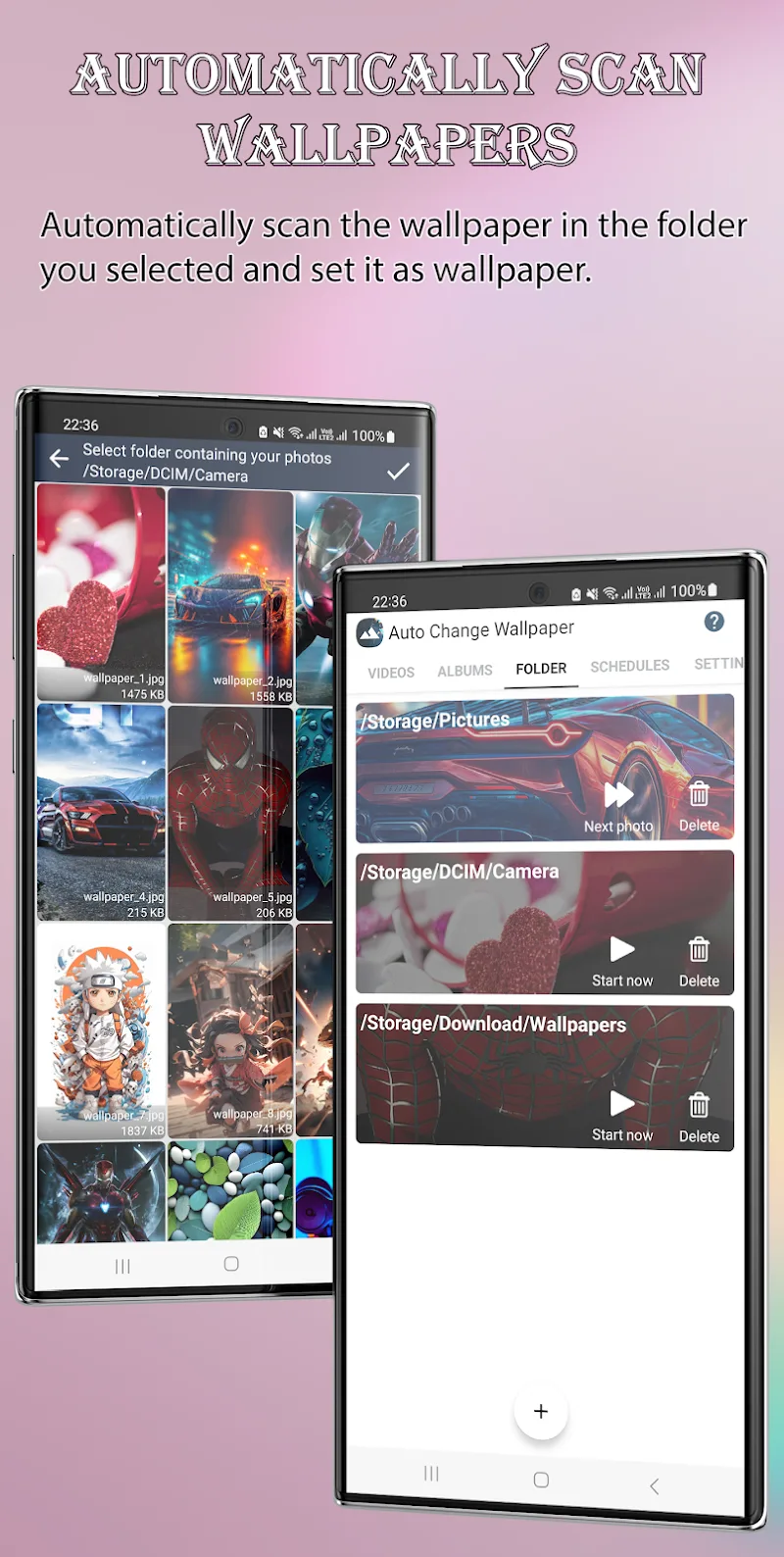
- Automatic Folder Scanning: The app can scan the images stored in your camera folders and offer them as wallpaper options. You don't need to save files or perform extra steps to set a background, which saves you time and helps keep your phone's storage in check.
- Integrated Online Search: The app connects with Flickr, letting you search for photos or artwork in the genres you enjoy and use them as wallpapers. It's an easy way to make your phone more unique, stylish, and eye-catching than ever.
How to install
- Download the APK file above to your phone.
- Allow “Install unknown apps” when prompted.
- Open the downloaded APK and tap Install.
- If the package includes OBB/XAPK data, follow the bundled instructions.
MOD APKs are modified builds, so Play Protect may show a warning. Install only if you trust the file; use at your own risk.