

Screenshots

Description
A+ Gallery offers a powerful image and video manager that's simple to use. Users can quickly locate what they need, connect to cloud storage services, and keep their content private with passwords.
A+ Gallery is a gallery app that neatly stores and organizes your photos and videos so you can find and view them whenever you like. It works with a wide range of image sources, especially online image-hosting apps. It also lets you back up your important files using a single app and set up protection for your library.
MANAGE YOUR PHOTOS AND VIDEOS EASILY
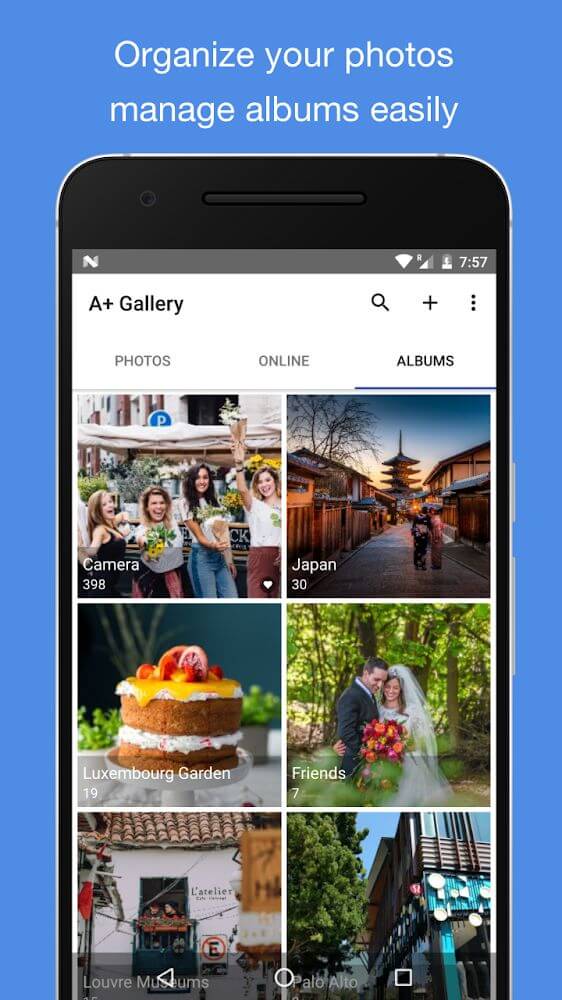
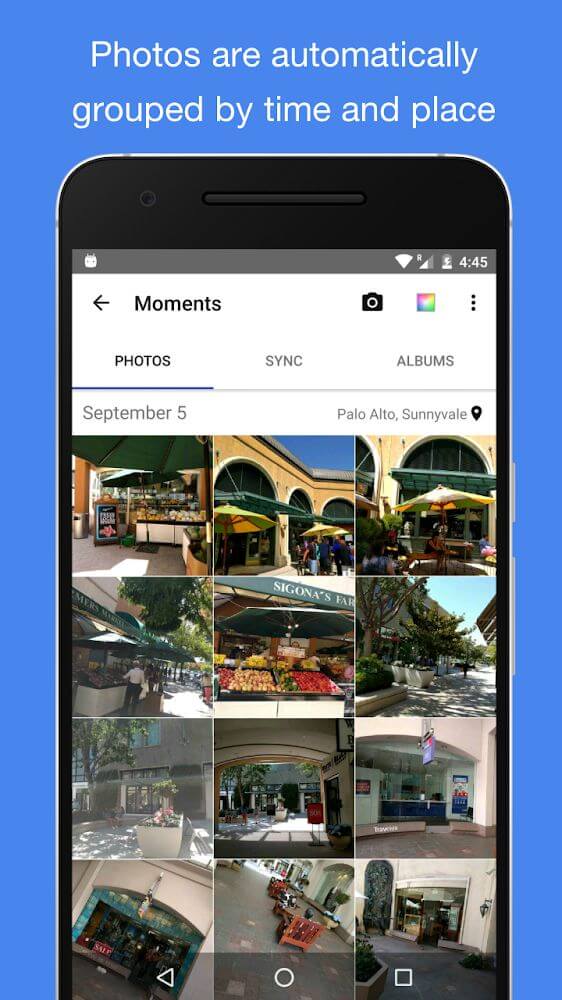
A+ Gallery's clean interface makes it easy to get started, and its built-in tools let you manage your media with ease. These features suit users who browse photo and video libraries from multiple sources. For your convenience, the interface is split into separate tabs based on the types of files and objects it stores, making them easier to find.
CHANGE THE INTERFACE TO SUIT YOUR STYLE
One fun aspect of A+ Gallery is that you can change the app's color scheme to match your taste. Choose from a range of colors based on your preferences to make viewing your images and videos more enjoyable.
EASILY MANAGE AND SEARCH FOR THE ITEMS YOU WANT
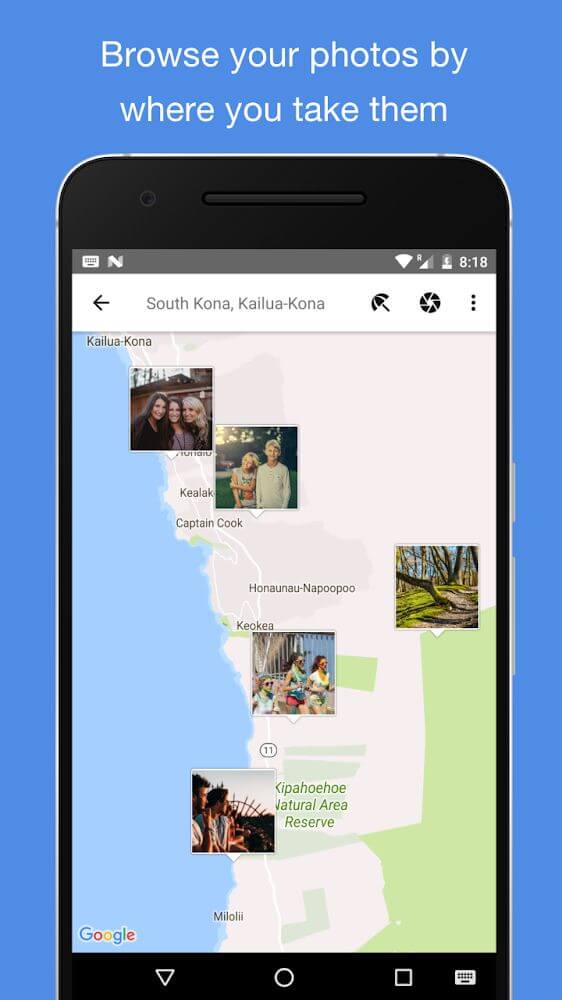
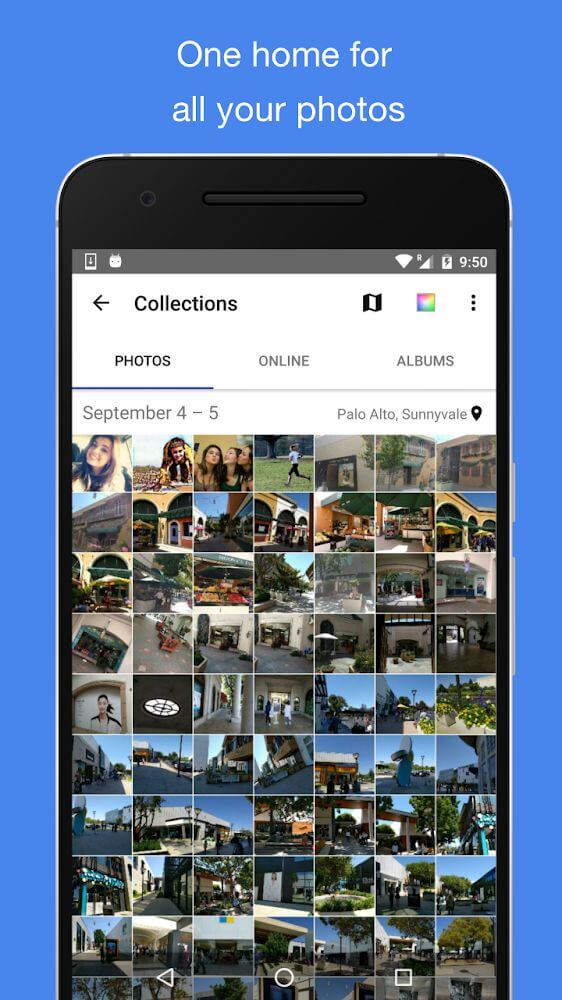
One of the core strengths of an image and video gallery like A+ Gallery is its ability to handle many images from different sources, including local storage, online services, and SD cards. The handy search function also stands out, offering several criteria to help you find what you need. You can search your media by date, location, or even the image's dominant color. You can also create albums wherever you like, including on an SD card.
LINK TO ONLINE IMAGES
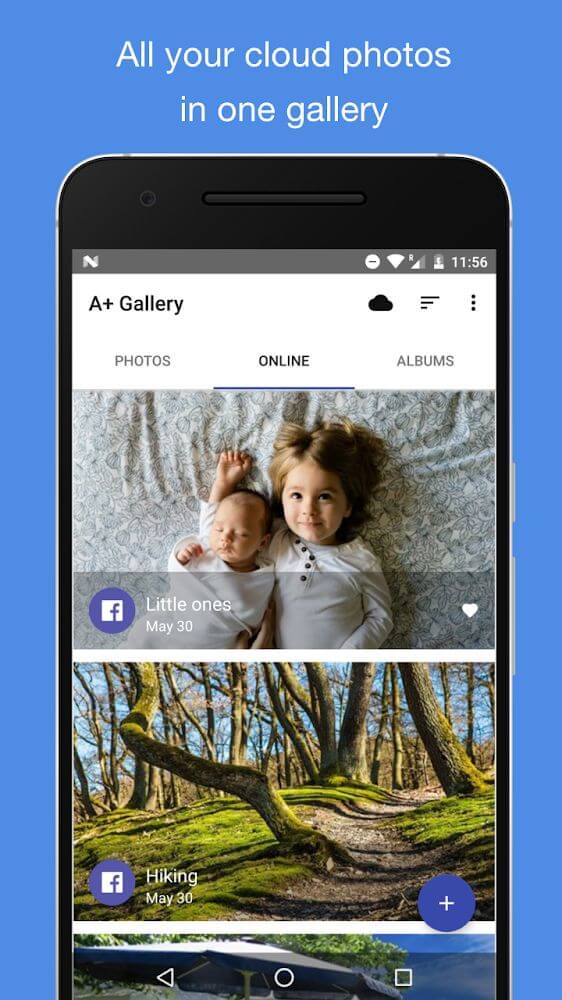
As noted above, A+ Gallery lets you view your online images too. The app connects to platforms that store and host images, particularly cloud storage services. Viewing and managing these files is just as easy as managing local ones, and this connection brings a number of other advantages as well.
BACK UP ANYTHING YOU WANT WITH EASE
You can also quickly browse your photos and videos and back up anything important. By linking to cloud storage services, you can keep copies on a platform you use regularly, helping you avoid losing essential files. Using one app, you can bring together images from different sources without needing several supporting apps.
HIDE AND SECURE YOUR LIBRARY SAFELY
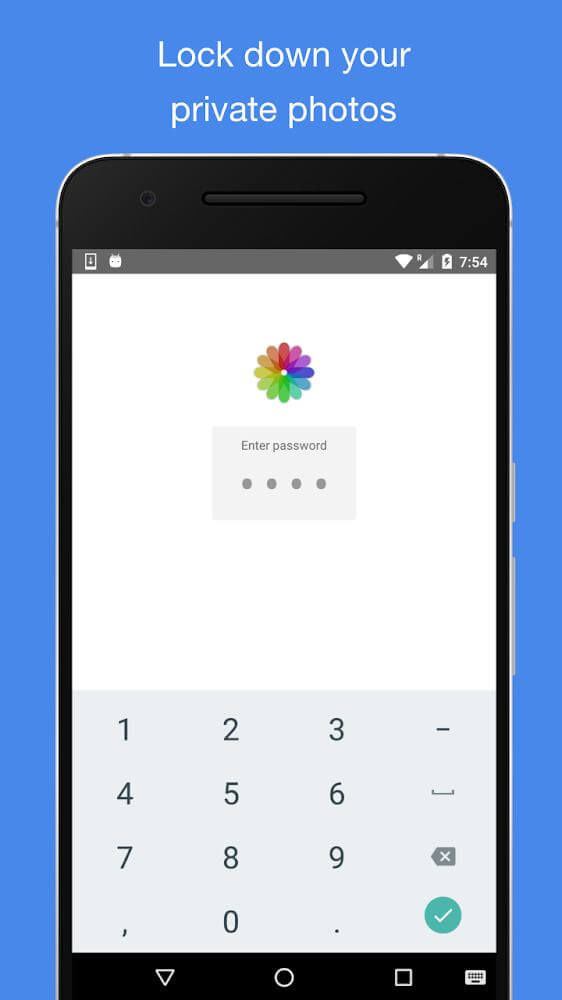
Alongside the management and storage tools, you'll also want to keep your photos and videos secure. You can protect your library in two ways: by hiding especially private content or by setting a password. Creating a strong password that only you know helps keep curious people out when they try to access your library, giving you greater peace of mind while using the app.
The image and video management library includes the essential features every user needs:
- You can store a gallery with plenty of images and videos, and its features are straightforward for anyone to use.
- The app lets users search for images and videos by many criteria, including dominant color.
- You get useful features for viewing images and videos from many different sources.
- It's convenient to back up important files quickly, all within a single app.
- Important files can be protected by hiding them or setting a password, keeping intruders out.
How to install
- Download the APK file above to your phone.
- Allow “Install unknown apps” when prompted.
- Open the downloaded APK and tap Install.
- If the package includes OBB/XAPK data, follow the bundled instructions.
MOD APKs are modified builds, so Play Protect may show a warning. Install only if you trust the file; use at your own risk.