

MOD features
Unlocked
Screenshots
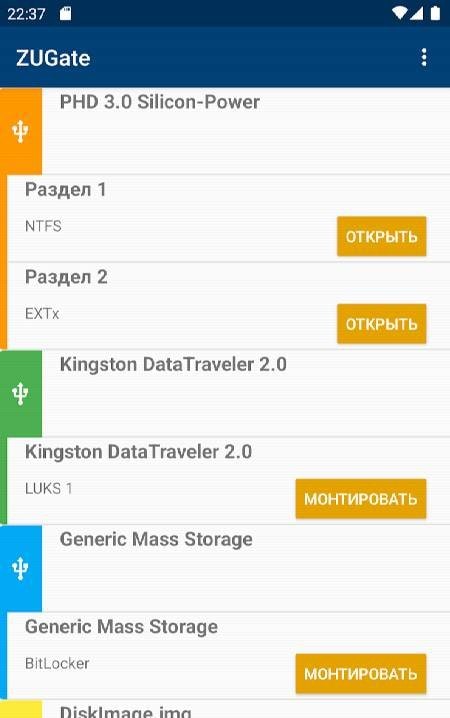
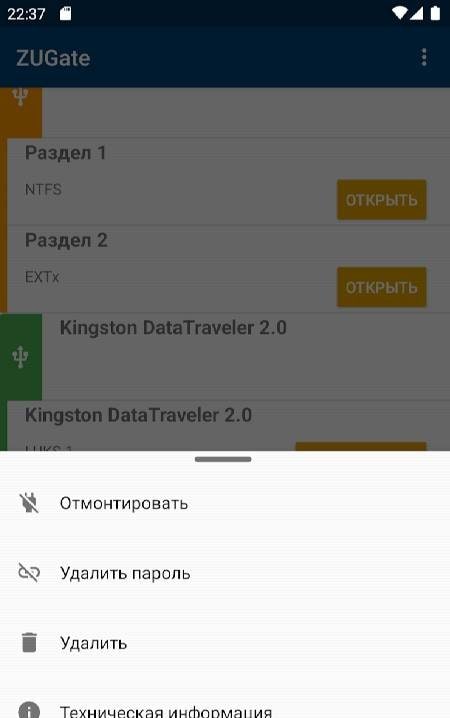
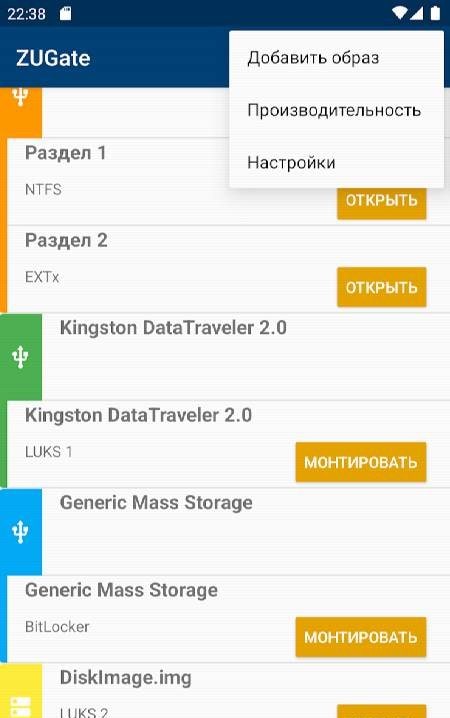
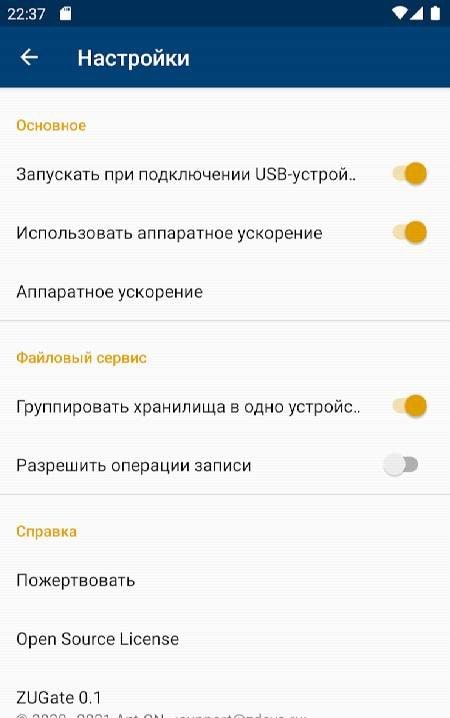
Description
ZUGate serves as an outstanding alternative to the often clunky default file managers pre-installed on mobile devices. It offers a smooth, highly efficient experience when managing connected USB flash drives, disk images, and other external storage media. Thanks to its broad compatibility across multiple file systems without rigid restrictions, everyday file transfers and tasks are significantly accelerated. Additionally, built-in data encryption ensures your sensitive files stay protected against unauthorized access if your gadget is ever lost or stolen. With these powerful tools and much more, it definitely deserves a spot on your device.
How to install
- Download the APK file above to your phone.
- Allow “Install unknown apps” when prompted.
- Open the downloaded APK and tap Install.
- If the package includes OBB/XAPK data, follow the bundled instructions.
MOD APKs are modified builds, so Play Protect may show a warning. Install only if you trust the file; use at your own risk.