

Screenshots

Description
Connect, collaborate, and create with Zoom MOD APK Workplace! Enjoy high-quality video meetings, AI-powered productivity tools, and smooth team chat, all in one powerful app.
This Zoom MOD APK gives you access to premium features within the communication platform. It adjusts the standard application so you can use capabilities that are normally limited to paid plans.
What’s Modified in Zoom
- Unlocks the full set of premium features within the app.
Version 7.0.5.40164 is 95 MB and uses the package name us.zoom.videomeetings. This build is re-signed, so it cannot be installed over a copy downloaded from the official store.
About Zoom
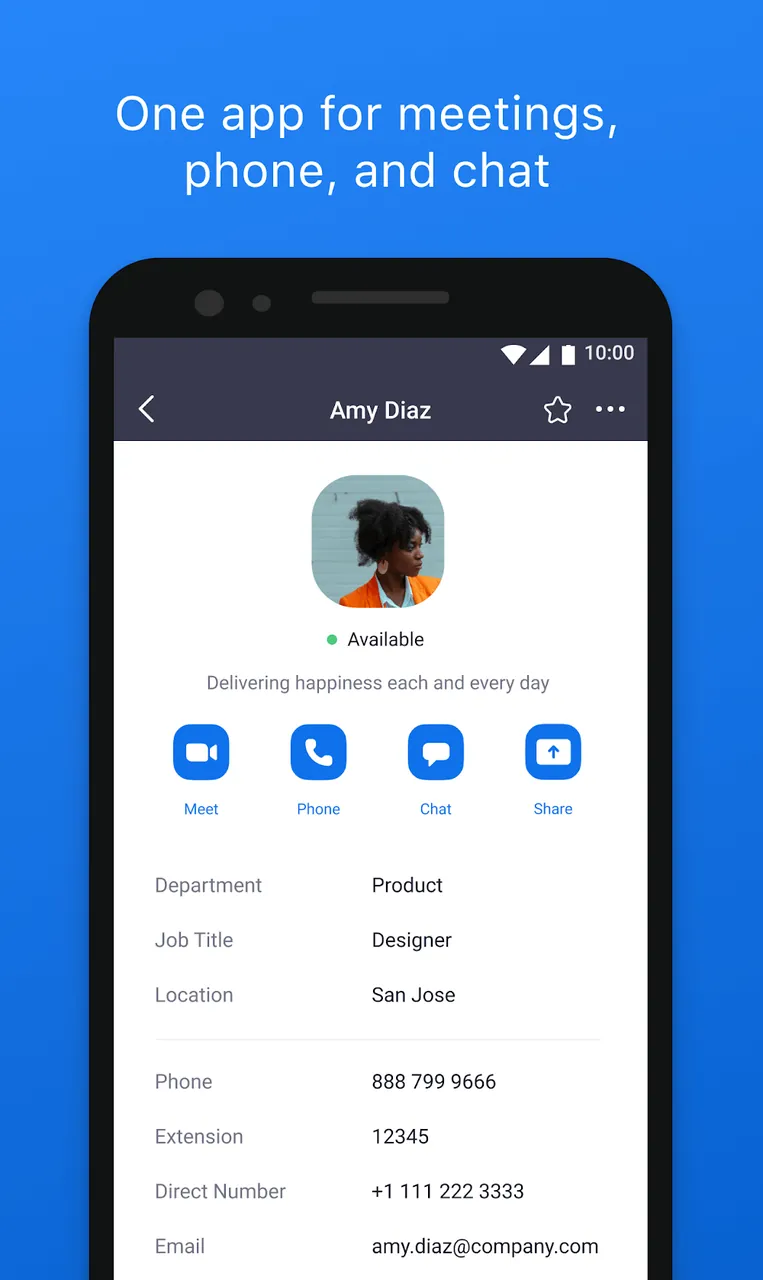
Combining several forms of communication, including video and text, Zoom Workplace gives users a single destination for both work and social activities. Zoom understands that the workplace of the future will need devices and software that support communication in many forms, particularly as remote work becomes more common. With its features, Zoom Workplace can build a virtual environment where employees interact as though they share the same physical space, and where spontaneous meetings can start with a single tap. The app lets users organize both professional and personal schedules within one application, which is especially useful for busy students and entrepreneurs. Its virtual setup encourages fast-paced, interactive exchanges where productivity and engagement come first. The platform is designed around the needs of modern teams, many of whom work across different time zones, and it supports continuous, seamless communication.
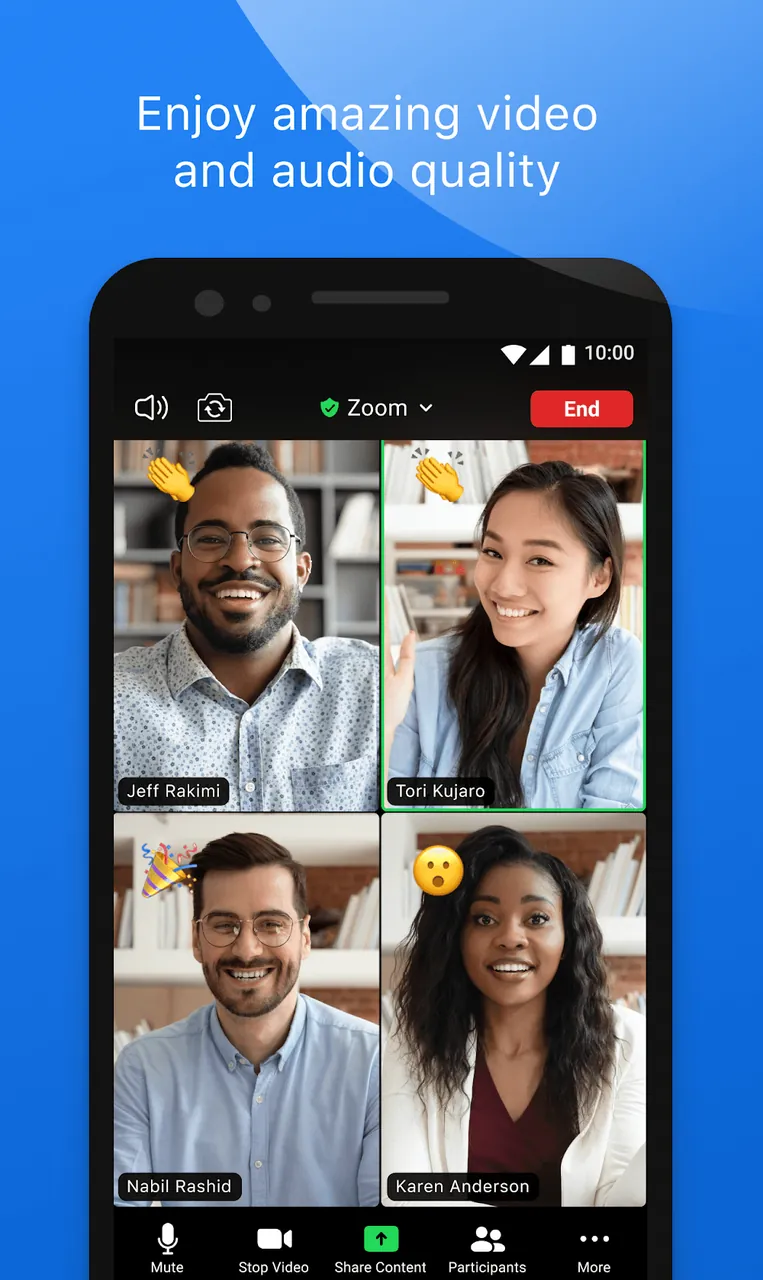
The core of the service is HD video meetings. High-definition video reduces the lag common in standard video conferencing and improves overall audio and video quality. It also supports large online gatherings, so you can host company-wide meetings or training sessions with thousands of employees. Productivity is further boosted by the integration with Zoom’s AI assistant. The assistant can draft messages, summarize meeting notes, and identify next steps for attendees. Like the automated transcripts, these notes and action items are AI-generated summaries available to everyone in the meeting. This lets participants focus on the discussion rather than taking notes. The assistant can also help attendees prepare for a meeting and provide summaries for anyone who could not attend. Overall, Zoom offers a range of tools that boost employee productivity and shift attention from the administrative side of meetings to the content itself.
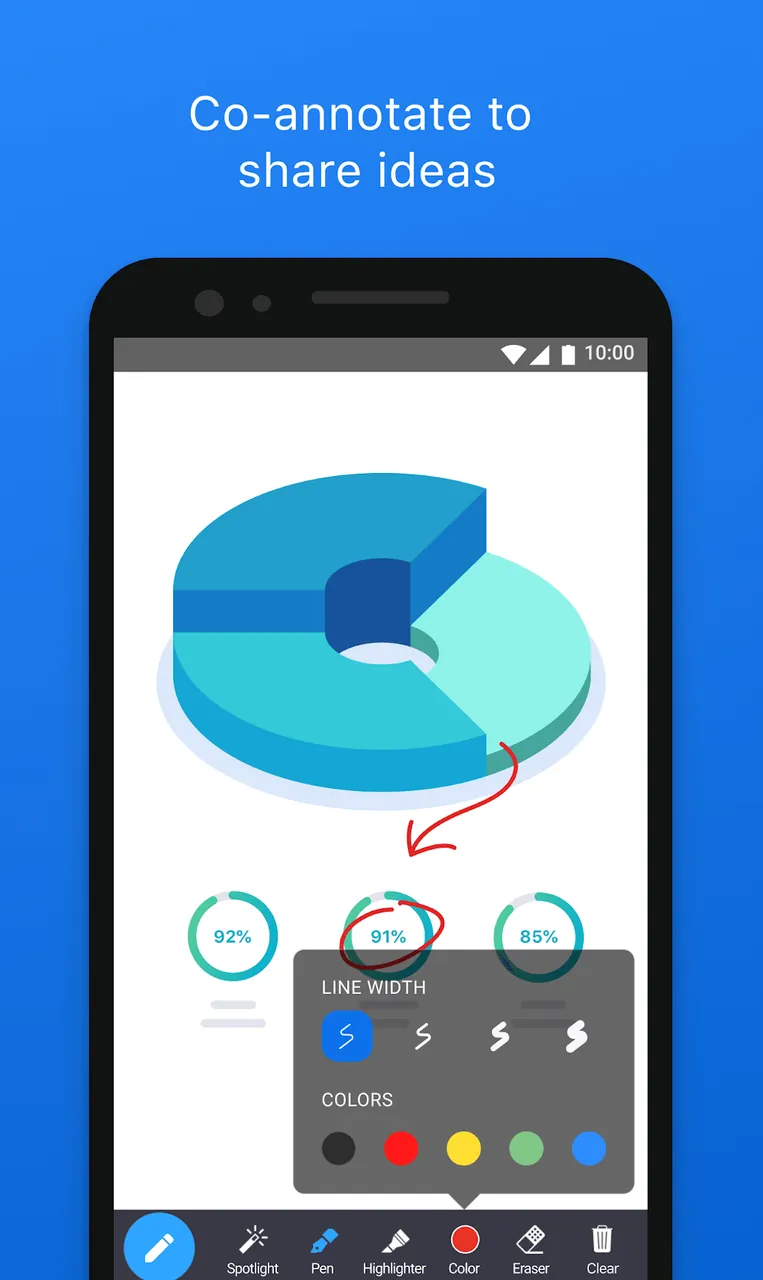
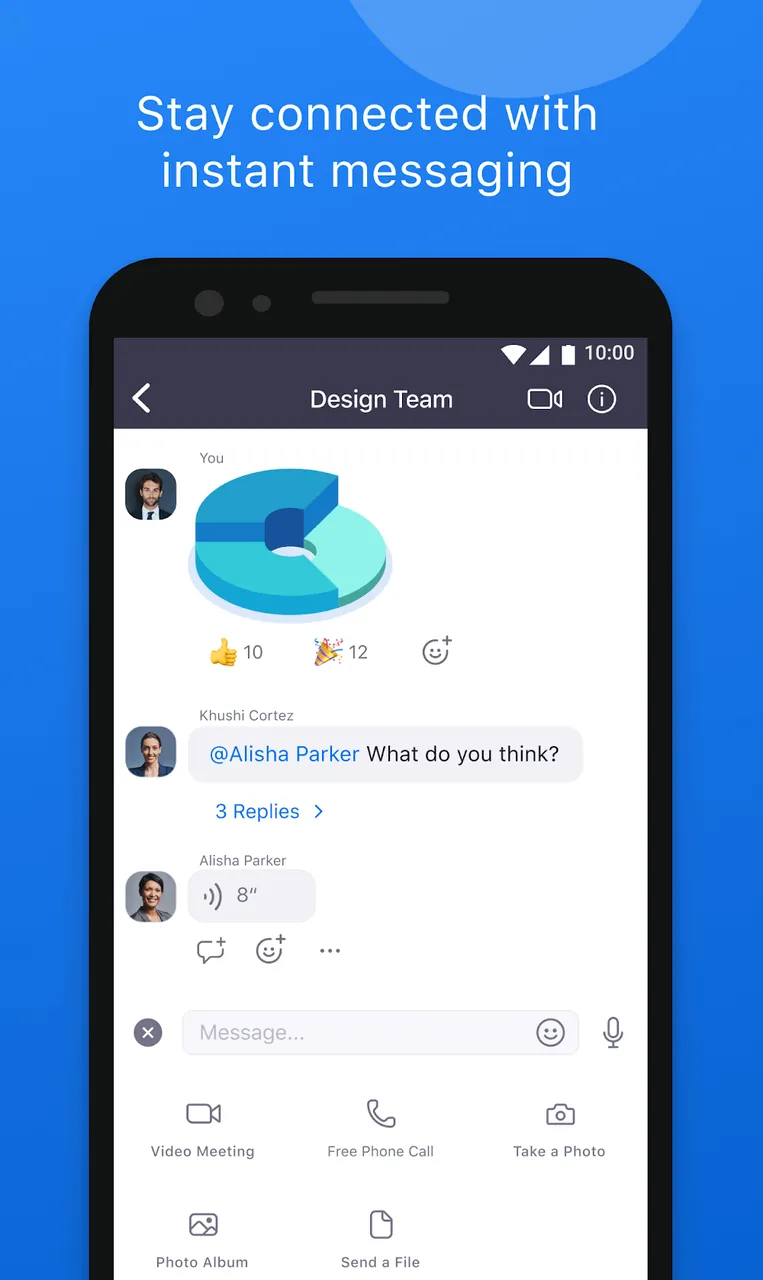
Beyond live video meetings, the platform includes an Integrated Team Chat feature. Chat provides ongoing communication that can be accessed asynchronously. Users can upload files to the chat and set up conversations organized by topic or project, with as many conversations as they need. This structure keeps discussions relevant and easy to find for the people who need them. Team communication can easily become scattered, especially when there is a lot of ongoing activity. The chat feature offers an accessible space for teams to plan and organize their work. When discussions become fragmented, the whiteboard helps teams map out strategies and projects that require extensive input and collaboration. This tool gives large groups a structured way to communicate and plan ongoing work, and participants can contribute on their own schedule.
Multi-format recording lets users capture calls and save them in several file formats. Everything can be preserved and then reviewed or shared whenever needed. You can also switch between devices, such as a phone and a tablet, and pick up an ongoing call or chat where you left off. Your profile and its settings are saved across every device you use, and your contact information is available on all of them. This makes it easy to move between devices and keep working throughout the entire day.
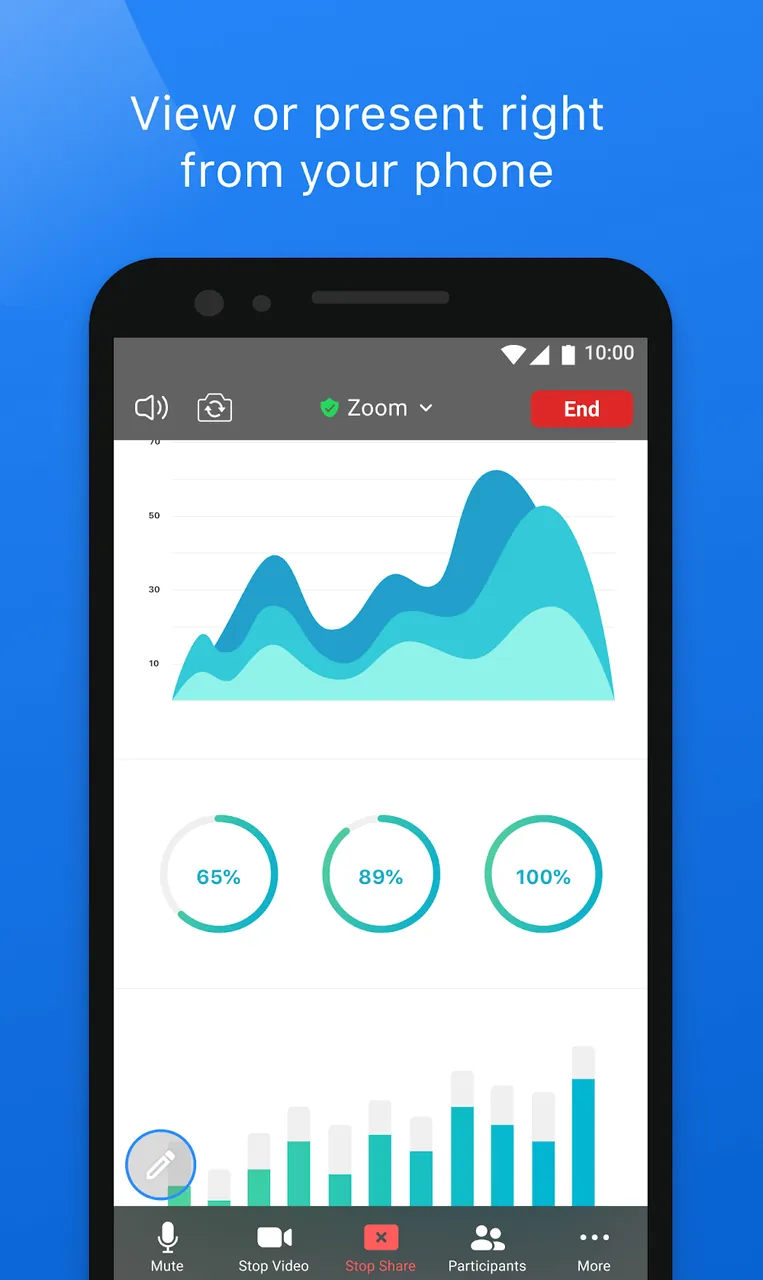
Certain features are designed to make starting and running meetings simpler and more comfortable. A one-tap option creates a meeting in seconds, and a screen-sharing tool sends a user's display to every attendee with minimal delay, which works well for presentations or live coding sessions. When a display is hard to share, users can switch to sharing their camera instead. To let attendees collaborate in smaller groups, breakout sessions can be spun up from the main meeting, and the host can move participants between them as needed. From each breakout session, the host can keep an eye on progress and make sure every group stays productive.
Security relies on a mix of protocols, layered defenses, and built-in technology. Waiting rooms hold participants before they join, and hosts can restrict entry by setting up a guest list. The same controls stop anyone from wandering into meeting spaces without permission. End-to-end encryption keeps conversations private, and additional safeguards protect the virtual lobby. Together with tools built around a smooth user experience, these measures make remote work and collaboration far more practical for employees who are away from the office. Focusing on the improvements described above can help teams get there.
Key features
- HD Video & Audio Meetings
- Zoom AI Companion
- Integrated Team Chat
- Interactive Whiteboards
- Multi-Format Recording
- Cross-Platform Synergy
- Screen-share Mechanic
- Breakout Room Mechanic
- Waiting Rooms
- End-to-end Encryption
Related MOD APKs
- TapScanner
- Professional Resume Builder
- Adobe Scan
- Vyapar
FAQ
Is Premium unlocked in Zoom MOD APK?
This Zoom 7.0.5.40164 build comes with Premium Unlocked. It works just like the official zoom.us release, and the modifications take effect as soon as you install it.
What is the latest version of Zoom MOD APK?
Build 7.0.5.40164 matches the official zoom.us release from June 12, 2026. We don't keep older versions on GameMod.dev. To update, install this file over your existing app; if you run into a signature conflict, uninstall the old version first.
Is Zoom MOD APK safe to download?
Zoom 7.0.5.40164 is the zoom.us app with Premium Unlocked. It has a 3.6 rating from 195 users here. It does not require root access. Play Protect may show a warning during installation, which is normal, so always download from GameMod.dev.
Can I use Zoom MOD APK on PC or iPhone?
This Android package won't install on iPhone. To run it on a computer, open the 95M APK in an emulator such as BlueStacks or LDPlayer by dragging the file into the program.
How to install
- Download the APK file above to your phone.
- Allow “Install unknown apps” when prompted.
- Open the downloaded APK and tap Install.
- If the package includes OBB/XAPK data, follow the bundled instructions.
MOD APKs are modified builds, so Play Protect may show a warning. Install only if you trust the file; use at your own risk.