
MOD features
Unlimited Money/Medals
Screenshots
Description
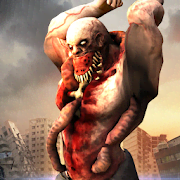
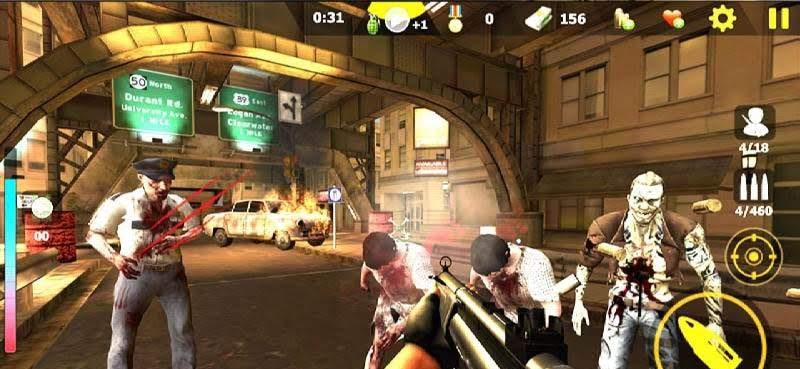
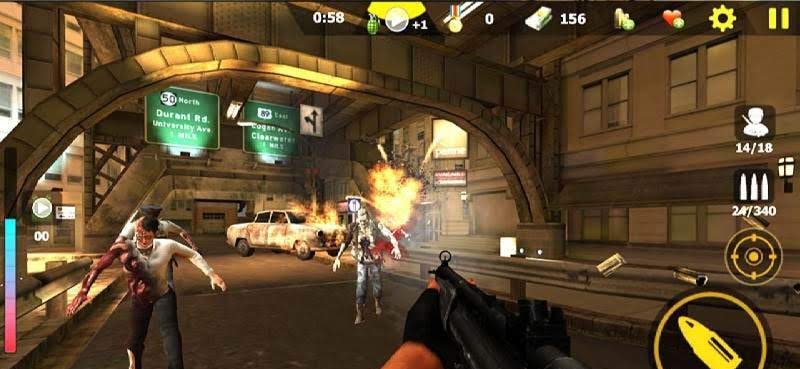
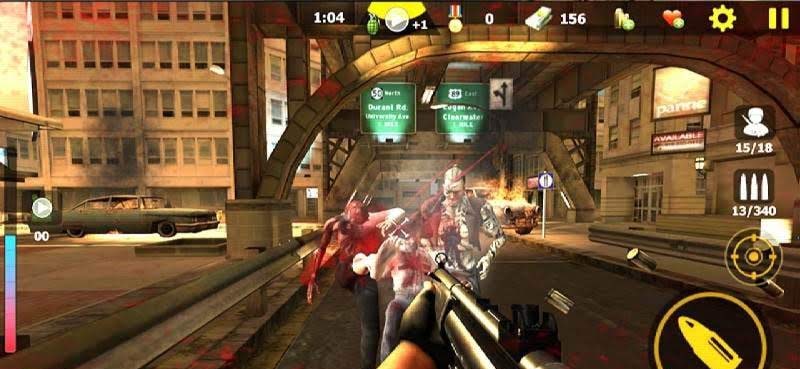
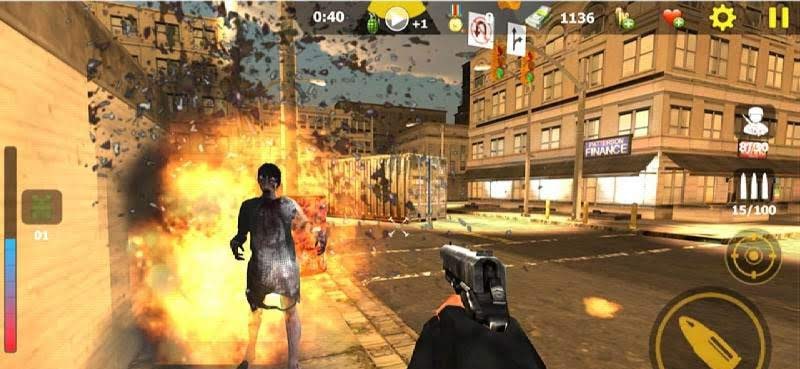
Zombie Kill - is a first-person shooter featuring a shooting gallery mechanic set against the backdrop of a zombie apocalypse. The main character finds himself on the streets of an infected city, where lone survivors try to escape hordes of hunting mutants. Players have an impressive arsenal of firearms at their disposal, as well as grenades to help clear dense clusters of enemies. You need to hit targets accurately while conserving ammunition and tracking enemy movements so that no one can get close enough to pose an immediate threat to the character's life and the lives of those he protects.
Zombie Kill – a classic first-person zombie shooting gallery with a massive collection of levels and a diverse variety of mutants.
The game lacks a storyline and any hints about what happened to this world. Only one thing is clear: an unknown virus emerged, infecting most of humanity and animals, turning them into mutants. You will play as one of the survivors who managed to make it through the first wave of the epidemic.
The gameplay is split into levels where your character stands in the middle of a location and cannot move. You must look around and spot zombies that can attack head-on or sneak up from behind. The controls are very simple and rely on swipes for aiming, while buttons allow you to shoot, reload, switch weapons, throw grenades, and use medkits. Aiming for headshots is best, as it deals far more damage, saves ammo, and lets you clear levels faster.
Between levels, you must return to the main menu, where the money you earn can be used to buy new weapons, gear, extra ammo, grenades, and medkits. The game delights with its large selection of levels, increasing difficulty, cool guns, and decent 3D visuals.
How to install
- Download the APK file above to your phone.
- Allow “Install unknown apps” when prompted.
- Open the downloaded APK and tap Install.
- If the package includes OBB/XAPK data, follow the bundled instructions.
MOD APKs are modified builds, so Play Protect may show a warning. Install only if you trust the file; use at your own risk.