
Screenshots

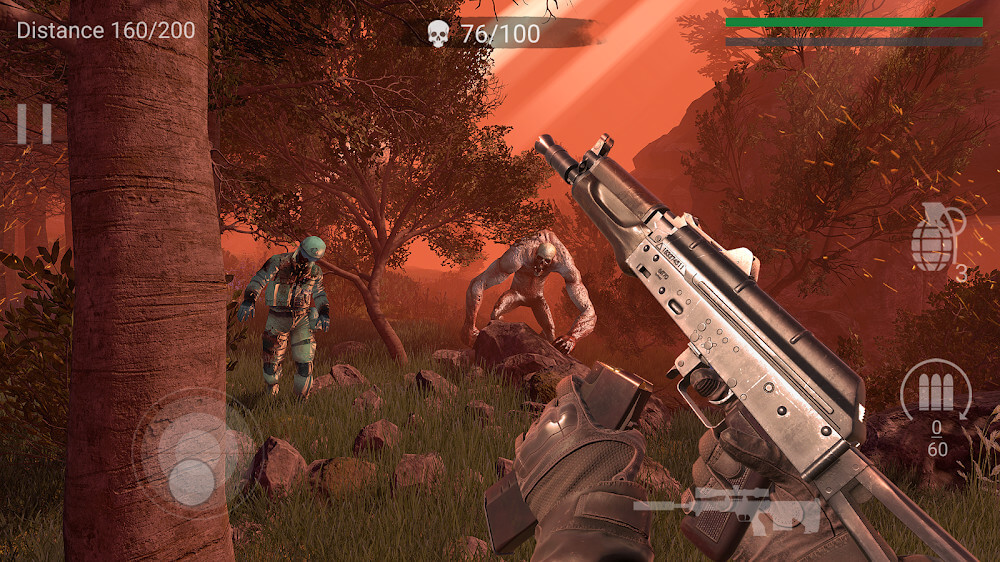
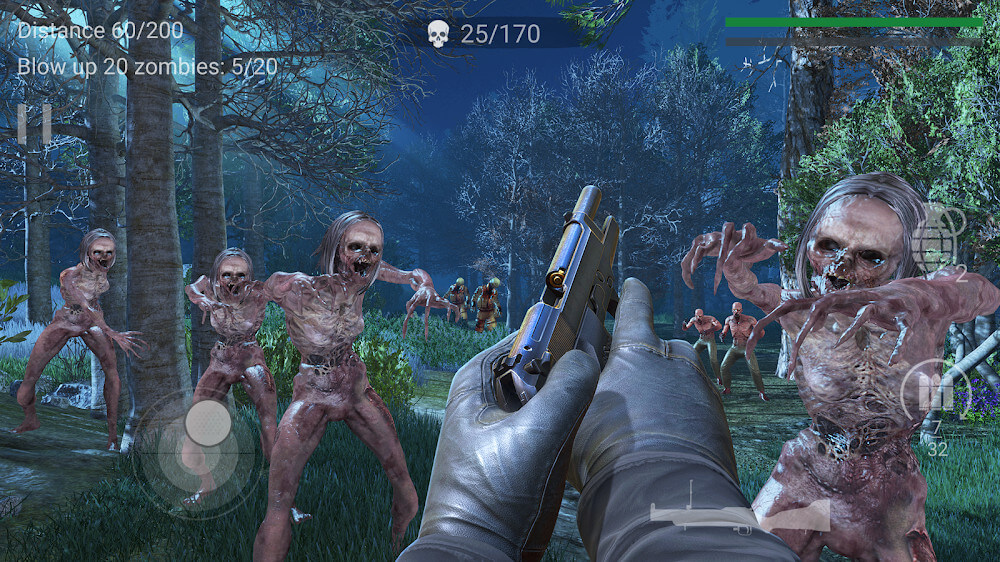
Description
Zombeast MOD APK drops players into survival battles against bloodthirsty zombies lurking along the path ahead. Every zombie type can be handled with a gun you can unlock, upgrade, or pick up from supply crates.
This Zombeast MOD APK gives players unlimited money and a mega menu packed with gameplay enhancements. These additions let you skip the usual grind, offering instant access to resources and a customizable interface for managing in-game features.
What's Modified in Zombeast
- Unlimited Money gives you a constant currency balance for buying and upgrading weapons without any limits.
- The Mega Menu offers an on-screen panel where you can access and toggle specific gameplay modifications.
This Zombeast MOD APK is version 0.43.2, with a file size of 600 MB and the package name com.akpublish.zombie. As a re-signed file, it cannot be installed over an existing version from the official store.
About Zombeast
Zombeast depicts a world where a catastrophic surge in the zombie population has turned once-quiet towns into zones of total chaos. The story opens with the player character moving through a high-stakes environment where any corner could conceal a bloodthirsty threat. The first moment is a sobering one: the protagonist enters a neighbor's room and realizes the neighbor is gone for good. That discovery becomes the catalyst for the player's survival journey. The town's chaos has grown so overwhelming, with sheer numbers of the undead, that normal life is no longer possible. The protagonist's desperate search for answers or supplies leads to a shotgun hidden in that room. This powerful weapon becomes the primary means of defense against the first wave of enemies. From then on, survival is the only goal, as the character fights through ever-growing numbers of zombies of different sizes and aggression levels. The atmosphere is tense, stressing the isolation of a lone survivor in a world that has fallen apart almost overnight.
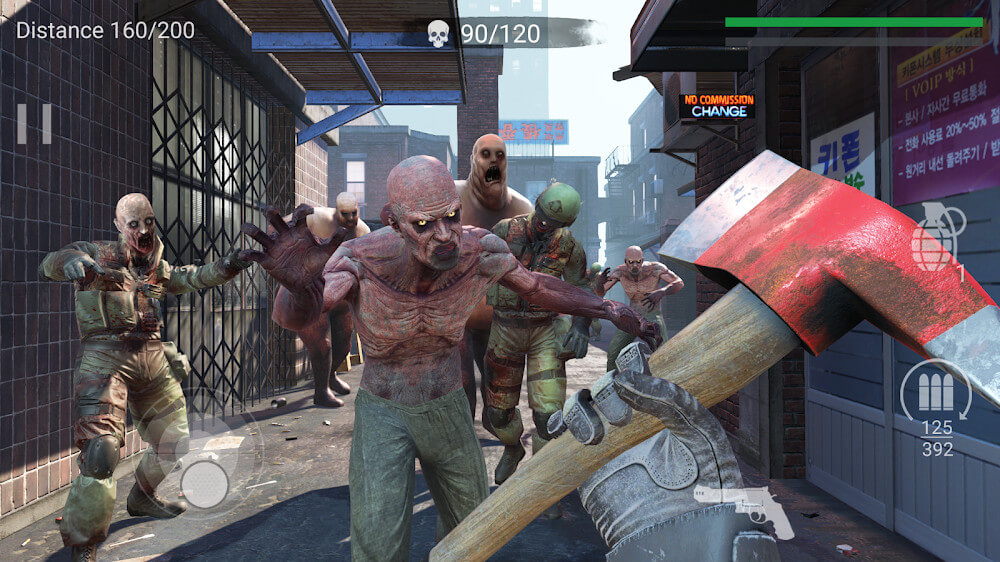
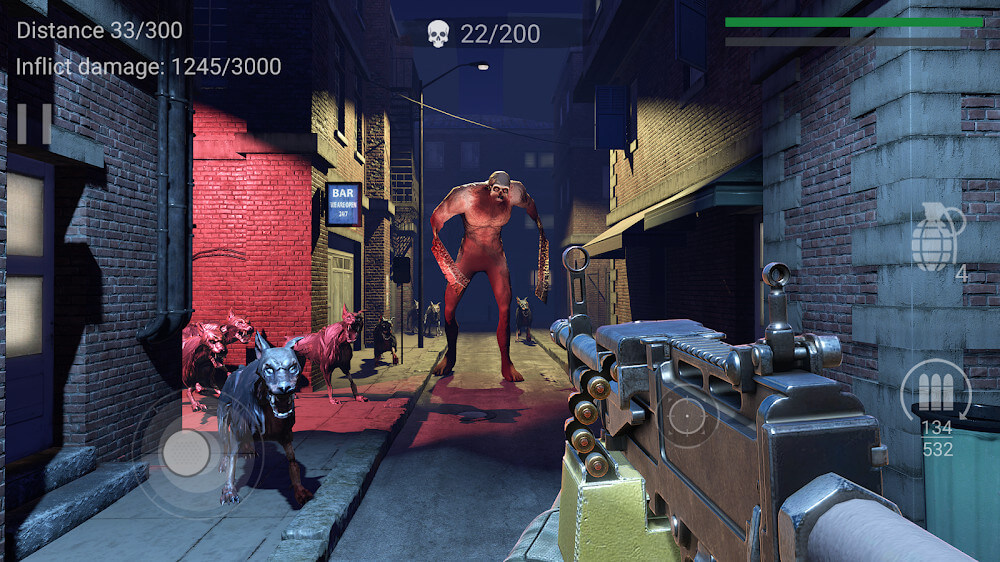
Gameplay is experienced from a first-person perspective that puts you directly into the action. The control scheme is intuitive, so you can focus on combat instead of memorizing complicated button combinations. Movement is handled by swiping across the left side of the screen, while attacking and interacting with the world happens by touching the rest of the screen. This split-screen layout lets you explore the environment and engage enemies at the same time. Keeping movement on one side and combat on the other keeps the interface clean and functional during high-intensity encounters. A standout feature is auto-aim, which helps by automatically lining up your sights with nearby threats and streamlining the shooting. Rather than wrestling with precise manual aiming, you can concentrate on positioning and timing your shots to take down any enemy that enters your field of vision. This makes the transition into the role of a zombie warrior much smoother for newcomers.
In Zombeast, progress is measured by advancing along a path of set length while completing specific mission objectives. These objectives usually involve defeating a required number of zombies before reaching the end of a stage. For example, if a level requires you to eliminate a certain number of zombies, you must manage your positioning and ammo until that target is reached. The distance you need to cover is known in advance, which leaves room for some planning. The starting shotgun is highly effective for clearing a path through standard enemies, but the game rewards players who pay attention to their surroundings. Gas tanks are scattered throughout the levels and can be turned to your advantage. Shooting one triggers a massive explosion that deals heavy area damage to any zombies in its blast radius. The targeting system prioritizes these explosive objects when they are in range, so a single well-placed shot can efficiently thin out large crowds. This environmental interaction adds a layer of tactical depth to the otherwise straightforward shooting mechanics.
Zombeast demands versatility when it comes to weapon choice, since its enemies vary widely. Zombies appear in many shapes, from slim, quick runners to huge, tough giants. The difference between slim and giant zombies goes beyond looks and affects how they play. The shotgun works especially well against slim zombies, because its wide spread can easily hit their fragile bodies. Giant zombies, however, are far tougher: they soak up heavy damage while steadily advancing on the player. For these bigger threats, the revolver is the better pick, delivering the sustained firepower needed to wear down their health. Every gun has its own strengths and suits particular situations. Learning the physical traits of each enemy and knowing when to swap weapons is key to surviving the tougher stages. The game also keeps things fresh by introducing updated zombie traits as the levels progress.
Managing resources is a central part of the Zombeast experience, since ammunition for every weapon is strictly limited. Clearing the required number of zombies, which can reach 100 in a single level, is often impossible using only the ammo you start with. To keep up, players should watch for supply boxes scattered across the mission areas. These boxes are easy to spot thanks to their distinctive colors and serve two main purposes. Some supply boxes instantly reload your current weapon, while others let you switch to an entirely different weapon. Those colors are especially useful when a horde is closing in and you have to decide in a split second whether to reload or change weapons. Collecting these boxes is essential for maintaining the firepower needed to finish a level. If you find a weapon that fits your playstyle, it's worth checking the game's store for permanent access and further upgrades.
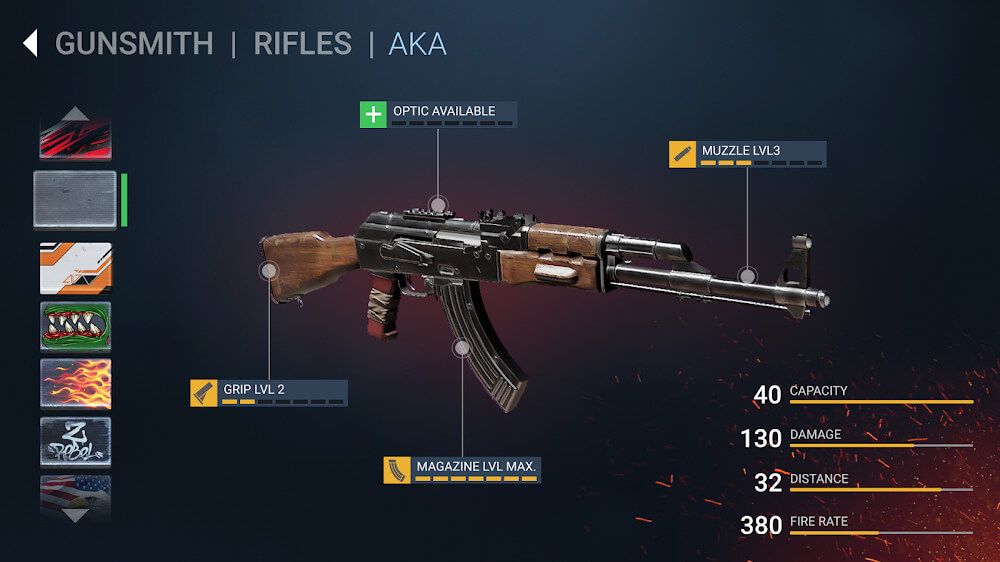
Zombeast includes a robust upgrade system that lets players boost the effectiveness of their arsenal. As you complete missions and defeat zombies, you earn money that can be spent in the store on new weapons or on improving the ones you already have. A weapon's upgrade level appears as a row of stars on the right side of the screen, showing how many successful enhancements it has received. Each upgrade raises the weapon's attack power, making the increasingly difficult zombie waves of later stages easier to handle. The journey takes you through a world that keeps introducing new zombie traits, so you need to stay ready with the right gun types and support items. A good number of support items are available to deliver extra firepower at key moments or to help you hit several zombies at once. By making smart use of the wide range of weapons and support items, you can get through the challenging routes across Zombeast's zombie-infested areas.
Key features
- First-person perspective gameplay
- Auto-aim functionality
- Shotgun for close-range combat
- Revolver for giant enemies
- Gas tanks for environmental area damage
- Supply boxes for ammo reloading
- Supply boxes for weapon selection
- Star-based weapon upgrade system
- Diverse zombie types with unique physical characteristics
- Mission-based progression with kill requirements
Related MOD APKs
- Hitman: Blood Money — Reprisal
- GTA: San Andreas
- Shadow Fight 2
- Special Forces Group 2
FAQ
Does Zombeast MOD APK give unlimited money?
This Zombeast 0.43.2 build includes Unlimited Money and a Mega Menu. The other features work the same way as in the Storms Publishing release, and the modifications are active as soon as you install it.
What is the latest version of Zombeast MOD APK?
Version 0.43.2 is based on the Storms Publishing release from May 17, 2026. We don't keep older versions on GameMod.dev. To update, install this build from this page over your current one. If a signature conflict occurs, you'll need to delete the old app first.
Is Zombeast MOD APK safe to download?
This Zombeast 0.43.2 build is the Storms Publishing app with Unlimited Money and a Mega Menu. It has a rating of 3.8/5 from 138 users. It does not require root access. A Play Protect warning is expected; always download from this page.
Can I use Zombeast MOD APK on PC or iPhone?
This Android package won't run on iPhone or iPad. To run the 600M APK on Windows or macOS, use an emulator such as BlueStacks or LDPlayer. Install the emulator first, then drag the file into it.
How to install
- Download the APK file above to your phone.
- Allow “Install unknown apps” when prompted.
- Open the downloaded APK and tap Install.
- If the package includes OBB/XAPK data, follow the bundled instructions.
MOD APKs are modified builds, so Play Protect may show a warning. Install only if you trust the file; use at your own risk.