
Screenshots
Description
FREE Download 0
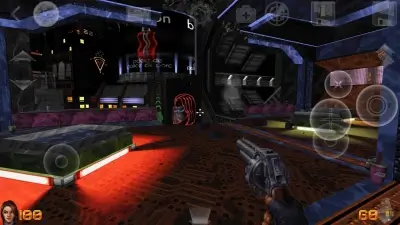
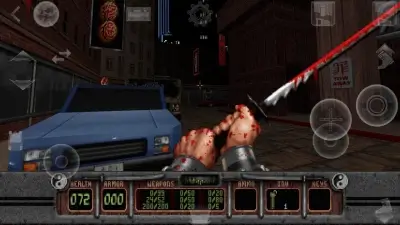
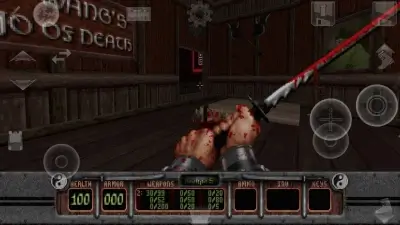
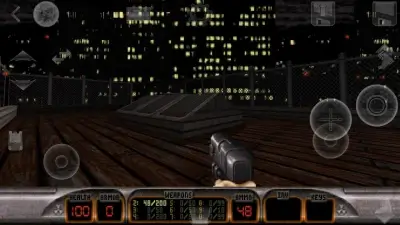
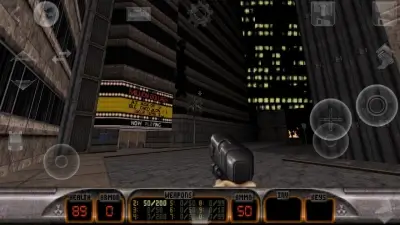
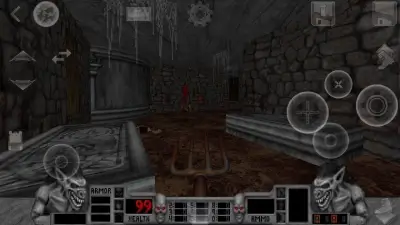
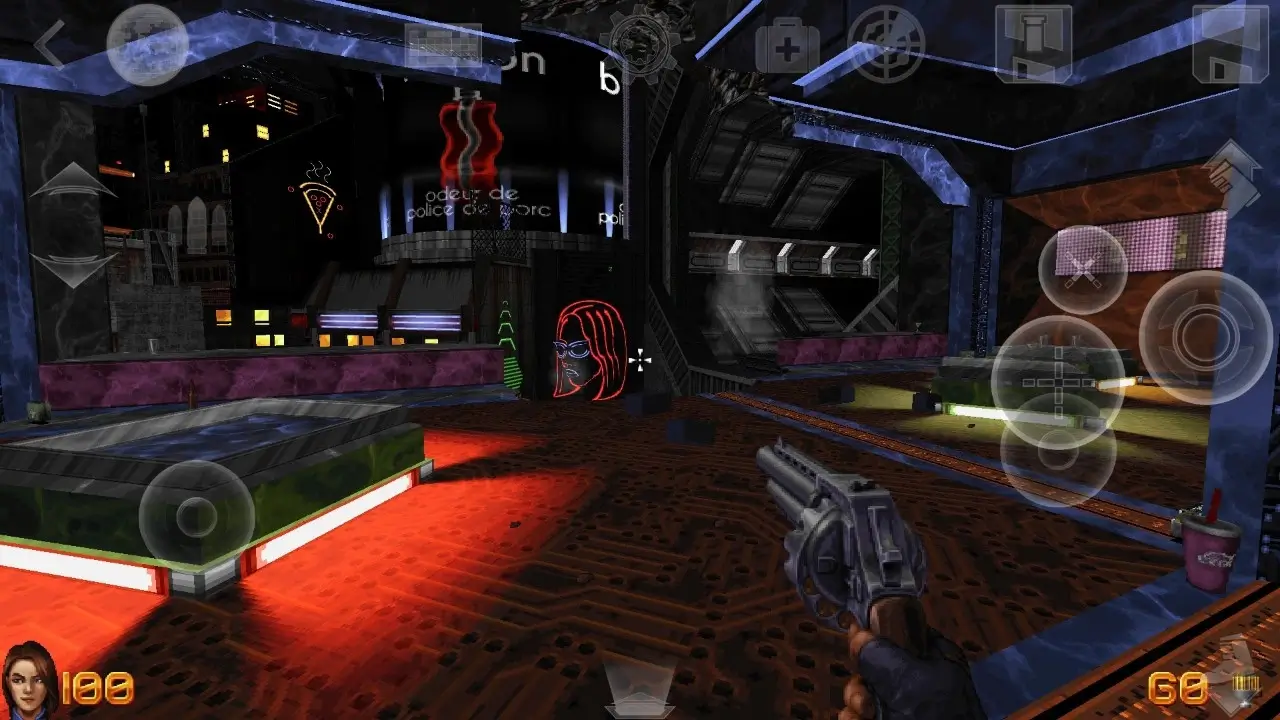
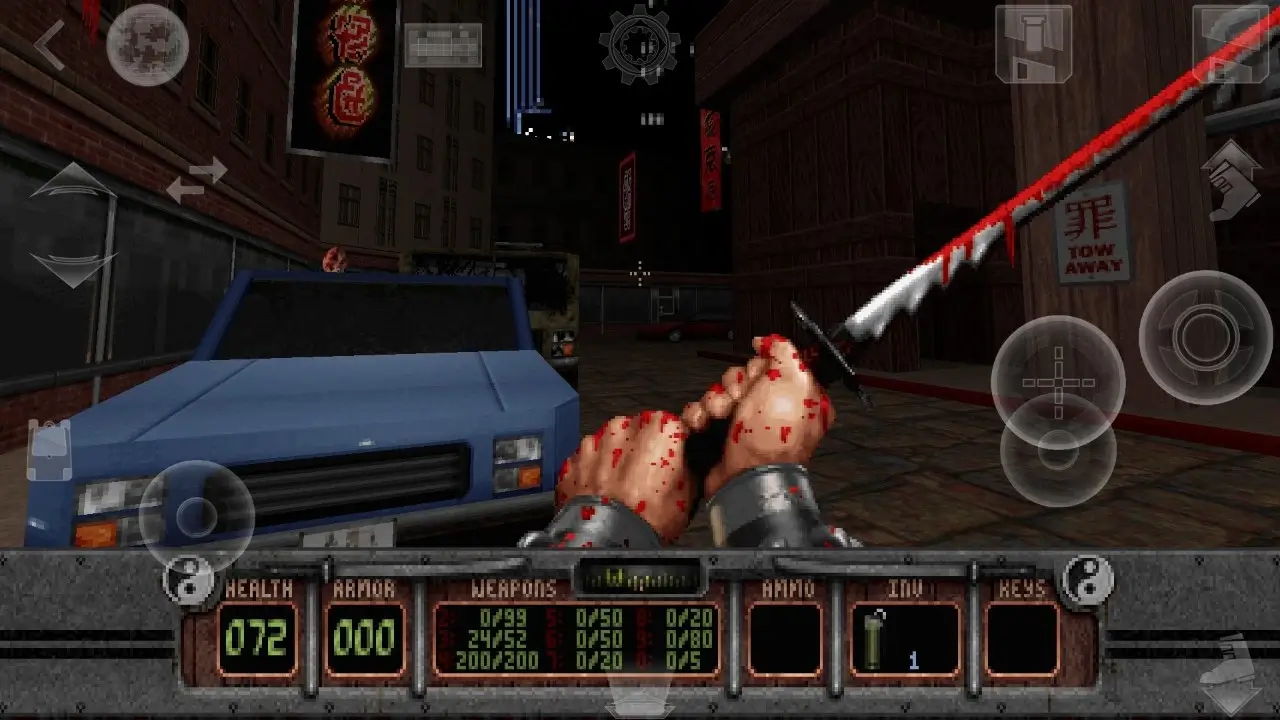
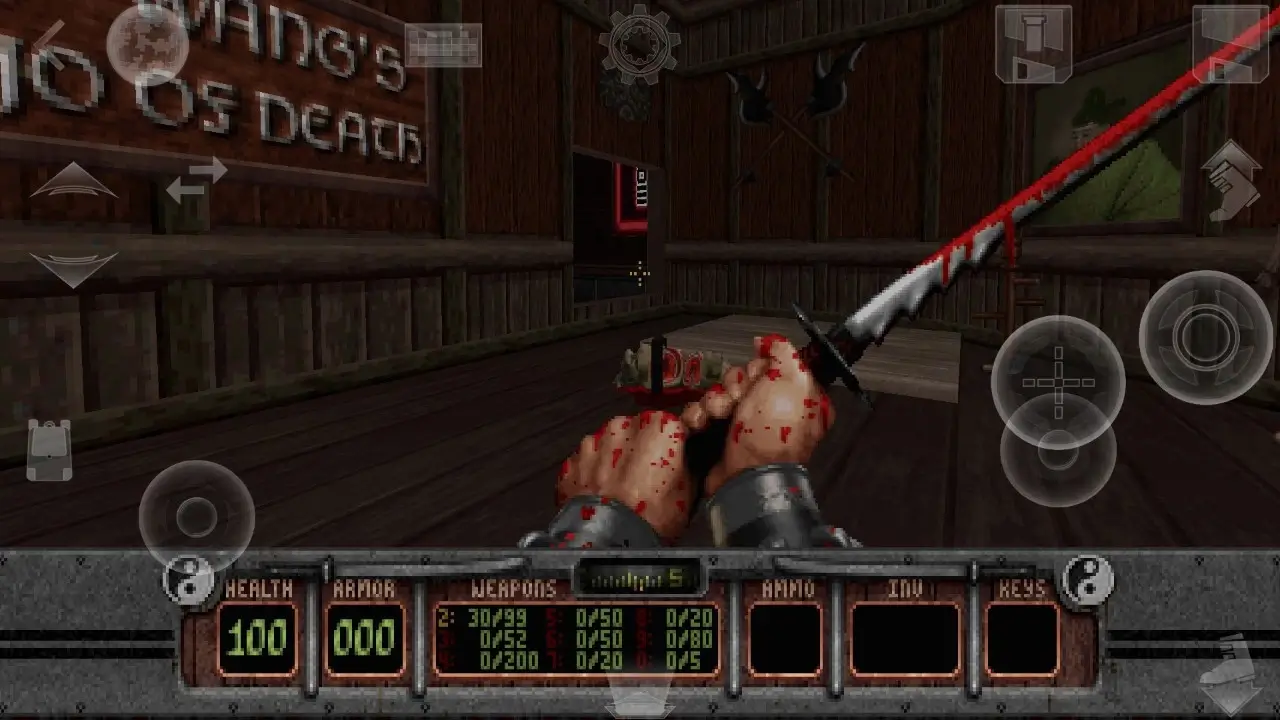
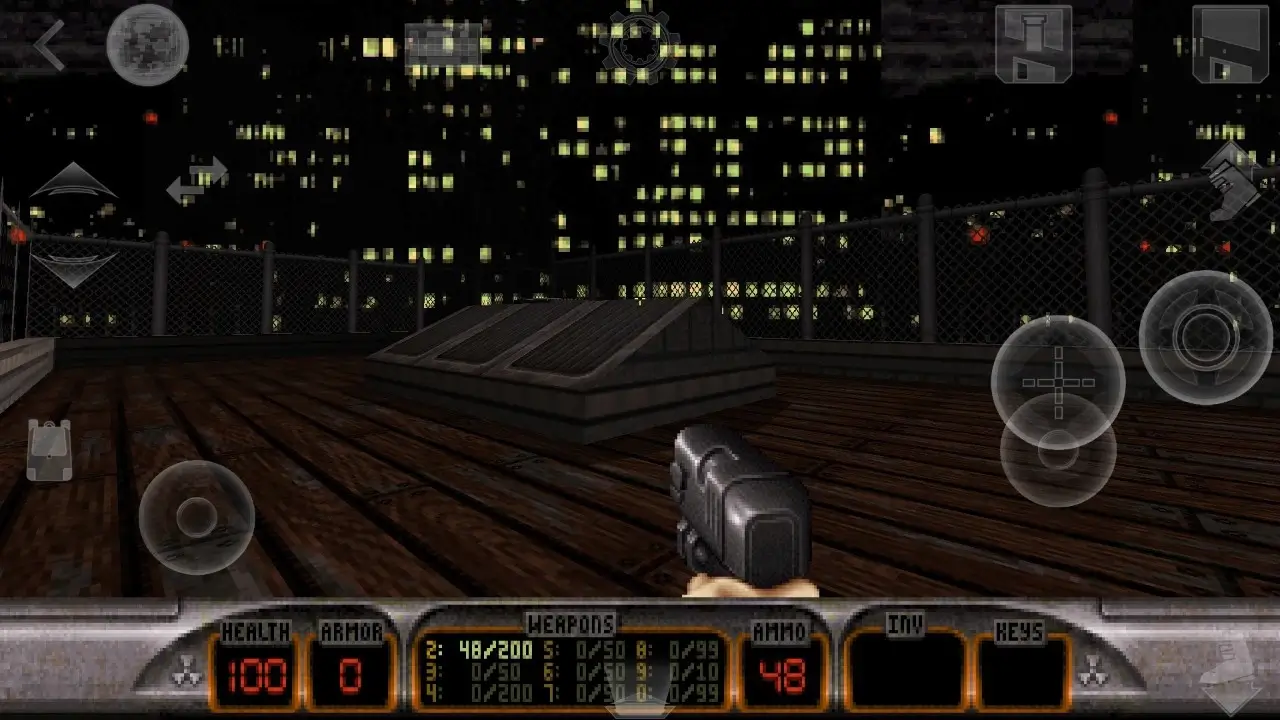
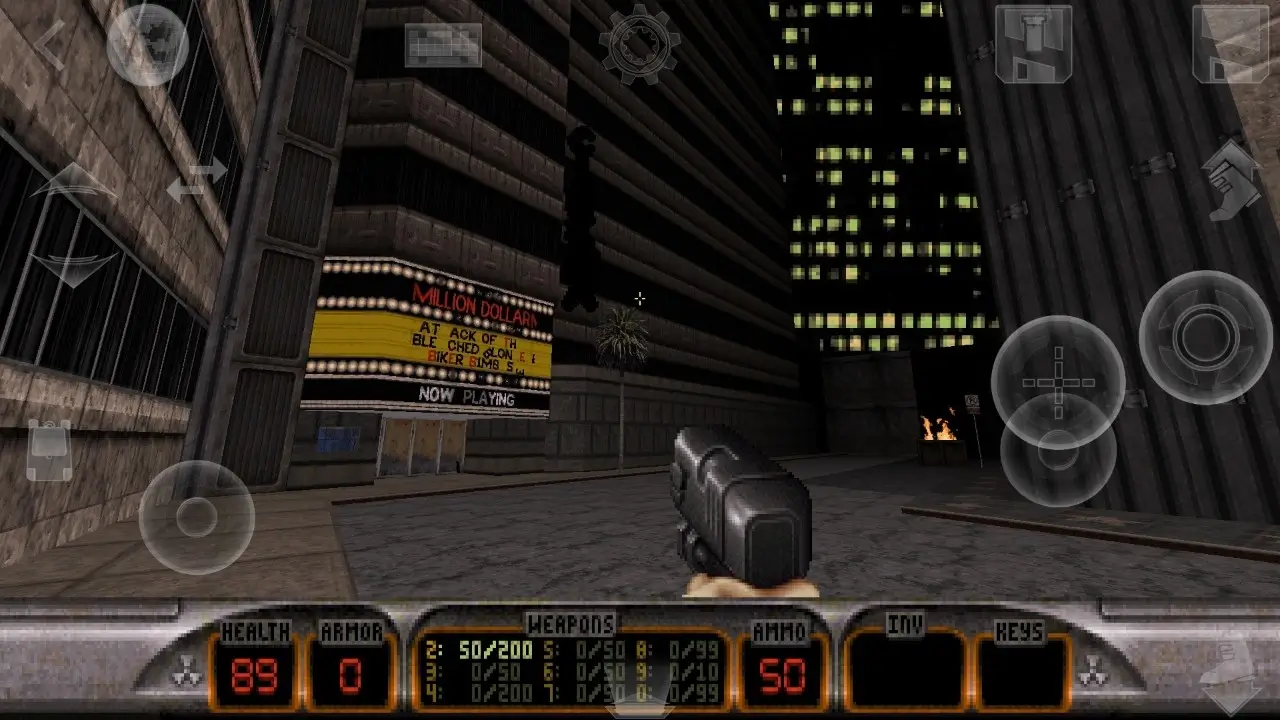
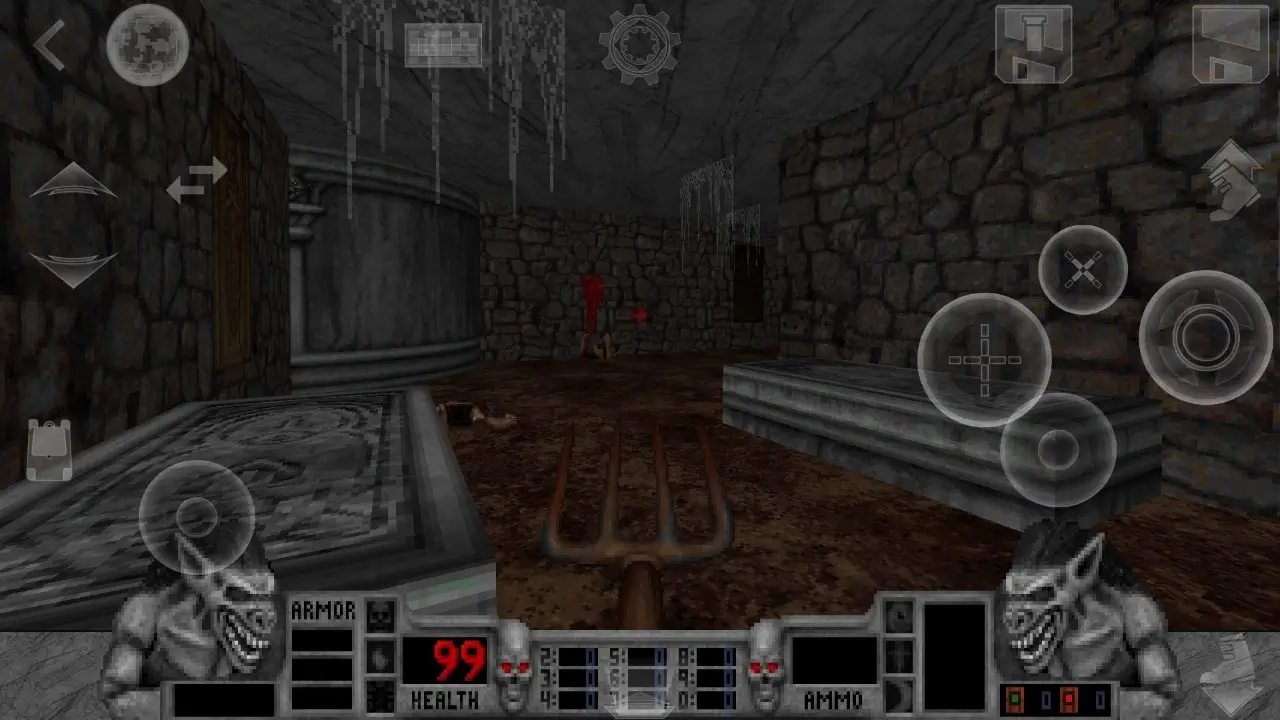
Zeta Touch - A powerful port for running games on the "Build Engine" (Duke Nukem 3D, Blood, NAM, Redneck Rampage, Shadow Warrior, and PowerSlave / Exhumed). One of the main features of the app is full completability of all supported games with detailed control customization options. Customize the controls to your needs and fully enjoy the gameplay. Zeta Touch on Android will make the gaming experience even more exciting and comfortable, allowing you to enjoy games without restrictions and inconvenience. In addition, the program supports the use of gamepads and custom modifications.
Zeta Touch (Raze Touch) uses the advanced "Raze Engine" (a source port of EDuke32 containing additional features borrowed from GZDoom).
Combining major classic masterpieces with the ability to install mods for them, "Raze Engine" is sure to pique the interest of retro game fans and connoisseurs of quality content with addictive gameplay.
List of games and add-ons:
- A.W.O.L. (Steam)
- Blood: One Unit Whole Blood (GOG)
- Blood: Cryptic Passage (GOG)
- Duke Nukem 3D: Atomic Edition (for EDUKE32) (Steam)
- Duke Nukem 3D: Atomic Edition (Steam)
- Duke Nukem 3D: Nuclear Winter (Steam)
- Duke Nukem 3D: Caribbean Life's a Beach (Steam)
- Duke Nukem 3D: it out in D.C. (Steam)
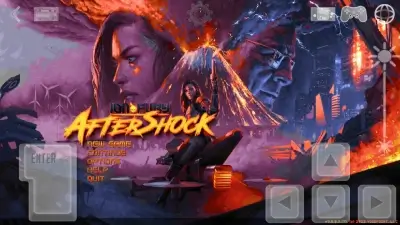
- Ion Fury: Aftershock (GOG)
- NAM (GOG)
- World War II GI (GOG)
- PowerSlave / Exhumed (GOG)
- Redneck Rampage (GOG)
- Redneck Rampage: Rides Again (GOG)
- Redneck Rampage: Suckin' Grits on Route 66 (GOG)
- Shadow Warrior (GOG)
- Shadow Warrior: Twin Dragon (GOG)
- Shadow Warrior: Wanton Destruction (GOG)
- The AMC Squad (ModDB) - Separate CACHE (Addon)
- Download and install the APK (Zeta Touch);
- Launch and minimize the installed APK (Zeta Touch);
- Check for the "OpenTouch" folder in the root of the "SDCard" (create it if missing):
storage/emulated/0/OpenTouch/Zeta - Download and extract the CACHE to the path:
The AMC Squad add-on follows the same principle.
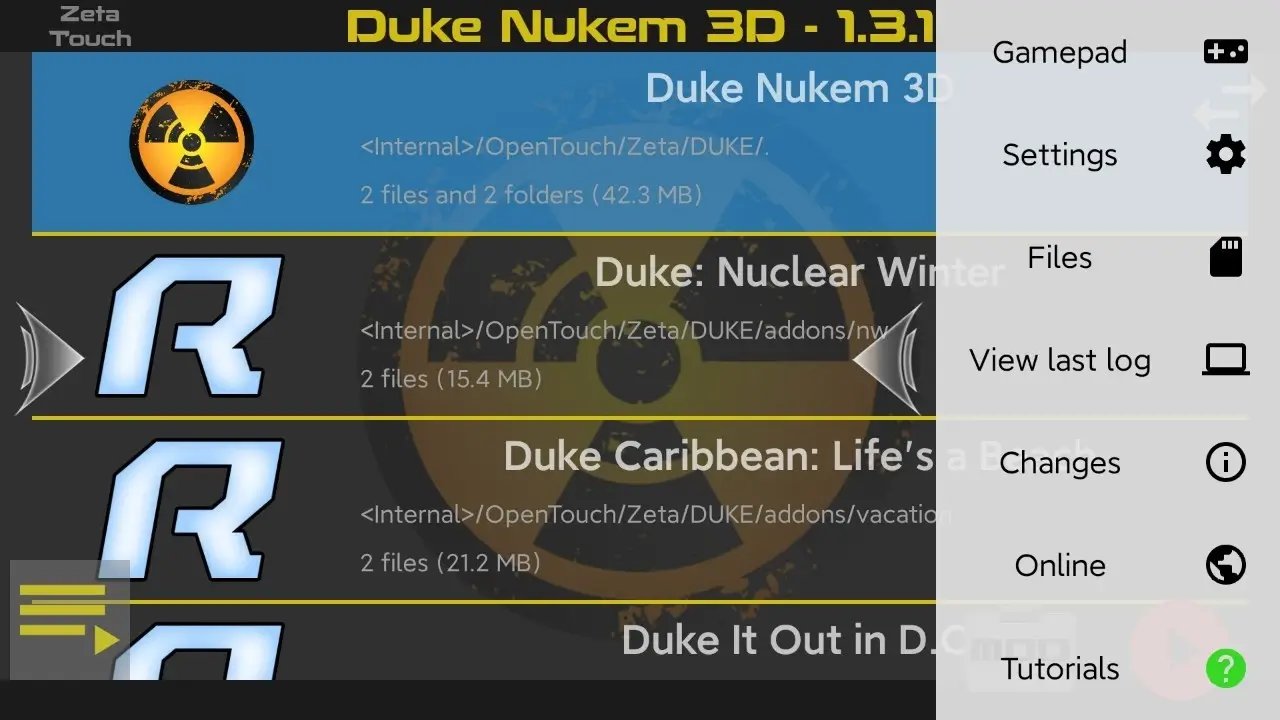
storage/emulated/0/OpenTouch/Zeta - Open the "Zeta Touch" app;
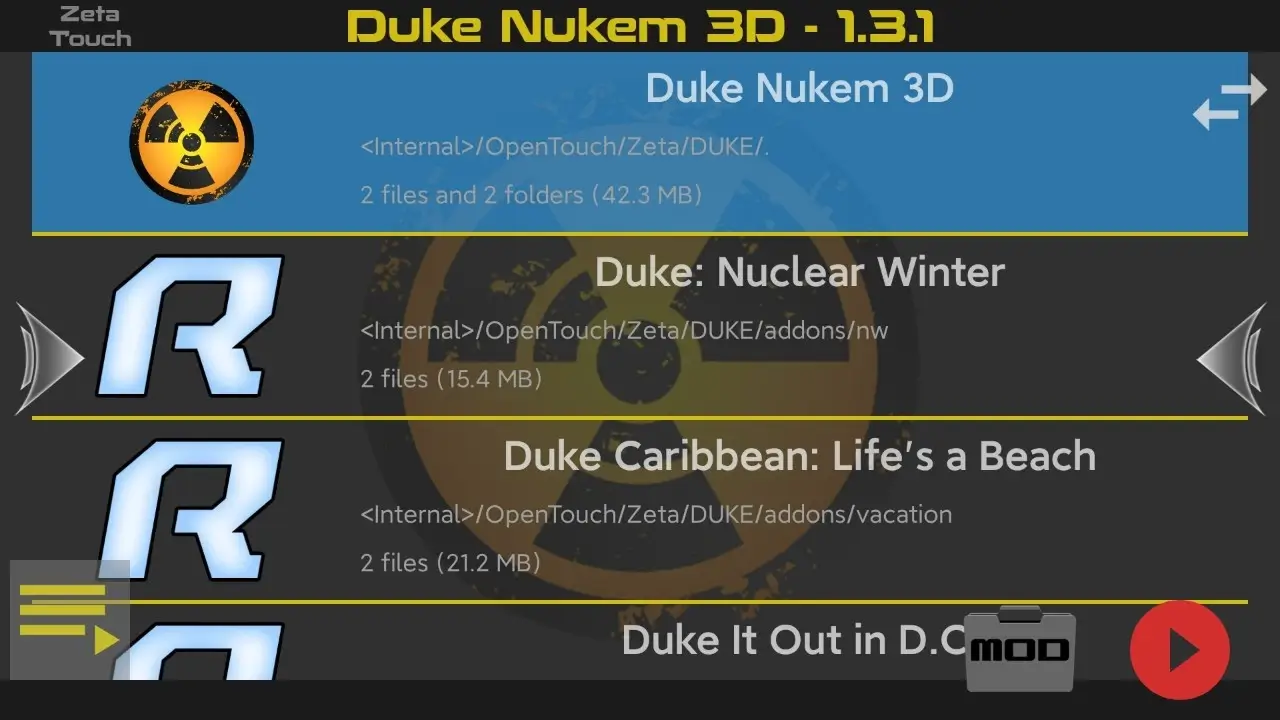
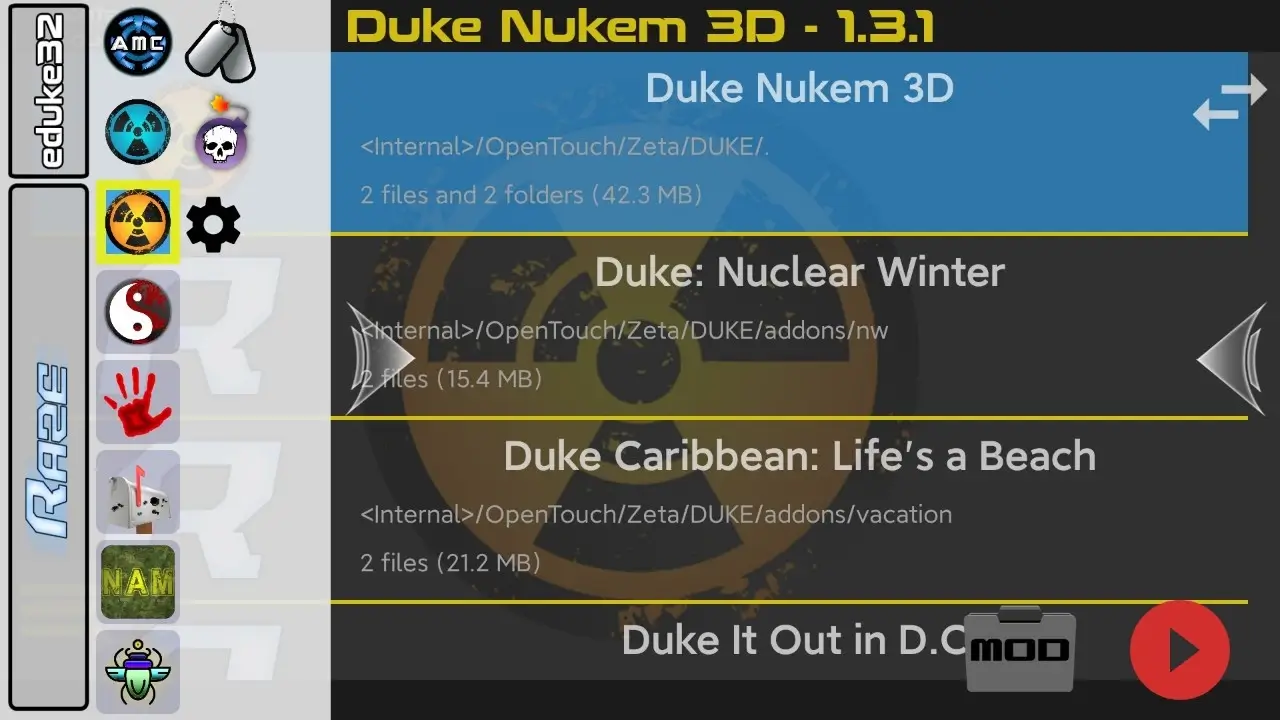
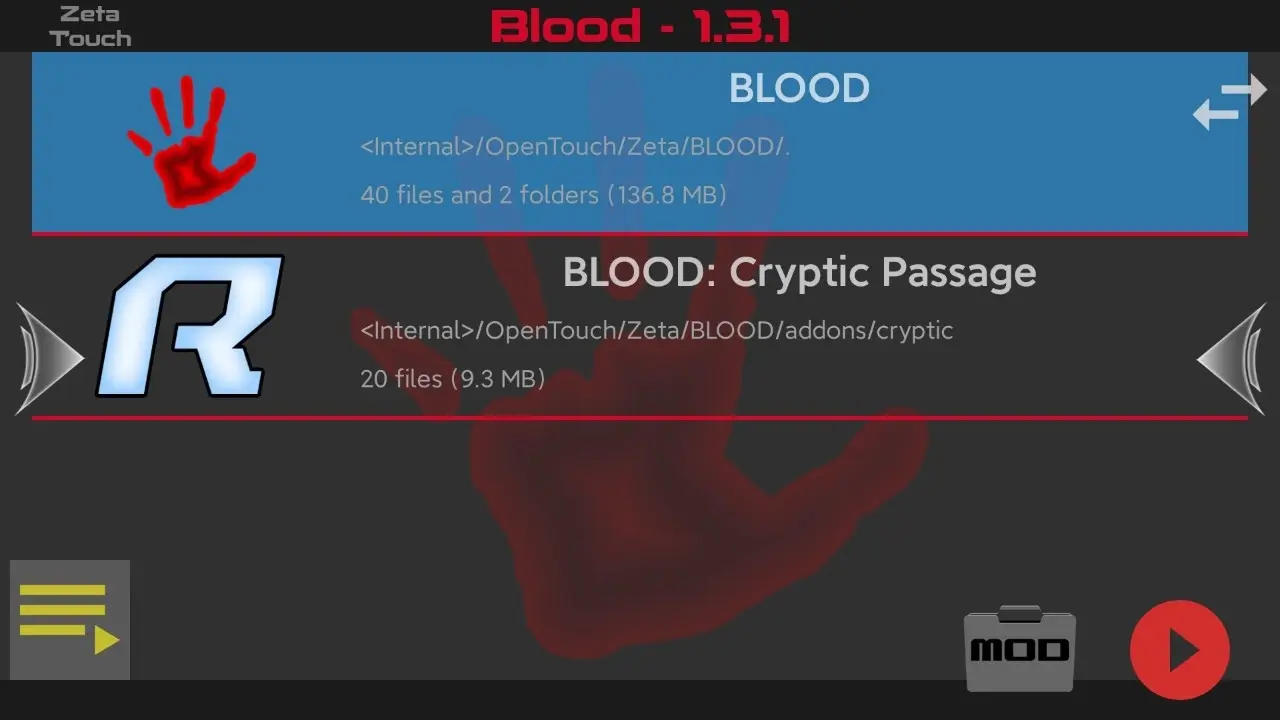
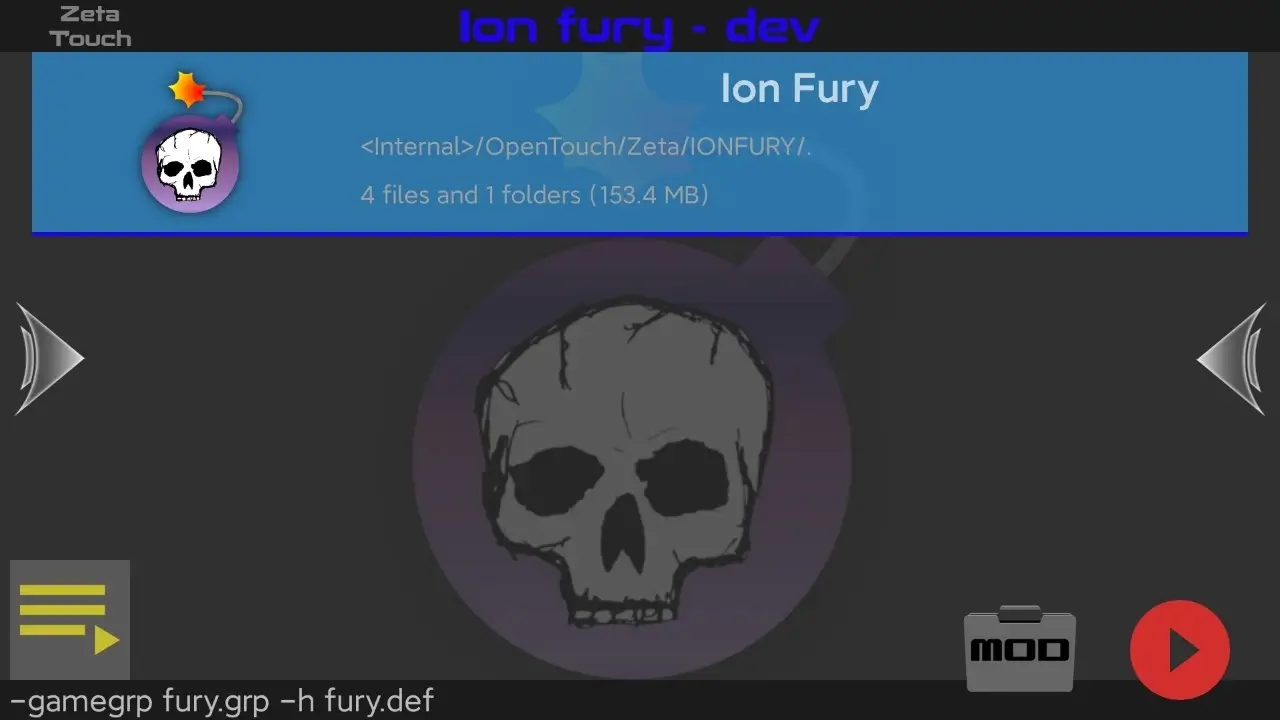
- When selecting a game, there will be additional information about the presence of files and sections in it (if the folder is not empty, it means the game is installed);
- Select the desired game and tap the "PLAY" icon;
- If the game launched, it means everything was done correctly.
Screenshots
4 11 15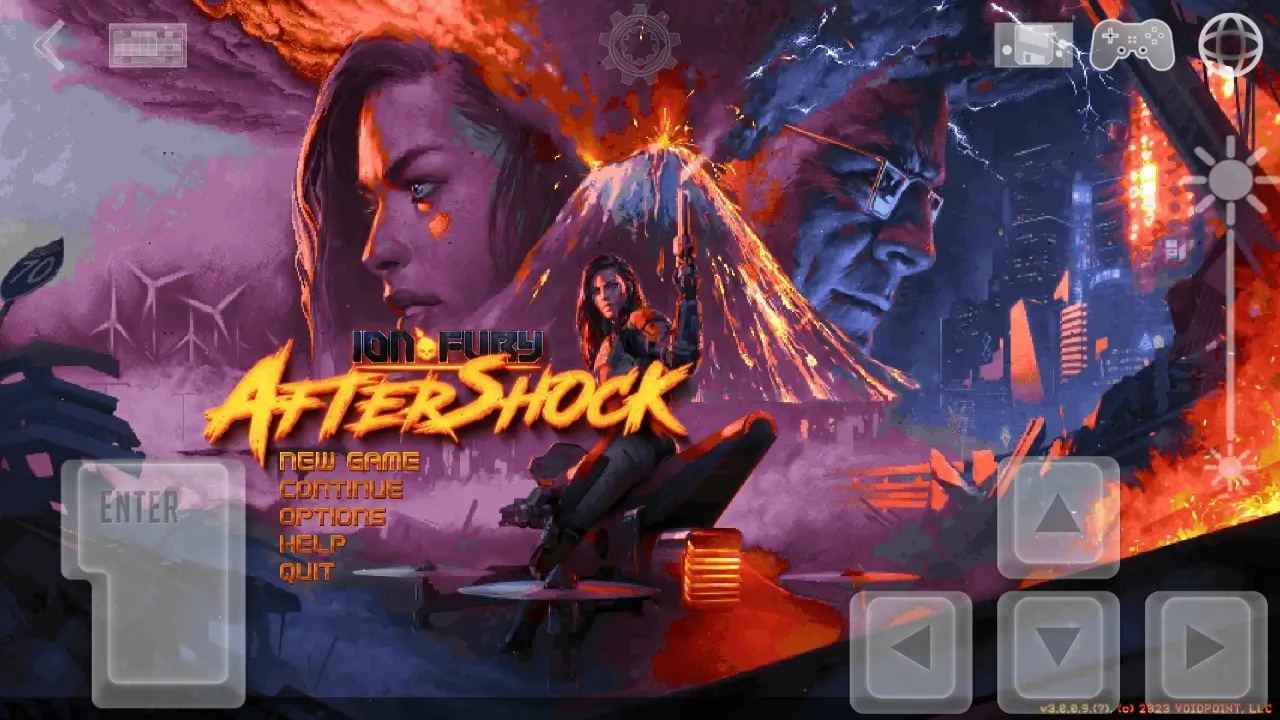
Information
Version 3.4.1 OS(MIN) Android 5.0+ Language English Developer Open Touch Gaming Status Free Root Not required Tags Beloko, Zeta Touch, Raze Engine, Raze Touch, GZDoom, EDuke32How to install
- Download the APK file above to your phone.
- Allow “Install unknown apps” when prompted.
- Open the downloaded APK and tap Install.
- If the package includes OBB/XAPK data, follow the bundled instructions.
MOD APKs are modified builds, so Play Protect may show a warning. Install only if you trust the file; use at your own risk.