
Screenshots

Description
z4root
Once you have root access, you can remove system files and change hidden settings. You can also run apps with wider capabilities, cheat in games, and more.
Installation and Use
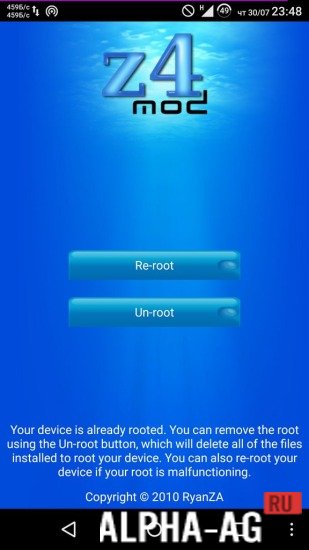
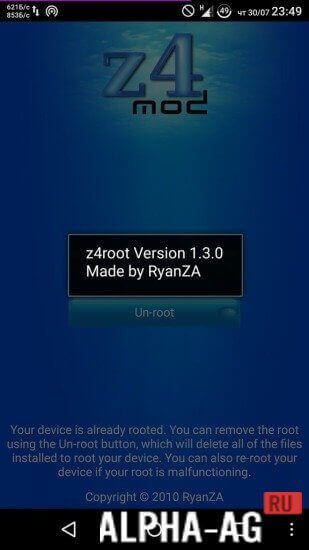
Installing the app takes roughly 2 minutes. Once it's set up, three buttons will show up on the screen:
- Temporary Root Access;
- Permanent Root Access;
- Remove Root Access.
What each of these functions does is easy to figure out. If you need temporary or permanent root access, pick one of the first two options. When you're done with superuser tasks, you can go ahead and revoke root access.
Features
Much like other root-access tools, z4root relies on standard exploit code to get past Android's built-in protections. Many common Android antivirus programs flag such tools as viruses, even though they aren't actually harmful.
18 Oct 29 Additional information:
- Required Android version: 1.6 or higher
- Age restrictions: None
- Russian localization: Not available
- Cache installation: Not required
Application version 1.3.0 Our rating: 9 out of 10 Similar apps: One Click Root Root Checker Towelroot Kingo Root Our YouTube channel
Subscribe to our YouTube channel!
Add a comment
How to install
- Download the APK file above to your phone.
- Allow “Install unknown apps” when prompted.
- Open the downloaded APK and tap Install.
- If the package includes OBB/XAPK data, follow the bundled instructions.
MOD APKs are modified builds, so Play Protect may show a warning. Install only if you trust the file; use at your own risk.