

Screenshots

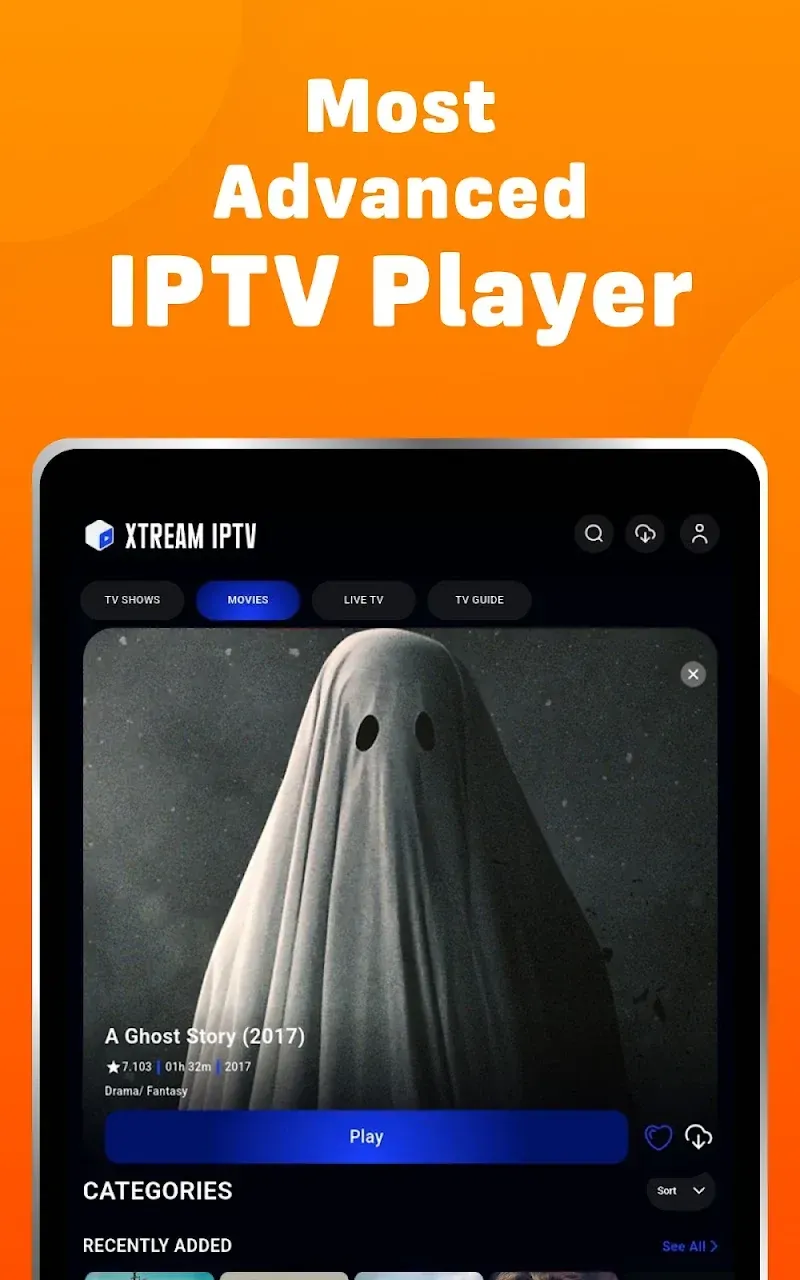
Description
Get more out of your TV viewing with Xtreme IPTV MOD APK! Outstanding playback quality, support for multiple formats, smart sorting, and all your television channels in one app. The ultimate TV experience, made simple.
This version comes with premium features fully unlocked, giving you access to the complete set of streaming tools and interface options. Xtream IPTV MOD APK lifts the restrictions that would otherwise limit what you can use, so you can enjoy the full player experience without making any extra purchases.
What's Modified in Xtream IPTV
- Unlocks the premium version of the app, giving you full access to all built-in features and settings.
This release is version 2.0.16, around 55 MB in size, with the package name com.mca.iptvplayer.new. Because the file is re-signed with a different certificate, it can't be installed as an update over the official store version.
About Xtream IPTV
Digital entertainment is changing fast, and traditional broadcasting is gradually giving way to new ways of watching. This app gives you the freedom to enjoy digital content however you like. Whether you want to catch a live event or watch recordings you saved earlier, it makes both easy. It's built for everyday viewers and for heavy media fans alike, and you can adjust its settings for smooth performance that suits your habits. The design stays simple, so making the switch to digital viewing feels effortless.
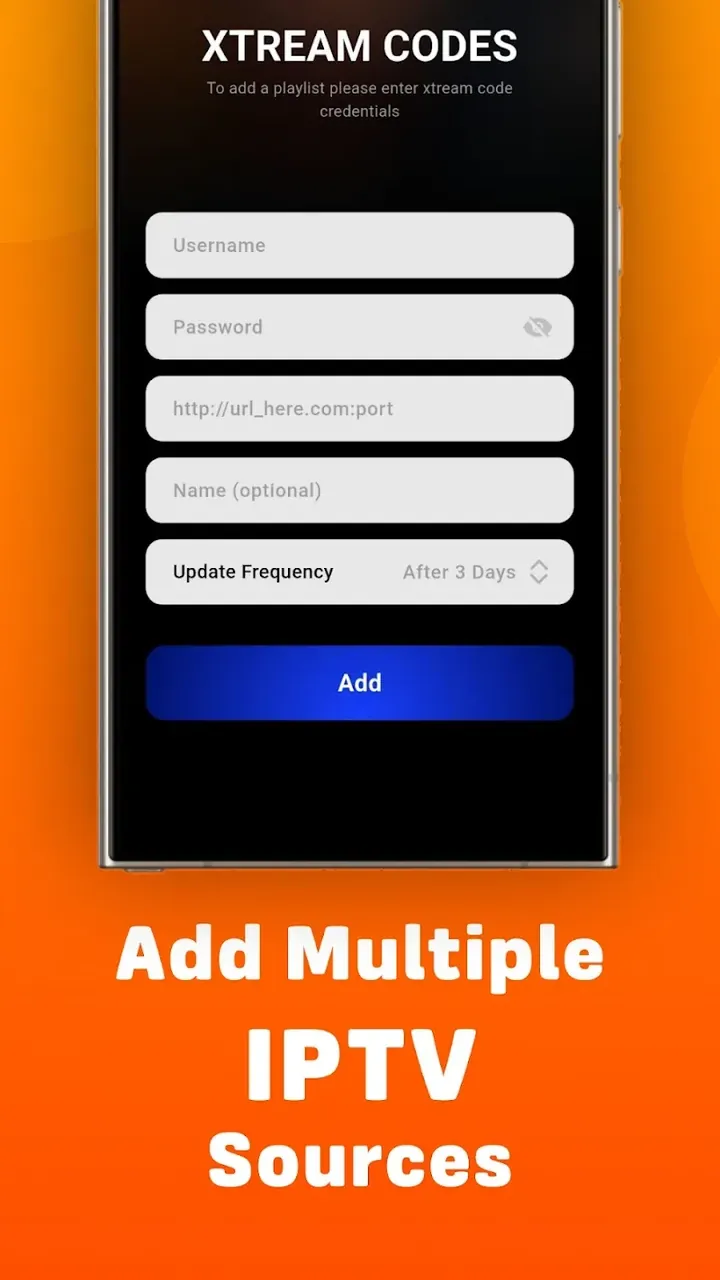
Handling different types of digital streams is one of the biggest challenges in building a media player. We solved this by supporting the most common streaming and playlist formats used by other players, such as M3U and M3U8. That means you don't need to convert your media sources or install extra apps to read them. Just give the app a streaming link or a local playlist, and it handles the rest, decoding the playlist and presenting it to you. Since it takes care of unstable links or unusual formats, you can focus on what you're watching. The player covers a wide range of streams out there without needing extra plugins or external software updates.
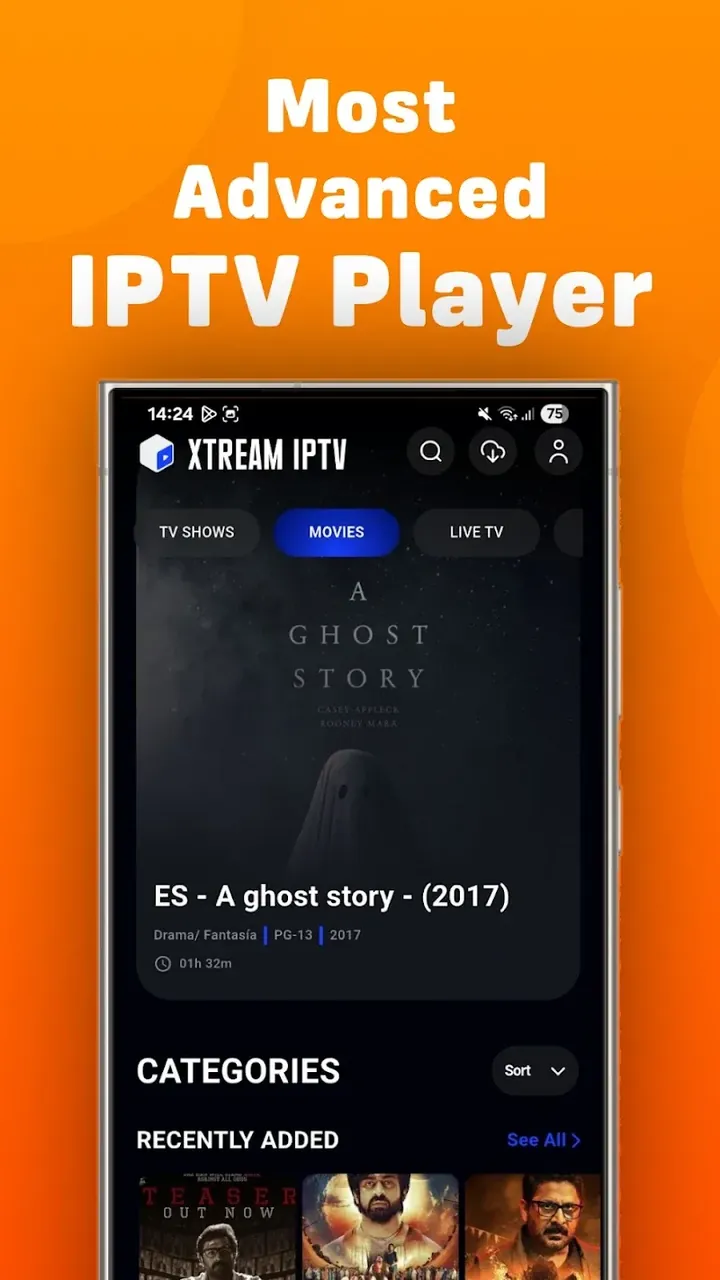
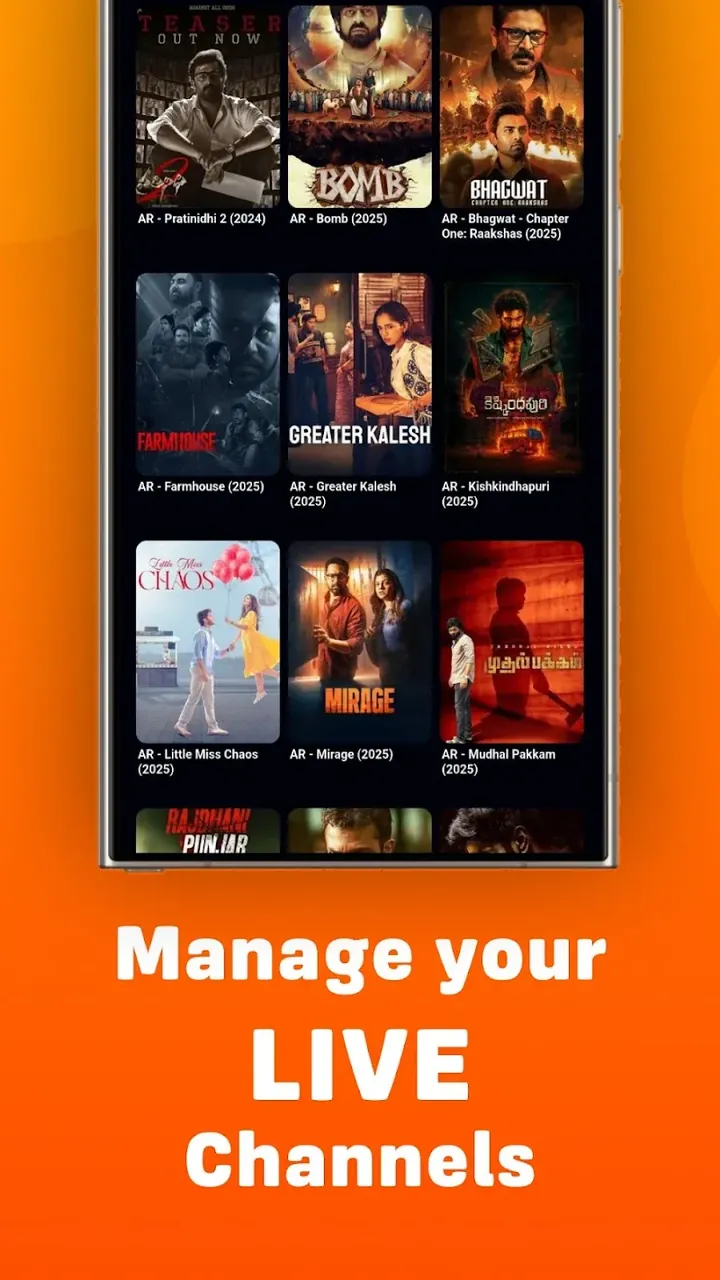
Organization is another key strength. Large playlists can be hard to navigate, so the app includes a sorting system that groups channels and media files. You can view your content by name, type, date added, or broadcast time, which makes it much easier to find the shows or events you want. Behind the scenes, a background algorithm also refines the layout based on your viewing habits instead of timestamps. As a result, the content you care about most tends to appear first, making it faster to reach than in a traditional list-based player. Even with hundreds of channels, the layout stays clean and highlights the information that matters most.
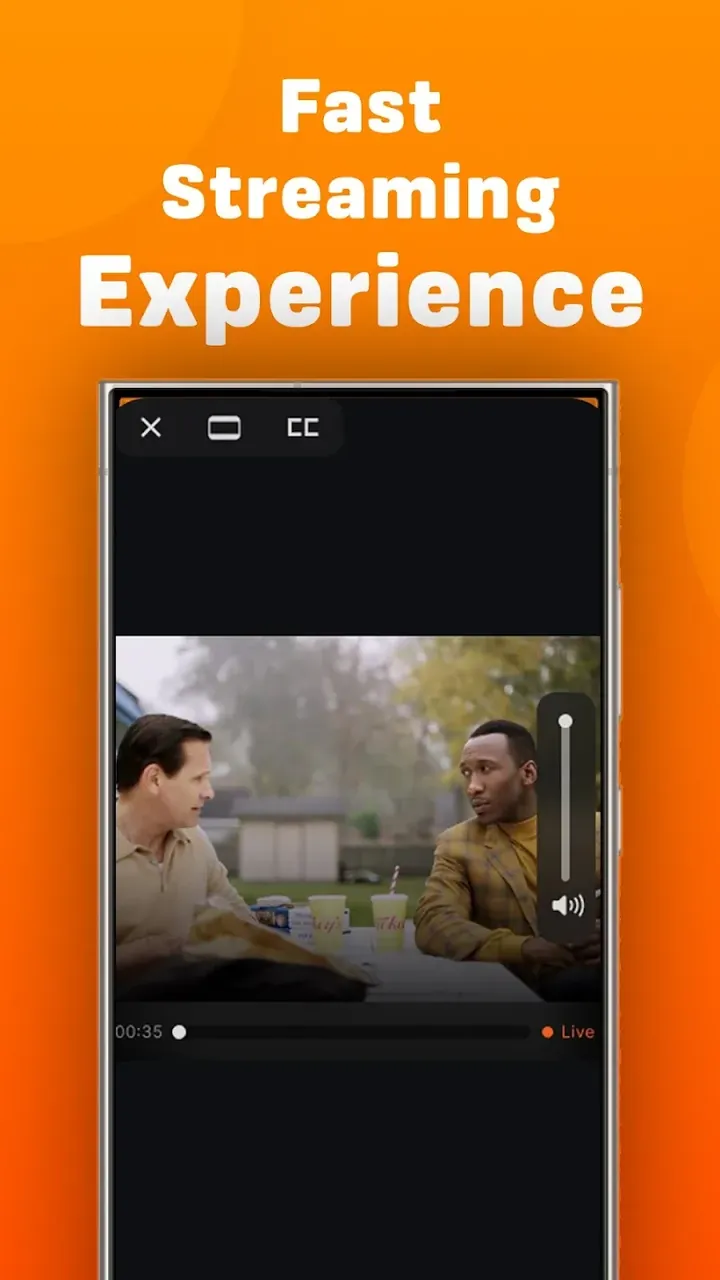
The playback engine gives you control over your viewing experience. One handy feature is Quick Resume, which remembers exactly where you left off, even after you close the app. This is especially useful for long videos or ongoing broadcasts. The engine also works to deliver smooth, uninterrupted playback, reducing lag and buffering, and it keeps streams running while you switch between channels or files. With suitable hardware and a fast connection, the player can handle 4K and HD content. It also minimizes black screens and pauses when moving between different video sources, so your viewing stays continuous.
Beyond playback, the app gives users plenty of ways to keep their entertainment library organized. The standout option is a favorites list, which lets you save specific channels or playlists for quick access later. This makes it easy to build a personalized collection of the content you care about most. GameMod.dev's version is designed to be user friendly and runs on tablets and Android TVs as well as smartphones, so you can watch on whichever device suits you best. The interface avoids the cluttered layouts found in many competing apps, with a clean design that puts the IPTV service's core function front and center. The goal is to get you from download to watching in under 2 minutes, compared with the 10 to 15 minutes that setting up traditional IPTV apps typically takes.
Behind the interface, the Xtream IPTV MOD APK relies on internal logic to process everything. When you add an M3U link, the engine parses the data and organizes it into a structure that's easier to browse, applying one or more sorting algorithms along the way. For network performance, the player adjusts how much data it pulls in based on current connection conditions. In effect, the system continuously assesses your network and tunes its incoming and outgoing data flow to keep quality steady. It's a self-contained system built around the user. Despite being very simple to operate, it has real depth, letting you manage your content in many different ways. When streaming high-definition video, the player can maintain a stable frame rate and audio quality even when bandwidth is limited.
Key features
- Compatible with M3U and M3U8 formats
- One-tap installation
- Smart content sorting by name, type, and time
- Fast resume playback
- Smooth stream transitions with a lag reduction engine
- Customizable favorites list
- 4K and HD stream support
- Adaptive network buffering
Related MOD APKs
- CapCut – Video Editor
- Capcut MOD
- YouTube Vanced
- FilmoraGo
FAQ
Is Premium unlocked in the Xtream IPTV MOD APK?
This Xtream IPTV 2.0.16 build comes with Premium Unlocked. It works much like the Mind Cube Apps version, and all modifications become active as soon as you finish installing it on your device.
What is the latest version of the Xtream IPTV MOD APK?
Version 2.0.16 matches the Mind Cube Apps release dated June 10, 2026. We don't host older versions. To update, install this file over your current app. If you get a signature error, uninstall the previous version first.
Is the Xtream IPTV MOD APK safe to download?
This Xtream IPTV 2.0.16 build from Mind Cube Apps includes Premium Unlocked and has a rating of 3 from 24 users. It doesn't require root access. You may see Play Protect warnings during installation, which you can safely ignore, but always download from this page.
Does the Xtream IPTV MOD APK remove the watermark?
This version includes Premium Unlocked. Since watermark removal is a Pro feature in Xtream IPTV, check the export screen after installation to confirm it's working.
How to install
- Download the APK file above to your phone.
- Allow “Install unknown apps” when prompted.
- Open the downloaded APK and tap Install.
- If the package includes OBB/XAPK data, follow the bundled instructions.
MOD APKs are modified builds, so Play Protect may show a warning. Install only if you trust the file; use at your own risk.