

Screenshots

Description
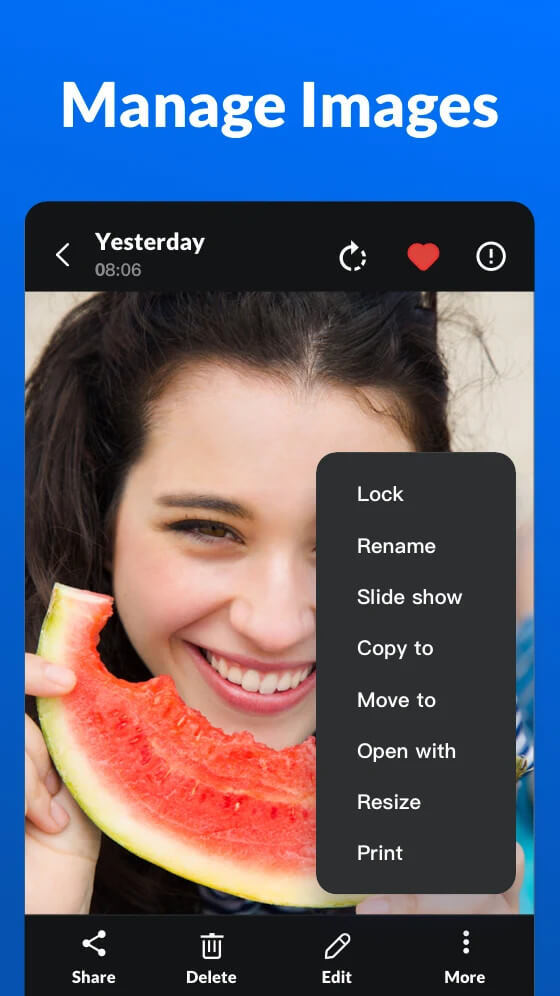
Gallery – Hide Pictures and Videos (Xgallery) is a versatile offline tool designed to organize, edit photos, and trim videos wherever you are. Forget the hassle of juggling separate apps for media management, image editing, and social media sharing. Available in 11 languages, this all-in-one gallery combines three indispensable utilities into a smooth experience, giving you complete control over your photo albums.
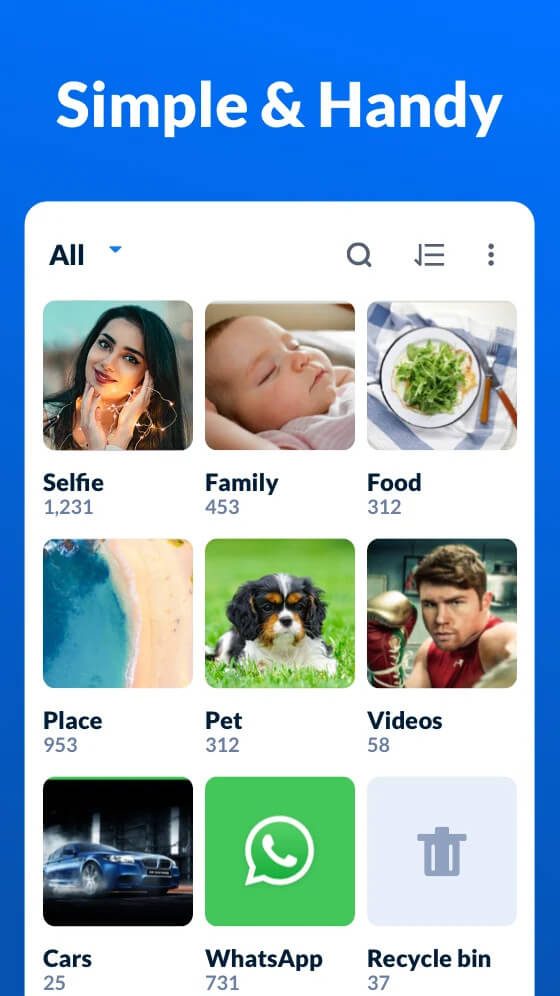
Smart and Organized Photo Storage
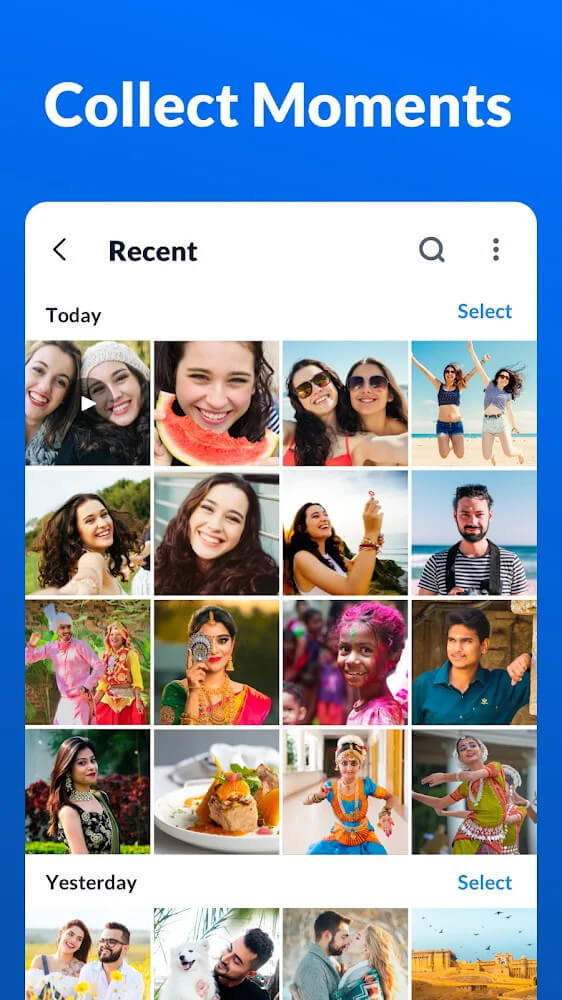
With thousands of snapshots piling up on our devices, locating a specific memory can feel overwhelming. This app solves that problem effortlessly. Organize your media into custom folders, assign clear labels, and utilize intuitive filters and instant search tools instead of scrolling endlessly. In addition, a quick tap on file details reveals essential metadata like filename, file size, and exact resolution.
Preserve and Safeguard Personal Memories
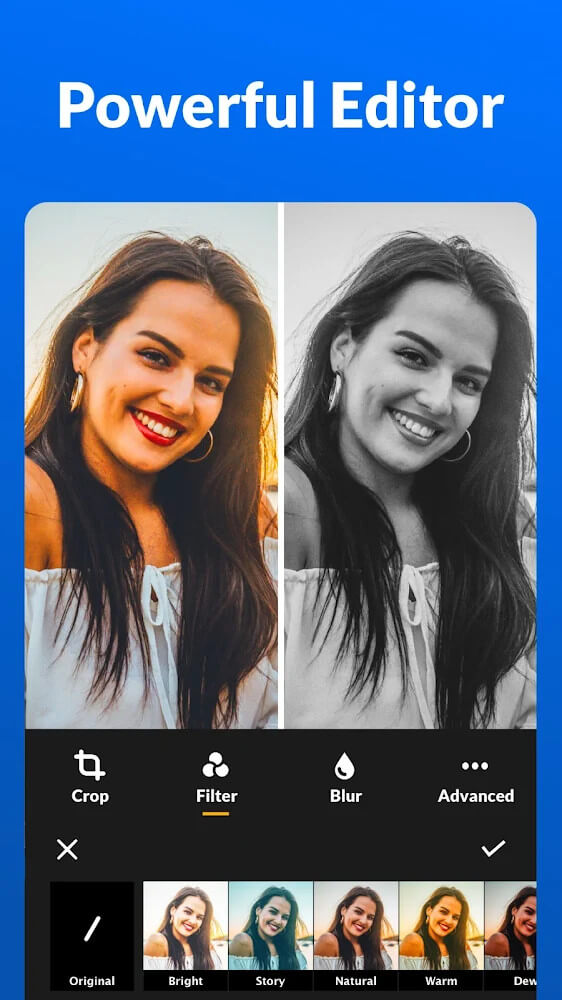
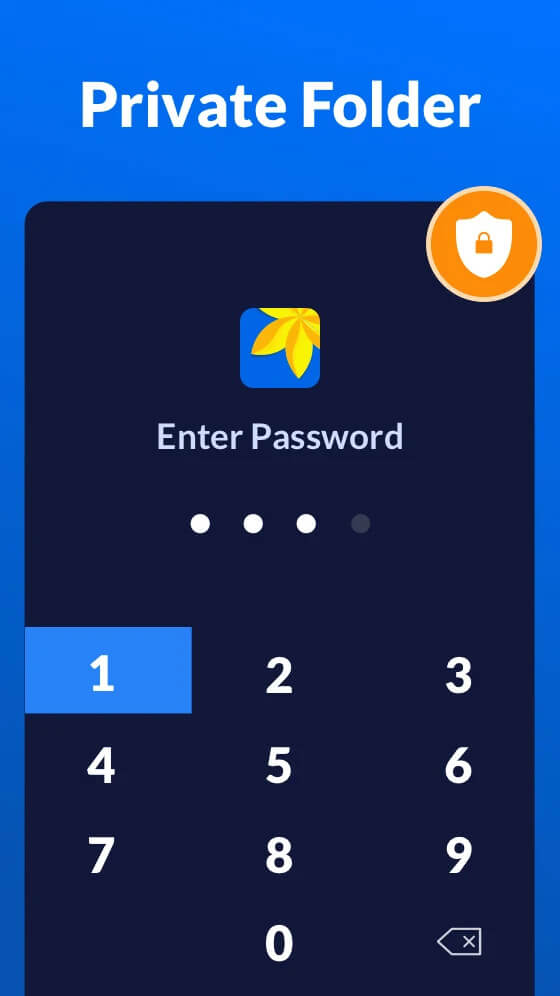
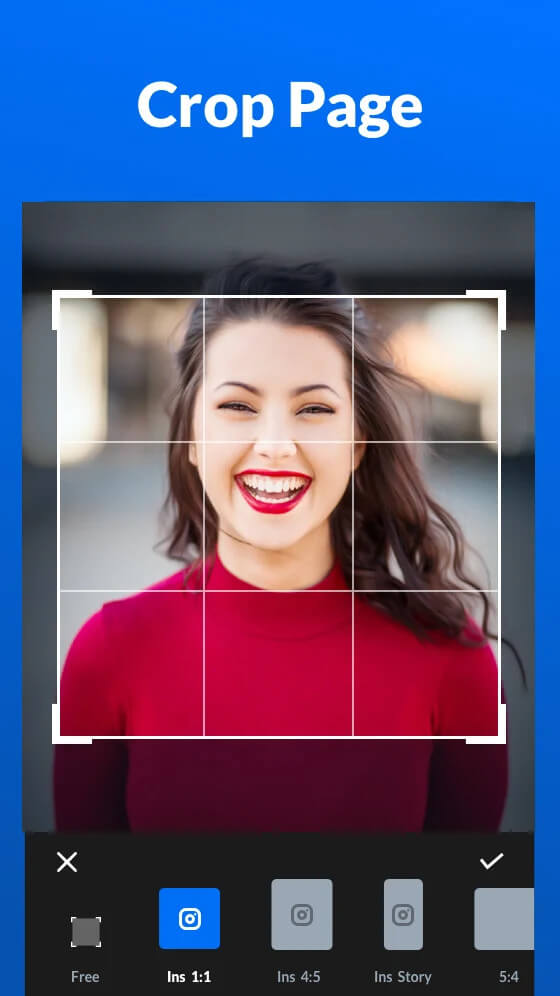
Beyond simple media storage, Gallery features a full-fledged photo and video editor, eliminating the need for extra editing software when prepping posts for your feed. Worried about curious friends browsing your private moments when handling your device? Take advantage of the built-in privacy vault: lock sensitive images or clips behind password protection to keep your personal data completely secure.
Effortless Storage Cleanup in Seconds
Freeing up storage space has never been simpler. The app highlights cluttered areas and automatically detects duplicate pictures so you can clear them with a single tap. If you are reviewing smaller thumbnails before bulk deleting, simply zoom in for a clearer view right from the selection screen. Best of all, an integrated recycle bin allows you to restore accidentally deleted photos and videos with ease.
Gallery is an exceptional media hub for your Android device, delivering a smooth and reliable user journey. Personalize the interface with your favorite custom color themes, enjoy broad compatibility with formats like JPEG, PNG, and GIF, and quickly crop, rotate, or apply creative filters. Organize your visual stories, back up memories, and explore many more powerful tools waiting for you at GameMod.dev.
How to install
- Download the APK file above to your phone.
- Allow “Install unknown apps” when prompted.
- Open the downloaded APK and tap Install.
- If the package includes OBB/XAPK data, follow the bundled instructions.
MOD APKs are modified builds, so Play Protect may show a warning. Install only if you trust the file; use at your own risk.