
Screenshots
Description
X-plore Mod APK is a versatile file and folder manager for Android that delivers a smooth, intuitive experience whenever you need to organize, browse, or transfer your storage contents to new locations.
This modified release comes with Donate Unlocked, granting you instant access to all premium perks that are normally locked behind paid contributions. With X-plore File Manager MOD APK, you can take full advantage of professional-grade management utilities and advanced viewers without spending anything on in-app purchases.
What’s Modified in X-plore File Manager
- The donate feature is fully unlocked, delivering unrestricted access to all premium tools and advanced capabilities without requiring any real-money contribution.
This release is version 4.49.00 with a download size of 17M under the package name com.lonelycatgames.Xplore; it comes signed with a custom key and must be installed as a fresh setup rather than on top of the original Play Store build.
About X-plore File Manager
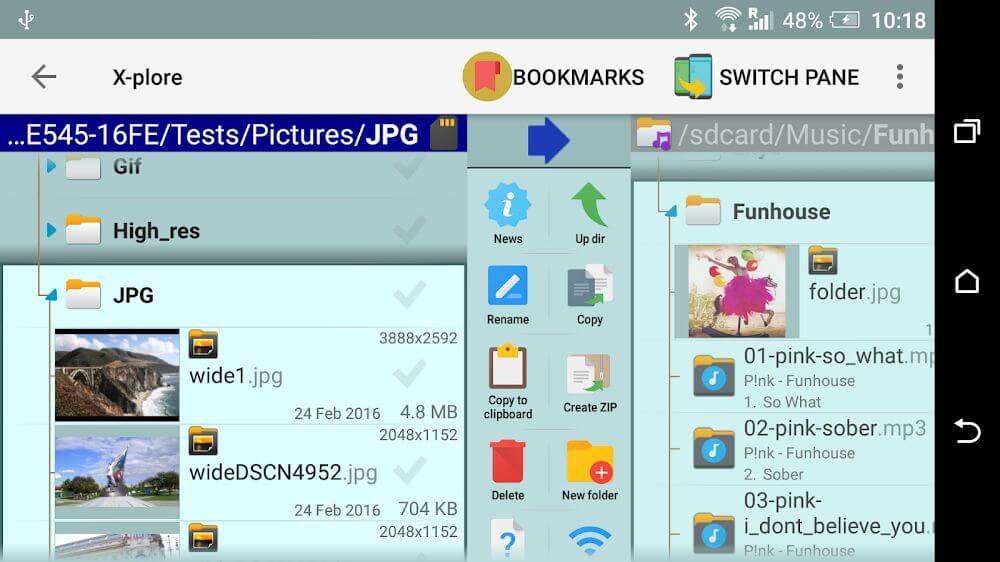
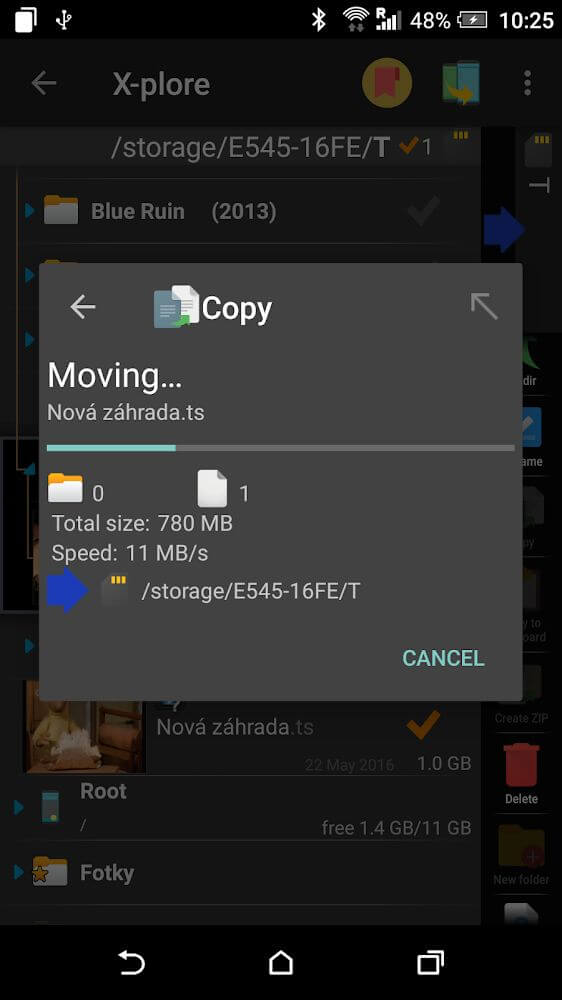
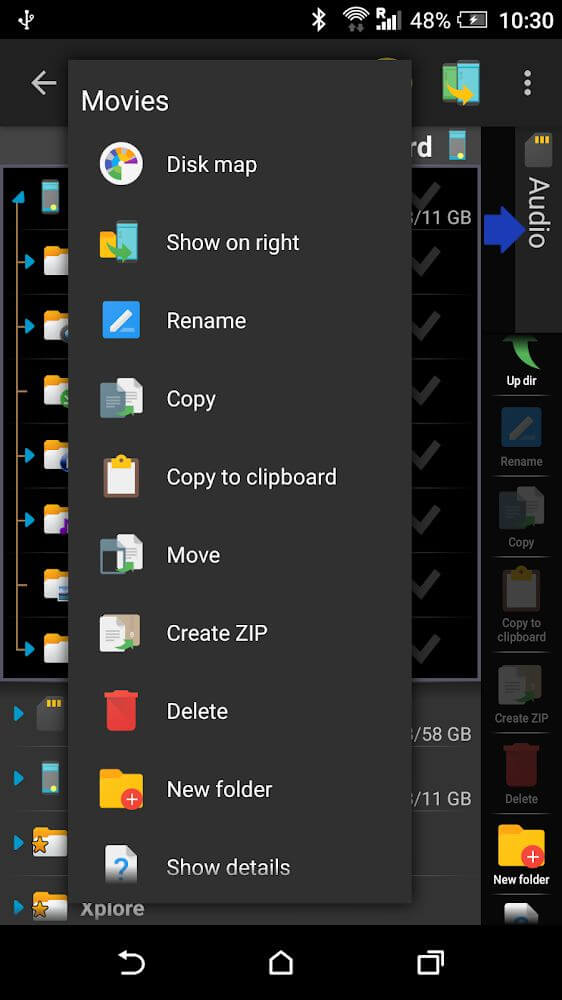
Featuring an ingenious dual-pane layout, X-plore File Manager lets you effortlessly browse and manage files across two separate directories at the same time—whether on internal memory, an external drive, or cloud services. Files, system components, and app directories are mapped out in a clean tree hierarchy, letting you expand folders and navigate your storage with ease. Recent updates have also addressed WebDAV issues to ensure smoother performance across remote servers.
X-plore provides seamless everyday file management for standard users, alongside powerful system-level tools for rooted devices. Power users can dig deep into internal storage, inspect system configurations, and modify or delete protected data when needed. Root access enables full control over system directories, making it easy to tweak, move, and organize critical files with total freedom.
Casual users can enjoy a secure browsing environment with powerful built-in media players and customizable access controls. To prevent accidental modifications, X-plore lets you hide sensitive system items so you can safely browse, copy, and organize music, pictures, and documents. It also supports USB OTG drives, allowing you to access external storage just as quickly as onboard memory, delivering a desktop-like workflow on your Android device.
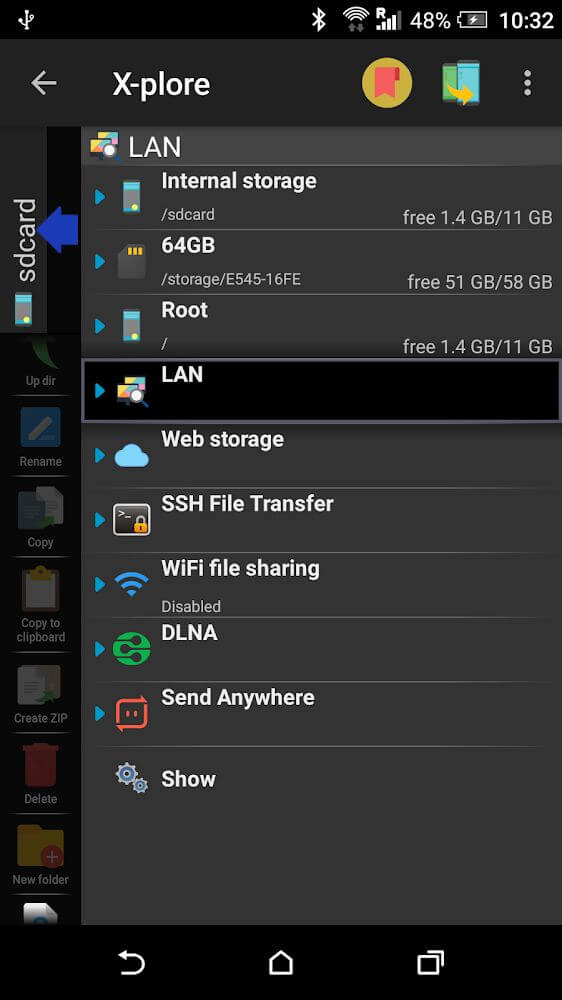
Along with local and desktop-style handling, X-plore connects seamlessly to a wide variety of cloud storage services, making your online files feel like local drives. The app includes a built-in image viewer and audio player, as well as a native SQLite database viewer so you can inspect structured data directly on your touch screen.
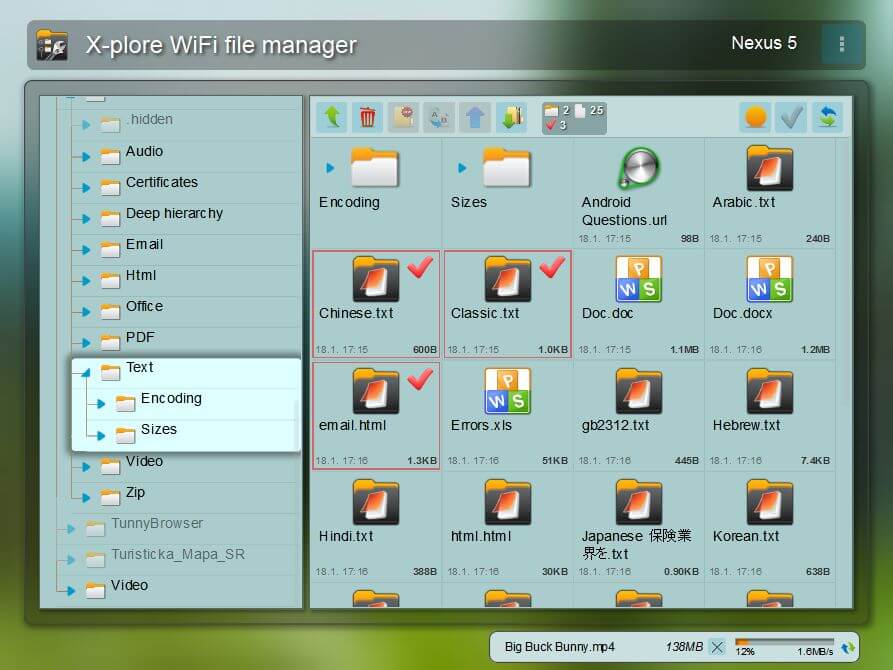
The integrated app manager makes it easy to oversee all installed applications and explore their related data packages. You can inspect cache sizes, transfer resources between apps, and keep tabs on app storage. Additionally, built-in Wi-Fi sharing options let you link your phone to a desktop PC via your local network, making cross-device file sharing fast and effortless.
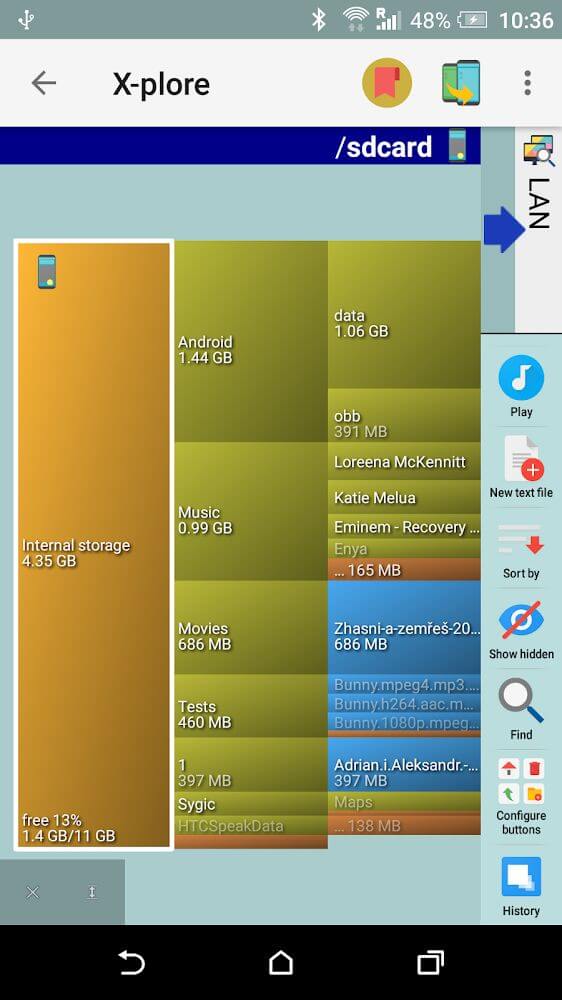
Keep your folders updated and safely backed up to the cloud thanks to smart syncing capabilities. The dual-pane structure, combined with visual folder maps, gives you an instant bird's-eye view of large directories and speeds up bulk transfers. Designed to be lightweight and accessible, X-plore offers a dependable, full-featured workspace suited for both casual users and tech enthusiasts alike.
Key Features
- Dual-pane interface with side-by-side folder panels
- Hierarchical tree charts and detailed file paths for smooth navigation
- Root access tools for advanced system-level customization
- Safe browsing mode with hidden file protection
- USB OTG plug-and-play storage support
- Seamless cloud service connection and management
- Built-in audio player and photo viewer
- Integrated SQLite database viewer with tabular layout
- App manager for monitoring storage and migrating data
- Wireless PC file sharing via Wi-Fi or data connection
- Enhanced WebDAV protocol support with bug fixes
Similar MOD APKs
- MovieBox ID: Stream Free Movies, Shows, Asian Dramas & Anime
- KWGT Kustom Widget Pro
- SnapTube
- Terabox
Frequently Asked Questions
Which features are unlocked in X-plore File Manager MOD APK?
This updated edition of X-plore File Manager (version 4.49.00) arrives with Donate Unlocked. It offers the same reliable performance as the official release from Lonely Cat Games, giving you instant access to all premium perks right after setup.
Which build of X-plore File Manager MOD APK is the newest?
The current release is version 4.49.00, corresponding to the August 21, 2026 build by Lonely Cat Games. Outdated releases are not hosted here on GameMod.dev. To upgrade, simply install this package over your existing build, or remove the old app beforehand if you encounter a signature conflict.
Is downloading X-plore File Manager MOD APK safe?
Provided by Lonely Cat Games, this 4.49.00 version comes with Donate Unlocked and holds a 3.9-star score from 89 user ratings. Root access is not needed. You can safely bypass any Play Protect prompts during setup as long as you get the package directly from GameMod.dev.
Does X-plore File Manager MOD APK work on iOS or PC?
Because this is a dedicated Android package, it is not compatible with iPhone or iPad devices. You can still run this 17M file on a PC using an Android emulator such as LDPlayer or BlueStacks—just drag and drop the APK into your emulator to install it.
How to install
- Download the APK file above to your phone.
- Allow “Install unknown apps” when prompted.
- Open the downloaded APK and tap Install.
- If the package includes OBB/XAPK data, follow the bundled instructions.
MOD APKs are modified builds, so Play Protect may show a warning. Install only if you trust the file; use at your own risk.