
MOD features
- Make in-app purchases with coins, regardless of your balance;
- Ads removed.
Screenshots

Description
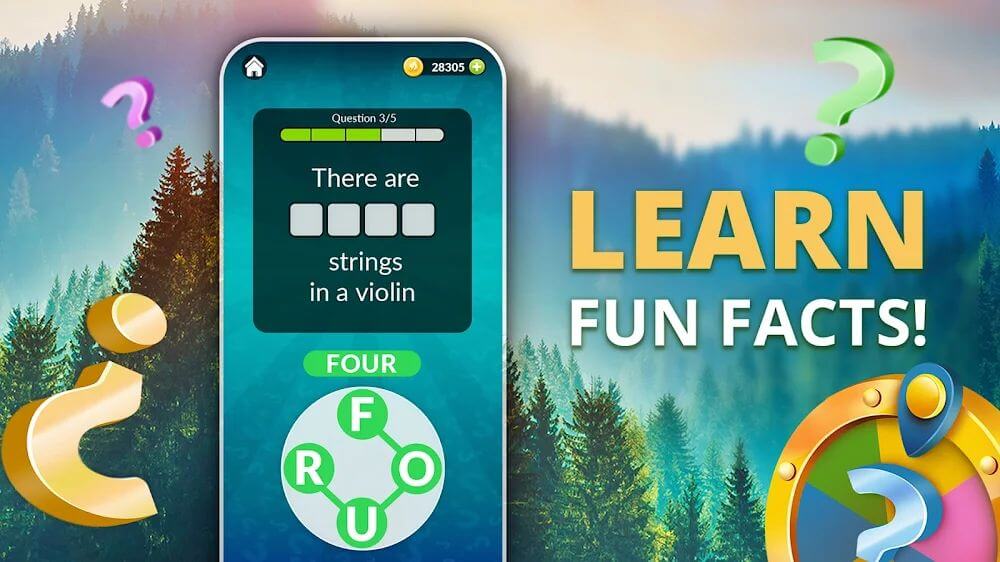
Word Life Mod APK offers players a captivating crossword experience, with new backgrounds unlocked as they progress through the levels. The puzzles grow more complex over time, and players can rely on helpful hints whenever they get stuck.
Word Life is a crossword game that keeps players engaged by asking them to uncover hidden keywords using the letters provided. Players must arrange the letters in the right order to complete each level, and the challenge steadily increases as they advance. Players can also use money to unlock support features and collect stunning wallpapers.
STUNNING CROSSWORD PUZZLES
Crossword gameplay may not be new, but it never loses its appeal, and Word Life is an ideal pick for fans of the genre. Players work through crosswords built around different themes and tackle the puzzles the game serves up. Meanwhile, the game keeps raising the difficulty by changing up the letters and challenges players to find the right ways to combine them.
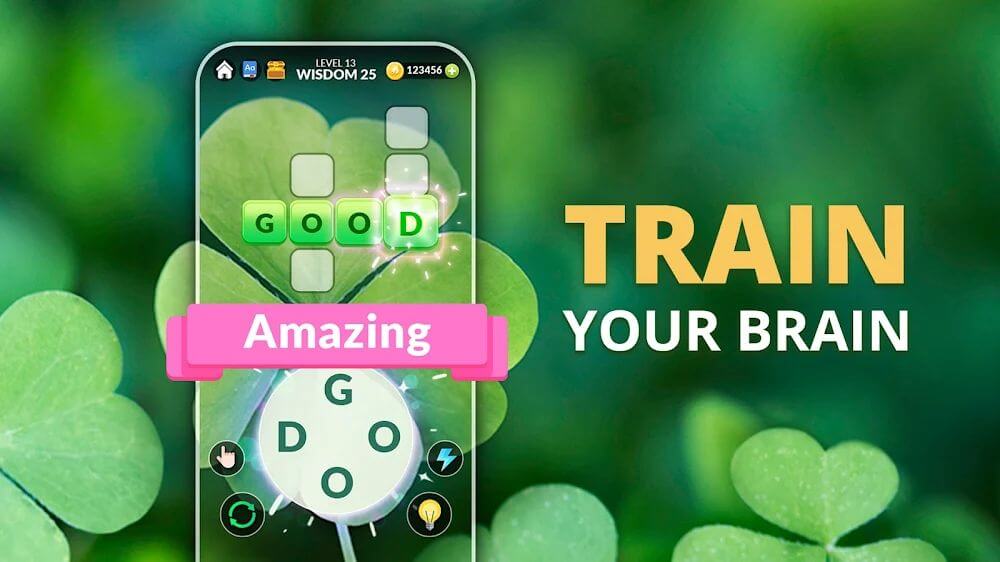
The game screen of Word Life looks visually impressive from the moment you open it. The bright background changes as you progress, depending on your level. For example, you can unlock a wallpaper featuring a lucky clover or enjoy a dramatic autumn landscape. These rewards give players extra motivation to conquer tough levels and discover new wallpapers.
SOLVE TOUGH PUZZLES WITH LETTERS
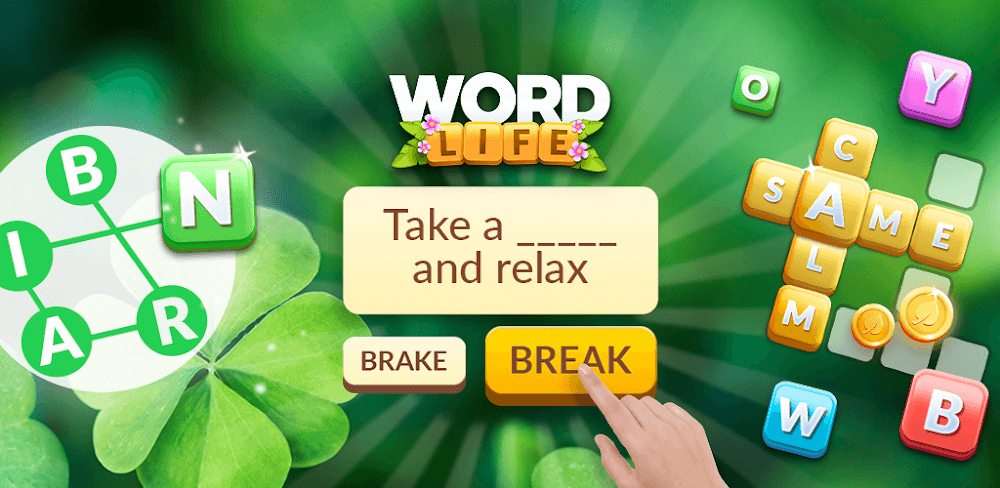
On the Word Life game screen, players will see a crossword made up of rows and columns arranged in various patterns. Each row and column contains a hidden number of letters, and players must figure out how to fill them in using the letters provided below. To do this, players swipe from one letter to the next to form a word, and when they release, the word appears in the crossword if it is spelled correctly.
Players will repeat this process many times throughout the game, since each crossword contains a large number of different words. These words are built from letters that can be rearranged, so players must rely on their vocabulary to find the correct answers. Letters that have already been placed also serve as useful clues, helping you figure out which letters the remaining words should start or end with.
Players will encounter many challenging levels as the game's difficulty increases in different ways. The number of letters grows, creating more possible combinations than before. The words to find also become harder, so players will need to think carefully to identify the right keywords. Thankfully, the game offers some help along the way.
USE HELP WISELY
At the start of Word Life, players do not have access to help, and unlocking it requires reaching a specific milestone. The first form of help available is the hint, which can help you arrange the letters more precisely. You can use these helpers at any time, but keep in mind that each one costs gold coins.
The amount of gold required for each help varies, so players should try to limit their use and save them for especially difficult puzzles. You can also earn more gold by completing crosswords successfully. Gold coins appear in a set number of lines, and when you fill one with keywords, your balance increases instantly. Spend the gold you earn wisely.
Players will be captivated by the stunning crossword experience:
- Crosswords in a variety of shapes require players to find the correct keywords from the suggested letters that appear from the very start of the game.
- Players choose the right order of letters, keep rearranging them, and use their vocabulary skills to complete each level.
- When players reach certain levels, they unlock changing backgrounds designed around different themes.
- Players can challenge themselves with tough levels and use support features to make them easier when they need hints.
- Every support feature costs a set amount of gold, and players can earn a good amount of gold by completing levels successfully.
How to install
- Download the APK file above to your phone.
- Allow “Install unknown apps” when prompted.
- Open the downloaded APK and tap Install.
- If the package includes OBB/XAPK data, follow the bundled instructions.
MOD APKs are modified builds, so Play Protect may show a warning. Install only if you trust the file; use at your own risk.