
Screenshots

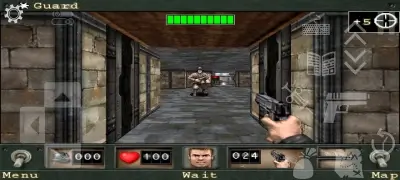
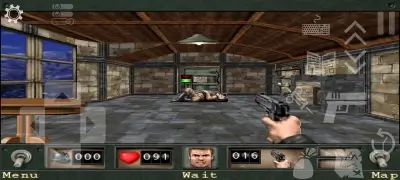
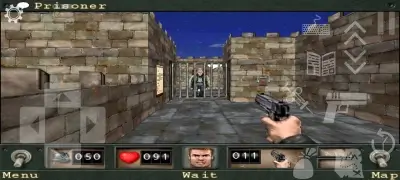
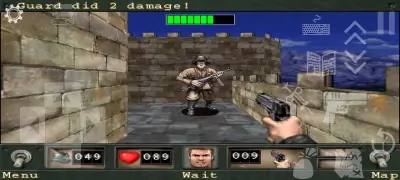
Description
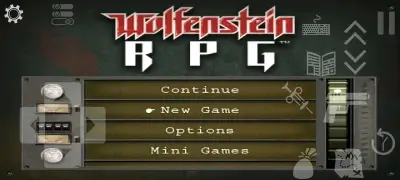
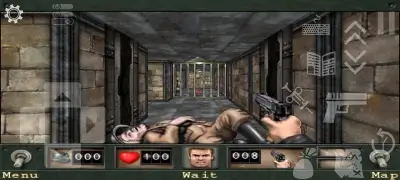
Download Wolfenstein RPG (iOS Port) APK for Android - Experience the cult-classic iOS retro adventure reimagined for Android devices. Plunge into eerie corridors, face ruthless adversaries, engage in turn-based combat, and uncover hidden secrets. Fine-tuned for modern smartphones, this port delivers seamless stability across updated display resolutions while remaining faithful to the original aesthetic and moody ambiance.
Storyline: Stepping into the combat boots of Captain William "B.J." Blazkowicz, you awaken as a prisoner inside Castle Wolfenstein. Your mission: break out of captivity, strike down the Axis forces, foil their twisted genetic trials, and shut down their sinister occult schemes before terror is unleashed.
Supported Titles on the DOOM & Wolf RPG Engine:
- Doom RPG
- Doom 2 RPG
- * Wolfenstein RPG
Keen to dive into other classics on this engine? Simply grab the corresponding "CACHE" archive and extract it to the designated folder. You only have to install the core "DOOM & Wolf RPG" launcher once from any of our listings on GameMod.dev.
Integrated AI-powered text translation brings support for over 200 languages across all three titles via neural models such as opusMT, Small100, MlKit, M2M100, Google Translate, Bing Translate, and NLLB200.
Release Highlights:
- Clean CACHE packages provided in standalone or complete editions;
- Verified fully compatible across Android 9.0 up to Android 15.0.
How to Install Wolfenstein RPG on Android:
- Download and install the DOOM & Wolf RPG launcher APK;
- Open the DOOM & Wolf RPG application;
- Minimize the running app;
- Download your preferred CACHE archive (either the standalone Wolfenstein RPG data or the complete multi-game pack);
- Extract "rpgfiles_wolf_v1_0_0.zip" or "rpgfiles_full_v1_0_0.zip" to a directory on your device, such as the root of your internal storage or SDCard;
- Verify your file path structure: standalone should read SDCard/RpgFiles/Wolfenstein RPG.ipa, while the full archive extracts to SDCard/RpgFiles/DoomRPG.zip, SDCard/RpgFiles/Doom 2 RPG.ipa, and SDCard/RpgFiles/Wolfenstein RPG.ipa;
- Switch back to DOOM & Wolf RPG and set the "Active game engine" preference to "WolfensteinRpg";
- Under the "Patch to Wolfenstein RPG ipa" option, browse to and pick the "Wolfenstein RPG.ipa" file located inside your "RpgFiles" directory;
- Tweak any extra engine or graphic parameters as desired;
- Start the game.
Setup finished successfully.
Get updates directly through GameMod.dev to stay informed on future releases and patches.
Screenshots
12 16 28
App Details
Version 1.0.4.6 OS(MIN) Android 5.0+ Language Russian Developer sandstranger Status Free Root Not required Tags DOOM & Wolf RPG, Wolfenstein, Wolfenstein for Android, Wolfenstein RPG, Wolfenstein RPG for Android, Wolfenstein
How to install
- Download the APK file above to your phone.
- Allow “Install unknown apps” when prompted.
- Open the downloaded APK and tap Install.
- If the package includes OBB/XAPK data, follow the bundled instructions.
MOD APKs are modified builds, so Play Protect may show a warning. Install only if you trust the file; use at your own risk.