
Screenshots
Description
FREE Download 0
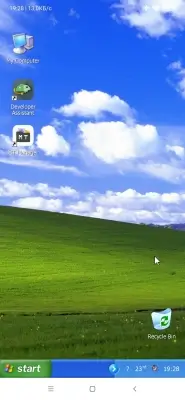
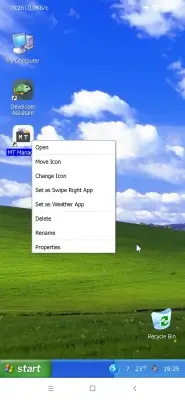
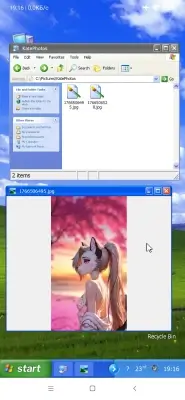
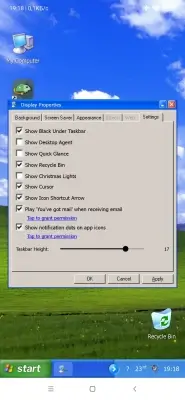
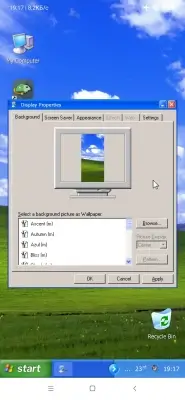
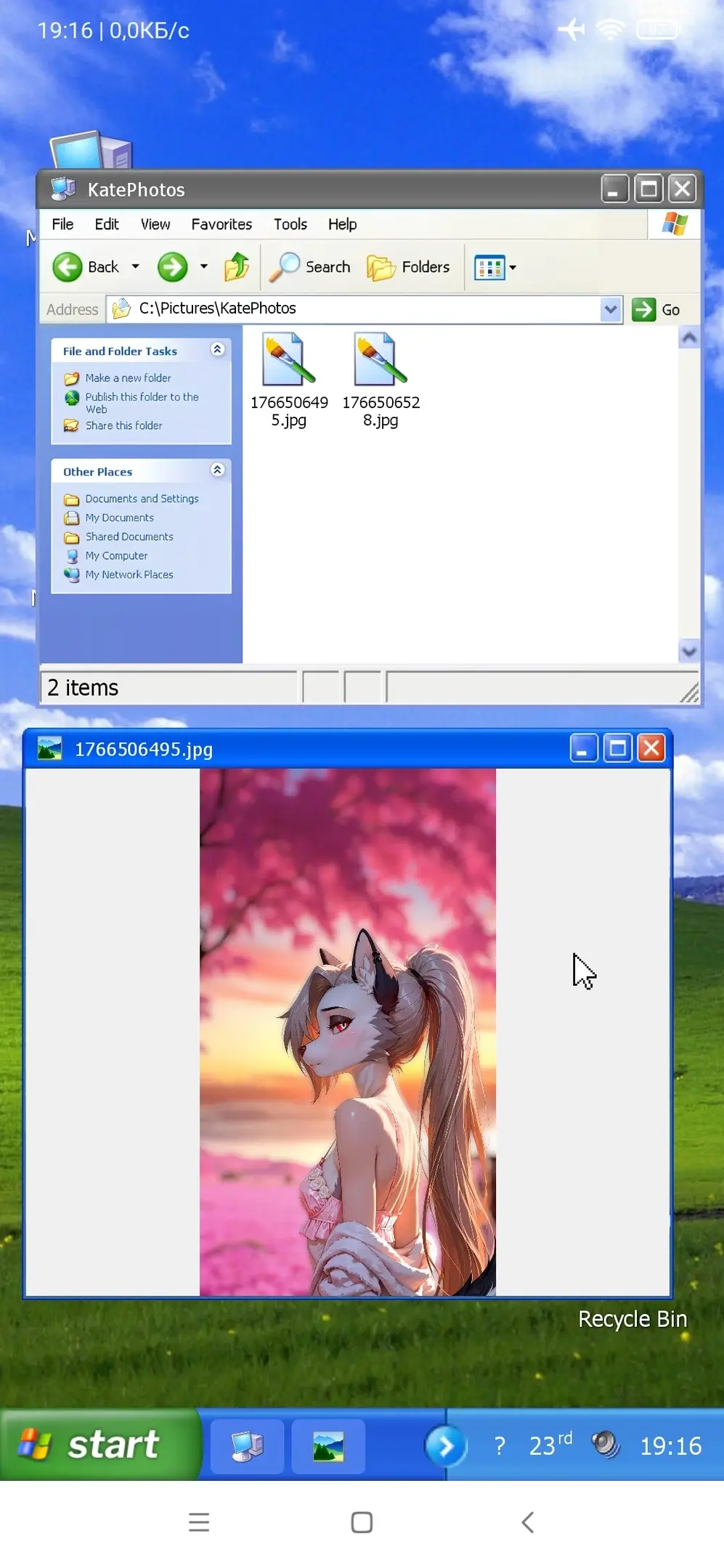
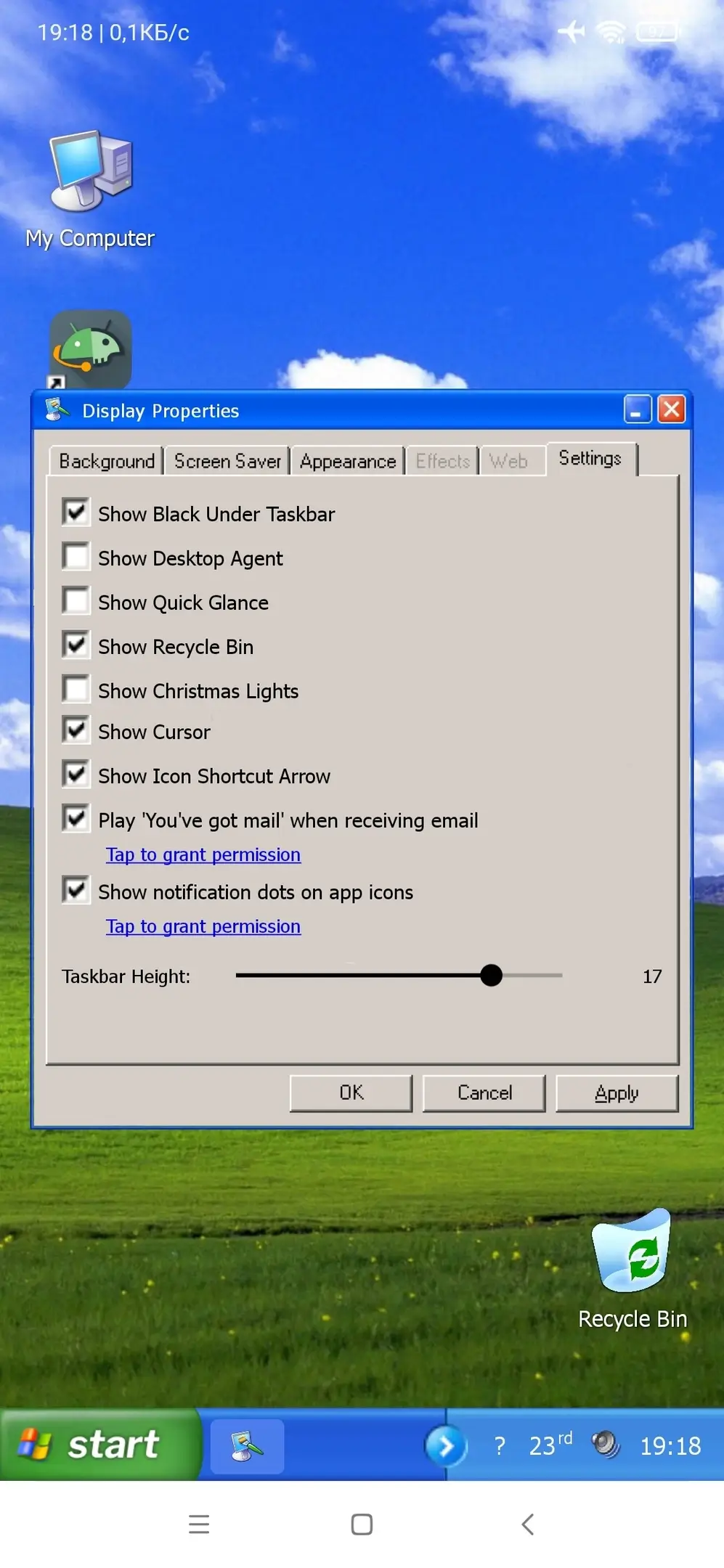
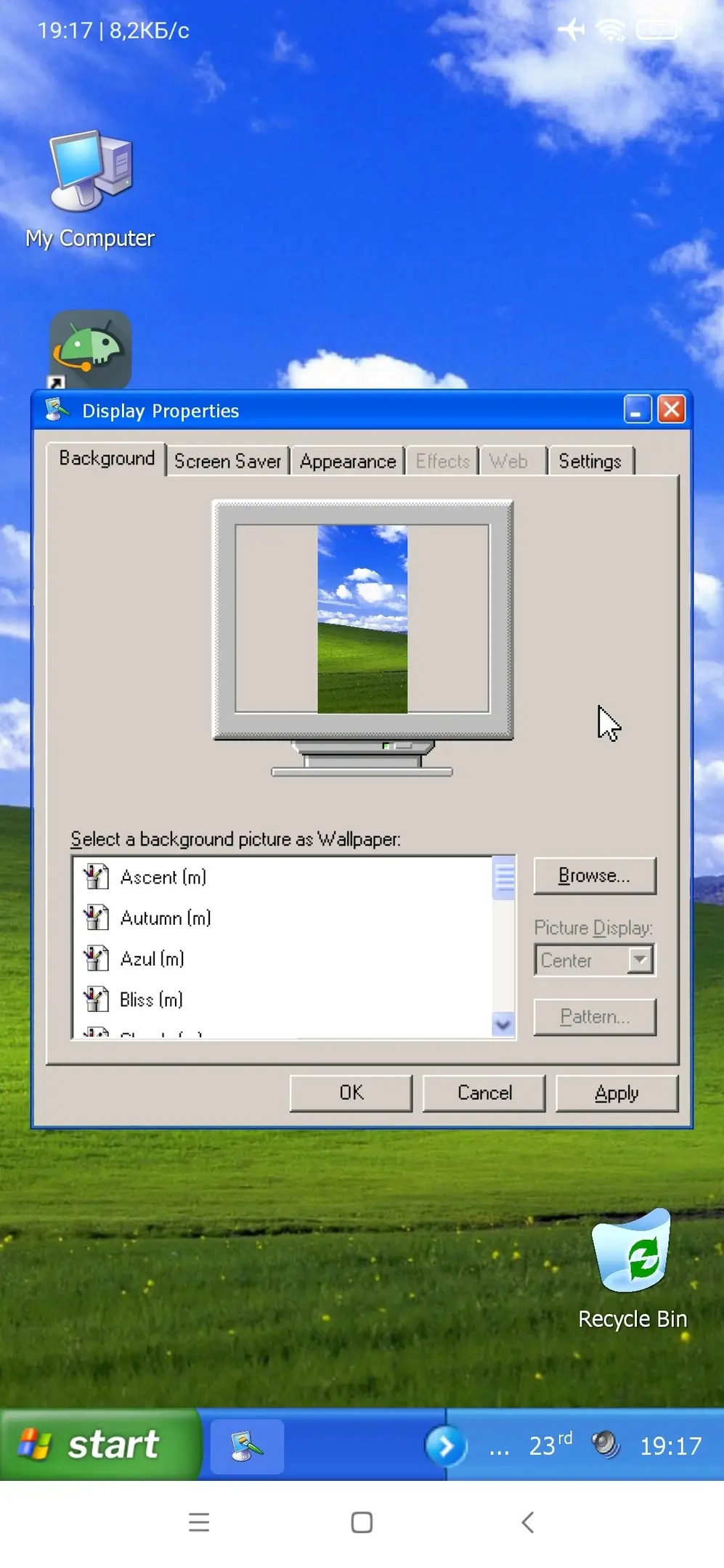
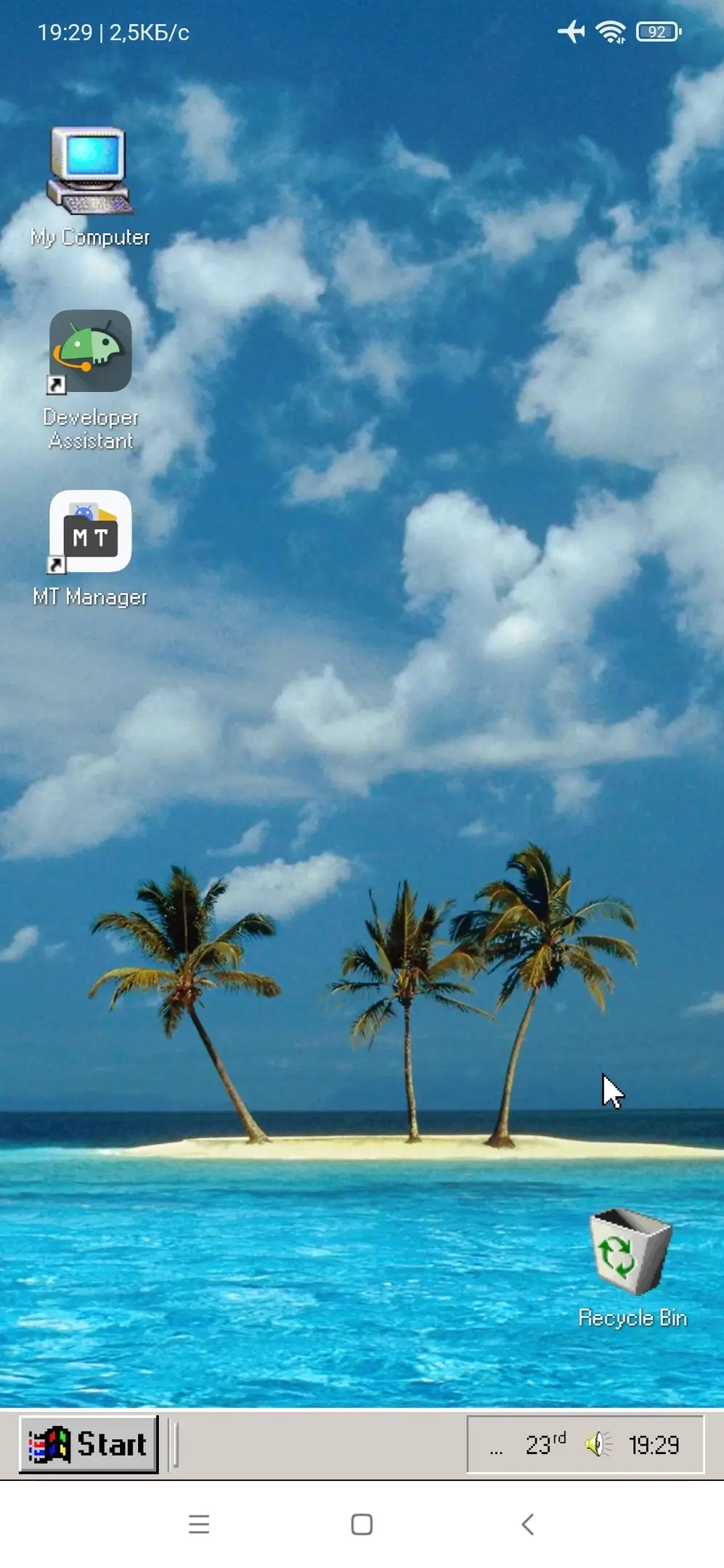
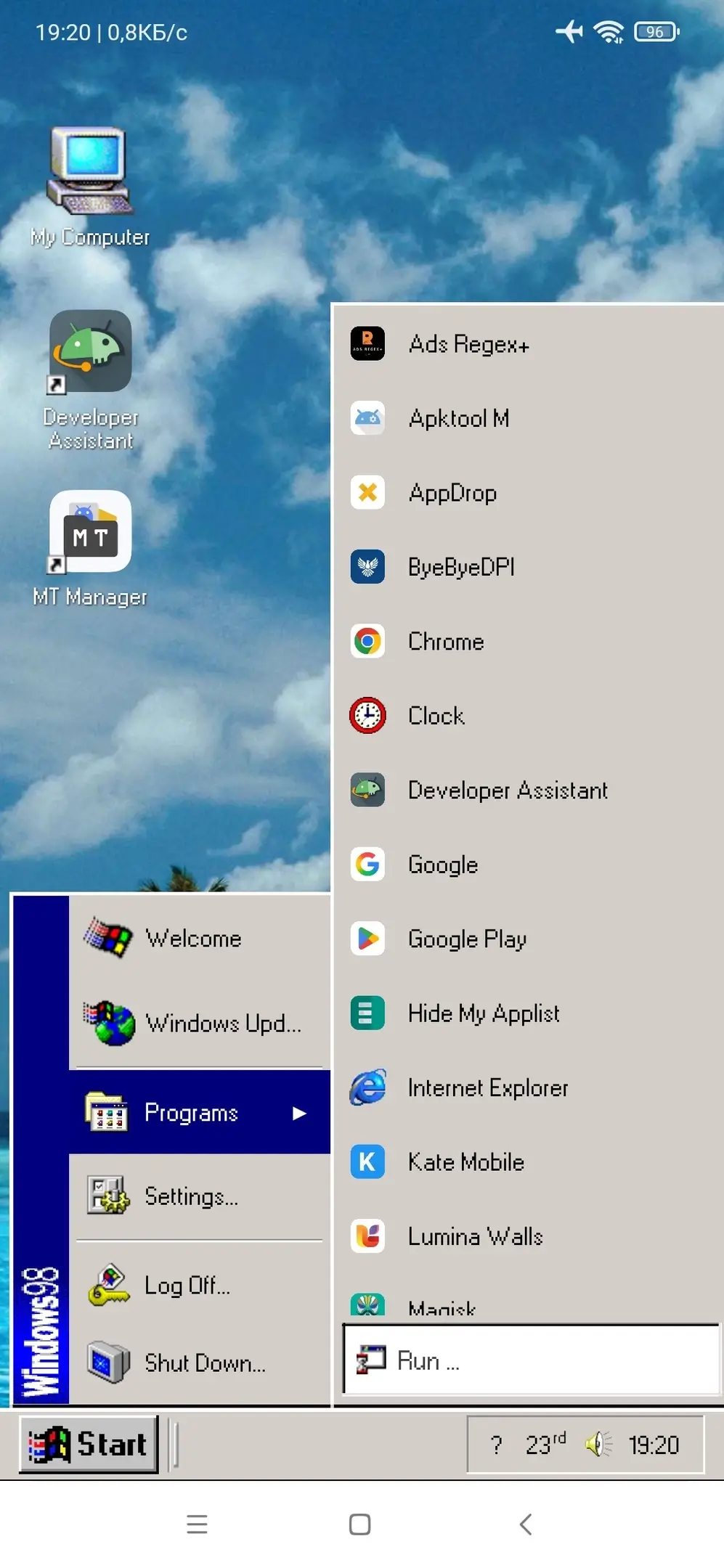
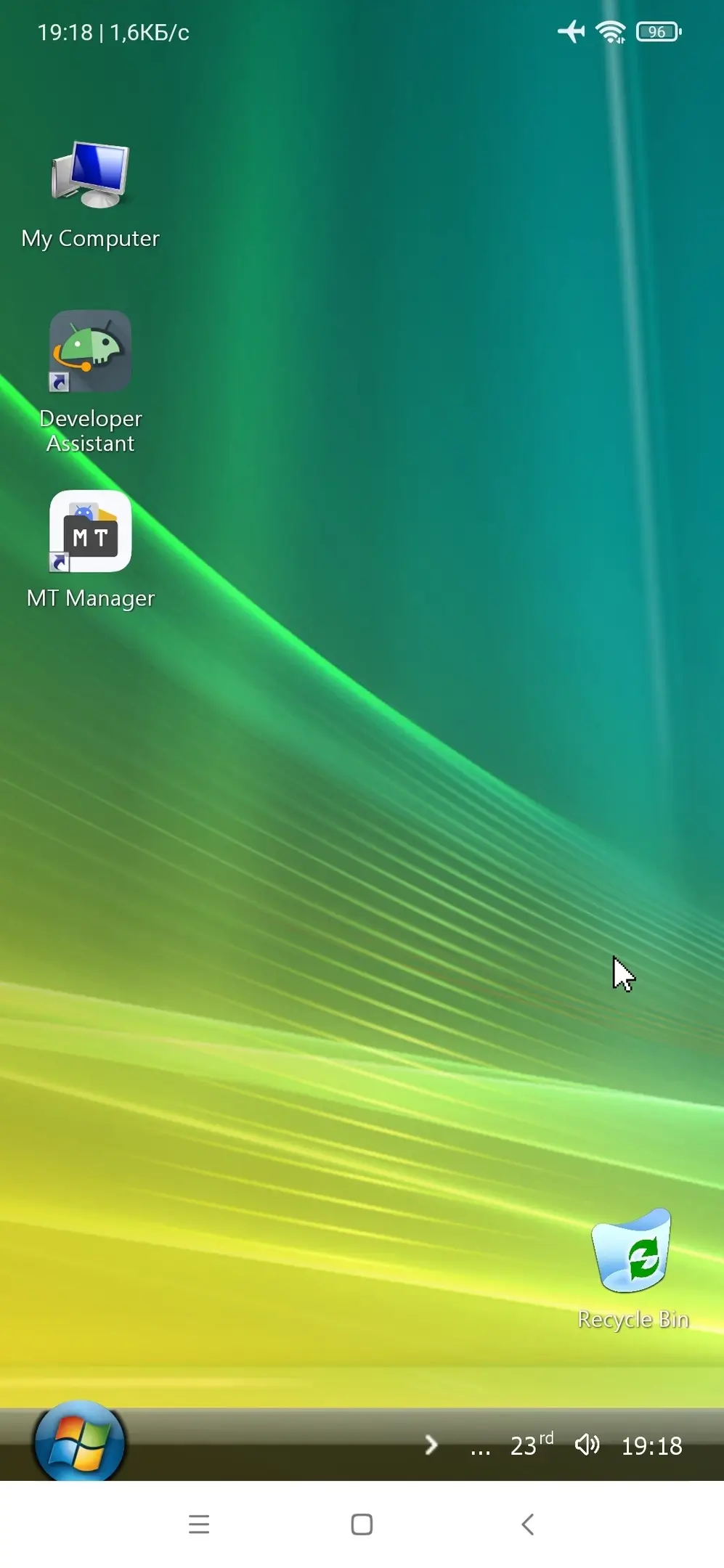
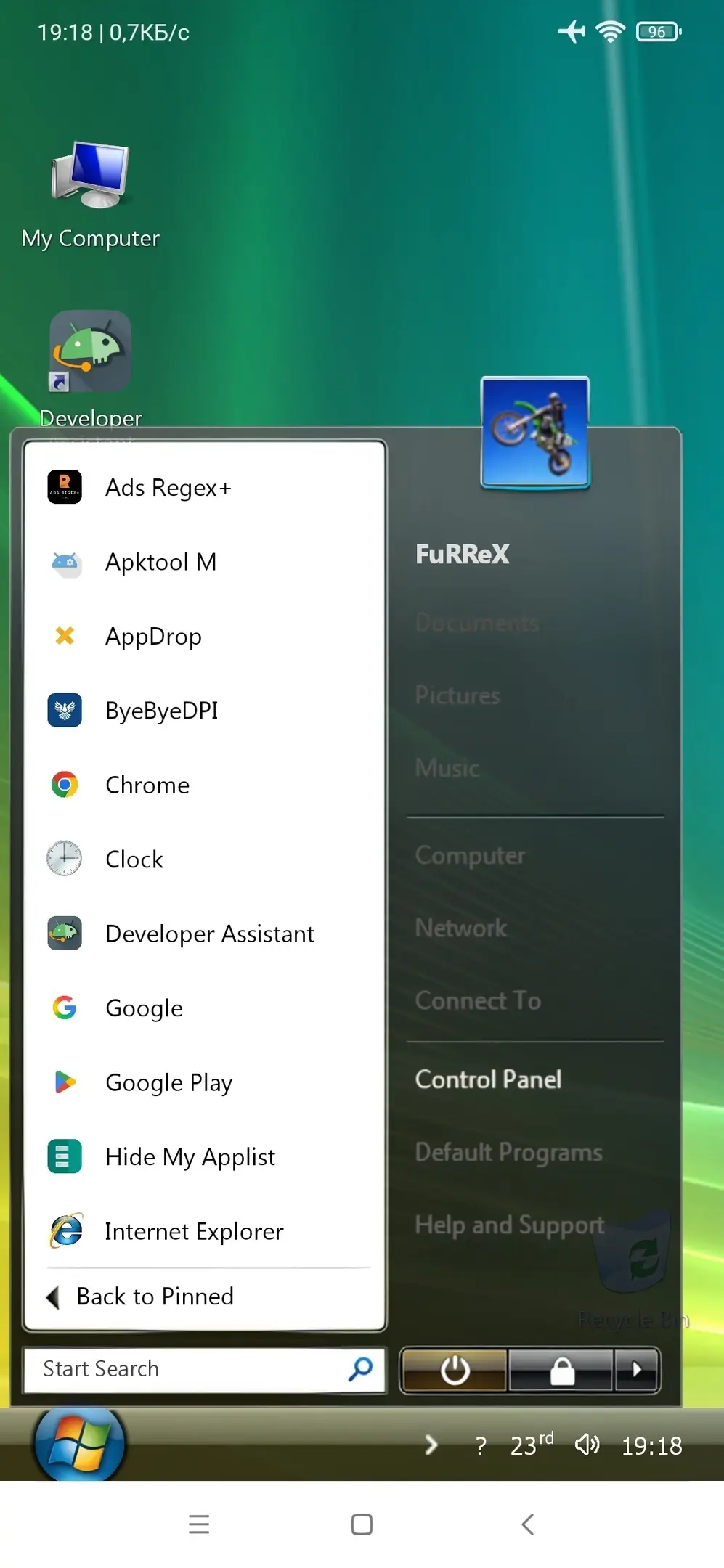
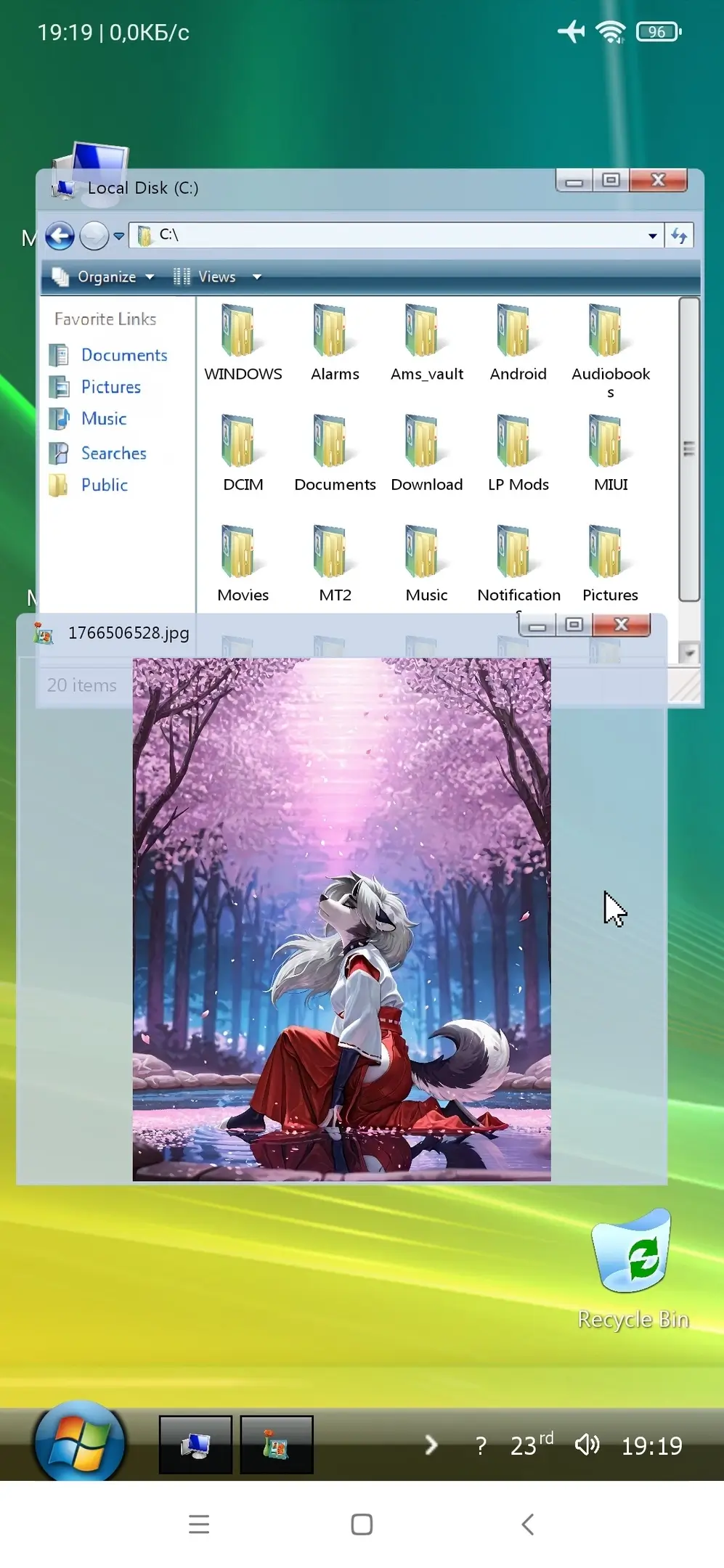
Windows Launcher - Transform the home screen of your Android device into a nostalgic retro computer with the unique style of old Windows versions. You can enjoy the authentic atmosphere of popular operating systems of yesteryear (Windows 95, 98, 2000, XP, and Vista). Windows Launcher will offer a high-quality desktop with customizable icons, a full-featured "Start" menu for quick access to apps, as well as intuitive gesture controls.
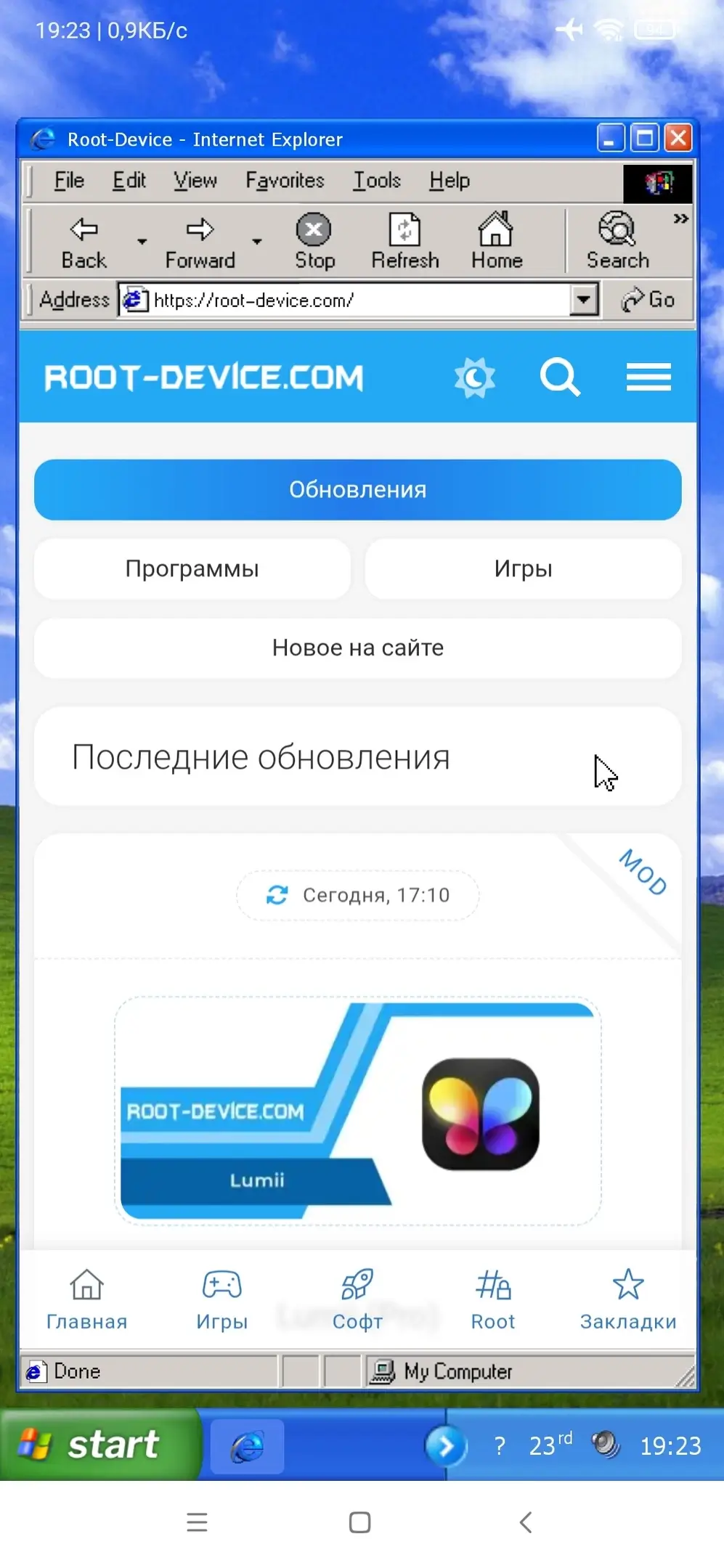
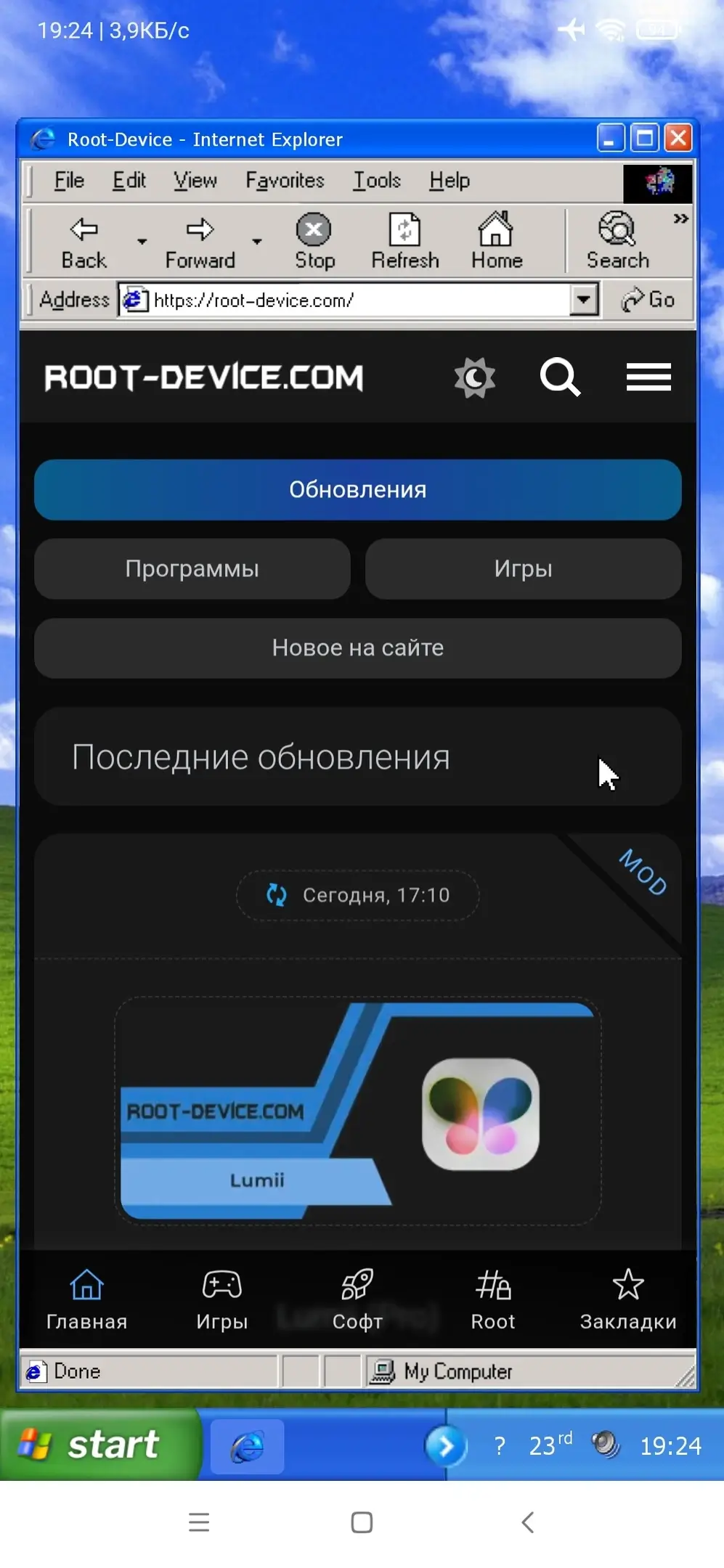
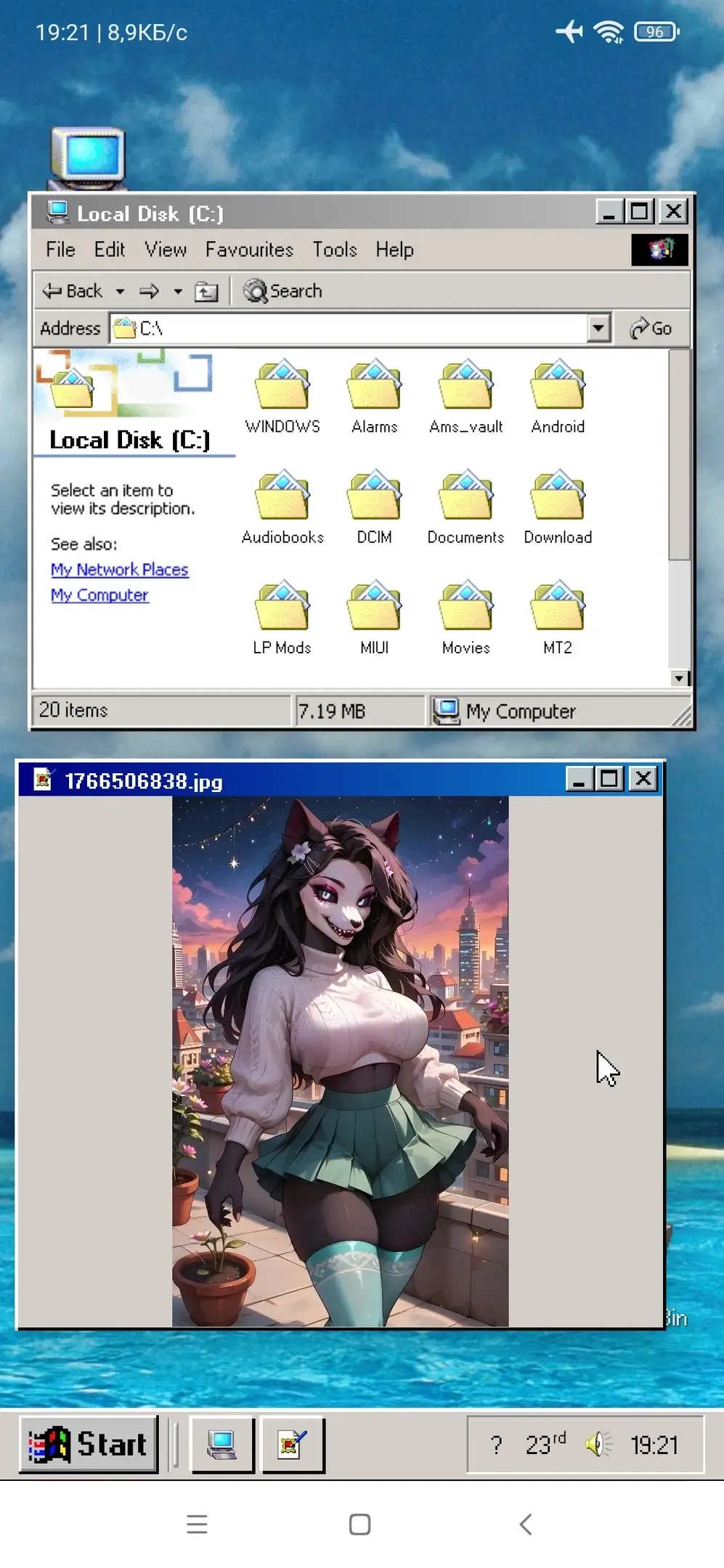
Built-in retro apps such as a browser, music player, notepad, phone dialer, registry editor, and messenger will let you experience the spirit of past years and ensure convenience when using your device.
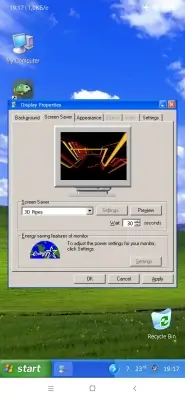
A gesture system will simplify navigation and control, while extra wallpapers and screensavers will add authenticity.
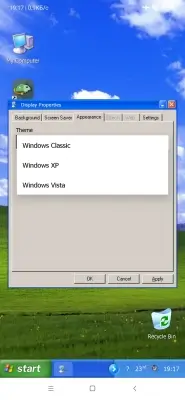
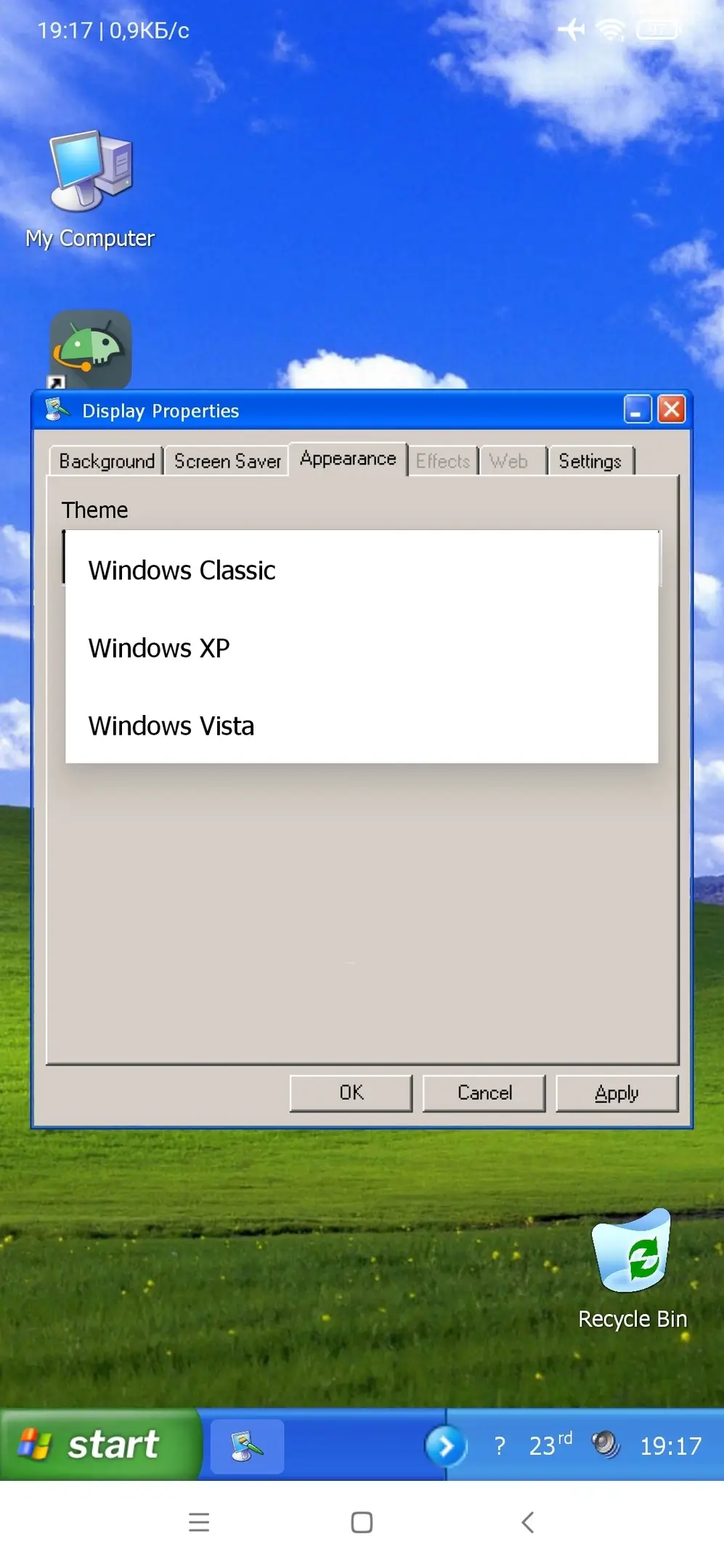
Available themes:
- Windows 95 / 98
- Windows 2000 / ME
- Windows XP
- Windows Vista
- A wide selection of high-quality retro themes in Windows style;
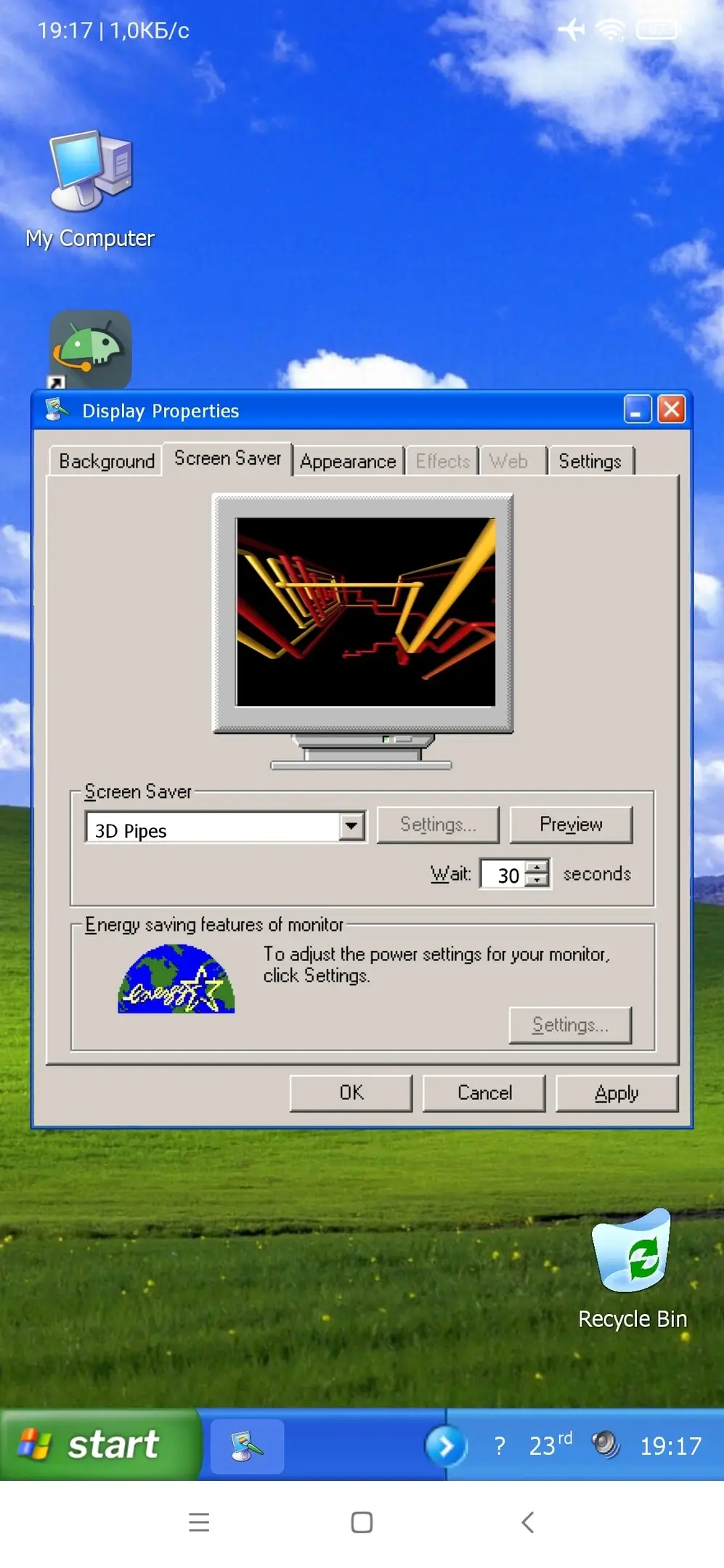
- Original wallpapers and animated screensavers;
- Retro apps for everyday tasks;
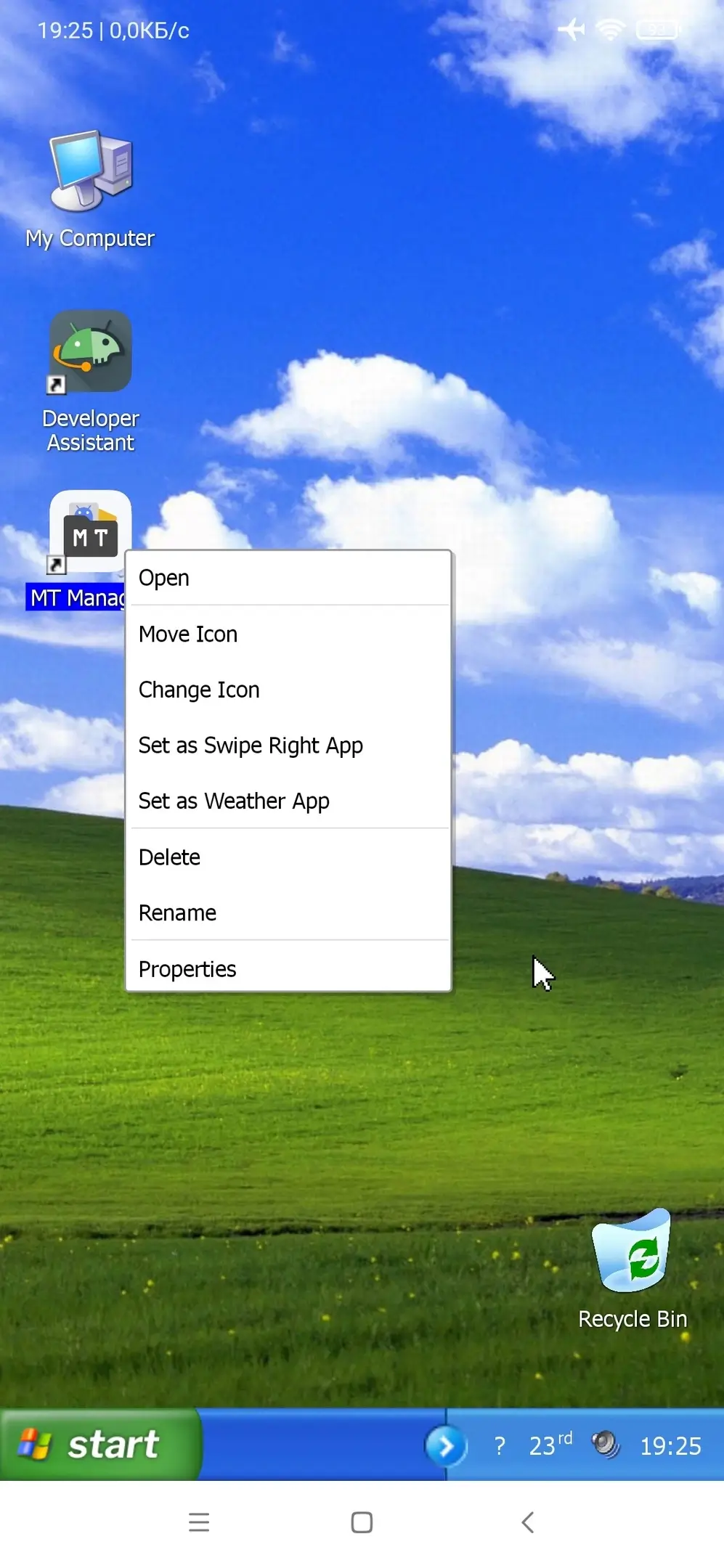
- Desktop with customizable shortcuts;
- "Start" menu for launching apps;
- "Internet Explorer" 6 and 7 style browser;
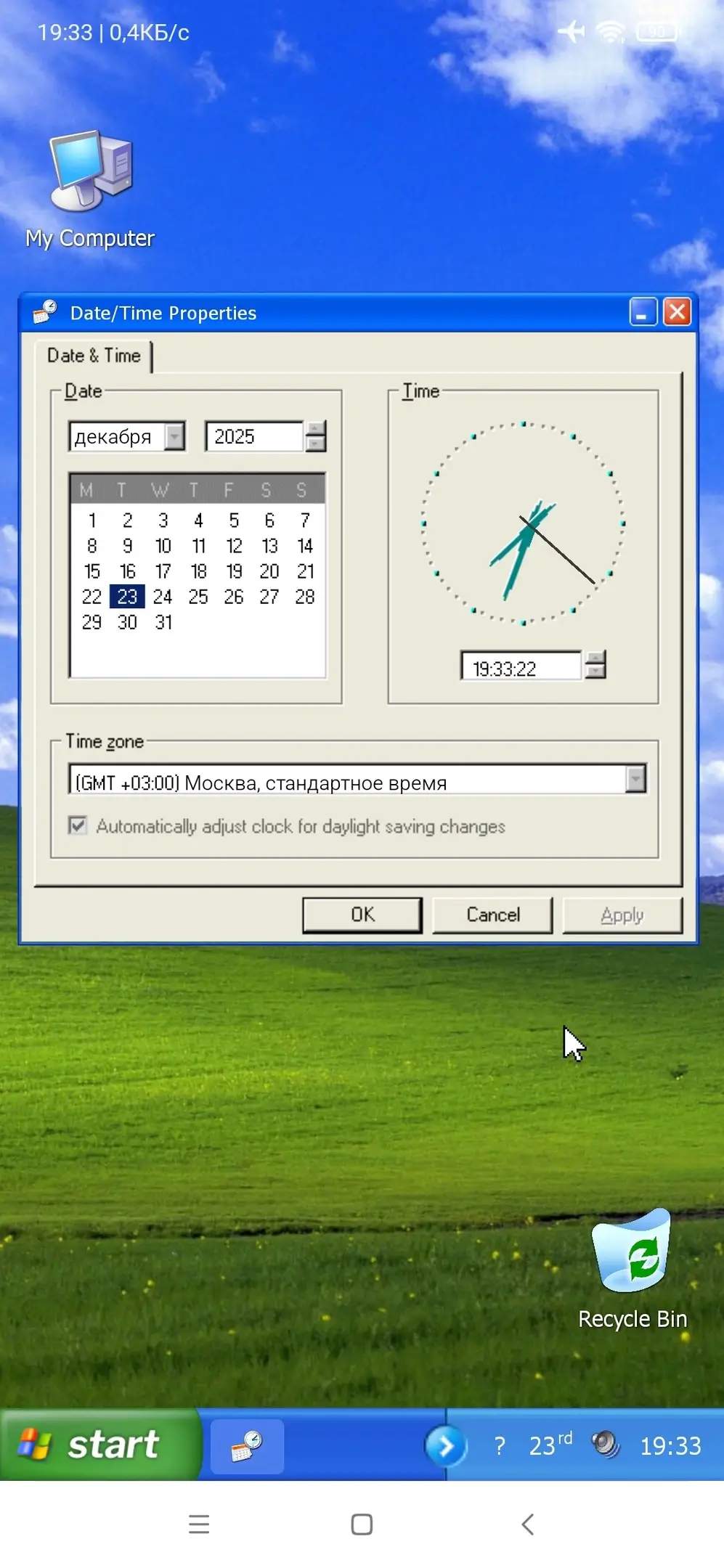
- Calendar and weather forecast integration;
- Built-in "Minesweeper" and "Solitaire" mini-games;
- Gesture controls for quick access;
- "Winamp" media player for local MP3 files;
- Customization and export of settings via registry editor.
Screenshots
0 7 7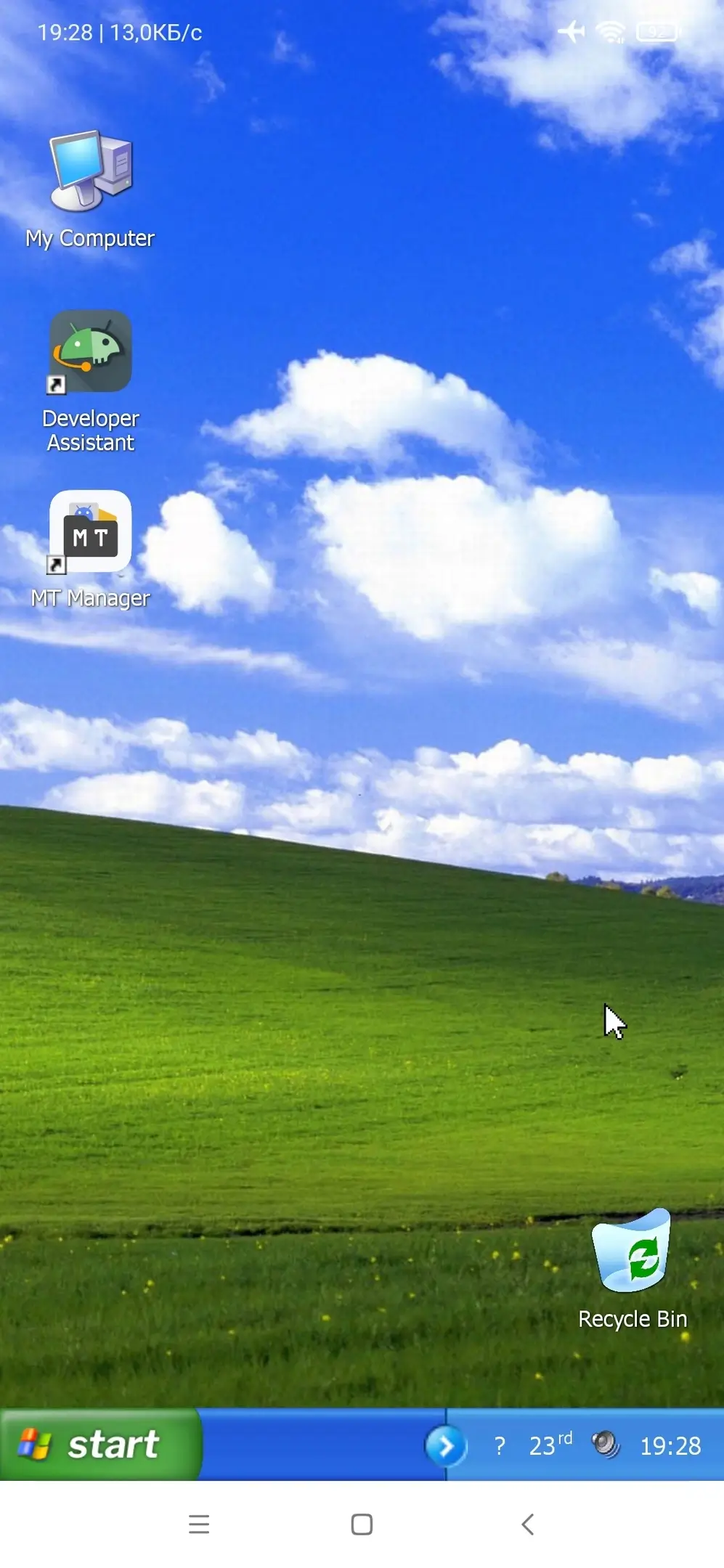
Information
Version 1.8.7 OS(MIN) Android 11.0+ Language English Developer Gorjan Jovanovski Status Free Root Not required Tags Windows for Android, Windows, Computer, PC, Windows for Android, Windows XP, Windows Vista, Windows 95, Windows 98, Windows 2000How to install
- Download the APK file above to your phone.
- Allow “Install unknown apps” when prompted.
- Open the downloaded APK and tap Install.
- If the package includes OBB/XAPK data, follow the bundled instructions.
MOD APKs are modified builds, so Play Protect may show a warning. Install only if you trust the file; use at your own risk.