
Screenshots
Description
WiFiKillRelieve the public network – simply disconnect selected users from it. In addition to forcefully banning connections, with this program you will be able to intercept other people's traffic.
Characteristics
WiFiKill is a multifunctional program. First of all, it allows you to pull off a unique trick – disconnect any user from an access point.
To demonstrate this feature in action, let's look at a clear example. For instance, you decided to connect to public Internet.As a rule, many users are already connected to it, consuming bandwidth and obviously reducing page load speeds or file download speeds for you. To relieve the network, you can simply disconnect any user or everyone at once by forcefully blocking their access.
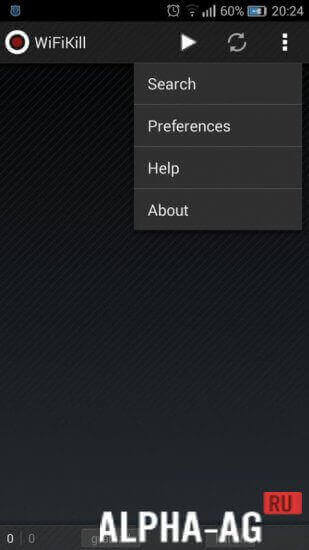
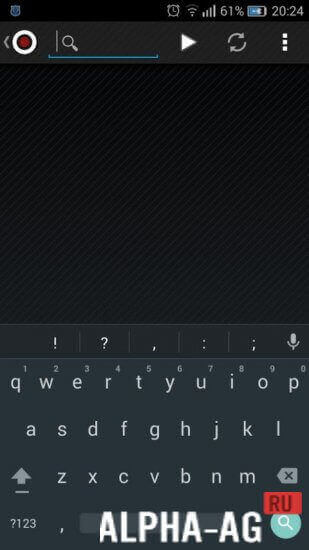
Here is how it is done. By opening the program and granting the utility superuser permissions, you can observe the wireless network scanning process.
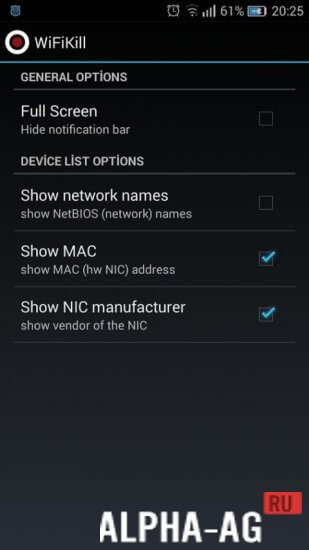
After a short wait, all connected devices will appear in a list on the screen. Moreover, not only abstract names will be indicated, but also the smartphone model and manufacturer.Features
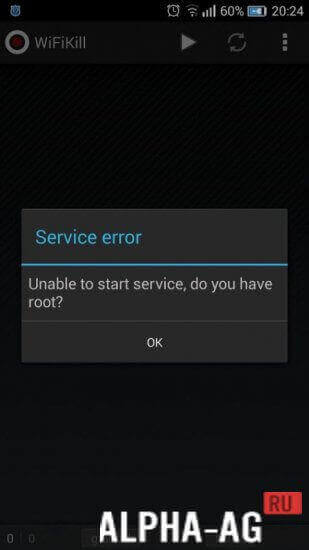
The program requires root access to work. With superuser rights, you can not only disconnect selected users, but also intercept their traffic. Having obtained cookie files, you can view this user's messages and even perform various actions in their account.
Naturally, no instructions are provided in the program, so you need to have minimal knowledge in this area to achieve the desired result.
On our website you can download the regular version of the WiFiKill (ВифиКилл) application for Android completely free of charge!
23 24 Feb Additional information:- Android version required: 4.0 or higher
- Age restrictions: none
- Russian localization: yes
- Cache installation: not required
How to install
- Download the APK file above to your phone.
- Allow “Install unknown apps” when prompted.
- Open the downloaded APK and tap Install.
- If the package includes OBB/XAPK data, follow the bundled instructions.
MOD APKs are modified builds, so Play Protect may show a warning. Install only if you trust the file; use at your own risk.