

Screenshots



Description
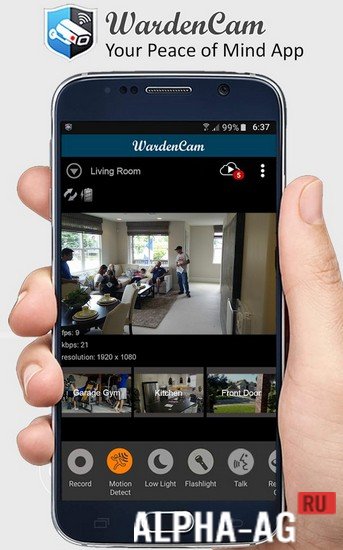
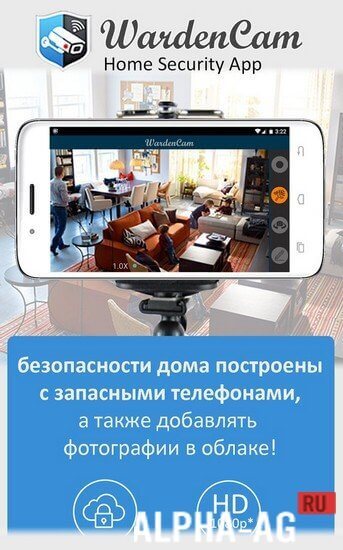
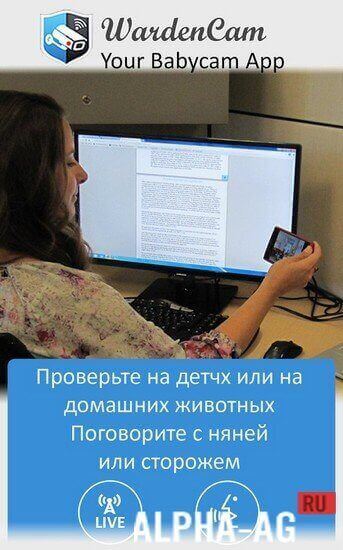
WardenCamA useful application that allows you to turn any of your mobile devices into a video surveillance system, enabling you to monitor what is happening at your home in your absence.
Gameplay
In today's world, everyone worries about the security of their home, but not everyone can afford to buy video surveillance cameras.
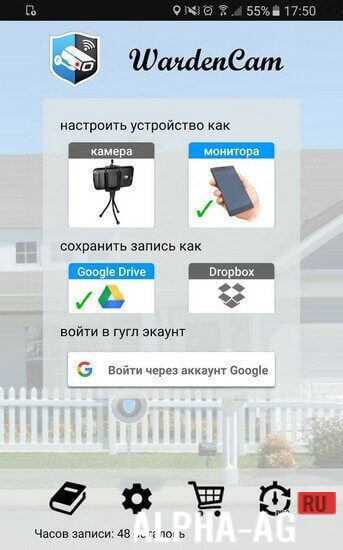
Now you won't need to spend money on buying them, because you can simply use this application to create a home video surveillance system out of your old phones and tablets.To do this, take any two of your Android devices with a camera and install this application on them. Now you need to sync them; to do this, log into the same Google account on both devices.
Afterwards, set one of the smartphones to "Camera" mode and the other to "Viewer" mode.You can place the device you will be using as a camera anywhere. You will monitor everything happening via the Internet from the second device. At the same time, you won't need to stare at the device screen all the time to know everything happening in front of the camera.
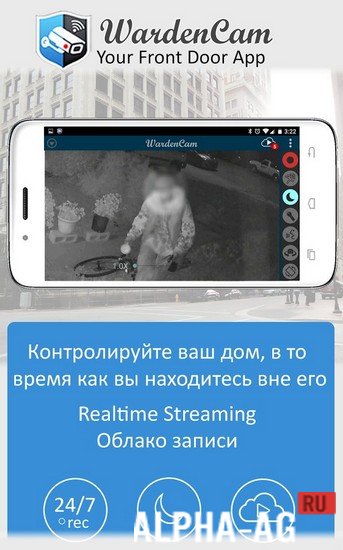
That is because the app provides an automatic motion detection feature, and as soon as any motion is detected in front of the camera, you will immediately receive a notification. You will also be able to talk to whoever is in front of the camera.
Key Features
A simple yet very handy app that keeps you well-informed about what is happening in your house while you are away. The app works over any 3G, 4G, and WiFi network. Use different modes at your discretion. Turn on night mode.
This mode will significantly improve image quality in low light conditions. You can link both of your devices to cloud storage so that it uploads recordings to the cloud when motion is detected. In addition, you can enable continuous recording to cloud storage.
0 Feb 03 Additional information:- Android version required: 4.4 or higher
- Age rating: 3+
- Russian localization: present
- Cache installation: not required
Subscribe to our YouTube channel!
Add a commentHow to install
- Download the APK file above to your phone.
- Allow “Install unknown apps” when prompted.
- Open the downloaded APK and tap Install.
- If the package includes OBB/XAPK data, follow the bundled instructions.
MOD APKs are modified builds, so Play Protect may show a warning. Install only if you trust the file; use at your own risk.