

Screenshots





Description
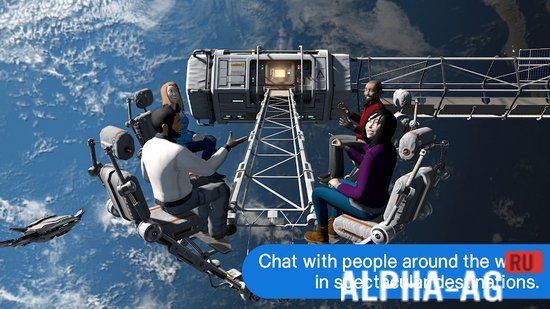
vTime XRThe world's first virtual reality social network, where you will dive into a colorful three-dimensional world to meet and chat with other users from all over the world.
Gameplay
All virtual reality enthusiasts will appreciate this app, as it offers not only entertainment, but also real communication with other users from across the globe.
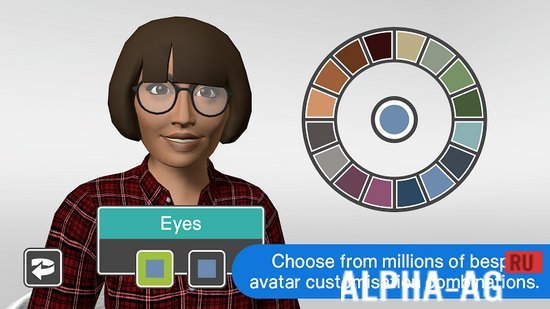
Upon launching the app, you will need to choose the reality mode to immerse yourself in from 3 available options: virtual reality mode, augmented reality, and Magic Window.The latter mode allows you to use the app without a headset. Once you choose a mode, you will need to create your avatar, which other users will see in virtual reality. For this, you will have hundreds of personalization options available to make it look realistic.
Now you can wander through various rooms created by other users, where you can chat with them on any topic.
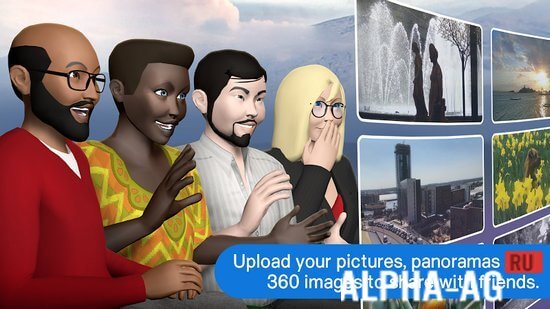
You can also create your own rooms to invite friends and acquaintances. If you don't have the opportunity or desire to voice chat with other people, don't worry,This app features a built-in chat where you can communicate with them via text messages. Using this chat, you can also send photos or video files to your conversation partner. Create a friends list, which will let you see when they are online and easily connect with them.
Key Features
In this social network, you can meet people from all over the world, helping you make new friends and acquaintances. This app will also help you learn foreign languages, as live communication with a native speaker is the best way to learn.
When chatting with others, you can express your feelings through gestures using more than 17 virtual emojis, including celebration, blowing a kiss, waving, and more. The app works on almost all smartphones and with any virtual reality glasses.
0 Jan 26 Additional information:- Android version required: 7.0 or later
- Age rating: 12+
- Russian localization: missing
- OBB/Data installation: not required
Subscribe to our YouTube channel!
Add a commentHow to install
- Download the APK file above to your phone.
- Allow “Install unknown apps” when prompted.
- Open the downloaded APK and tap Install.
- If the package includes OBB/XAPK data, follow the bundled instructions.
MOD APKs are modified builds, so Play Protect may show a warning. Install only if you trust the file; use at your own risk.