

Screenshots


Description
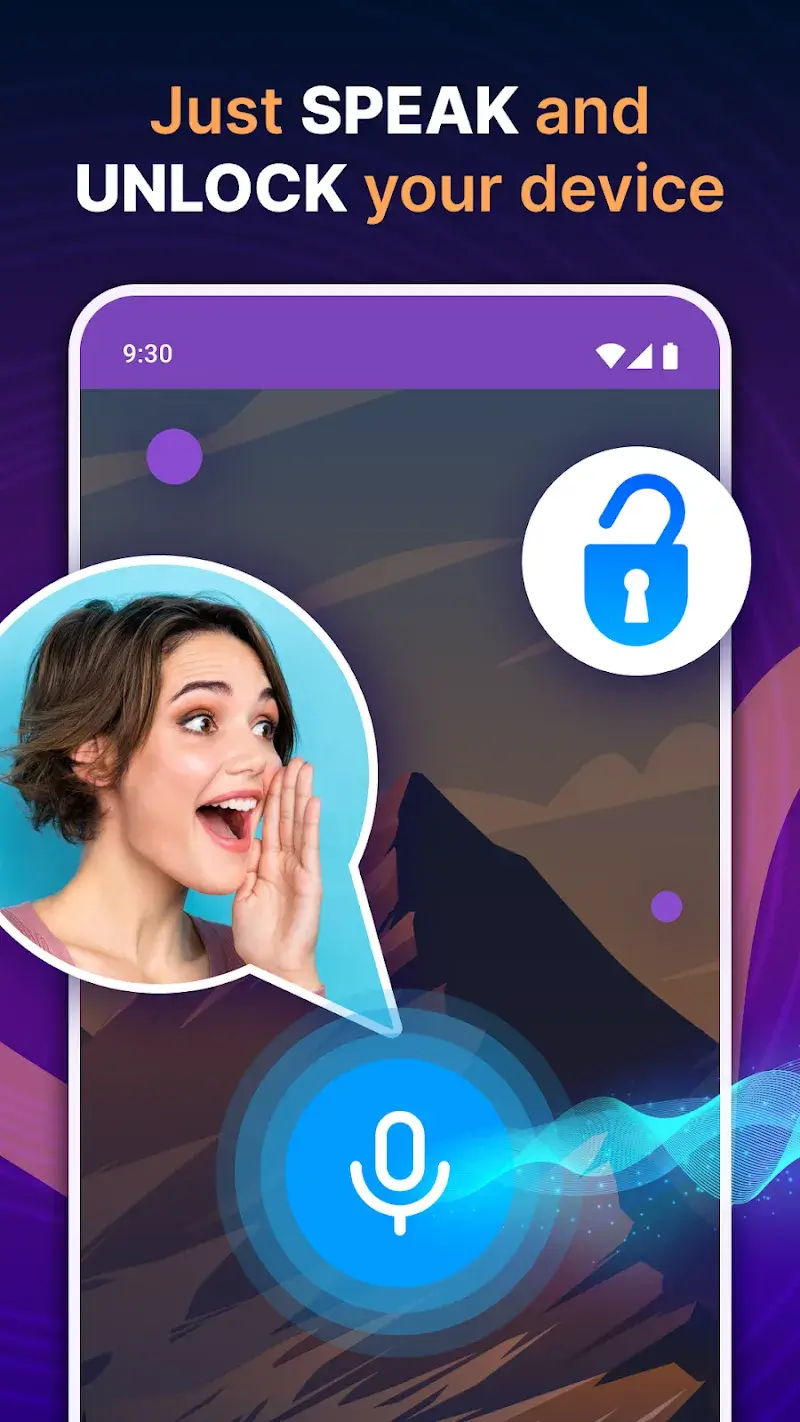
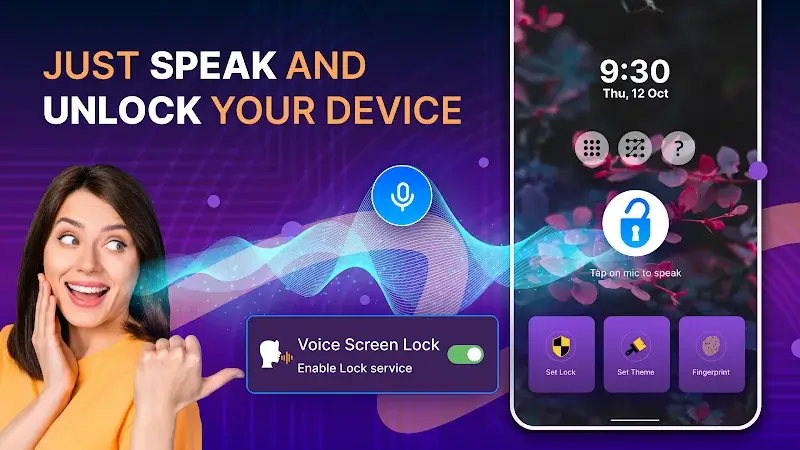
Voice Screen Lock lets you lock or unlock your device in just a few seconds with simple spoken commands. It uses voice recognition, so once a compatible command is set up, the screen can be opened hands-free. You can also run this feature alongside the PIN code unlock, and choose between advanced or simpler options depending on your needs. Using two security methods together also means you won't have to worry about forgetting your PIN.
LOCK YOUR SCREEN WITH JUST YOUR VOICE
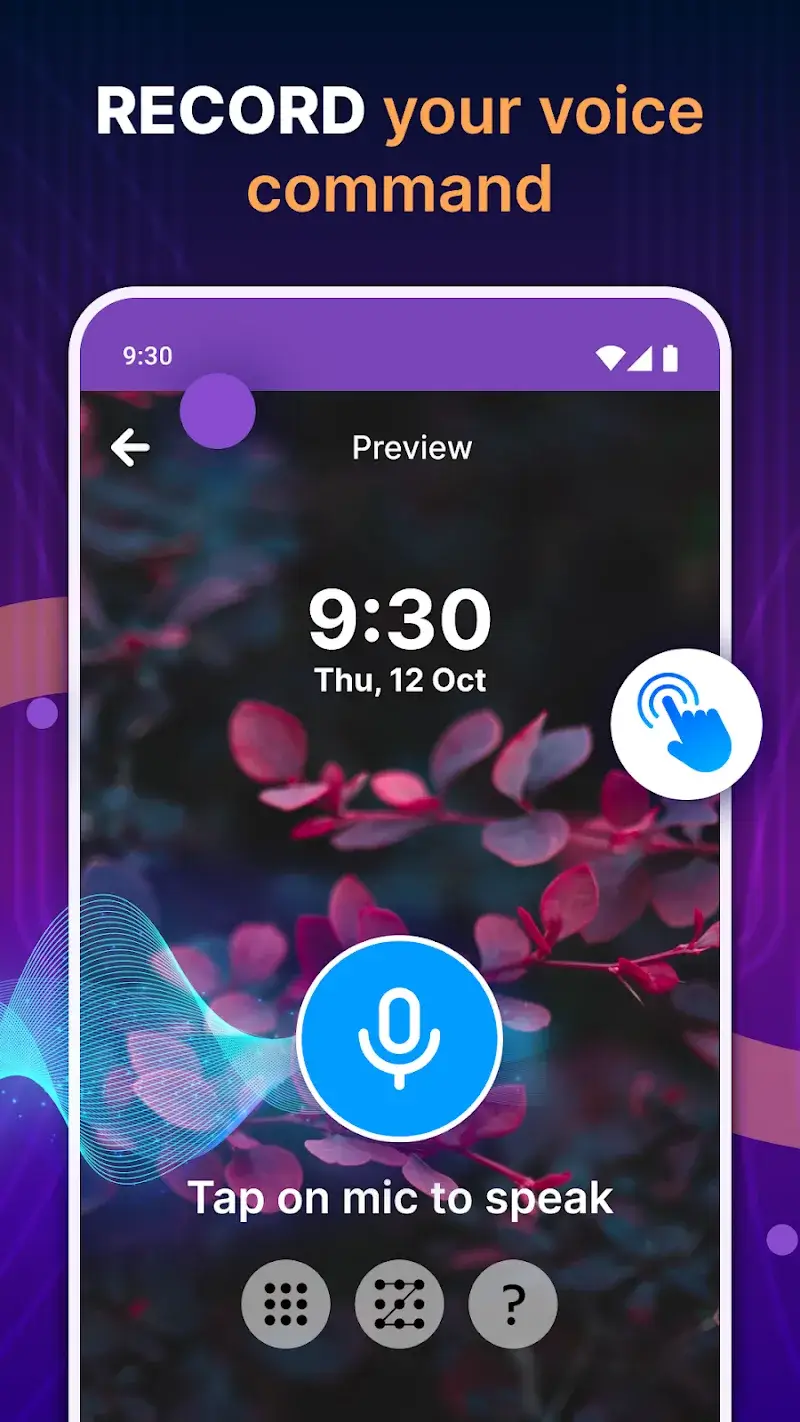
Traditional screen locks usually rely on PIN codes or fingerprints, but with Voice Screen Lock you can leave those behind. The app helps you record voice commands to lock or unlock your device, so you can start using it quickly after a few easy steps. It is especially handy in everyday situations, like opening your screen while your hands are busy with work or when it's raining and fingerprint sensors are hard to use.
MANY WAYS TO LOCK YOUR SCREEN FOR EXTRA SECURITY
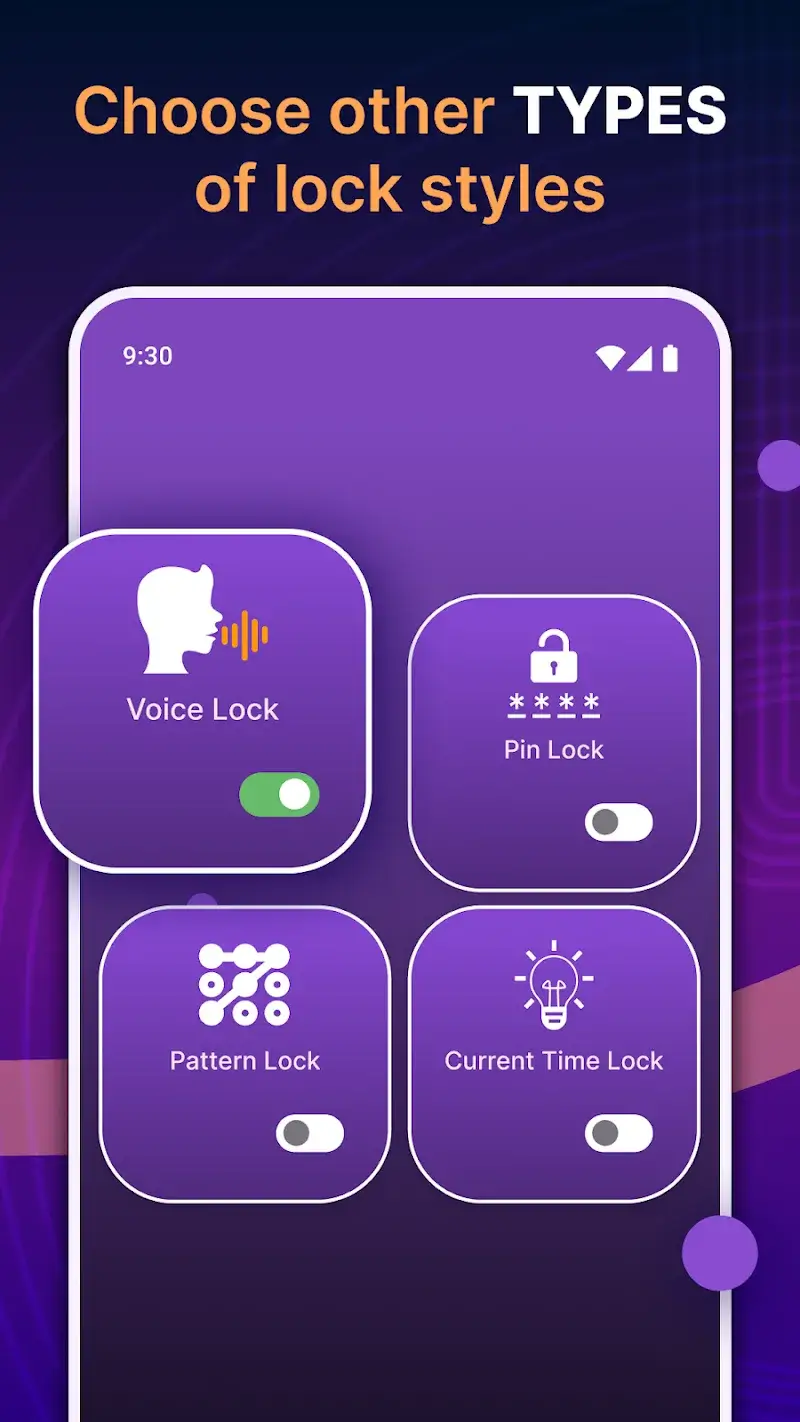
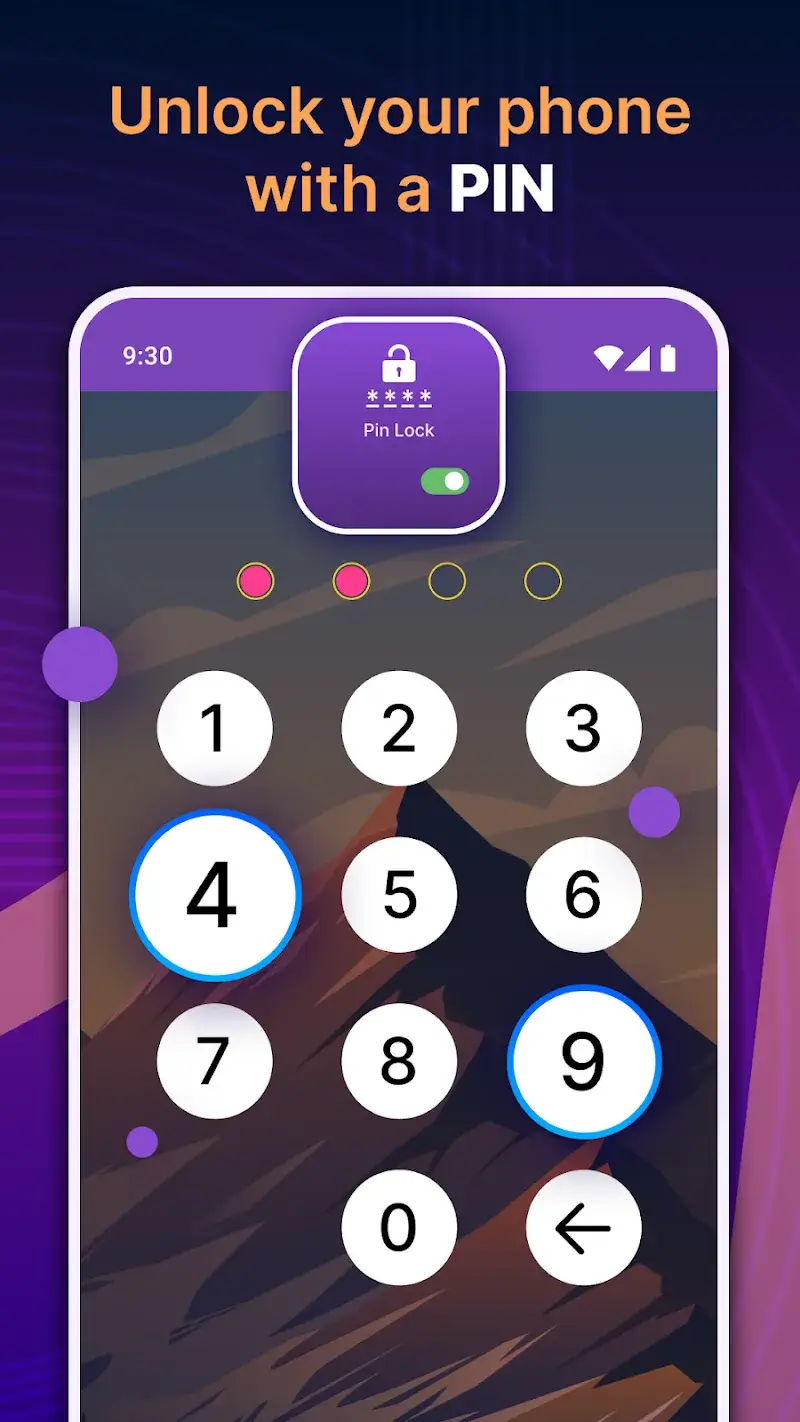
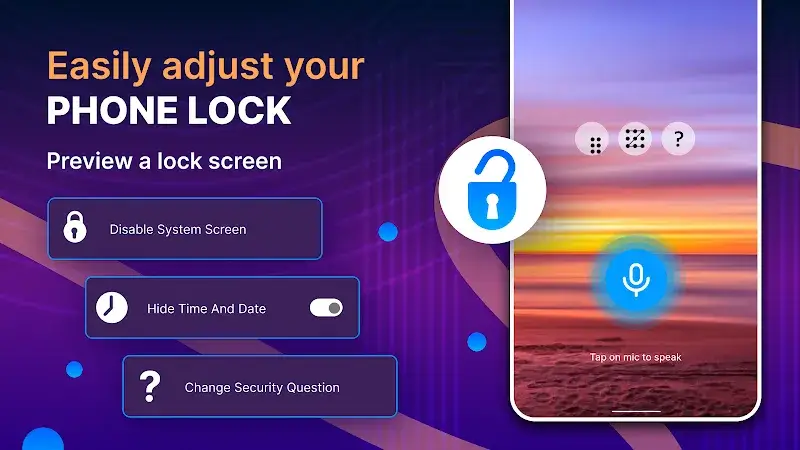
Although you can fully replace unlocking with a plain PIN code, the app also lets you keep your current PIN in certain cases. If many people around you might be able to repeat your commands, you can switch to a PIN to keep unwanted users from accessing your device. In other situations, you can use two locking and unlocking methods that back each other up, so you can always get into your device without being locked out.
How to install
- Download the APK file above to your phone.
- Allow “Install unknown apps” when prompted.
- Open the downloaded APK and tap Install.
- If the package includes OBB/XAPK data, follow the bundled instructions.
MOD APKs are modified builds, so Play Protect may show a warning. Install only if you trust the file; use at your own risk.