
Screenshots
Description
Written by Albert H. Gates
AI has been a major leap forward for humanity in the information technology era, lending a hand in fields ranging from medicine and education to entertainment. Today I'd like to introduce an entertainment app built on AI called Voice AI. It transforms your voice into that of a cartoon character or another person, and with this unique feature you can come up with plenty of hilarious pranks and jokes to share with your friends.
Introducing Voice AI
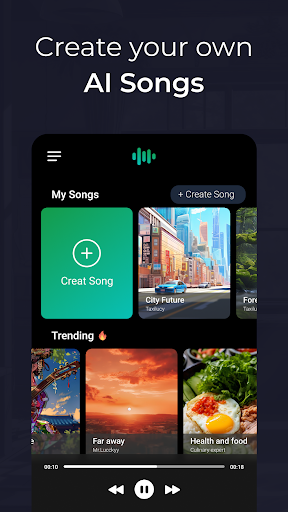
Voice AI – Change Your Voice is an entertainment app that uses artificial intelligence to alter your voice. With its engaging features, you can sound like a famous singer or a fictional cartoon character. The app offers an impressive voice library along with many other fun tools, and at the moment it is used mainly for entertainment.
AI Voice Generation
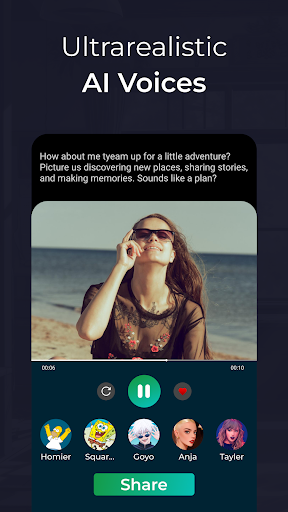
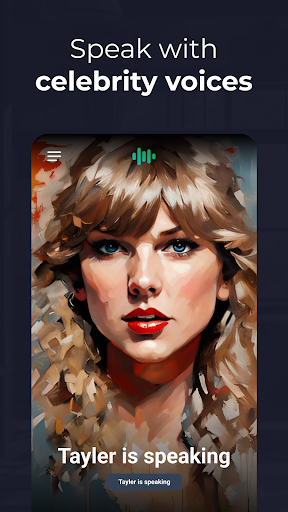
Voice AI offers a very interesting and distinctive voice conversion feature that lets you turn your voice into that of a fictional character or a well-known personality. The app uses AI to transform the voice audio you input into a new sound. The exact technology behind it isn't clearly explained, and personally I didn't find the quality of the converted voices fully satisfying. To form your own opinion, it's best to try it yourself.
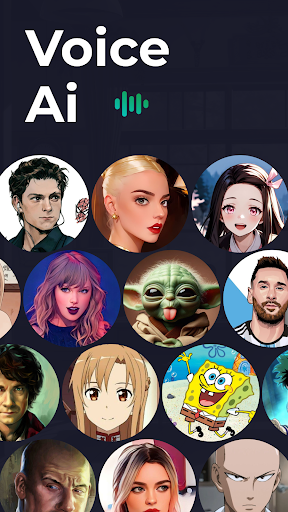
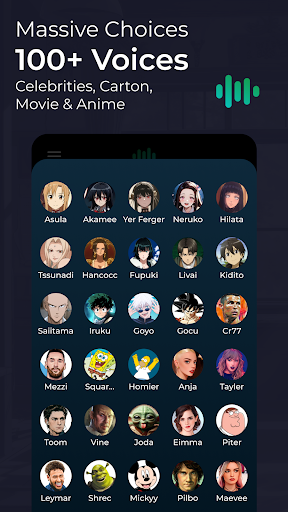
Voice Conversion Collection
Voice AI comes with a large voice library, and its voice changers are organized into several categories, including:
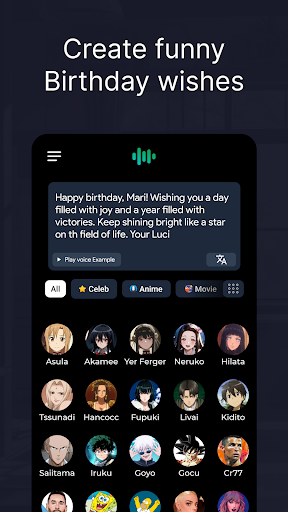
- Famous AI Voices: The app suggests today's most popular AI voices, such as Donald Duck, Hu Tao from Genshin Impact, Justin Byebye and more.
- Voice AI: Contains voices sorted by music genre, so you can sound like a singer across many different styles. Some examples are Male Afro Beat, Solo Clarinet and Female American.
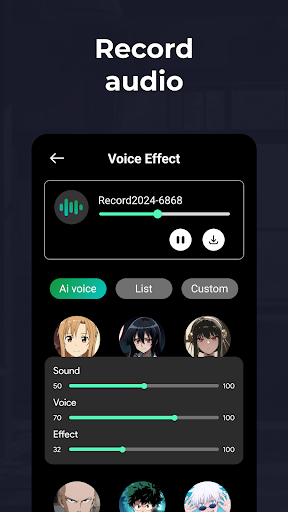
- List: Offers basic voices such as Monster, Alien, Girl and Boy. You can also fine-tune the output sound yourself in this section.
- Customs: Lets you edit your own voice by adjusting Echo, Flange, Distortion, EQ, Pitch Shift, Chorus and Reverb. If you have a background in audio production, this section will suit you well.
How to Use Voice AI
Changing your voice with the Voice AI app is quite simple. Just follow these steps:
- Select the voice audio you want to change: Voice AI lets you add up to three voice audio files, or you can record a new clip directly within the app.
- Choose the right Voice AI: As mentioned above, the app has a large conversion library, so you're free to pick whichever voice you like. Keep in mind that if you don't have Premium, you'll need to watch an ad video to use some of the voice AIs.
- Save your voice: Voice AI stores your edits in the app's storage. Once saved, you'll have the voice-changed audio or video clip you wanted.
Tools
- Voice Converter: Converts your voice audio files into a new voice of your choice.
- Voice Video: Works much like Voice Converter. Add a video with voice, select a Voice AI, and the system will produce the converted video for you.
- Text to Speech: Simply enter a piece of text, and Voice AI will read it aloud for you.
Disadvantages
After spending some time researching and testing Voice AI, I noticed a few drawbacks that I hope will be addressed in future updates:
- Too many ads: You have to watch ads to use nearly any feature of Voice AI. Most of them are quite long, which can be extremely annoying. Ads appear everywhere, and nearly every feature comes with one.
- The free version is slow: Voice AI has a fairly minimalist interface and is easy to navigate, but its features can feel laggy. In the free version, choosing a voice means sitting through ads and then waiting a long time for the conversion to finish. The Premium version only speeds things up slightly.
- Some tools don't work: It isn't clear whether this is a bug or intended behavior, but some tools don't show an add-data button or even basic information about their function. That left me unsure whether the features would work smoothly if I upgraded to Premium.
MOD APK Version of Voice AI
MOD Feature
Pro Unlocked
Download Voice AI MOD APK for Android
Voice AI lets you craft fresh, unique voices for entertainment purposes. Using this app, you can hear how your voice turns out after passing through a range of sound effects. It's a fun and engaging tool, though it still has a number of bugs that the developer will hopefully address in future updates. Grab Voice AI now and explore the creative possibilities it offers.
Comment
How to install
- Download the APK file above to your phone.
- Allow “Install unknown apps” when prompted.
- Open the downloaded APK and tap Install.
- If the package includes OBB/XAPK data, follow the bundled instructions.
MOD APKs are modified builds, so Play Protect may show a warning. Install only if you trust the file; use at your own risk.