

Screenshots




Description
VMOSWith this app, you can create a virtual operating system on your device, allowing you to have multiple accounts in your favorite apps.
Gameplay
This app is designed to create a completely independent operating system on your device that runs separately from the main OS without being controlled by it. The app is installed just like any regular app and only takes a few minutes.
After that, directly within the app, you will be able to install a ROM that launches immediately after the process is successfully completed. By default, this will be an operating system based on Android 5.
Thanks to this, you will be able to install multiple copies of the same apps and games on your smartphone.You can have two accounts on social networks such as Instagram, VKontakte, Facebook, Twitter, and others. This will allow you to combine your personal and work life on a single smartphone.
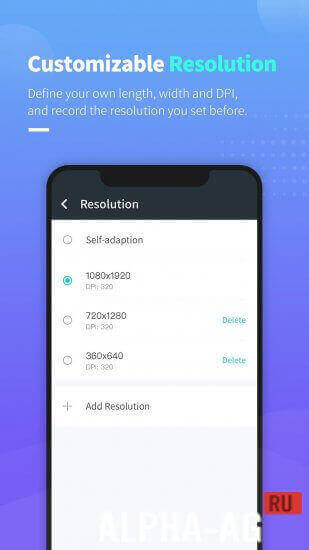
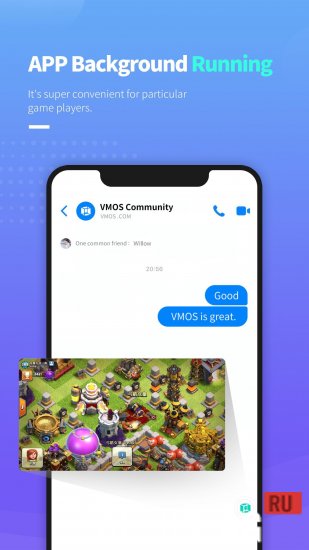
Moreover, for certain games, you will be able to run this app in the background. In the app settings, you can adjust the screen resolution for the new OS.Key Features
With this app, you can create a virtual operating system on your device, allowing you to install and run multiple copies of the same games and apps on your phone.
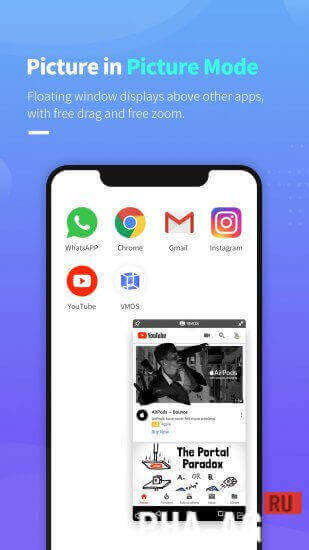
You can also get root access for your smartphone here with just one tap. The program is equipped with a picture-in-picture mode. In this mode, a floating window will be displayed on top of other apps, and you can move and resize it yourself.
38 Aug 25 Additional information:- Required Android version: 5.1 or higher
- Age restrictions: None
- Russian localization: Not available
- Cache installation: Not required
Subscribe to our YouTube channel!
Add commentHow to install
- Download the APK file above to your phone.
- Allow “Install unknown apps” when prompted.
- Open the downloaded APK and tap Install.
- If the package includes OBB/XAPK data, follow the bundled instructions.
MOD APKs are modified builds, so Play Protect may show a warning. Install only if you trust the file; use at your own risk.