

Screenshots





Description
VK PlayProtect your VK Play account with this app, which allows you to set up two-step authentication. But that's not all, as you will also be the first to know about all the events happening in games on this platform.
About the app
If you are worried about the security of your VK Play account and fear that an unauthorized person might access it without your knowledge, download and install this program on your device right now to keep yourself safe.
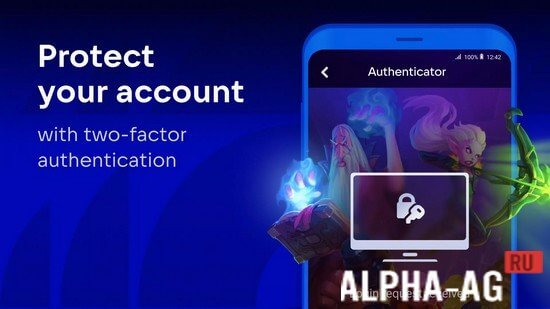
With its help, you can set up two-step authentication in just a few clicks to protect your accounts in your favorite games.As soon as you or anyone else attempts to log into your VK Play account, it will immediately send a request to the app, where you simply need to confirm or decline the login by tapping the corresponding button.
Receive important notifications about all the events taking place in games and other services of this popular platform.Key Features
Thanks to this interesting app, you will now be among the first to receive important notifications about promotions, gifts, and various other events in your favorite games and services on the VK Play platform. But the main feature of this app isn't even all that, but its unique two-step authentication.
This feature will help you reliably protect your account and provide complete confidence that no unauthorized person will be able to use your account by any means. Without your knowledge, no one will be able to take over your game accounts in various games such as Skyforge, Warface, and many others.
0 Feb 21 Additional information:- Android version required: 7.0 or higher
- Age restrictions: 3+
- Russian localization: present
- Cache installation: not required
Subscribe to our YouTube channel!
Add commentHow to install
- Download the APK file above to your phone.
- Allow “Install unknown apps” when prompted.
- Open the downloaded APK and tap Install.
- If the package includes OBB/XAPK data, follow the bundled instructions.
MOD APKs are modified builds, so Play Protect may show a warning. Install only if you trust the file; use at your own risk.