

Screenshots



Description
MOD Download 0
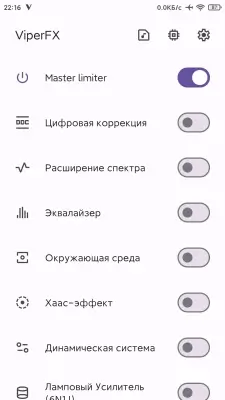
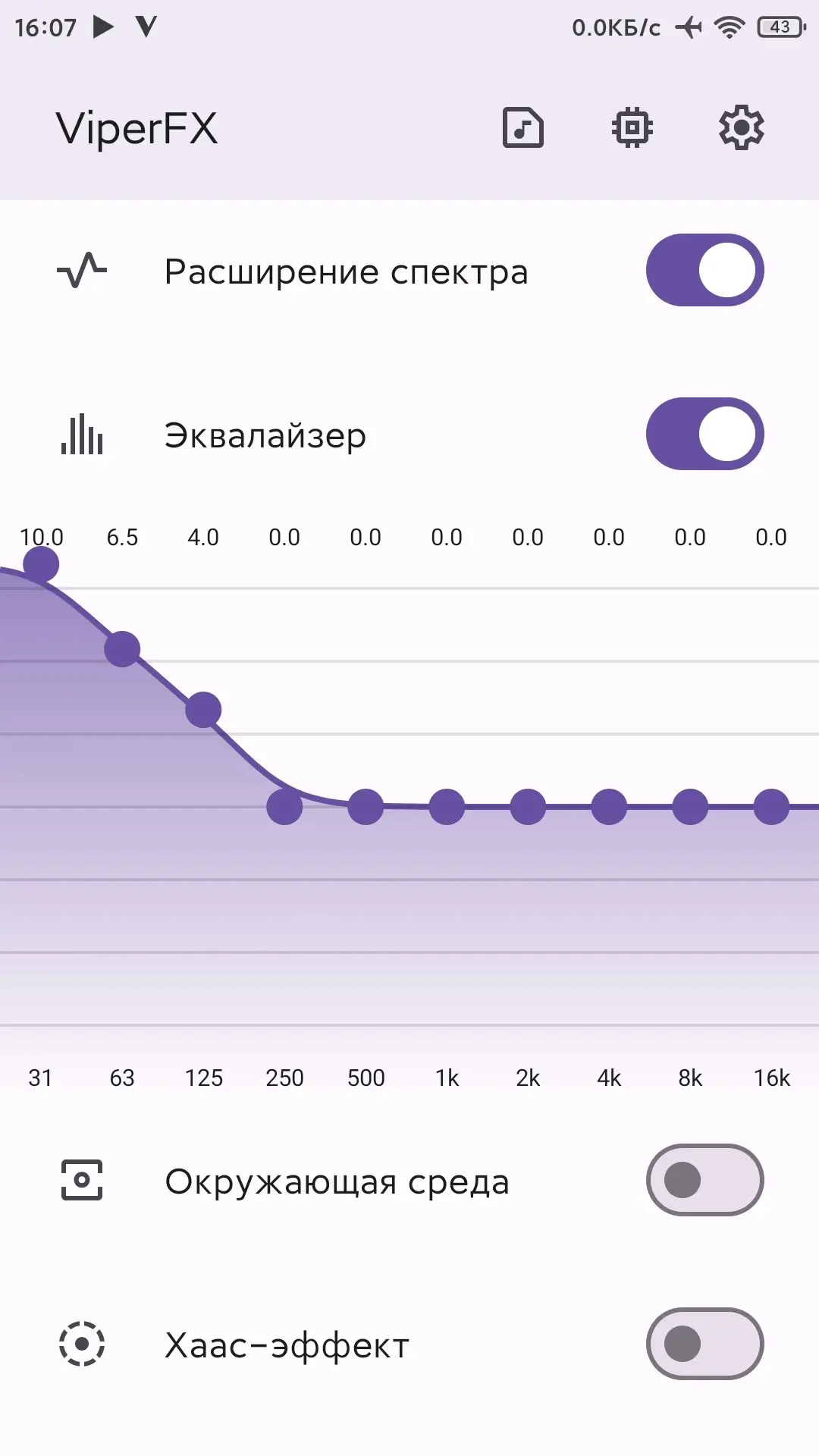
ViperFX RE (MOD by WSTprojects) - A functional application for detailed sound tuning on Android devices. Modification of the original ViPER4Android FX with Material You design and additional improvements. The application is an excellent alternative to the system equalizer and offers many possibilities for full sound customization. An intuitive and modern interface will allow you to easily master all settings and get the desired sound effect. You will be able to create the perfect sound for yourself.
ViperFX RE - The best solution for sound tuning on Android devices. Thanks to its uniqueness and multifunctionality, it will allow you to create individual profiles for each headset and enjoy high-quality sound in any conditions.
For ViperFX RE required:
- Root rights (Magisk / KernelSU).
- Download and install "ViperFX RE";
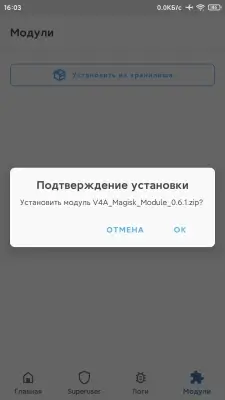
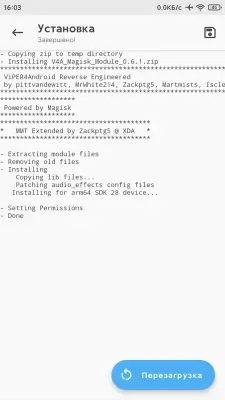
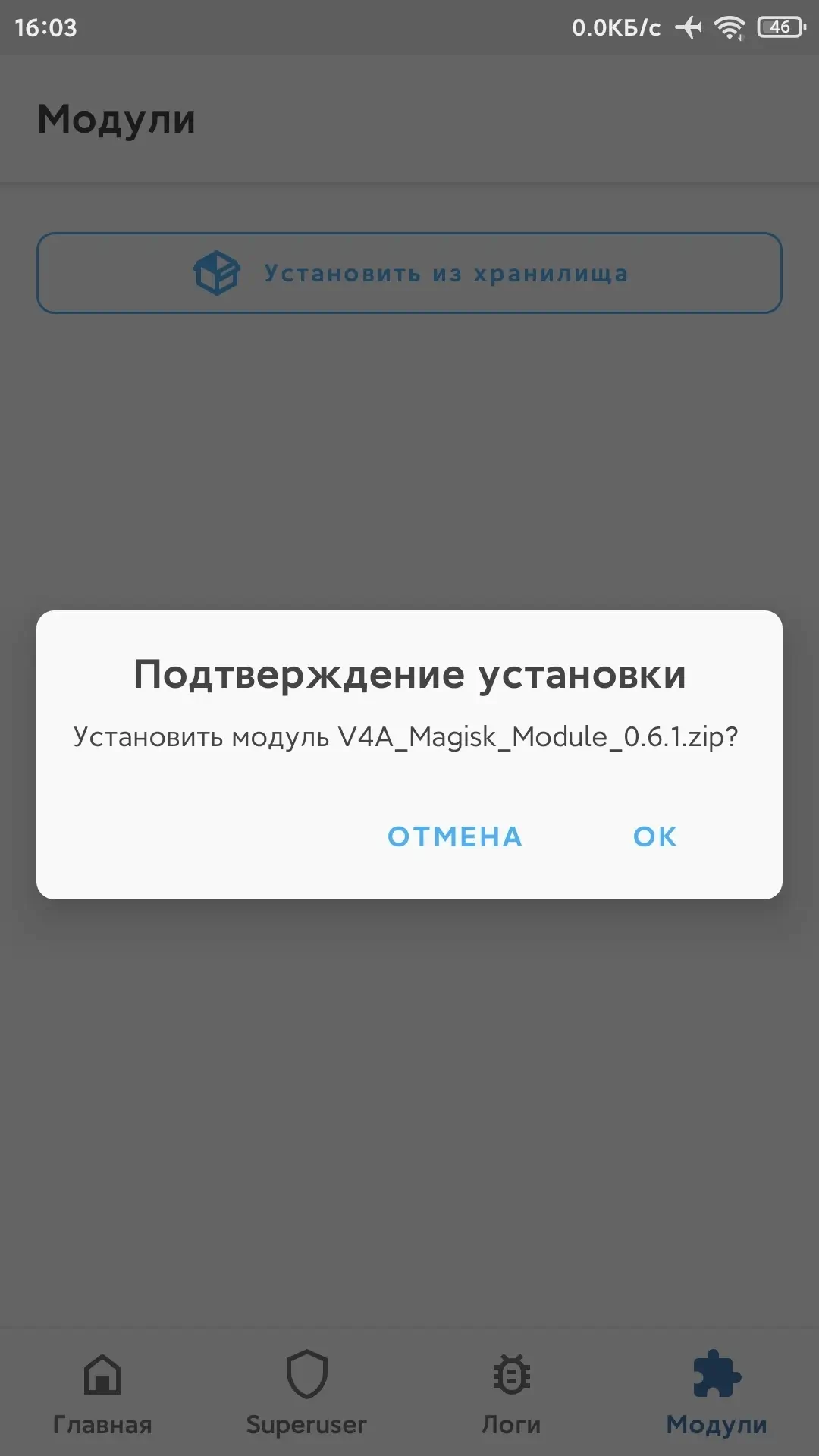
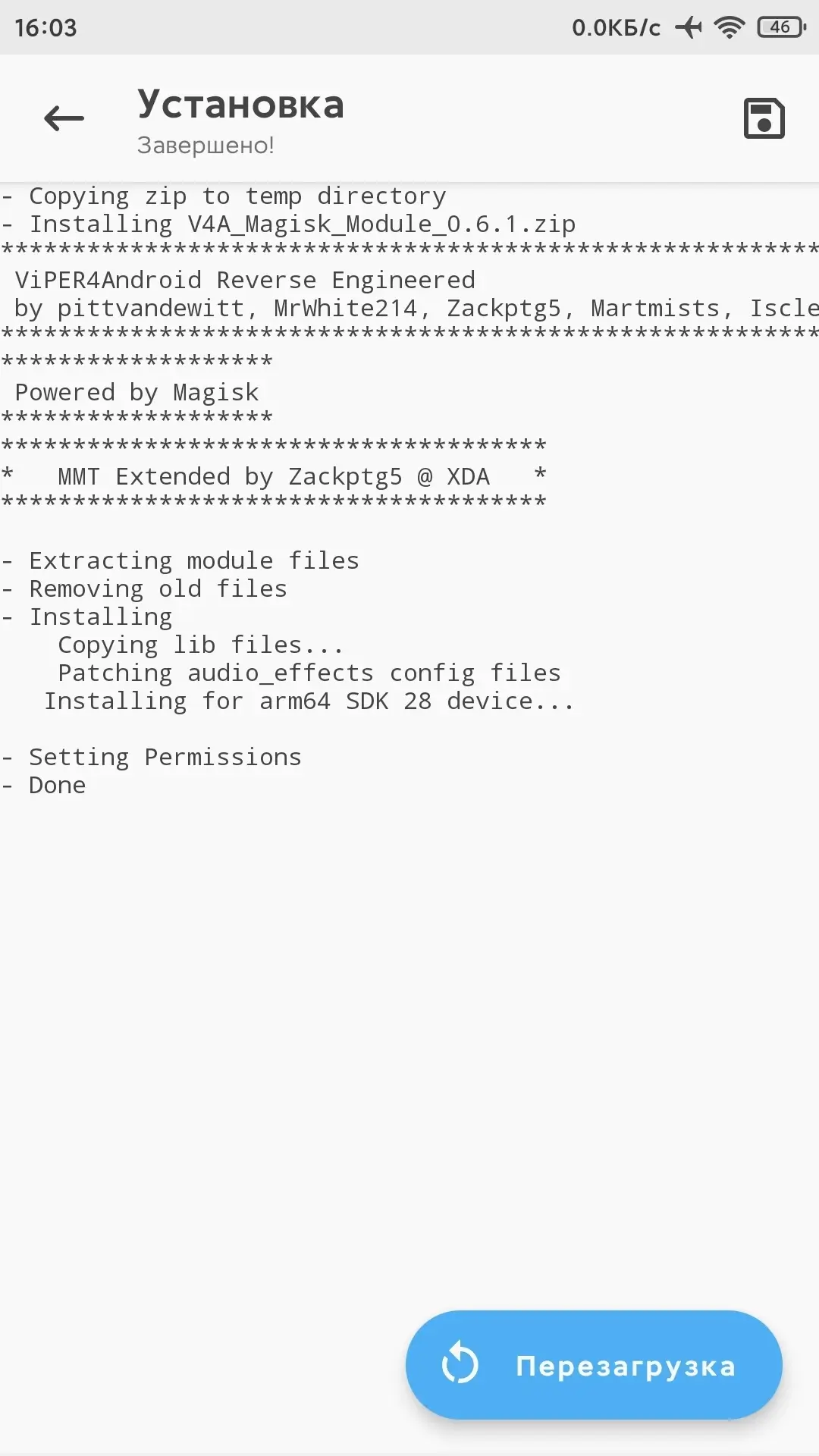
- Download and install the module for Magisk / KernelSU - "ViperFX RE (Module Driver)";
- After installation, reboot the device;
- Launch "ViperFX RE".
Check functionalityCheck functionality:
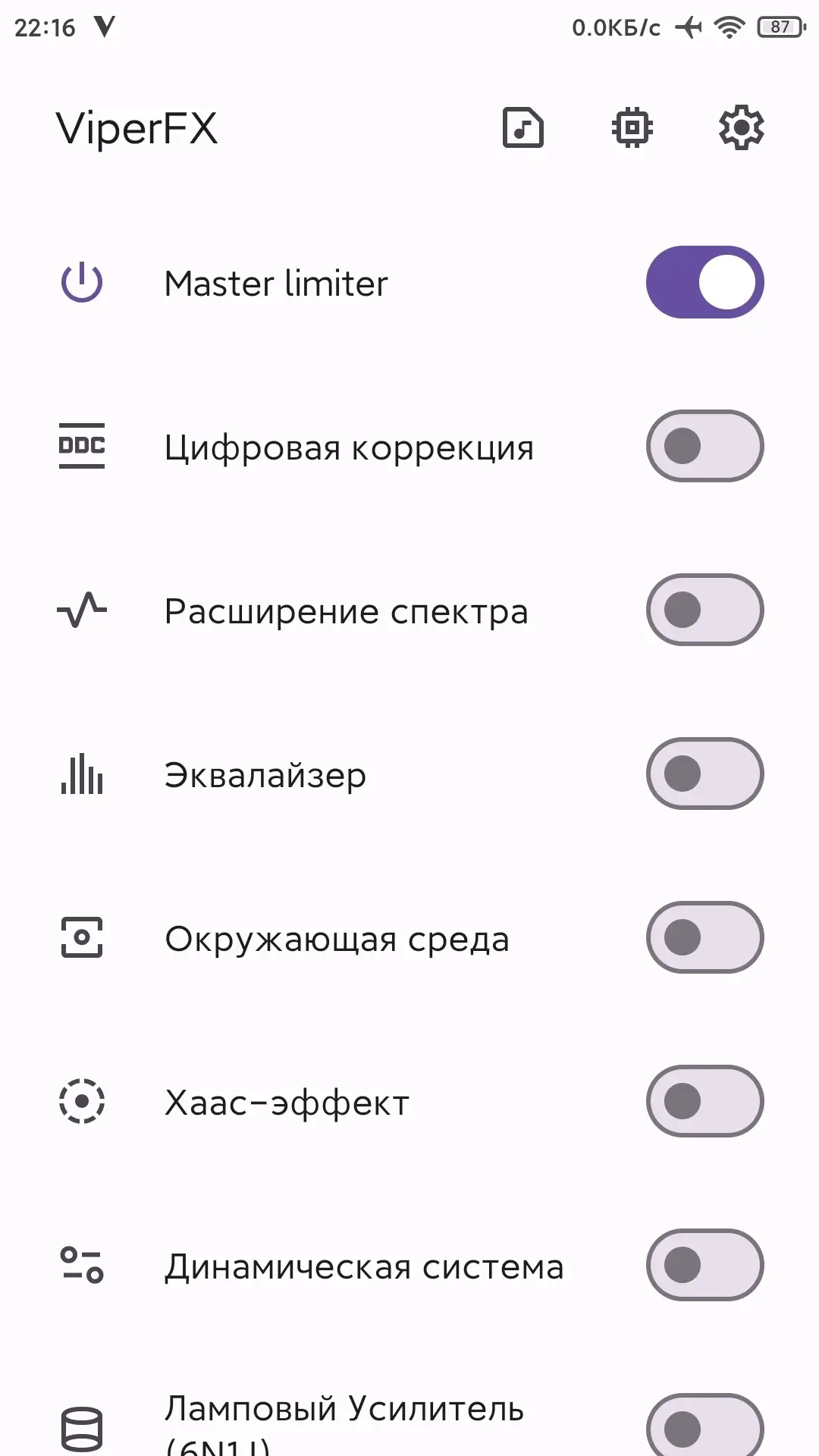
- Open the application "ViperFX RE";
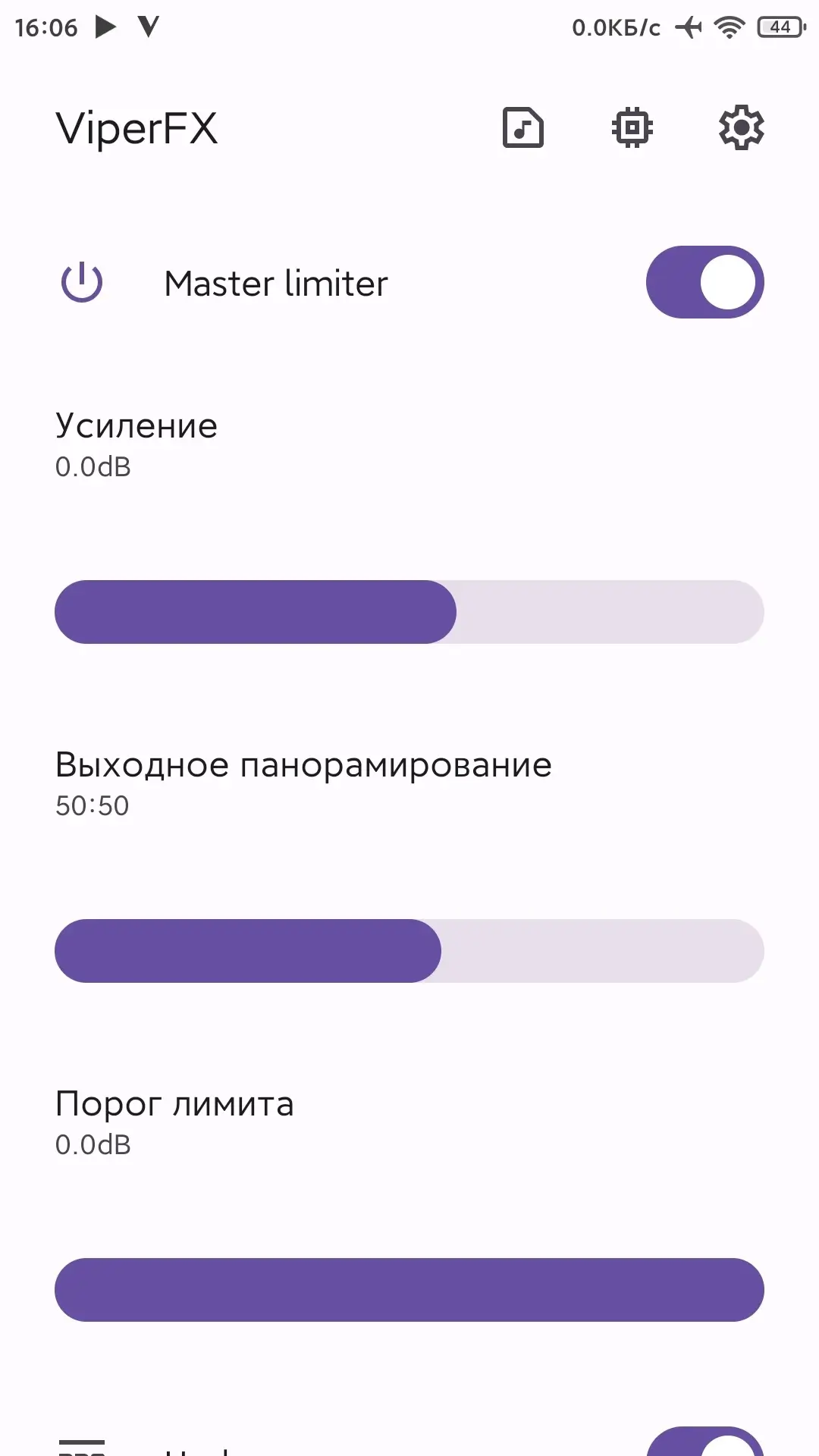
- Activate "Master Limit";
- Play music in any application, minimize it and return to "ViperFX RE";
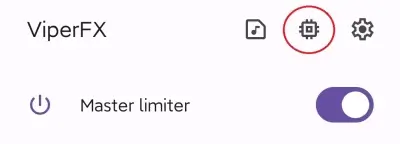
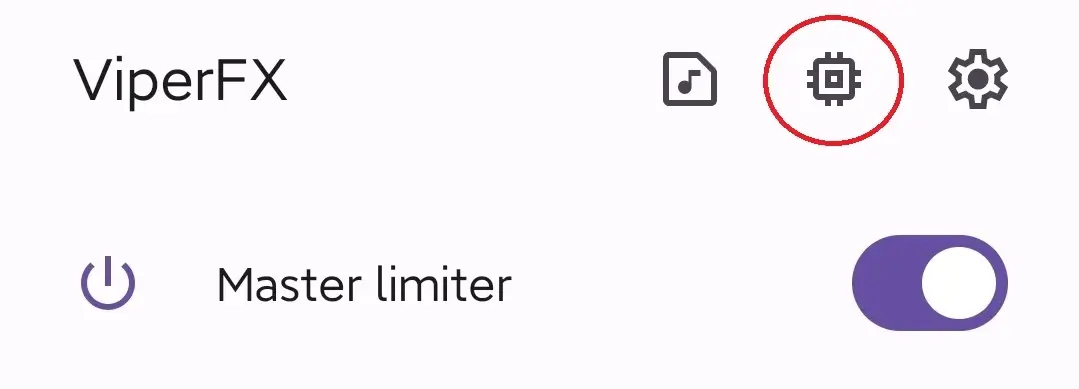
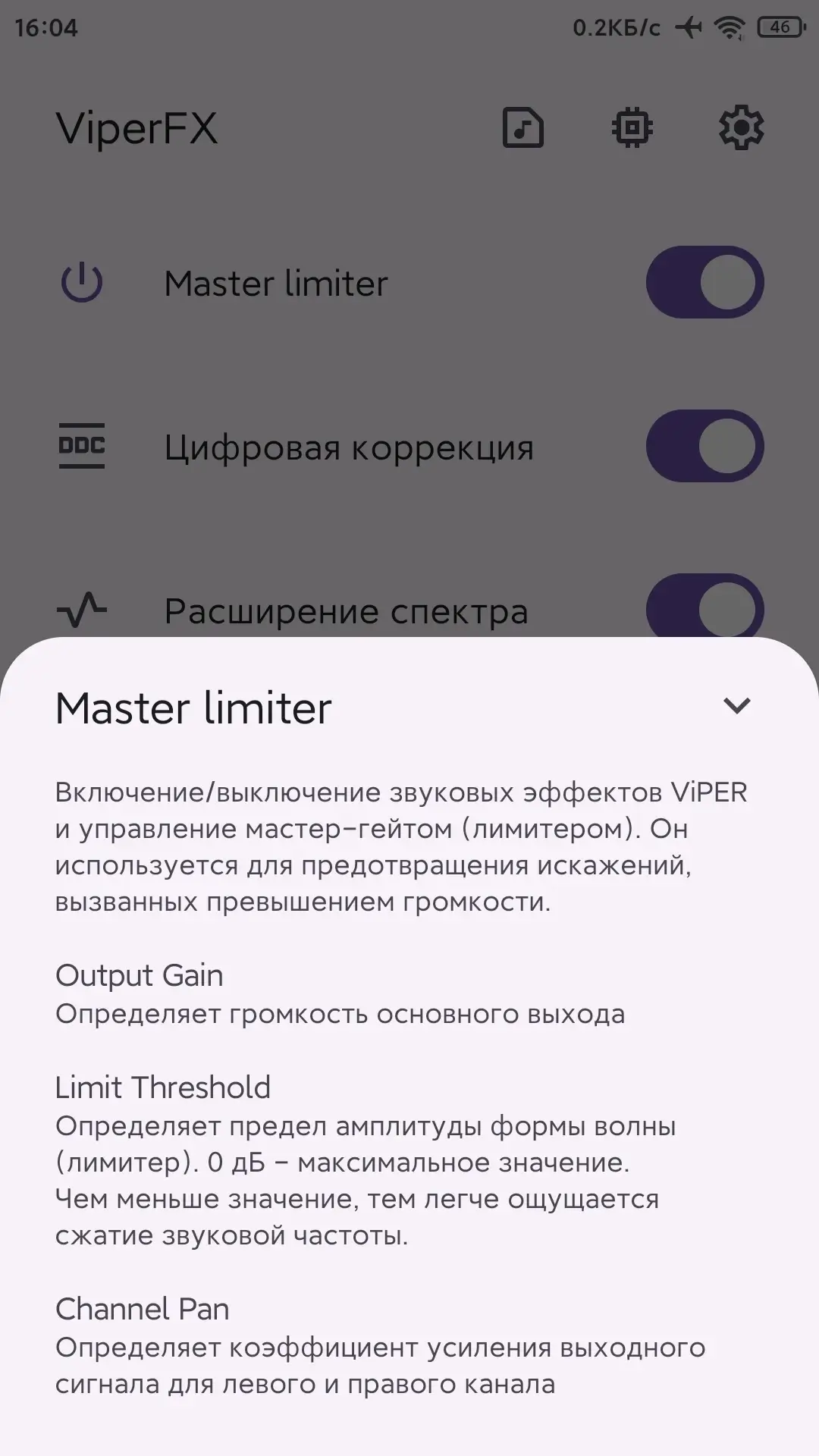
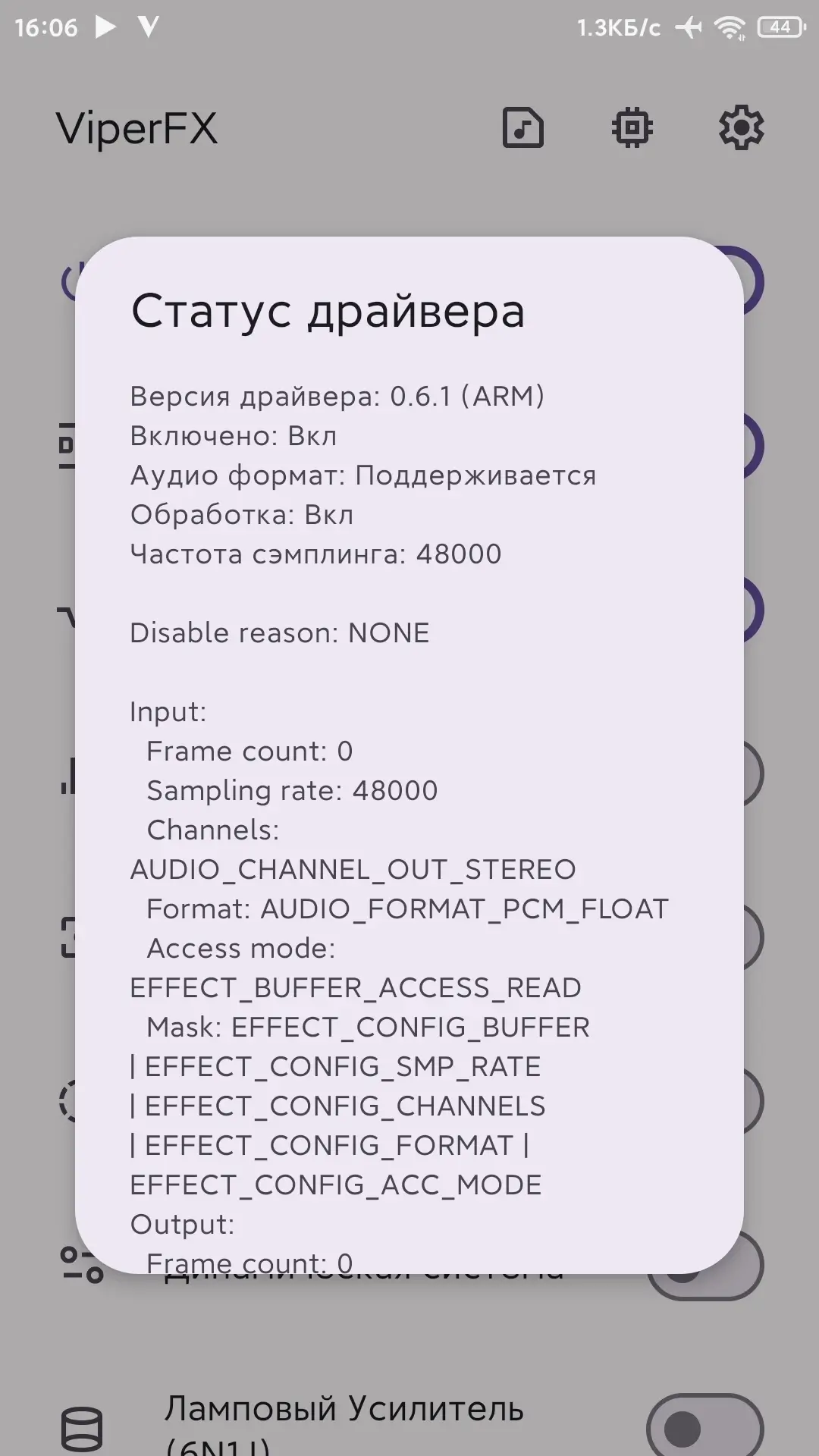
- Click on the "Chip" icon (screenshot):
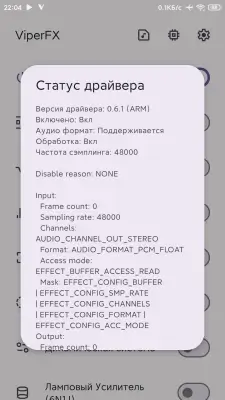
- If the application is working correctly, you will see the version and status of the driver:
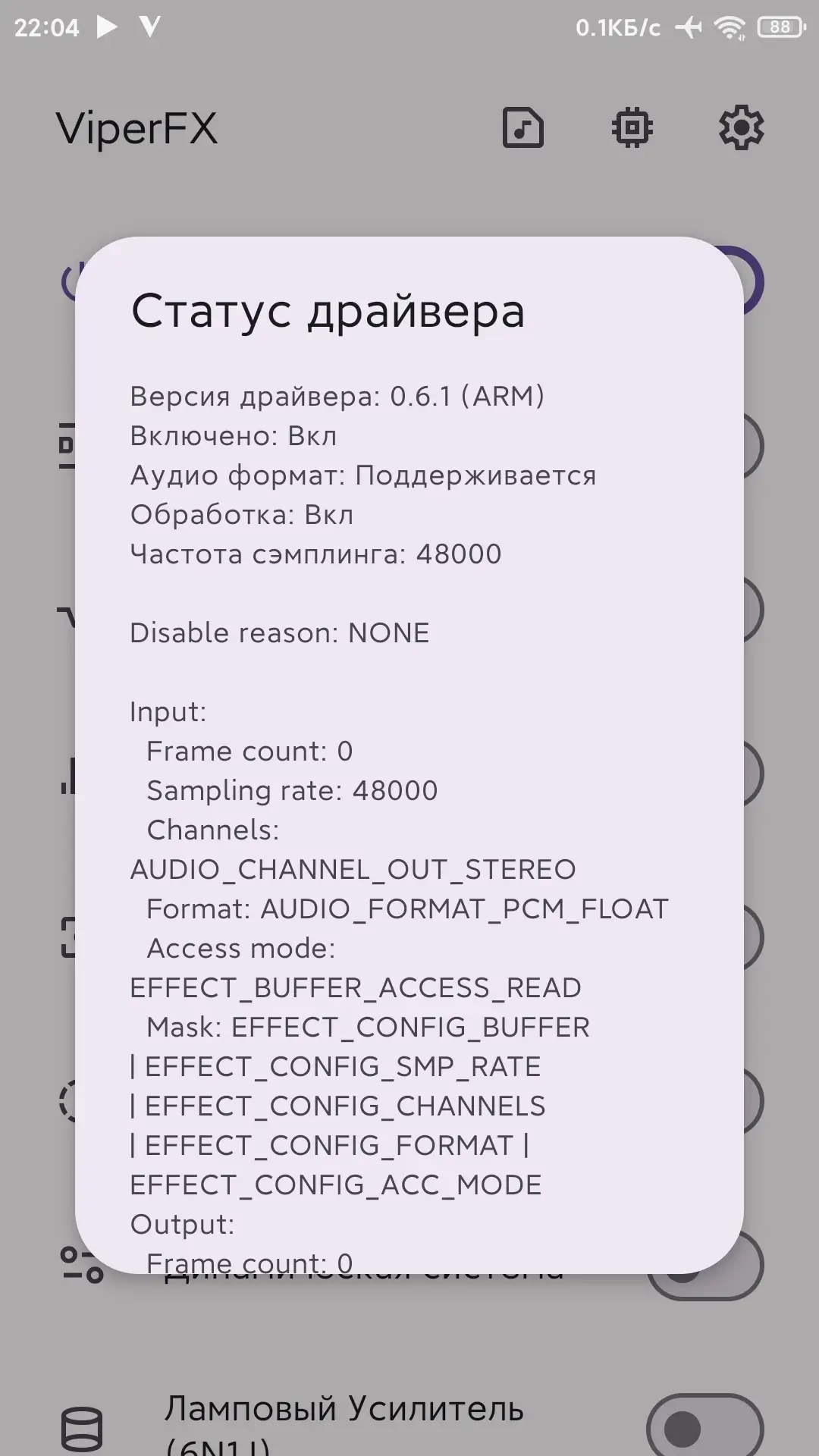
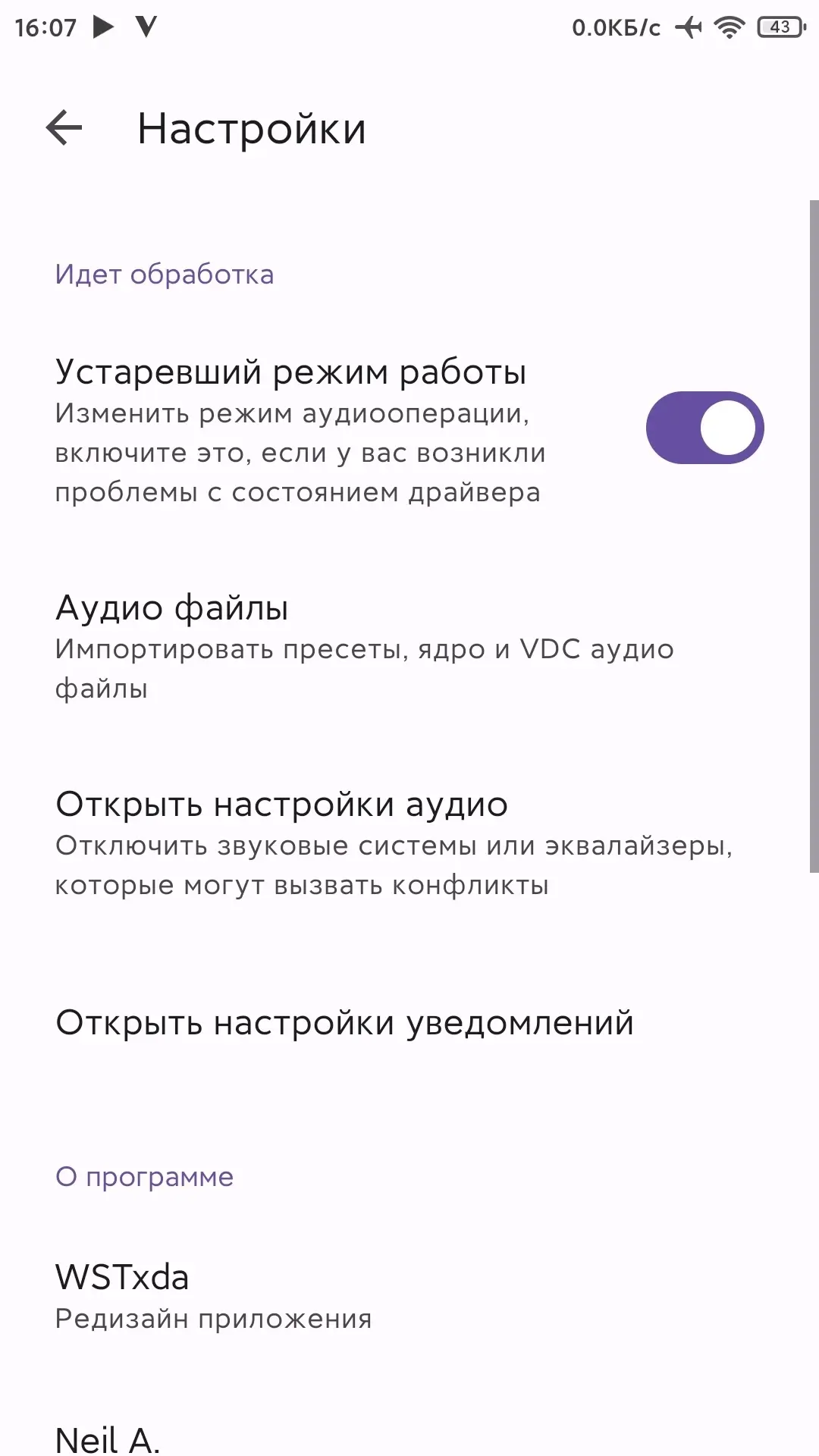
- You need to go to the application settings by clicking on the "Nuts" icon:
- In the settings, you need to activate the "Legacy mode":
- Return to the main page of the application and check the driver status.


ViperFX RE - GitHub
ViperFX RE (Module Driver) - GitHub Track news When the news changes, you will receive a notification by E-mail. Subscribe Subscribed: 0
Screenshots
6 11 17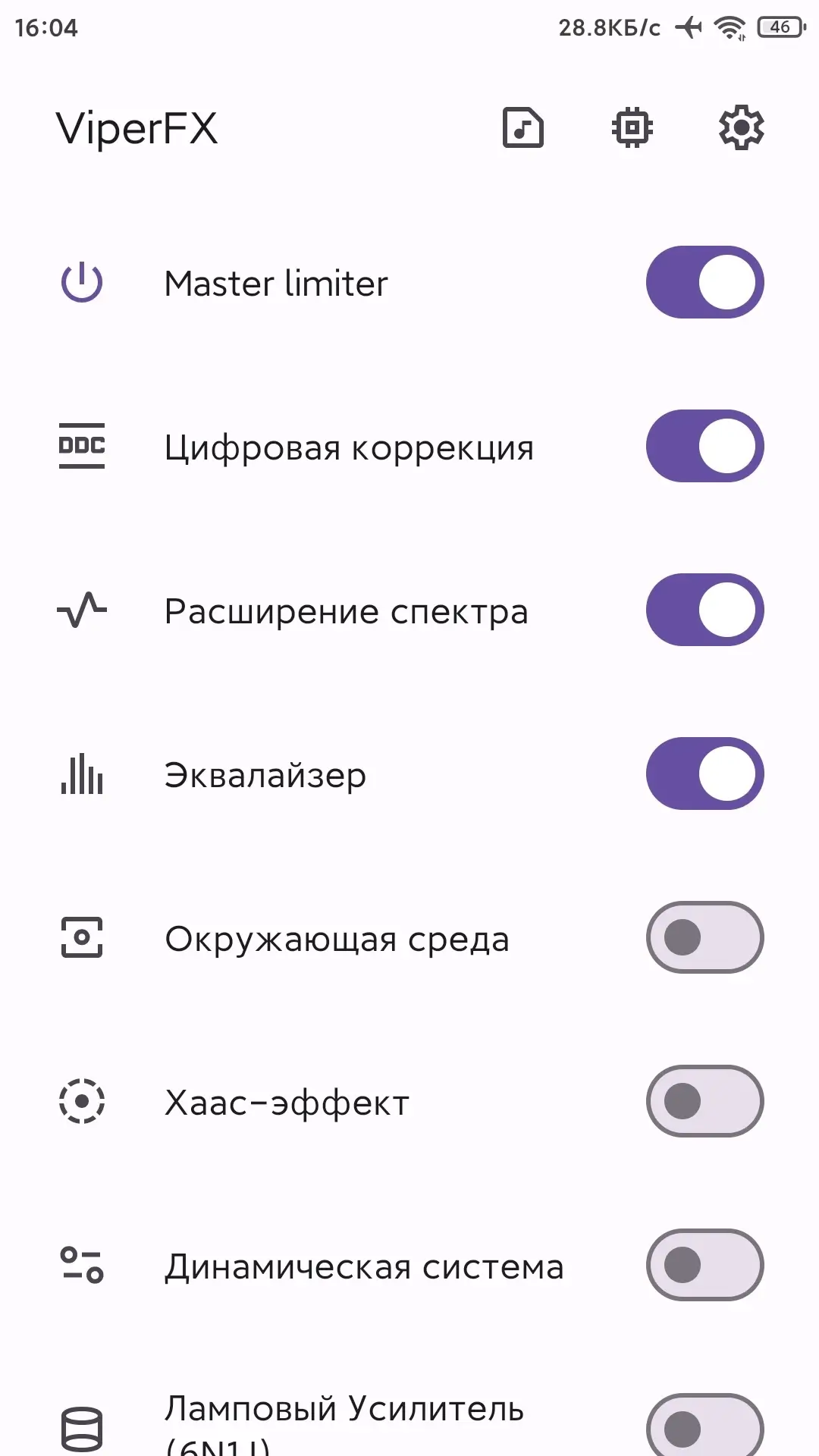
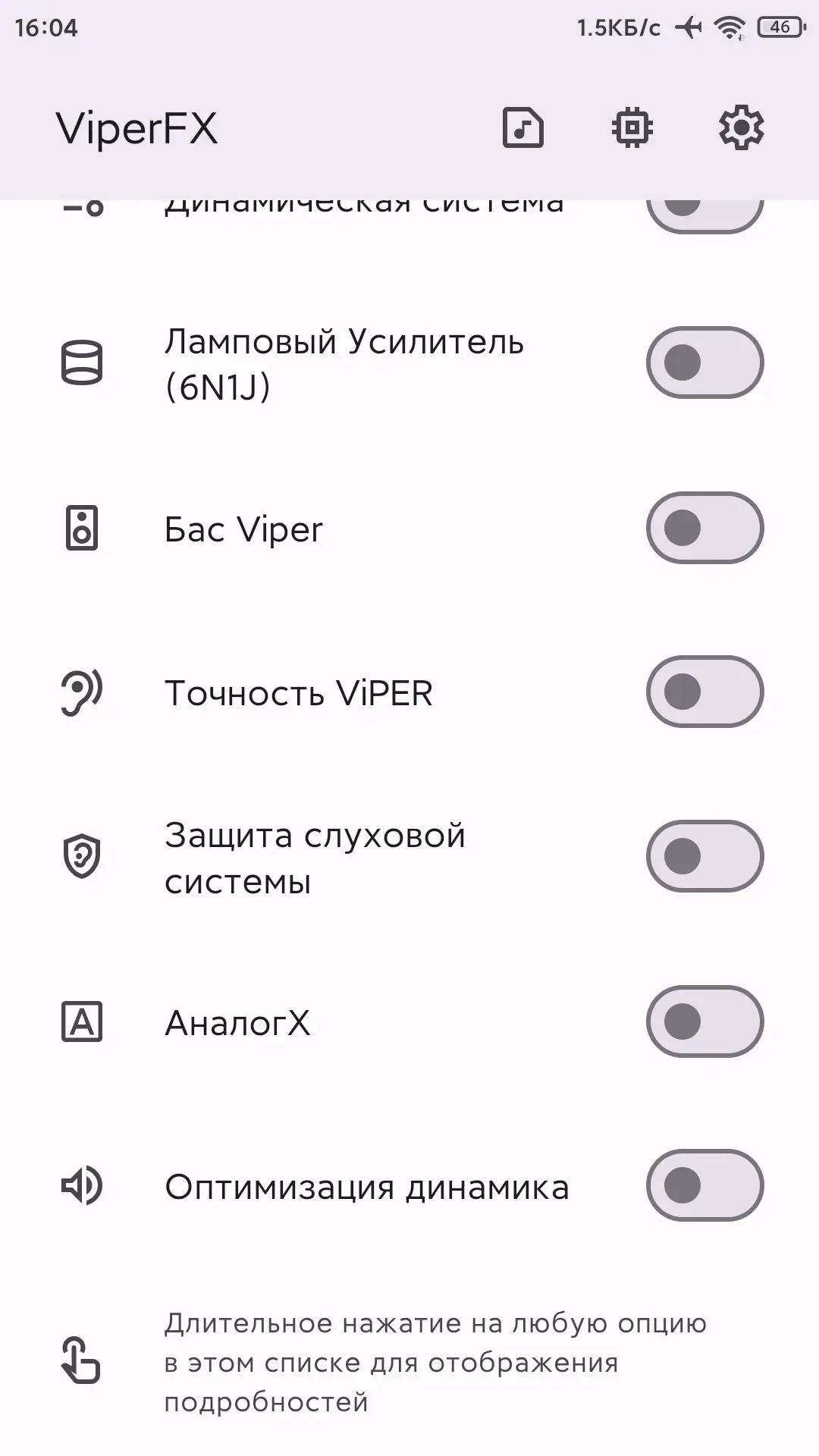
Information
Version 7.1 / 0.6.1 OS(MIN) Android 7.0+ Language Russian Developer ViPER520, WSTprojects Status Modification Root Required Tags Equalizer, Viper, FX, Viper, HeadphonesHow to install
- Download the APK file above to your phone.
- Allow “Install unknown apps” when prompted.
- Open the downloaded APK and tap Install.
- If the package includes OBB/XAPK data, follow the bundled instructions.
MOD APKs are modified builds, so Play Protect may show a warning. Install only if you trust the file; use at your own risk.