

MOD features
● All advertisements removed ● Ads removed from the splash screen ● All ad-related activities disabled ● Forced app update disabled ● All types of ad code neutralized ● Google Sans custom font added ● All settings added and injected ● Unnecessary files removed ● Dex debug code removed ● Optimized and stable
Screenshots
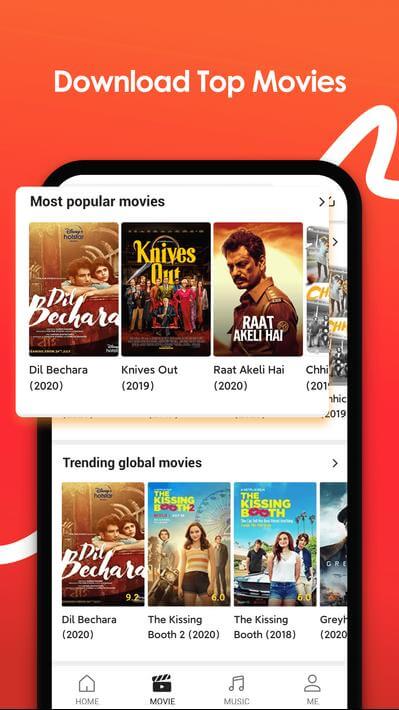
Description
Get the latest VidMate app to download music and videos from YouTube and Facebook quickly. VidMate makes saving media simple for Android and PC users.
This VidMate MOD APK strips out all ads for a smooth, uninterrupted downloading experience. The core application has been modified to remove splash screen ads and internal ad activities, while adding a custom font and extra settings.
What's Changed in VidMate
- Every advertisement has been removed from the interface.
- Ads no longer appear on the splash screen when the app launches.
- All internal ad activities within the app have been turned off.
- The forced update requirement has been disabled so this version stays active.
- All ad codes have been disabled so they can no longer run.
- A custom Google Sans font has been added to the user interface.
- New options have been added to the app's configuration menu.
- Unneeded files have been stripped from the package to keep the build lean.
- Dex debug code has been removed from the application.
- The build has been tuned for a more stable experience.
This build is version 6.0102, around 31 MB in size, with an unknown package name. Because this VidMate MOD APK is re-signed, it cannot be installed over the version from the Play Store.
About VidMate
VidMate allows Android users to save media directly to their phones. Videos have become the go-to format for content today, and plenty of people stream or download clips every day. Whether it's feature-length movies, music videos, tutorials, sports matches, or social media posts, a huge amount of content is consumed daily, which creates demand for both fast downloads and fast streaming. VidMate lets you save media so you can watch it later, even when you have no internet connection. That's especially handy for people who want to watch videos while offline. VidMate speeds up downloads and gives you more flexibility in how you enjoy media without a connection.
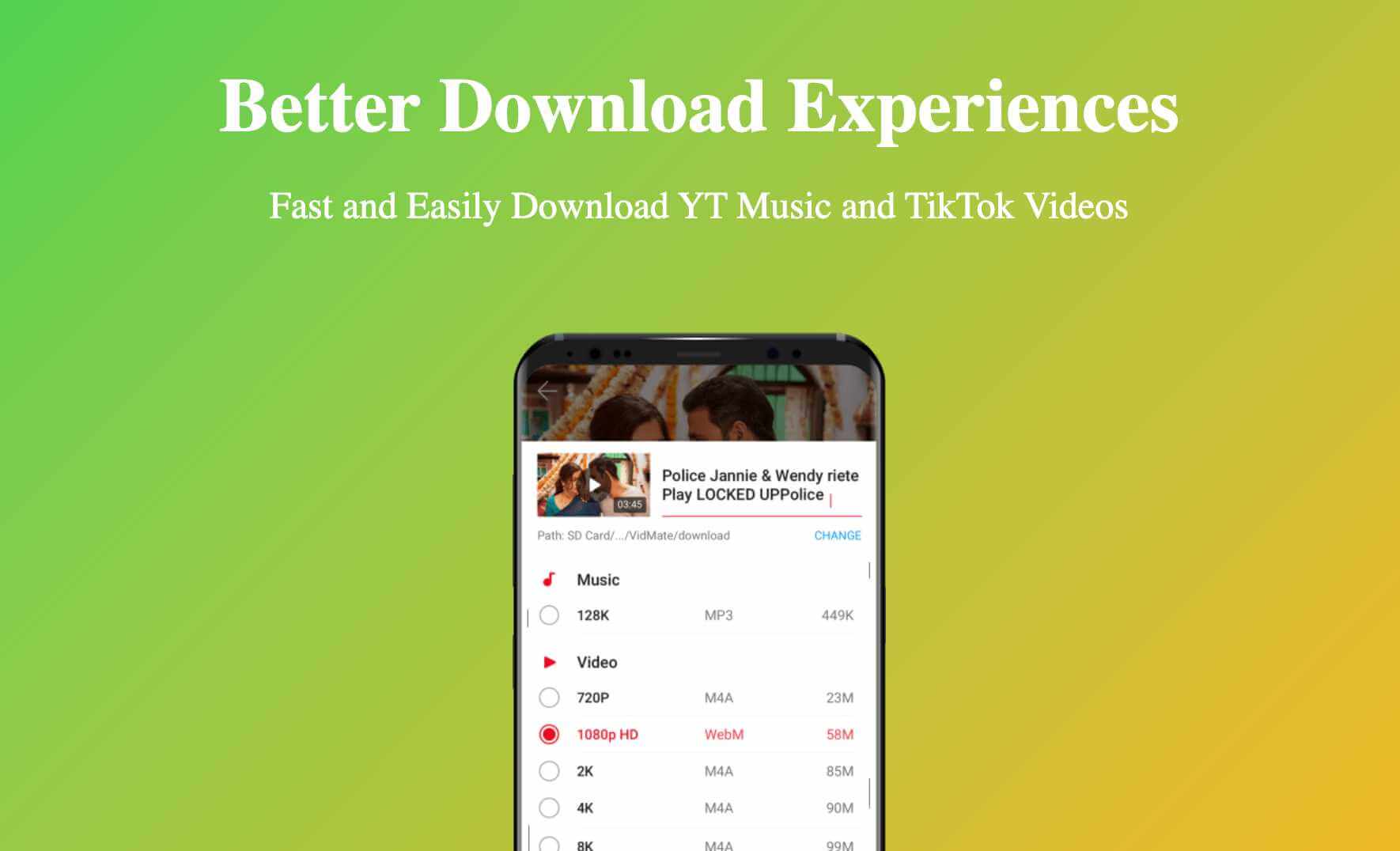
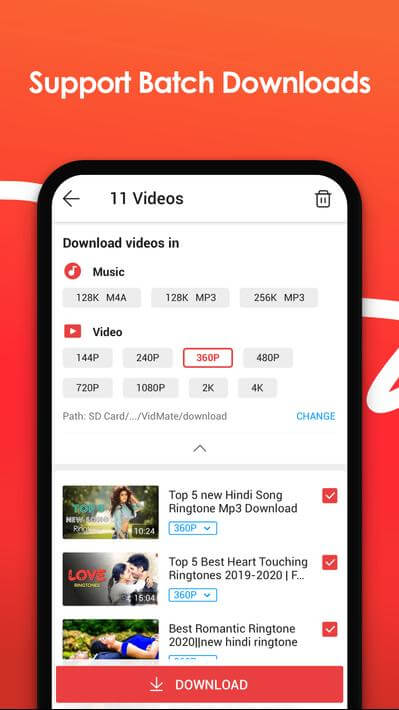
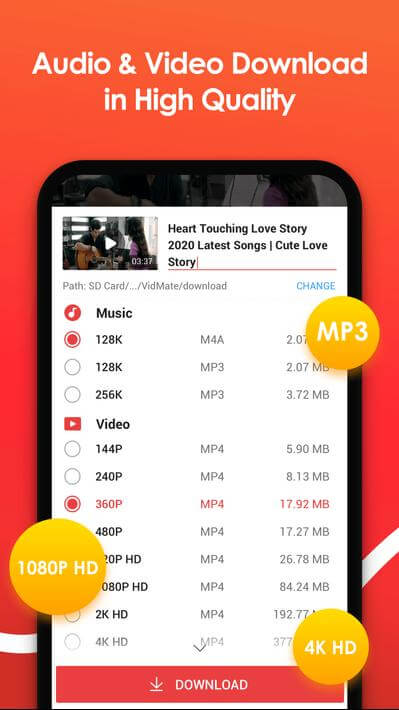
Downloading is one of the app's most important features. It supports a wide range of media types and quality levels, so you can decide how you want to save your content. After choosing a video, you can pick from three quality options: standard, high, and Full HD. Go with high quality for larger, high-resolution screens, or choose a lower quality to save storage space. The app also includes a dedicated way to download audio. You can extract the audio from any video as an MP3 and keep it as a music file. Downloads are designed to be quick and efficient, often faster than what most other apps deliver. That helps even when your internet connection is slow.
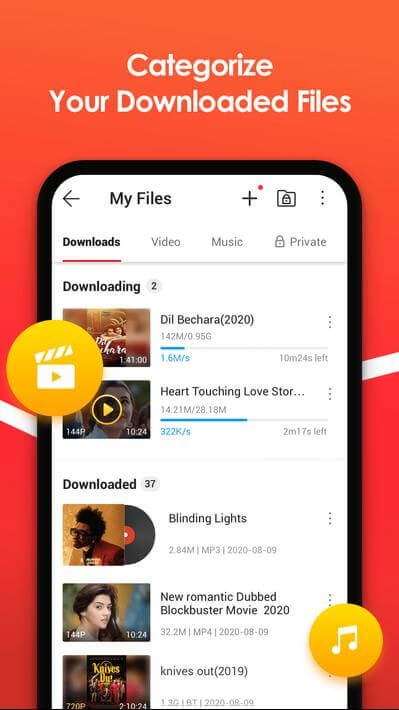
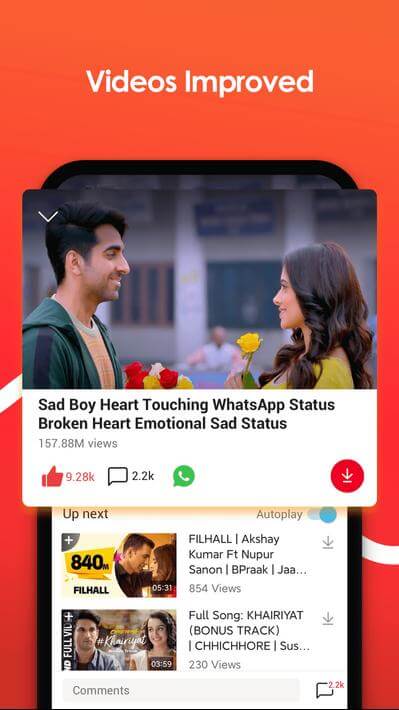
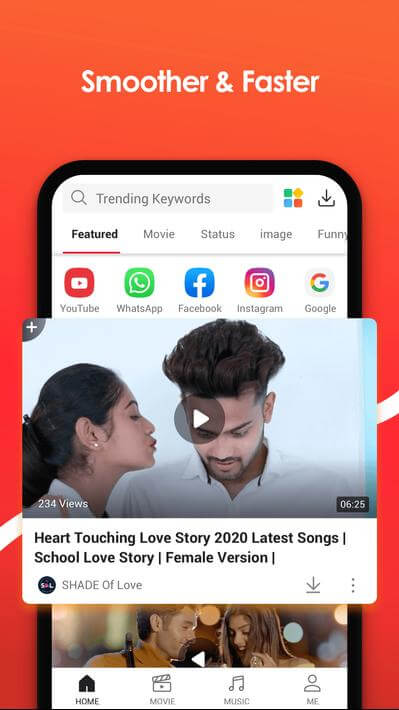
The app was built to be simple to understand and easy to use. Its clean, uncluttered interface makes it easy to find your files, which are organized into neat categories so you rarely need to search. You can quickly browse and download your favorite songs, videos, or movies. You don't need any technical background to get started. The interface is further improved by a built-in media player: as soon as a download finishes, you can play it immediately, without having to locate and open a separate video player. A built-in download manager gives you advanced control over your files, including the ability to pause and resume downloads whenever it suits you. It also keeps your offline library organized and easy to navigate.
Live TV is another standout feature of this app. Depending on the version you install, you get access to a range of live channels sorted into categories such as sports, news, and entertainment. The app works as a media hub, letting you both download files to watch later and stream live broadcasts. It also runs smoothly across a wide range of Android devices. It has been tuned to perform well on phones and tablets with different processing speeds, including older or entry-level smart devices. The app brings together video, audio, and TV downloads along with live TV streaming in one place. That saves you time and means you no longer need several separate apps for different media types, since a single install covers them all.
The biggest benefit of this app is the ability to enjoy entertainment offline without limits. Many standard media apps depend on a constant, reliable internet connection, which can restrict how you use them. This app lets you save media to your device for offline playback. For example, you can connect to Wi-Fi, download a batch of videos or a music playlist, and then enjoy it anytime without a connection. That makes it especially handy for commuters, frequent travelers, or anyone with patchy internet access. The interface is also designed for efficiency, so finding and saving content takes just a few taps. Its core purpose is making sure your favorite media is always available to you, regardless of the video or audio quality you prefer. Quick downloads, simple file management, and support for multiple formats make it an excellent tool for building a media library you can take anywhere.
Key Features
- Fast Video Downloads
- Multiple Format Choices
- Audio Downloads
- User-Friendly Design
- Built-in Media Player
- Live TV
- Easy-to-Use Download Manager
Related MOD APKs
- VidMate
- VidMate App
- ReelShort
- ZEE5
FAQ
Does VidMate MOD APK offer unlimited downloads?
This VidMate (6.0102) build comes with No Ads, Unlimited Downloads, and More New Content. It works like the regular VidMate release, and all the modifications become active as soon as you finish installing it on your device.
What is the latest version of VidMate MOD APK?
Version 6.0102 is the current VidMate build, updated on July 9, 2026. We don't host older versions here. To update, install this file over your existing app. If you run into a signature conflict error, uninstall the current version first and then try again.
Is VidMate MOD APK safe to download?
This VidMate 6.0102 package is the VidMate app with No Ads, Unlimited Downloads, and More New Content. It has earned a 4.7-star rating from 512 users. It doesn't require root access. You can ignore Play Protect warnings during setup, but always download the file from this page on GameMod.dev.
Can I use VidMate MOD APK on a PC or iPhone?
Since this is an Android file, it won't run on an iPhone. To use it on a PC or Mac, run the 31 MB file in an emulator such as BlueStacks or LDPlayer. Just set up the emulator and drag the APK into its window.
How to install
- Download the APK file above to your phone.
- Allow “Install unknown apps” when prompted.
- Open the downloaded APK and tap Install.
- If the package includes OBB/XAPK data, follow the bundled instructions.
MOD APKs are modified builds, so Play Protect may show a warning. Install only if you trust the file; use at your own risk.