
Screenshots
Description
Play every video format smoothly in one powerful player, with HD playback, subtitles, gesture controls, and smart media management.
This modified version of Video Player All Format MOD APK comes with the app's premium features already unlocked. You get full access to the player's advanced management and playback tools, with none of the limits found in the standard release.
What's Modified in Video Player All Format
- Premium Unlocked: Gives you full access to the complete premium feature set inside the app.
This build is version 2.6.0, around 30 MB in size, and uses the package name com.elift.hdplayer. Since it is a modified version, it is re-signed and cannot be installed over an official store version.
About Video Player All Format
Video Player All Format MOD APK is a powerful media player for anyone who wants more control over their videos. Many users run into trouble playing certain files on their phone because of format incompatibility. Video Player All Format MOD APK solves this by supporting nearly every media file format, without requiring external codecs or plug-ins. It also detects video files automatically and prepares them for playback, so a newly added clip can be watched right away.
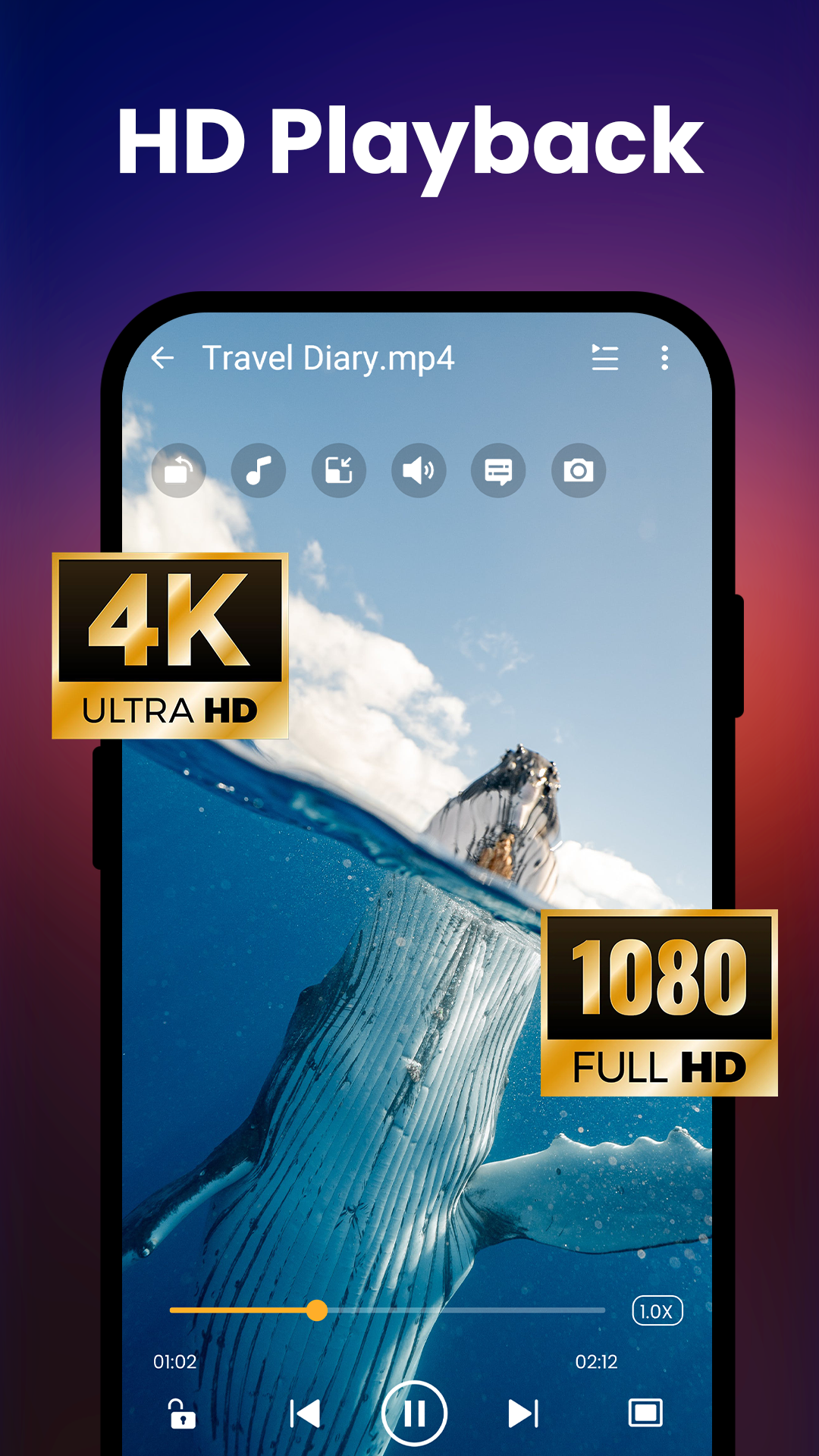
The app is built to handle HD, Full HD, and 4K video content. High-definition playback can push a phone's hardware toward thermal throttling, so the app relies on hardware-accelerated video decoding to ease the load on the CPU. This also helps preserve battery life, letting you watch long 4K videos without your device overheating.
The interface stays clean by keeping only the essential gesture controls. Swipe left or right to adjust volume or brightness, and swipe across the screen to seek forward or backward. Swipe up or down to control on-screen text such as subtitles or credits. The app supports a range of subtitle formats and includes tools to fine-tune subtitle sync, along with settings for playback speed and video track selection. You can also load user-defined tracks to play videos stored on your device.
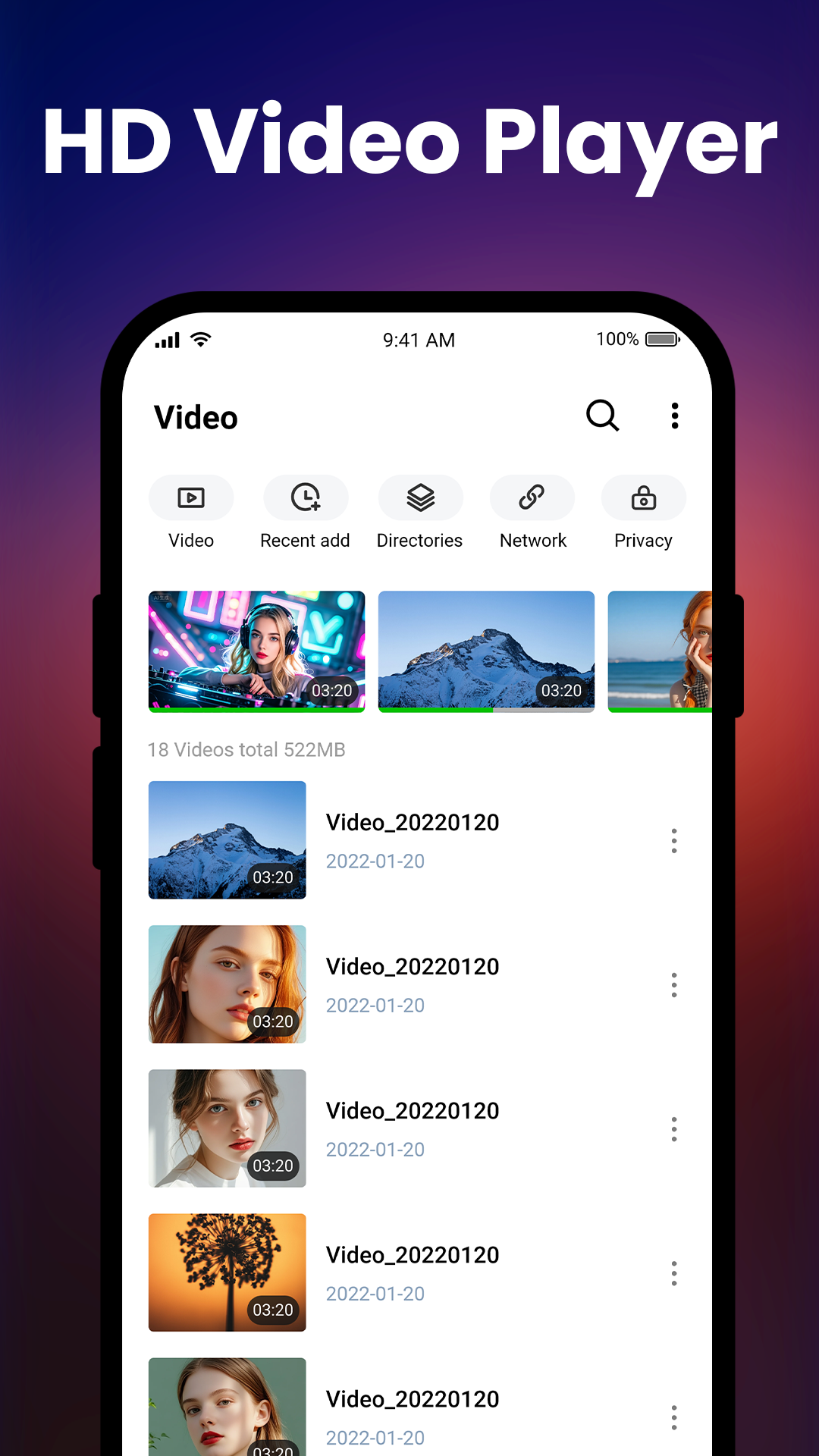
The app does more than play videos; it also keeps your media library organized. When you open it for the first time, it scans and lists every video on your device and on any connected memory cards. This means you don't have to dig through long, confusing folder paths to find your files. Once everything is cataloged, you can build playlists to sort videos the way you like and mark favorites for one-tap access from the home screen. Together, these features make for a highly customizable media management system and an easy-to-use digital library.
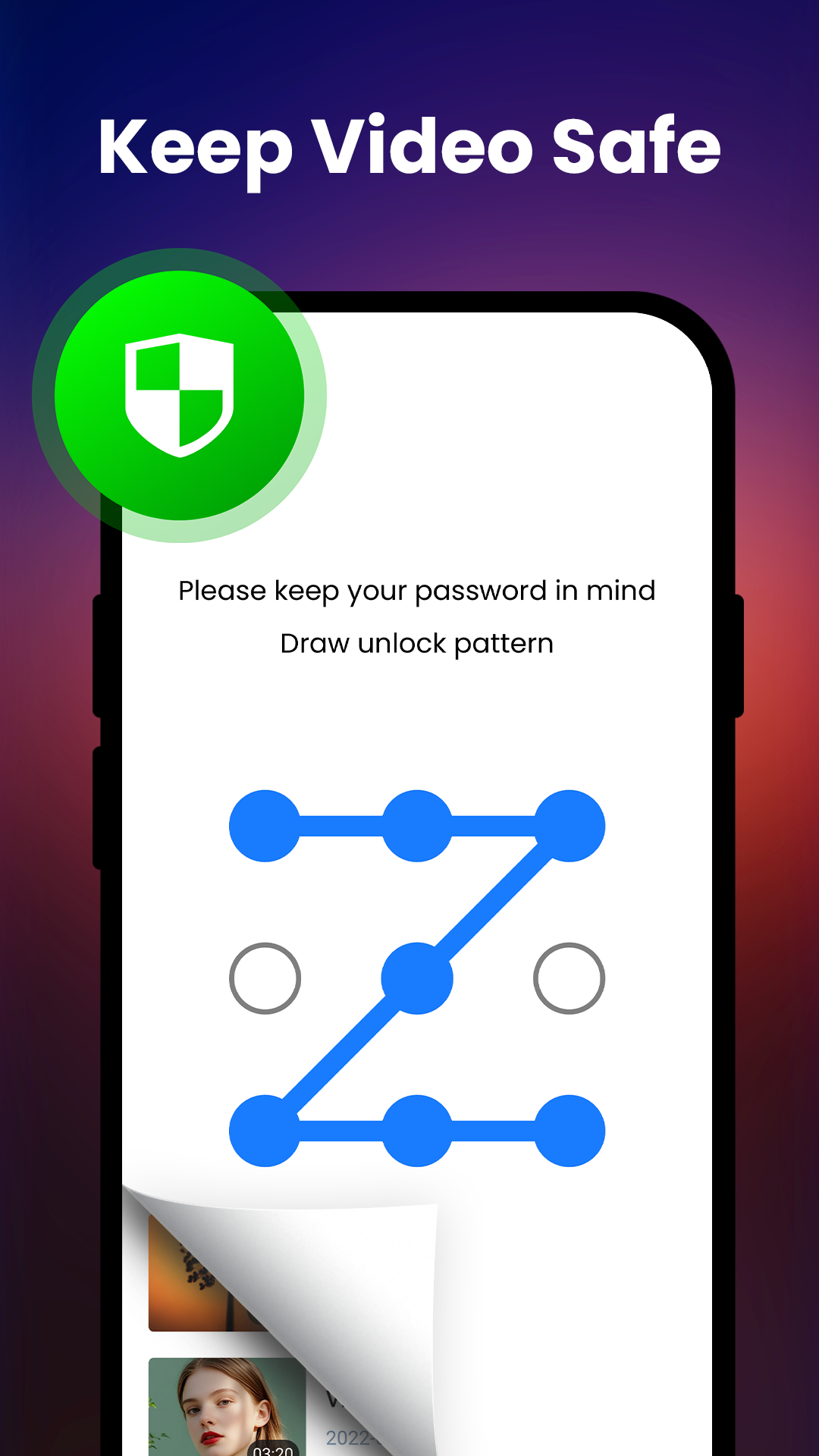
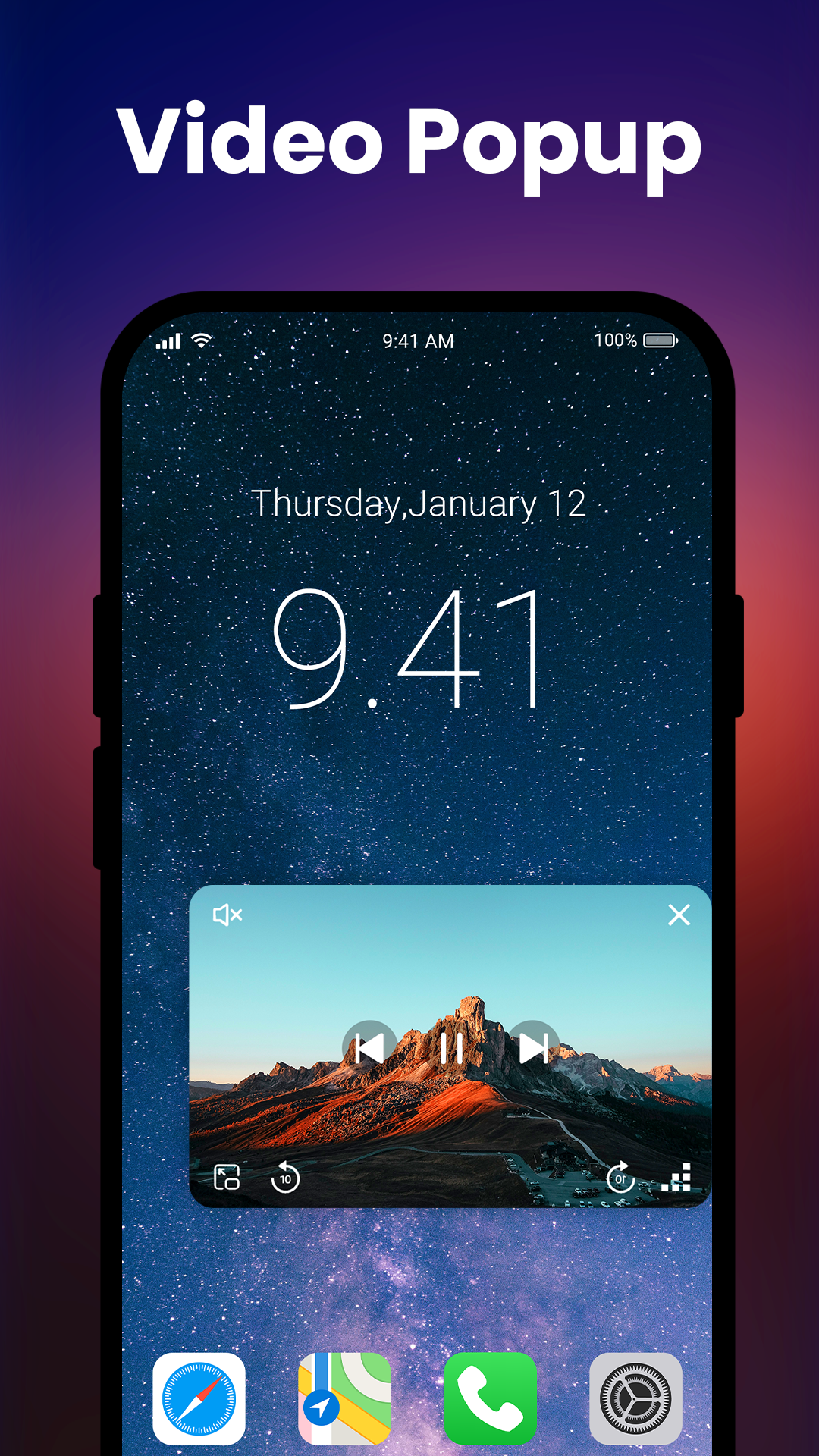
The app offers several playback modes for people who constantly switch between tasks, and these modes let you keep using other apps at the same time. A standout feature is background playback, which lets you keep listening to a video's audio even after you leave the app, much like a standalone audio player. Floating window mode is ideal when you need to use other apps while watching: for example, you can browse a website while a tutorial plays in a small window. For privacy, the app can also move videos into a secure, private folder that only you can access, keeping your files away from other people who use the same device.
The developers focused heavily on user experience and interface design to keep performance strong and load times short on all kinds of devices. A simple, intuitive layout makes the app easy to use, and that focus carries over to media library organization. Nobody enjoys waiting ages for library thumbnails and cover art to load, so the app gives you tools to manage, design, and update your visual library efficiently. It is especially well suited to people with large collections and to anyone who prefers a polished, efficient way to organize their videos.
Key features
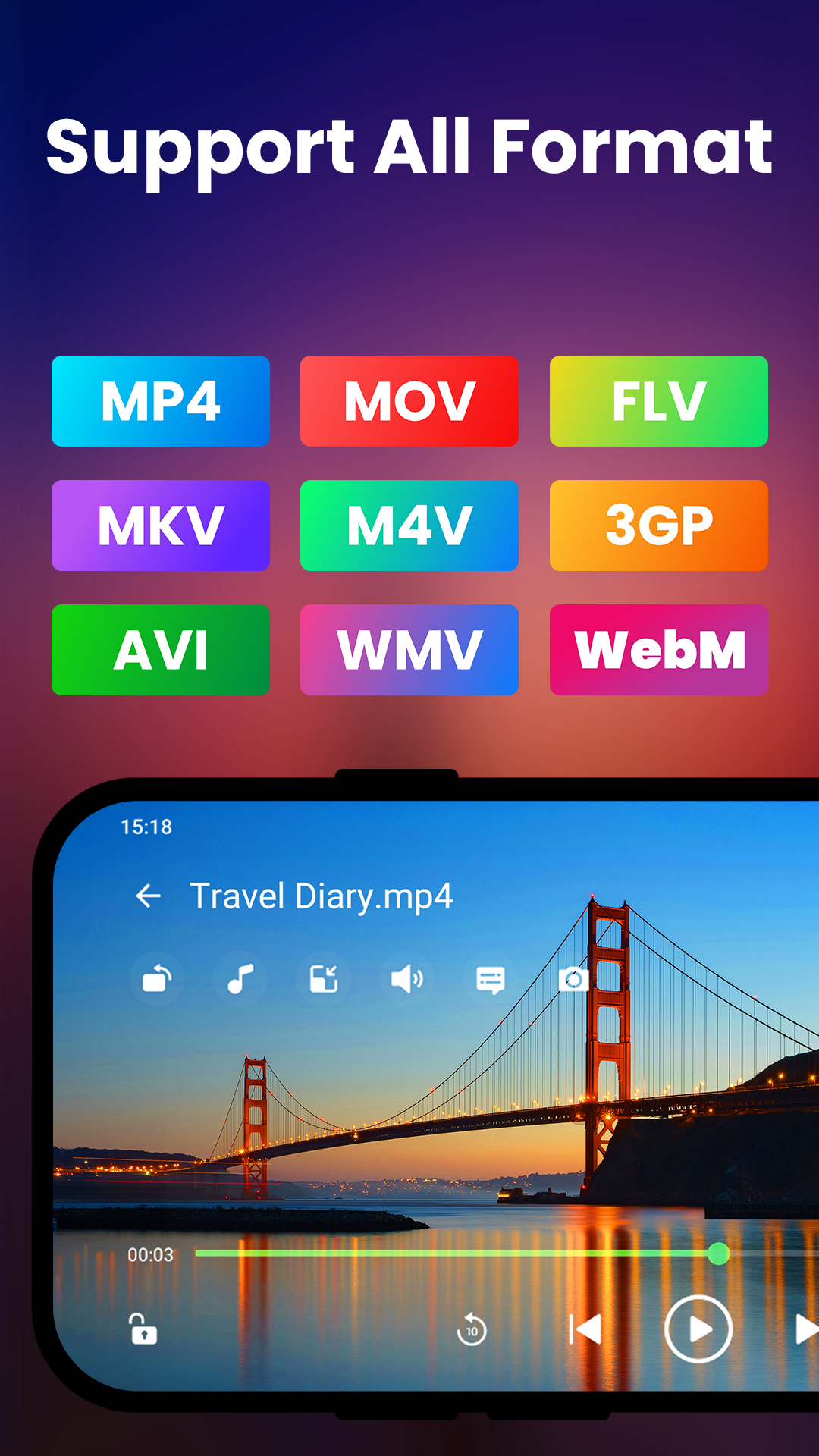
- Support for MP4, MKV, AVI, and MOV video formats
- HD, Full HD, and 4K ultra playback support
- Hardware acceleration for smoother performance
- Smart gesture controls for adjusting volume, brightness, and seeking
- Subtitle support with manual sync tools
- Automatic video detection and library organization
- Create and manage custom playlists
- Background playback and pop-up window modes
- Secure private folder to protect sensitive media
- Lightweight design for quick loading and easy navigation
Related MOD APKs
- HD Camera for Android: 4K Cam
- Music Player-Music, Mp3 Player
- Passport Photo: ID Photo Maker
- CapCut – Video Editor
FAQ
Is Premium unlocked in the Video Player All Format MOD APK?
This 2.6.0 version of Video Player All Format comes with Premium Unlocked. It works the same way as the iMediaStar release, and all modifications take effect as soon as you complete the installation.
What is the latest version of the Video Player All Format MOD APK?
The 2.6.0 build matches the iMediaStar update released on April 24, 2026. We do not keep older versions on GameMod.dev. To update, install this new version over your current one; if you run into a signature conflict, uninstall the previous app first.
Is the Video Player All Format MOD APK safe to download?
This 2.6.0 build of Video Player All Format, available on GameMod.dev, is the iMediaStar app with Premium Unlocked. It holds a 4.7 rating from 34 users and does not require root access. You may see a Play Protect warning, so always download from this page.
Does the Video Player All Format MOD APK remove the watermark?
This build includes Premium Unlocked. Since Video Player All Format limits watermark removal to the Pro version, check the export screen to confirm the feature is active after you finish installing.
How to install
- Download the APK file above to your phone.
- Allow “Install unknown apps” when prompted.
- Open the downloaded APK and tap Install.
- If the package includes OBB/XAPK data, follow the bundled instructions.
MOD APKs are modified builds, so Play Protect may show a warning. Install only if you trust the file; use at your own risk.