

Screenshots
Description
With this vFlat Scan MOD APK, users can enjoy a fully Unlocked edition of the popular productivity app, granting instant access to all premium capabilities without requiring an active paid subscription. Every advanced capture and document enhancement feature from the VIP tier is ready to use right out of the box.
What’s Modified in vFlat Scan
- This release unlocks all Premium features, giving you unrestricted access to the complete suite of scanning, enhancement, and document processing tools.
This package features version 1.16.4.260814.e696f45be, carries a download size of 60M, and operates under the package identifier com.voyagerx.scanner. Please note that due to custom signature verification, this modded APK must be installed as a fresh setup rather than an update over the official store build.
About vFlat Scan
vFlat Scan turns your Android smartphone into a high-grade portable document scanner. Developed by VoyagerX as part of their digital utility lineup, it lets you seamlessly digitize a wide range of paper media—from personal IDs, notes, receipts, and photos to tickets and even thick bound publications. Scans can be saved directly in your preferred file format, such as high-resolution PDF or crisp JPEG. Just like a standard desktop flatbed scanner, it speeds up batch scanning so you can archive multiple pages in moments, keeping all your digitized files neatly organized and accessible across any connected device running the app.
Under the hood, the app features an integrated image enhancement system that refines your captures on the fly. Its automated edge-detection and intelligent cropping isolate your target document, eliminating messy desk backgrounds and visual clutter for a clean, sharp scan. To maximize readability, several tailored display modes are available: monochrome (black and white), which sharpens typography and minimizes file size; a smooth grayscale mode; and vibrant color modes suitable for mixed media with graphics or photos. These processing options ensure every export looks polished, crisp, and ready for professional or academic sharing.
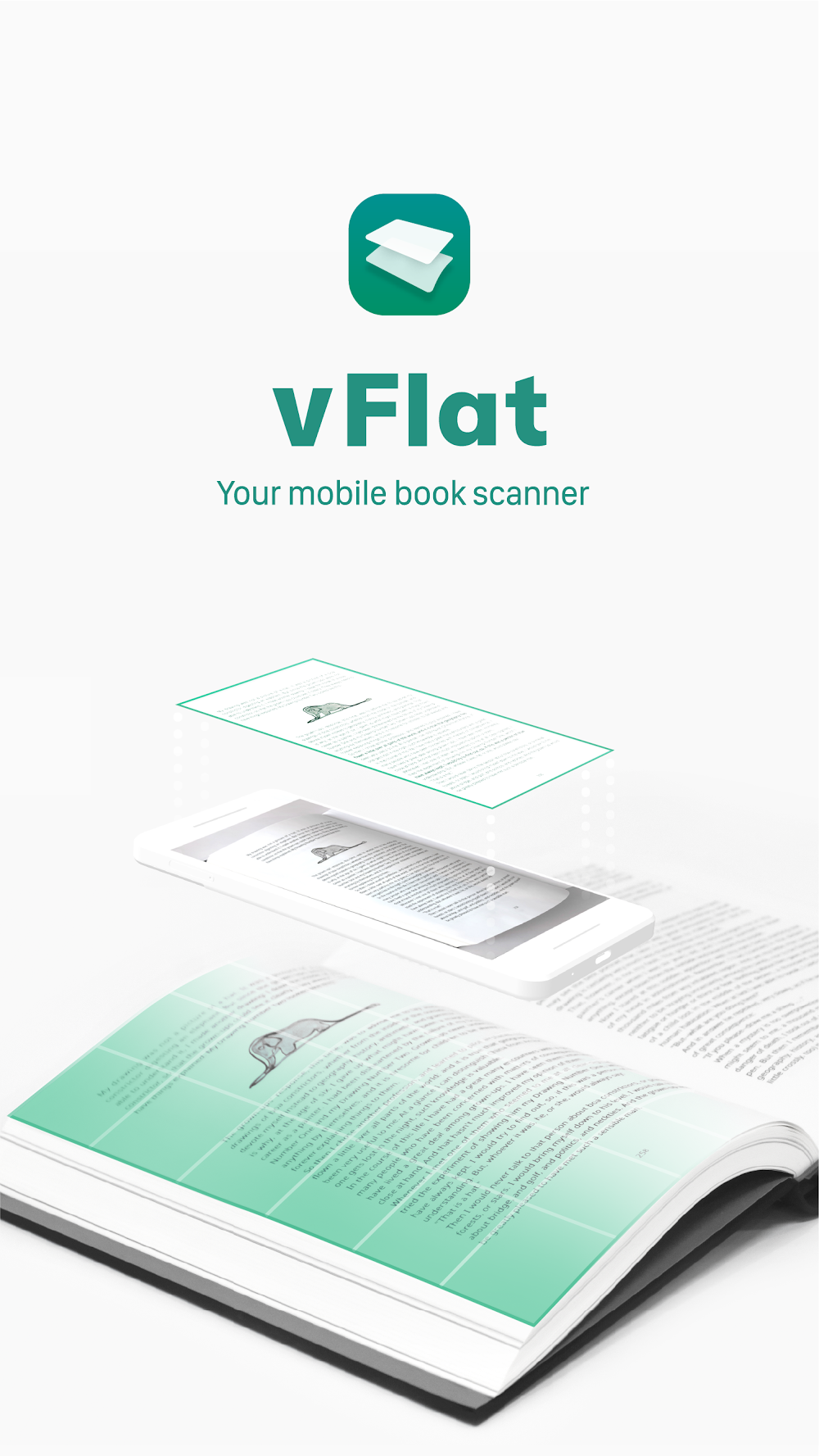
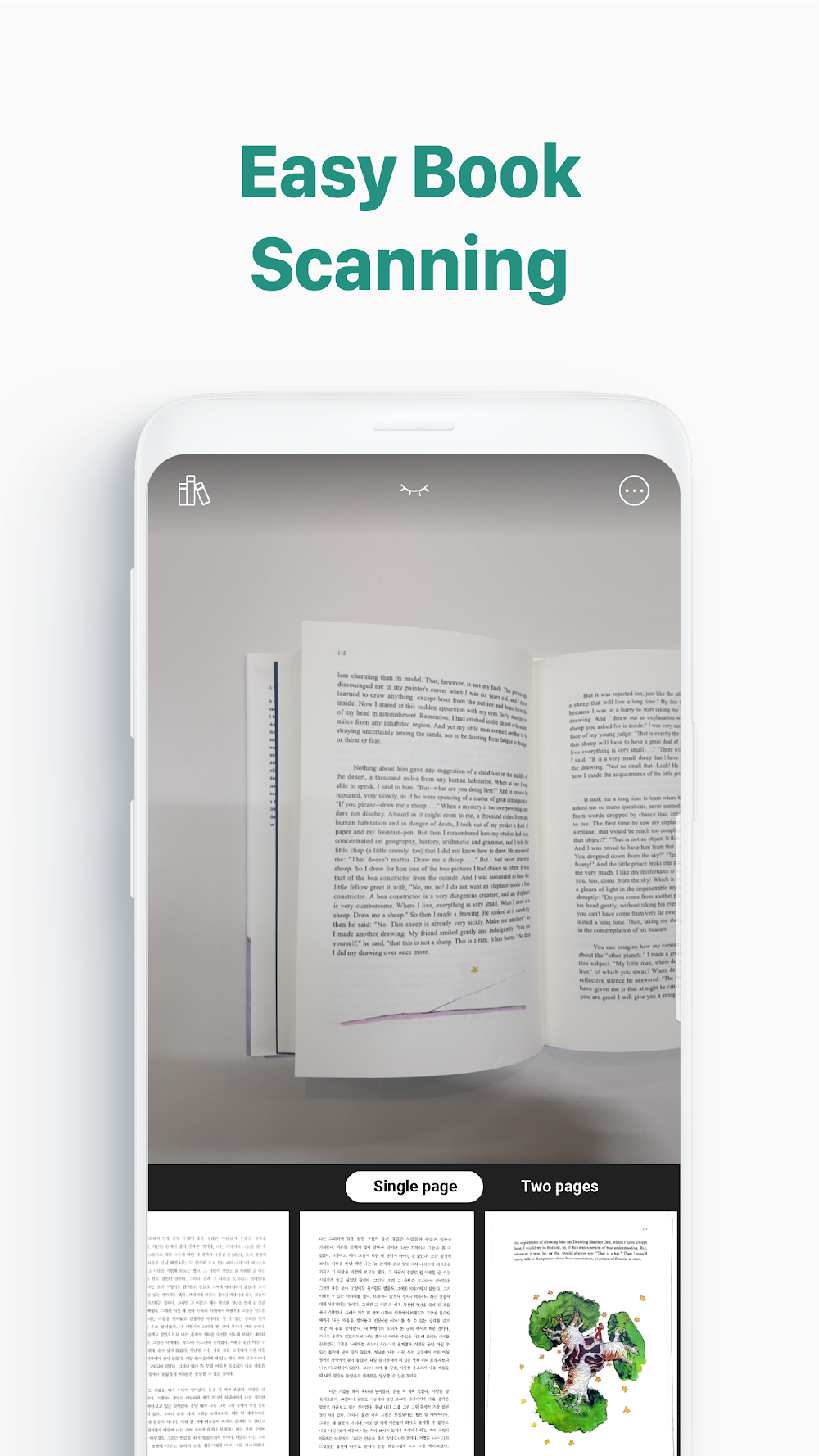
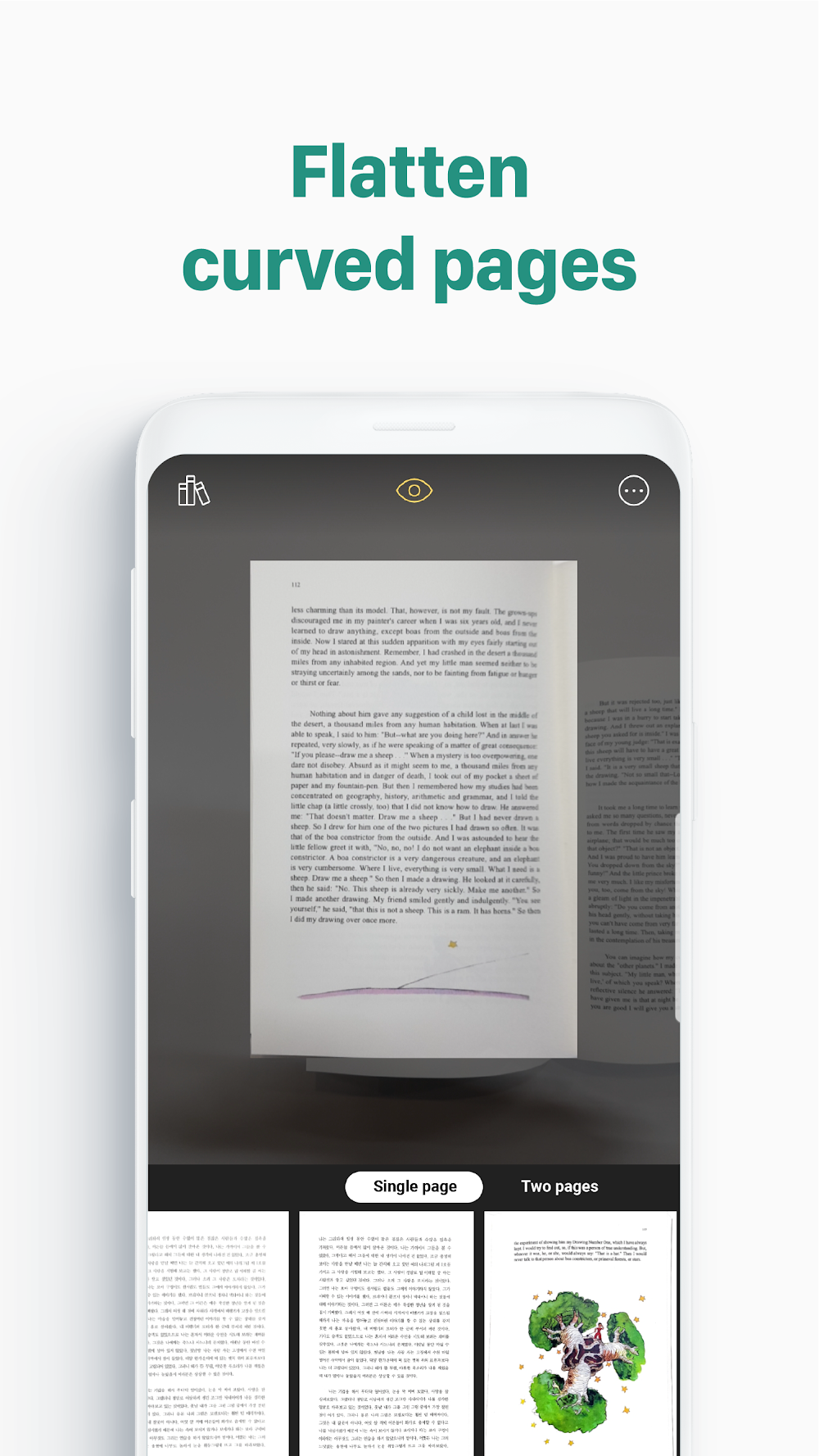
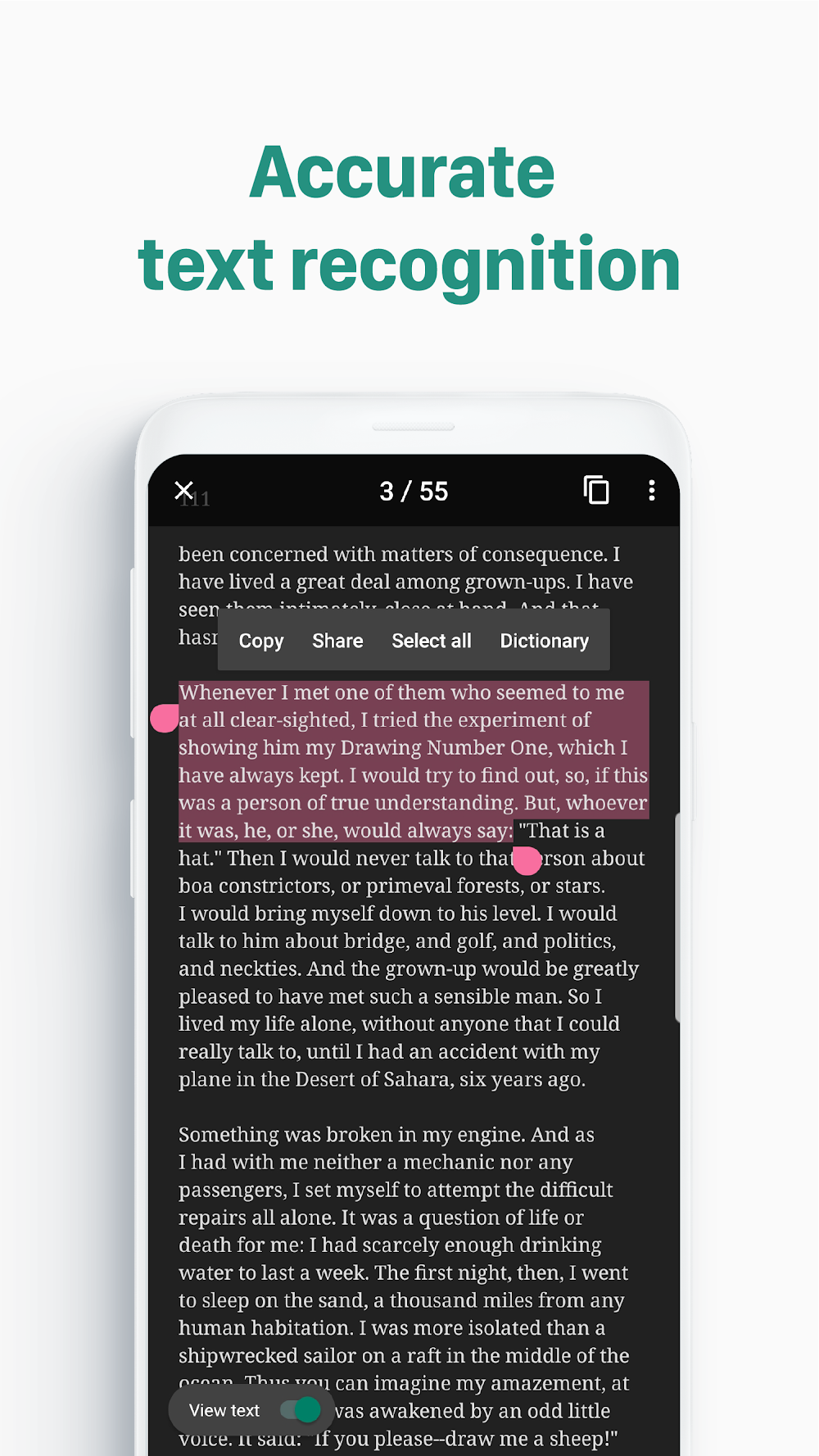
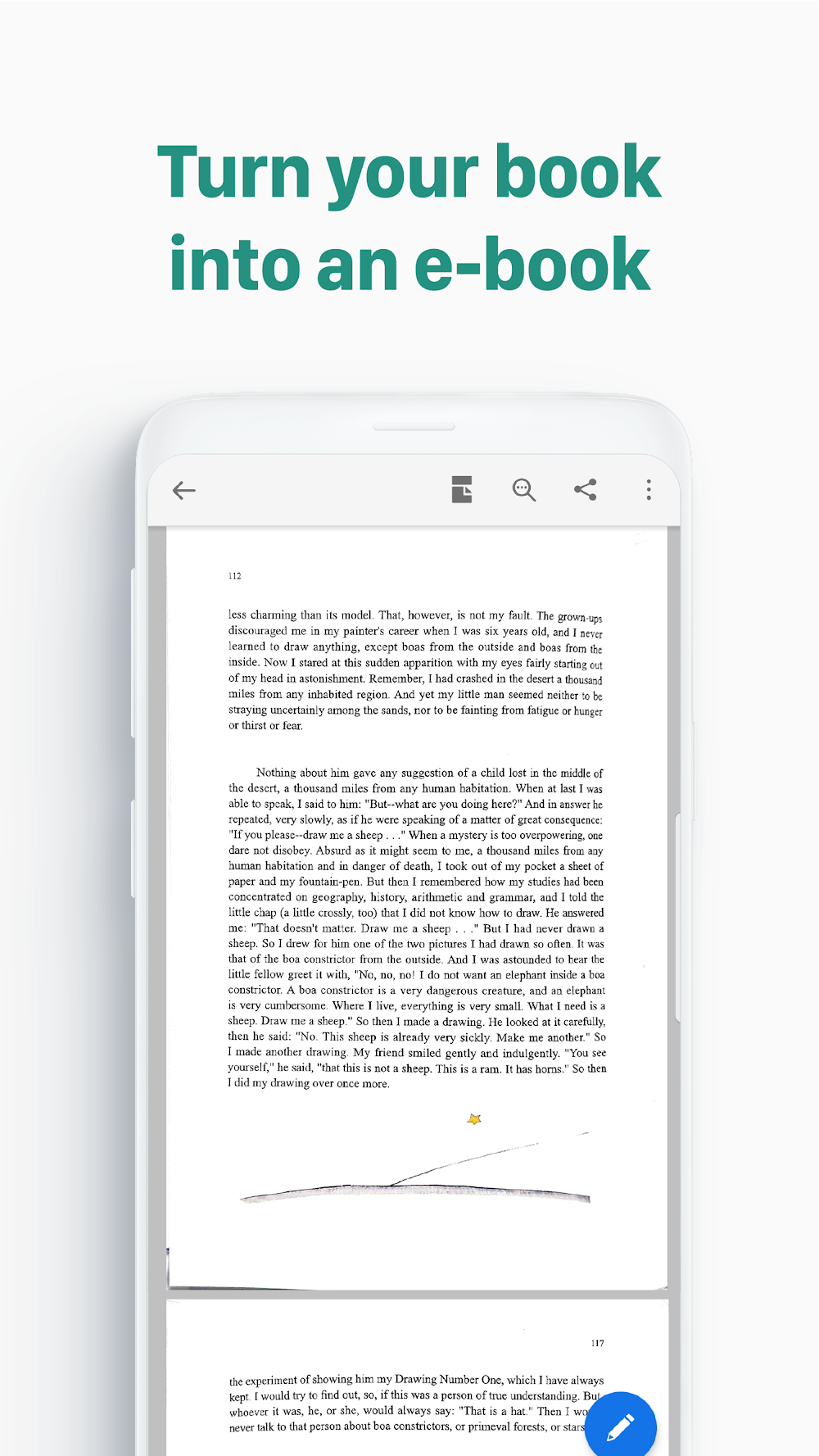
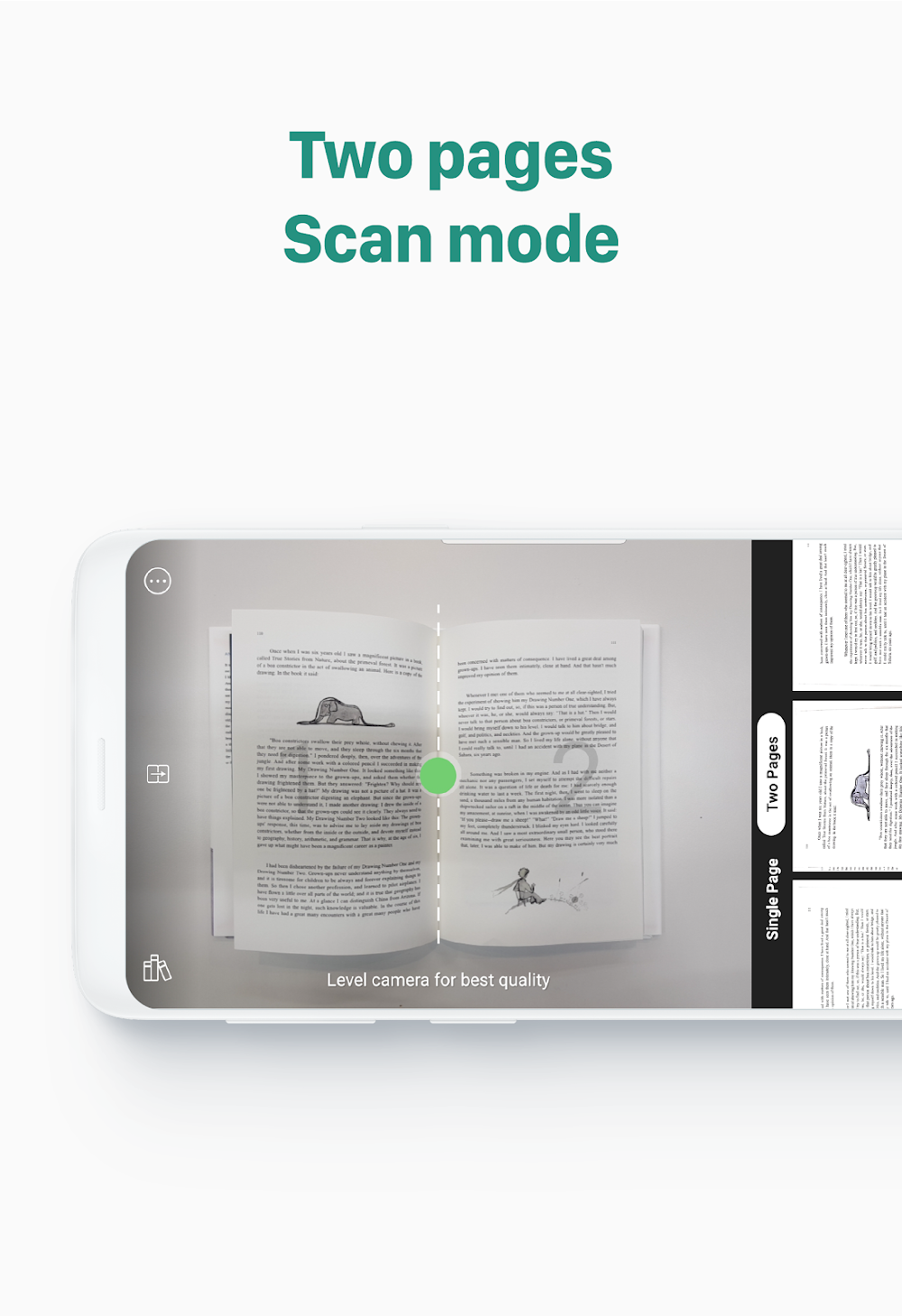
Where vFlat Scan truly stands out is its specialized book-scanning functionality, an area where most mobile scanners fall short. The software automatically compensates for curvature along the spine and eliminates binding shadows, making it remarkably easy for students, researchers, and librarians to archive thick volumes without damaging physical copies. Integrated OCR (optical character recognition) technology further transforms photographed text into searchable, editable content that you can copy, revise, and store digitally. You can scan multiple pages sequentially, merge them into a single coherent document, and export them in flexible formats, turning your handheld device into an indispensable archival powerhouse.
Designed to cater to diverse workplace demands and global standards, this tool accommodates an extensive array of document dimensions and layouts. You can seamlessly tailor outputs across standard paper measurements, including the entire A-series spectrum (from A1 down to A6). Working professionals can verify whether a digitized file will print accurately onto everyday office stock like A4 sheets or scale correctly into designated sections on larger media such as A3. The software effortlessly captures US Letter paperwork, personal postcards, and compact memos as well. Users can adjust the scale of any output PDF to reflect the true proportions of physical originals, rearrange page sequences at will, or scale extensive materials down to fit neatly onto compact sheets. It even converts three-dimensional items into high-fidelity digital replicas that preserve accurate dimensions and aspect ratios, giving you complete oversight over output formats and target sheet dimensions.
Keeping your files arranged and secure on local storage is straightforward with the app's comprehensive file management system. You can store and categorize everything from identity cards, store receipts, and name cards to lecture notes and daily records. As your document archive expands, setting up structured folders ensures every item remains easy to retrieve down the road. To keep sensitive information safe, robust PDF security tools allow you to lock critical scans behind strong password encryption. This safeguard is vital when handling private paperwork like tax summaries, banking statements, legal credentials, or proprietary business data. On top of security, powerful sorting and search utilities make browsing, filtering, and interacting with even massive scan catalogs smooth and efficient.
Wrapping up your document handling pipeline often requires exporting or printing hard copies, and this app makes distributing paperwork fast and reliable. You can export scans directly to third-party services, colleagues, or clients as high-resolution PDF or JPEG files via email and social messaging platforms. Built-in e-signature support lets you dispatch agreements ready for signing without switching tools. Whenever you need physical prints, the system syncs with local network printers to output pages straight from your smartphone, alongside digital faxing capabilities for remote transmissions. Built-in QR tools also let you scan existing codes or generate fresh ones in seconds, providing a complete, all-in-one hub for creating, managing, and circulating your digital records.
Key Features
- Dedicated book capture mode with multi-page batch scanning for books and journals
- Built-in OCR (Optical Character Recognition) to extract editable text from images
- Intelligent page edge auto-cropping and advanced PDF image enhancement
- Flexible scanning filters including Black & White, Color, Lighten, and Dark tones
- Full compatibility with diverse formats ranging from A1 through A6, plus postcards and letter pages
- Structured folder management with password-protected file encryption for confidential data
- Instant scan exports in PDF and JPEG formats via email or social apps
- Direct on-device network printing and built-in mobile faxing tools
- Integrated QR code scanner and barcode generator
Related MOD APKs
- Grok – AI Assistant
- ChatGPT
- CamScanner
- Kling AI
FAQ
Is Premium unlocked in vFlat Scan MOD APK?
Yes, this modified build of vFlat Scan 1.16.4.260814.e696f45be comes with Premium Unlocked right out of the box. It offers the full performance of the original VoyagerX release, with every pro feature enabled upon installation.
What is the latest version of vFlat Scan MOD APK?
The newest build available on GameMod.dev is version 1.16.4.260814.e696f45be, aligned with the official VoyagerX update from August 26, 2026. We only host the freshest edition; simply install it over your existing setup, or perform a clean reinstall if you experience signature verification issues.
Is vFlat Scan MOD APK safe to download?
This vFlat Scan 1.16.4.260814.e696f45be package is based directly on the authentic VoyagerX build with Premium Unlocked applied, holding a 3.9-star rating from 183 reviews. Root access is not needed. While Play Protect might display an alert due to the modified signature, files provided on GameMod.dev are thoroughly checked for safety.
Can I use vFlat Scan MOD APK on PC or iPhone?
This installation package is designed exclusively for Android and cannot run natively on iOS devices. If you want to use this 60M APK on a desktop computer, run it through an Android emulator like LDPlayer or BlueStacks by simply dropping the file into the simulator window.
How to install
- Download the APK file above to your phone.
- Allow “Install unknown apps” when prompted.
- Open the downloaded APK and tap Install.
- If the package includes OBB/XAPK data, follow the bundled instructions.
MOD APKs are modified builds, so Play Protect may show a warning. Install only if you trust the file; use at your own risk.