
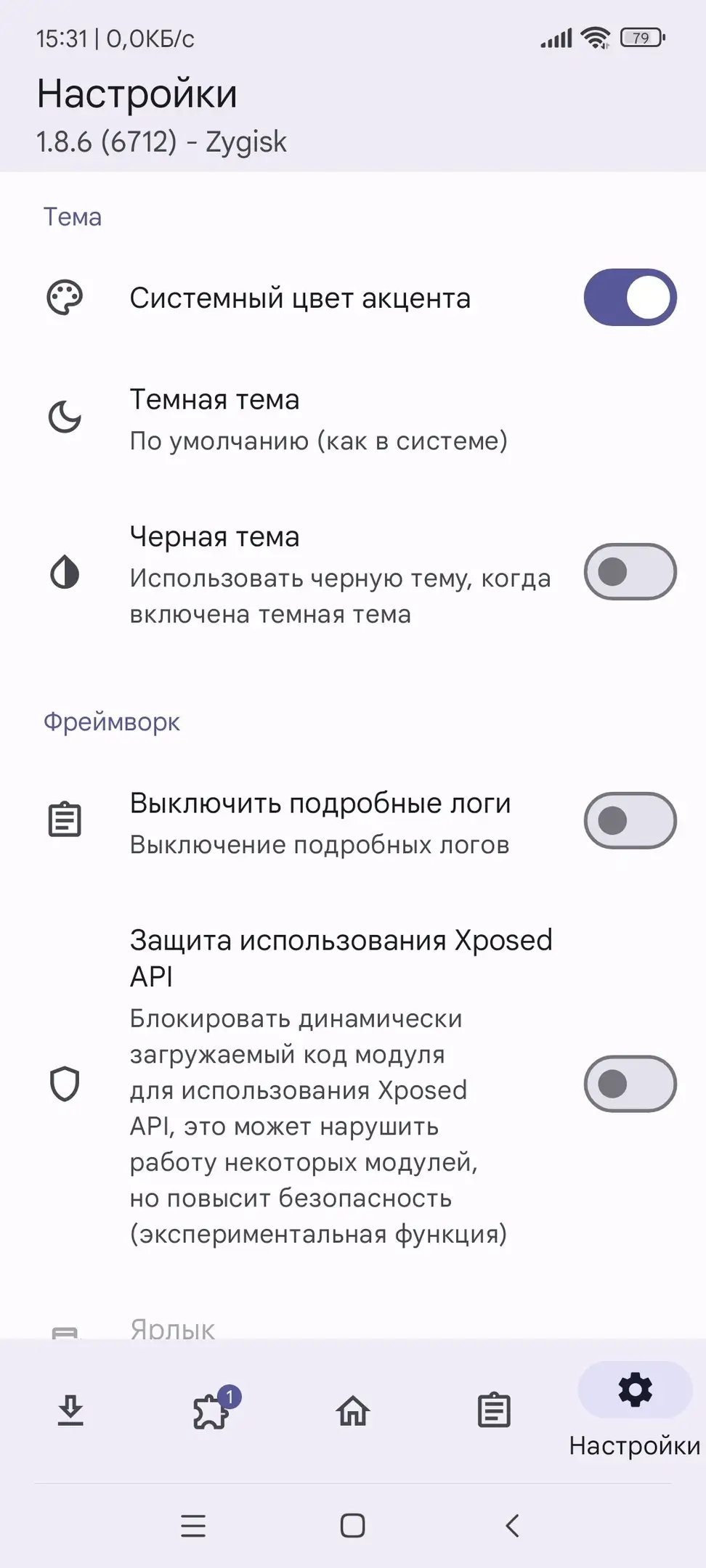
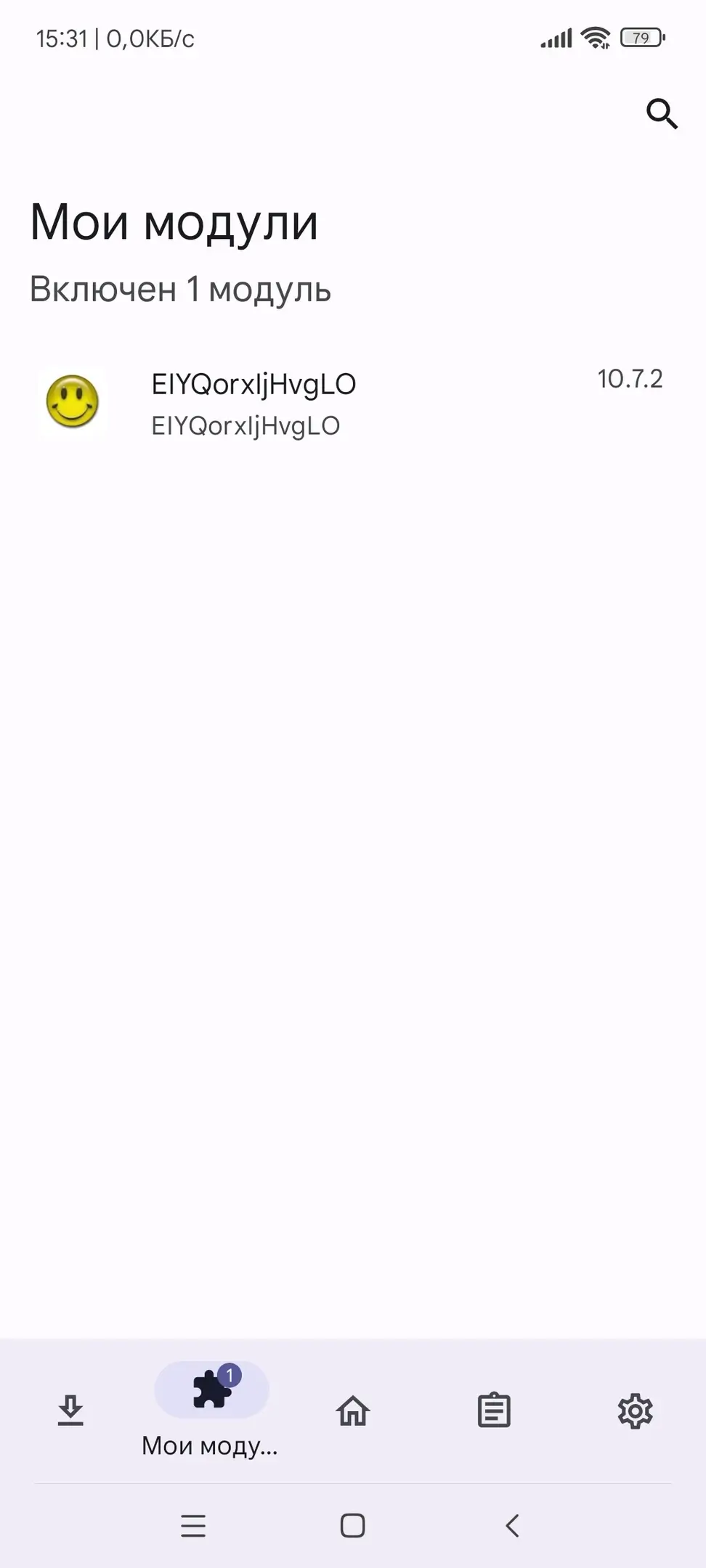
Screenshots
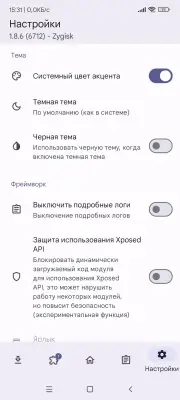
Description
MOD Download 1
Vector - New version of Xposed Framework for current Android OS versions (8.1+).
In past years, before the appearance Magisk, it was common to use SuperSU and other similar programs. These "superuser" applications did not allow the installation of modules to customize the appearance or functionality of the Android device. But over time, a solution was found, which became Xposed Framework. This was a framework that allowed the user to customize the system at their discretion using additional Xposed modules.
As Magisk developed and launched, becoming better and better with new Android versions, Xposed gradually became outdated, as developers stopped updating it with the launch of Magisk.
Thus, Xposed modules gradually disappeared and were forgotten until LSPosed appeared.
Vector Framework - This is the same as Xposed Framework, but with support for higher Android versions with active development, as well as the ability to install Xposed modules, as before. The only drawback is the lack of an internet store, like Xposed.
On new Android versions "out of the box" it will not work, but LSPosed solves this problem.
How to install Vector (ex. LSPosed):
- Download the latest version of LSPosed;
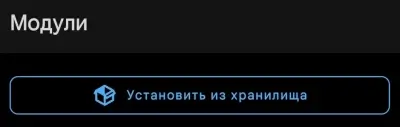
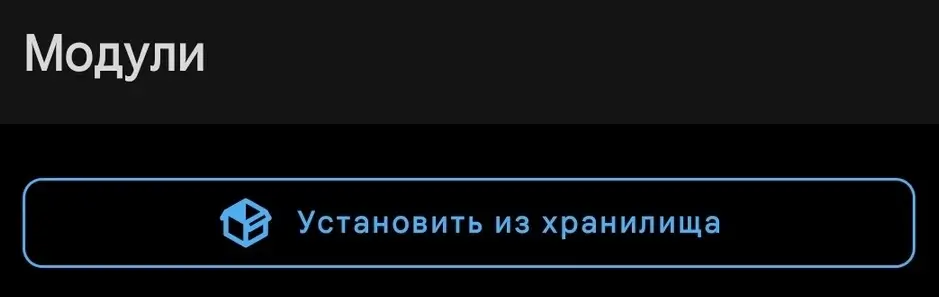
- Go to Magisk, go to the "Modules" tab;
- Tap "Install from storage", find the archive:
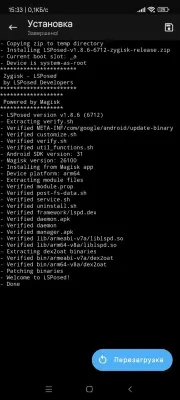
Screenshot - Wait for the installation process and reboot the device:
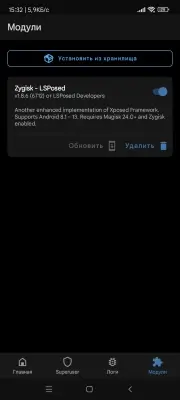
Screenshot - After rebooting, check the list of modules:
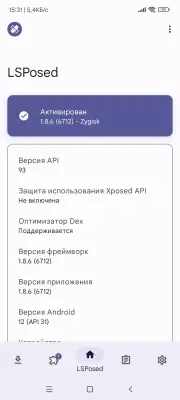
Screenshot - Open LSPosed from the notification in the status bar (shade);
- If the application opens with the inscription "Activated", then the installation was successful;
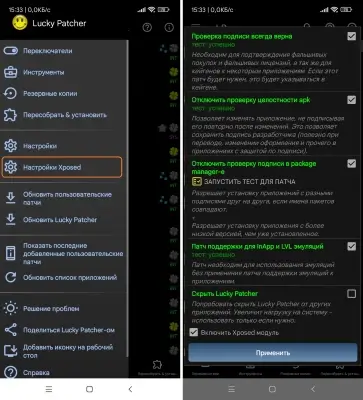
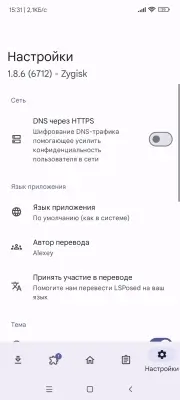
- For convenience, in the LSPosed settings, activate the application icon and disable it in the status bar.
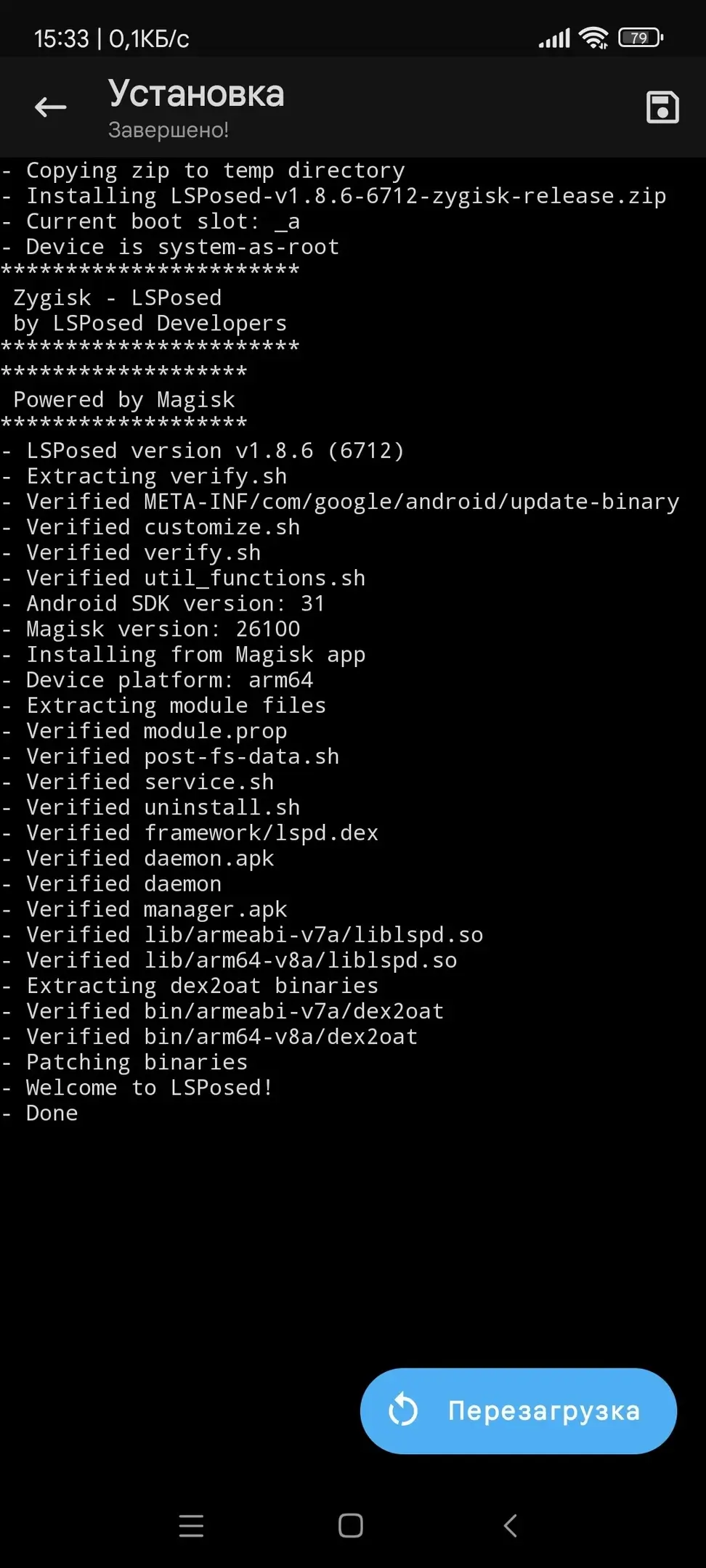
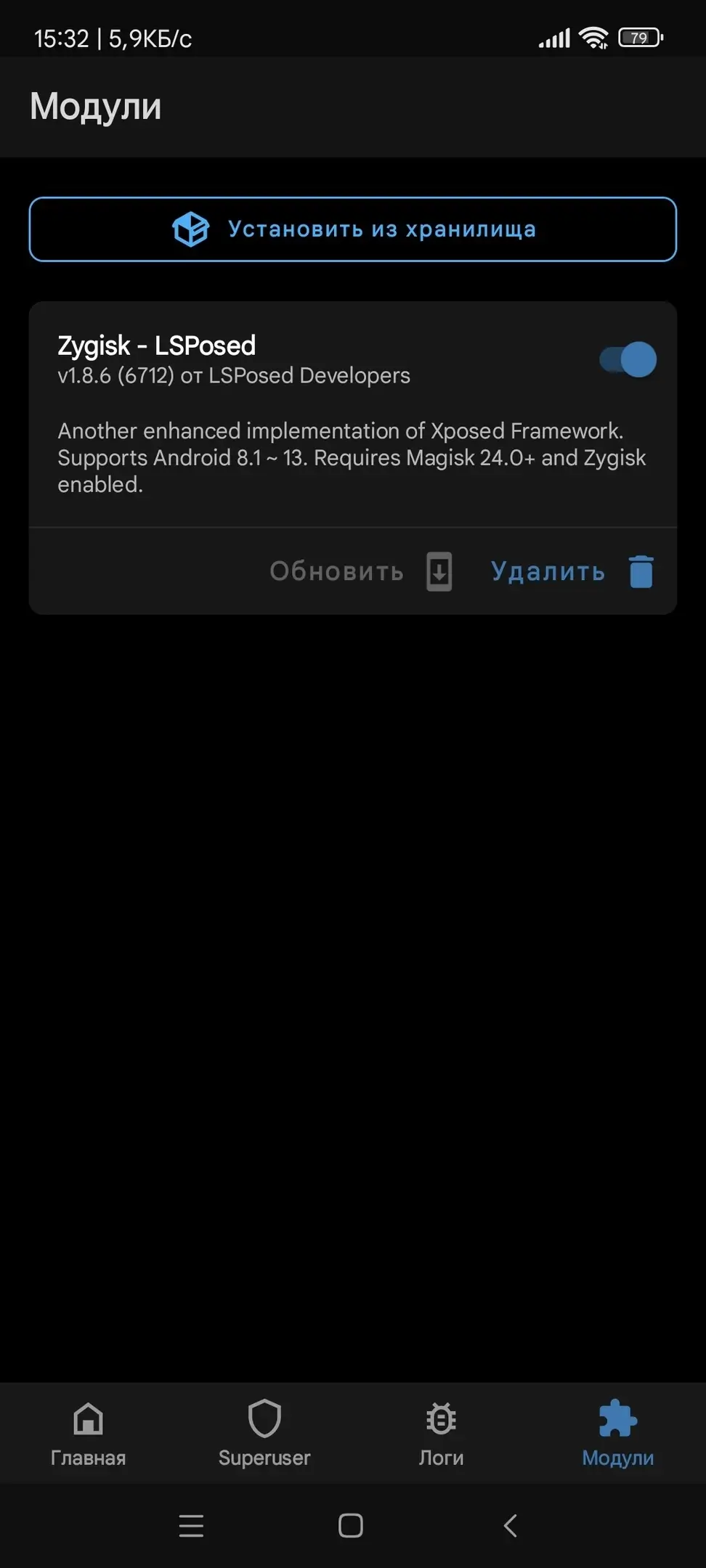
Installation complete.
Source (LSPosed): GitHub (Stable)
Source (Vector ex. LSPosed by JingMatrix): GitHub (Canary / Stable)
Screenshots
5 12 17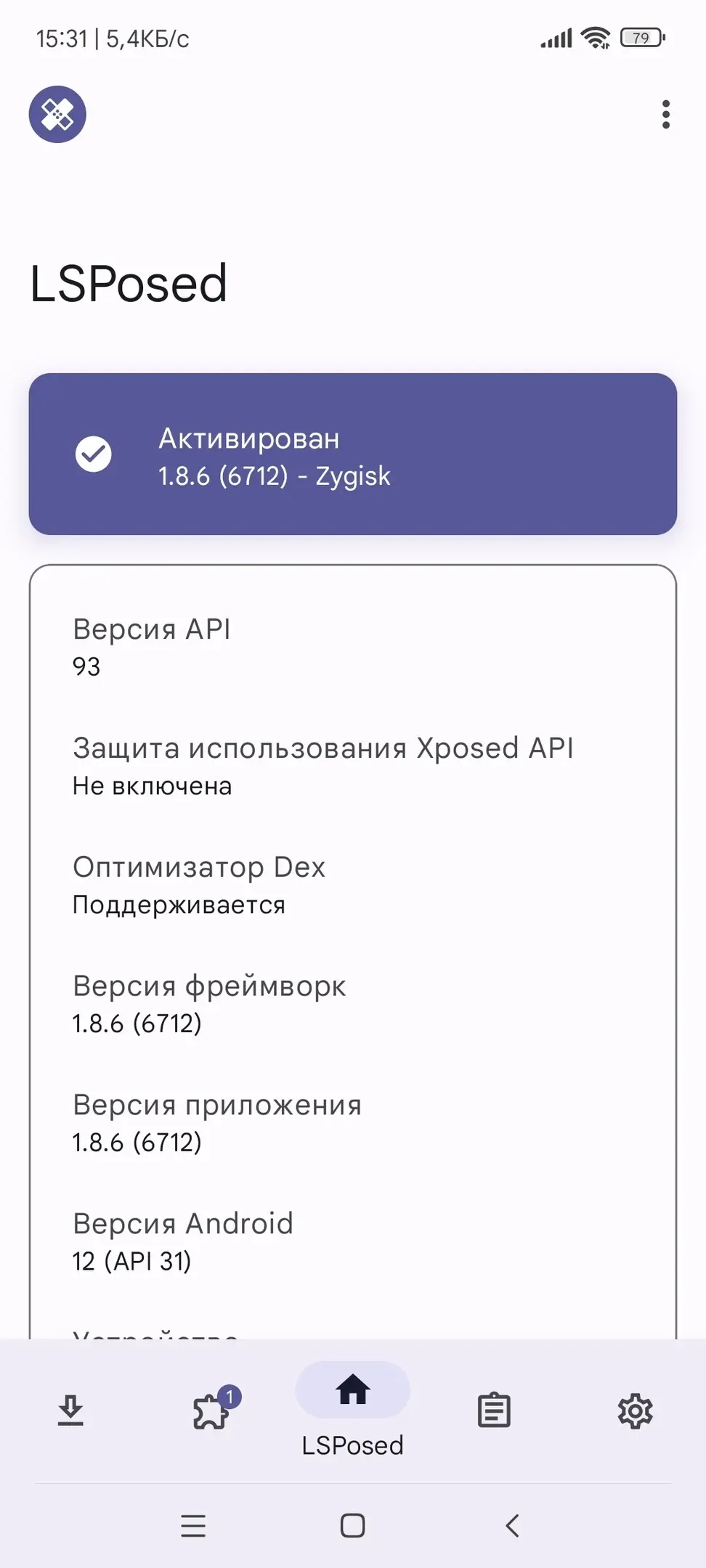
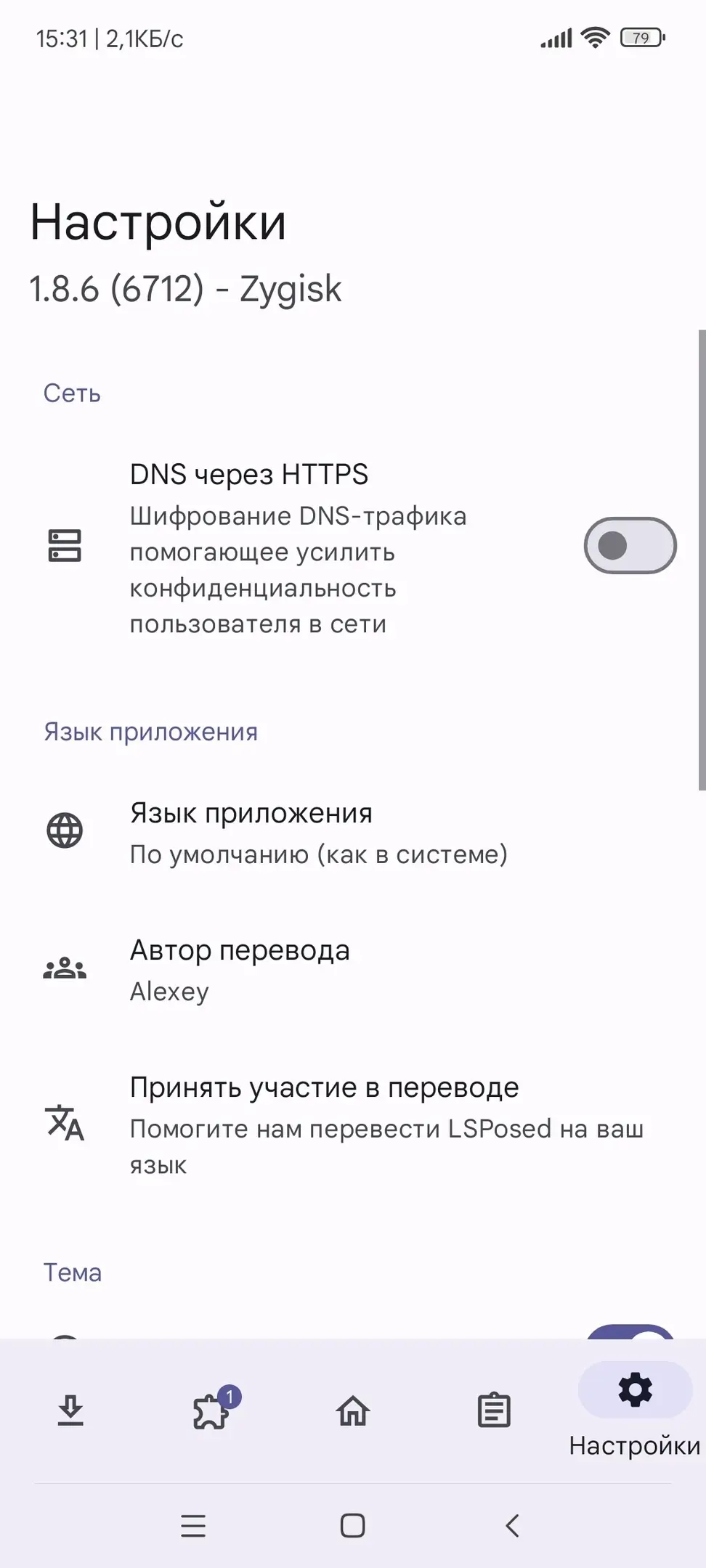
Info
Version 2.2 (3112) OS(MIN) Android 8.1+ Language Russian Developer LSPosed, JingMatrix Status Modification Root Required Tags Xposed for Android, Firmware Modification, Xposed, Framework, Modules, LSPosedHow to install
- Download the APK file above to your phone.
- Allow “Install unknown apps” when prompted.
- Open the downloaded APK and tap Install.
- If the package includes OBB/XAPK data, follow the bundled instructions.
MOD APKs are modified builds, so Play Protect may show a warning. Install only if you trust the file; use at your own risk.