
Screenshots
Description
Turn your mobile device into an efficient bootable flash drive maker! Set up Windows, organize your ISO images, and restore your computer with Ultimate USB MOD APK without needing a secondary PC.
Ultimate USB MOD APK stands out as an indispensable utility for computer owners, IT specialists, and tech hobbyists alike. If your operating system crashes or refuses to start and there is no backup computer around to flash a rescue USB, this application provides an instant fix. It converts your Android phone or tablet into a portable recovery hub capable of building bootable Windows setup drives on demand. From experienced system managers to everyday users dealing with a sudden crash screen, this tool seamlessly connects mobile portability with essential desktop maintenance.
Key Features
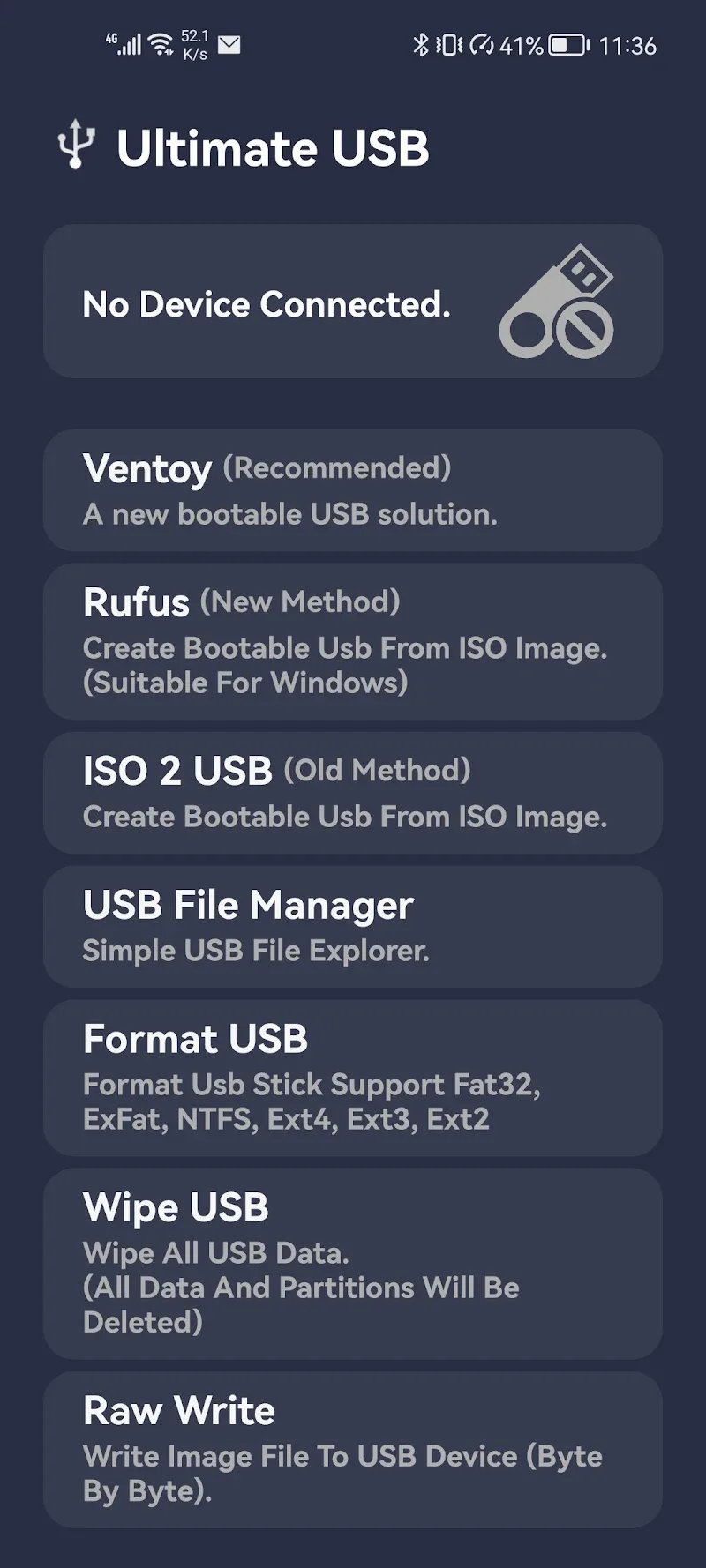
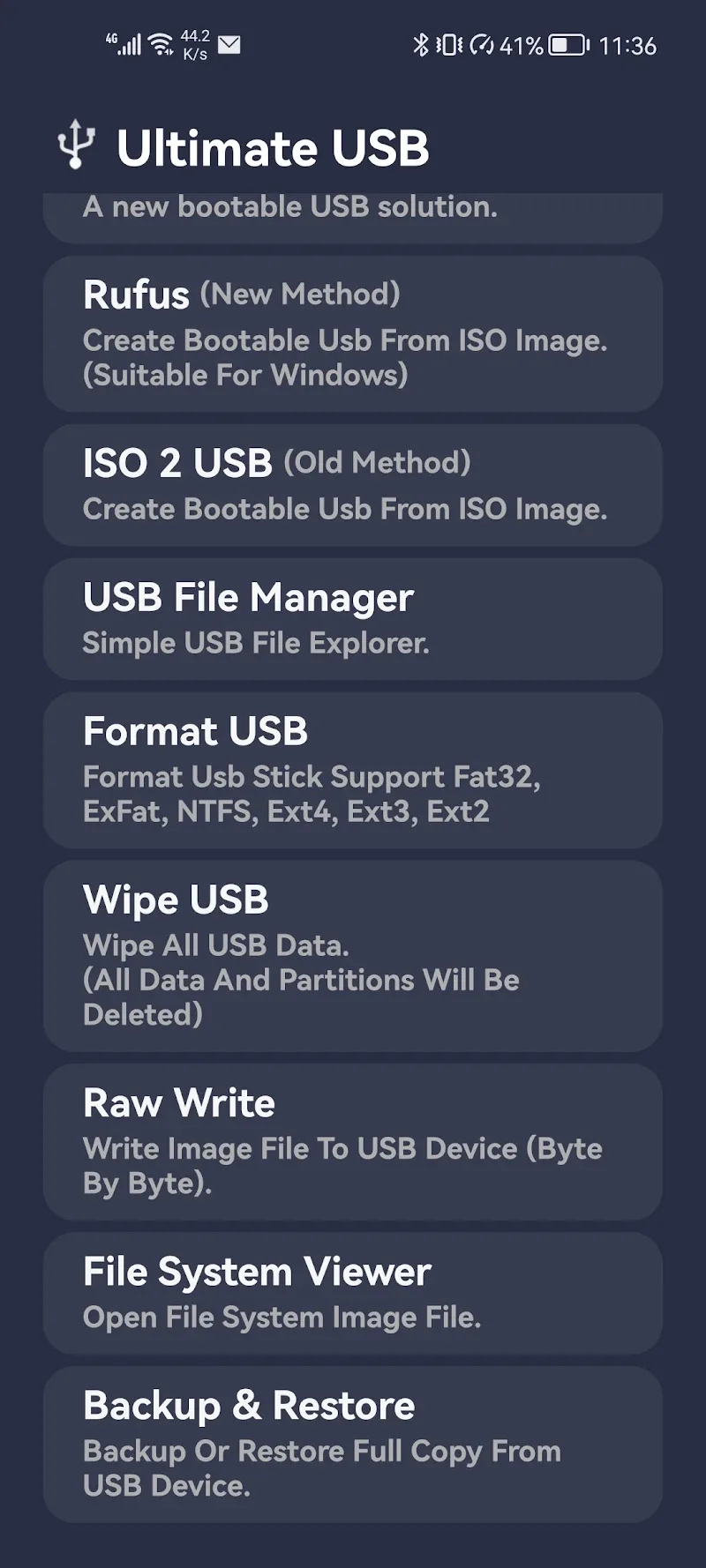
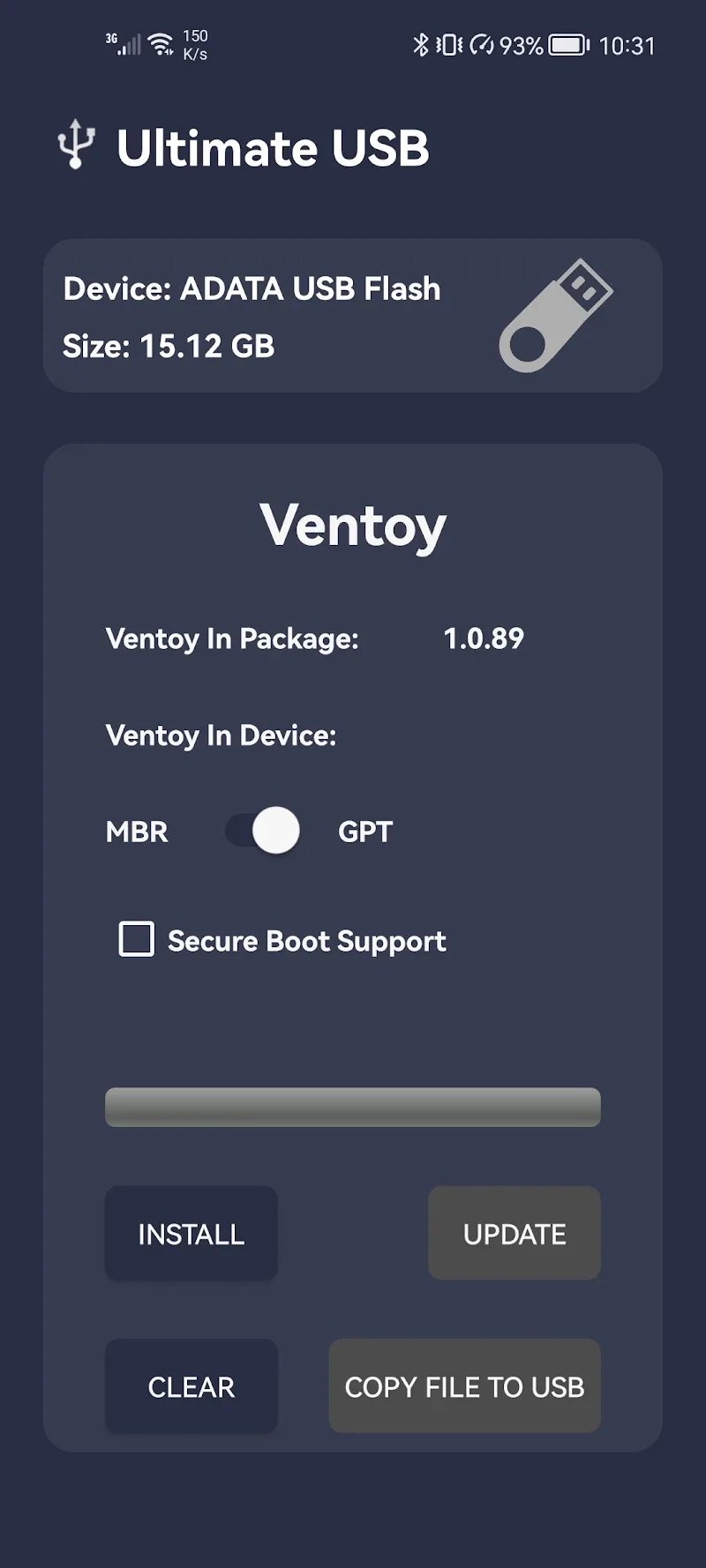
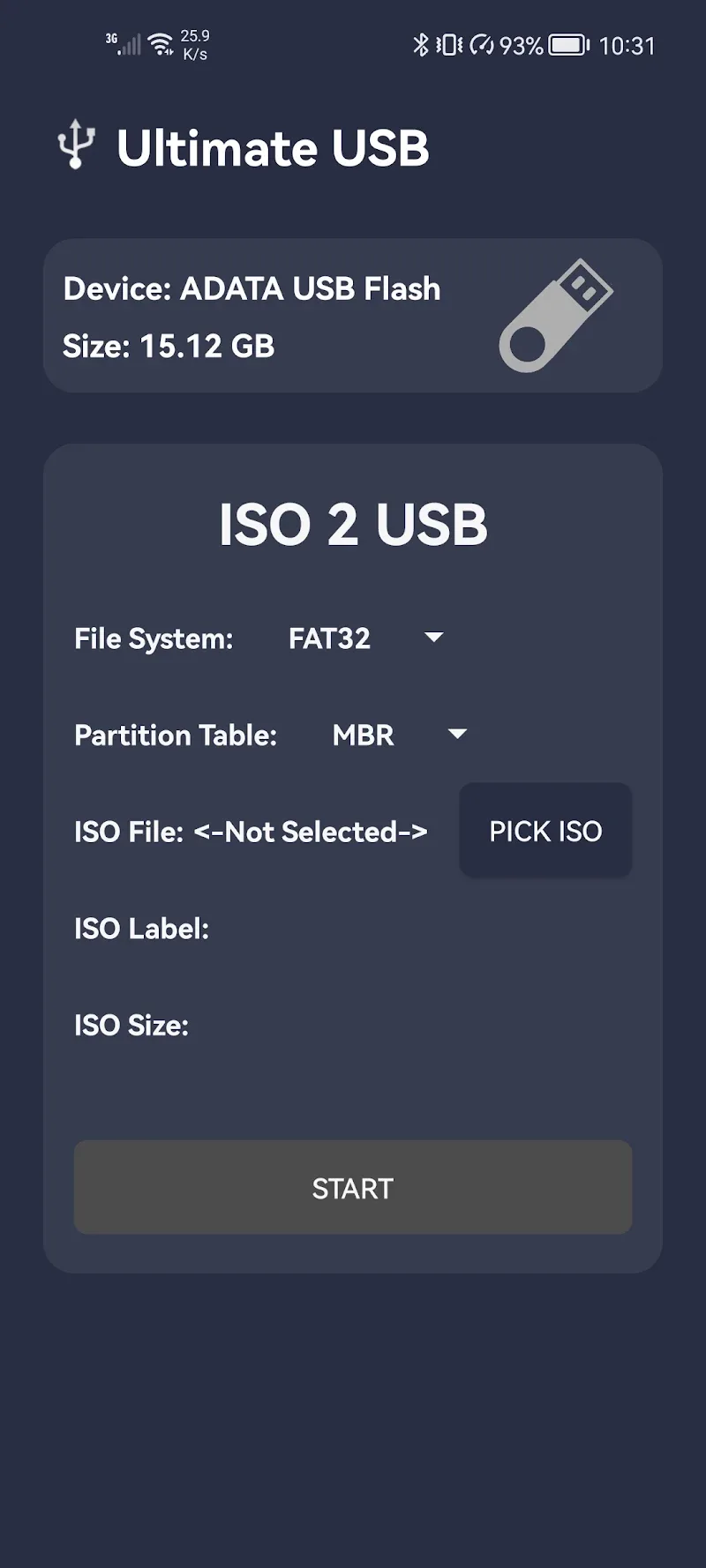
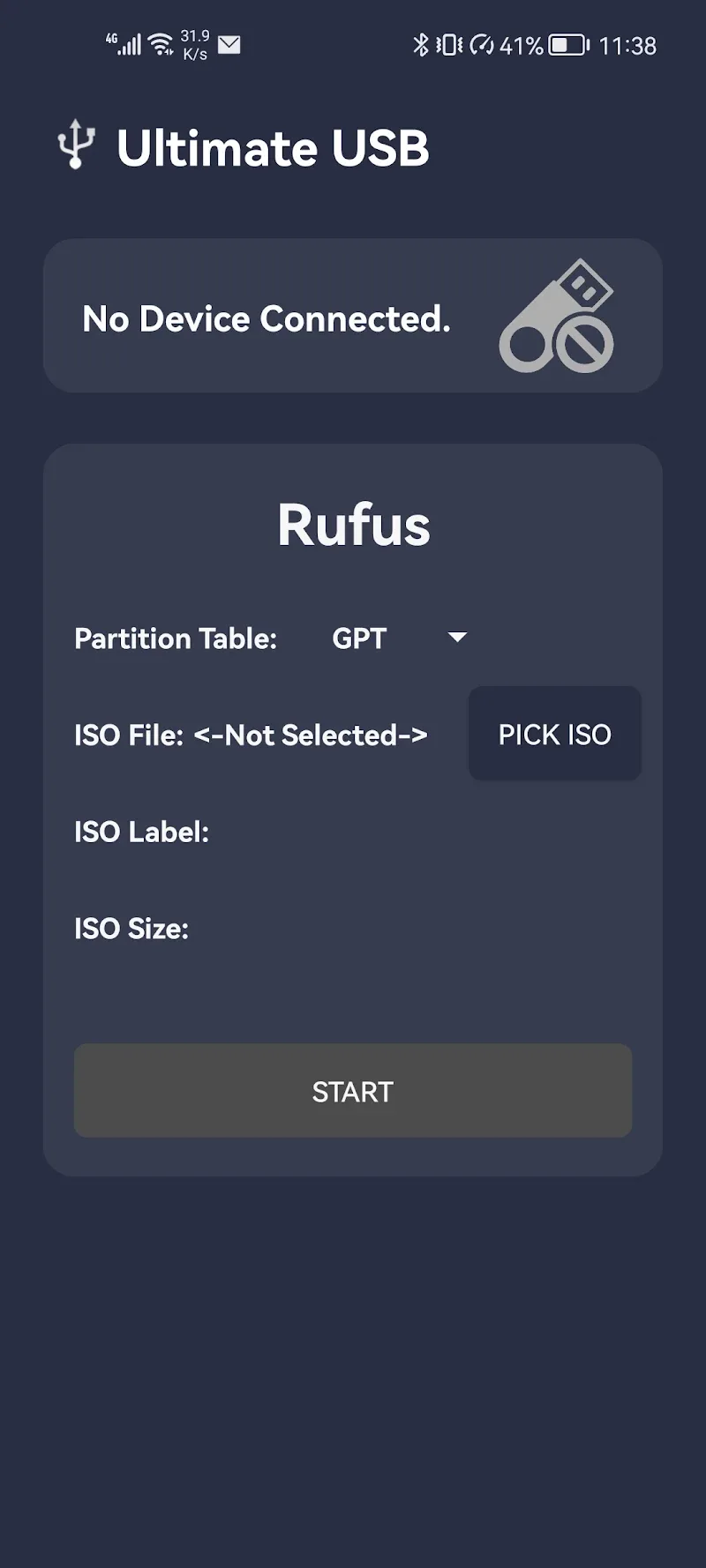
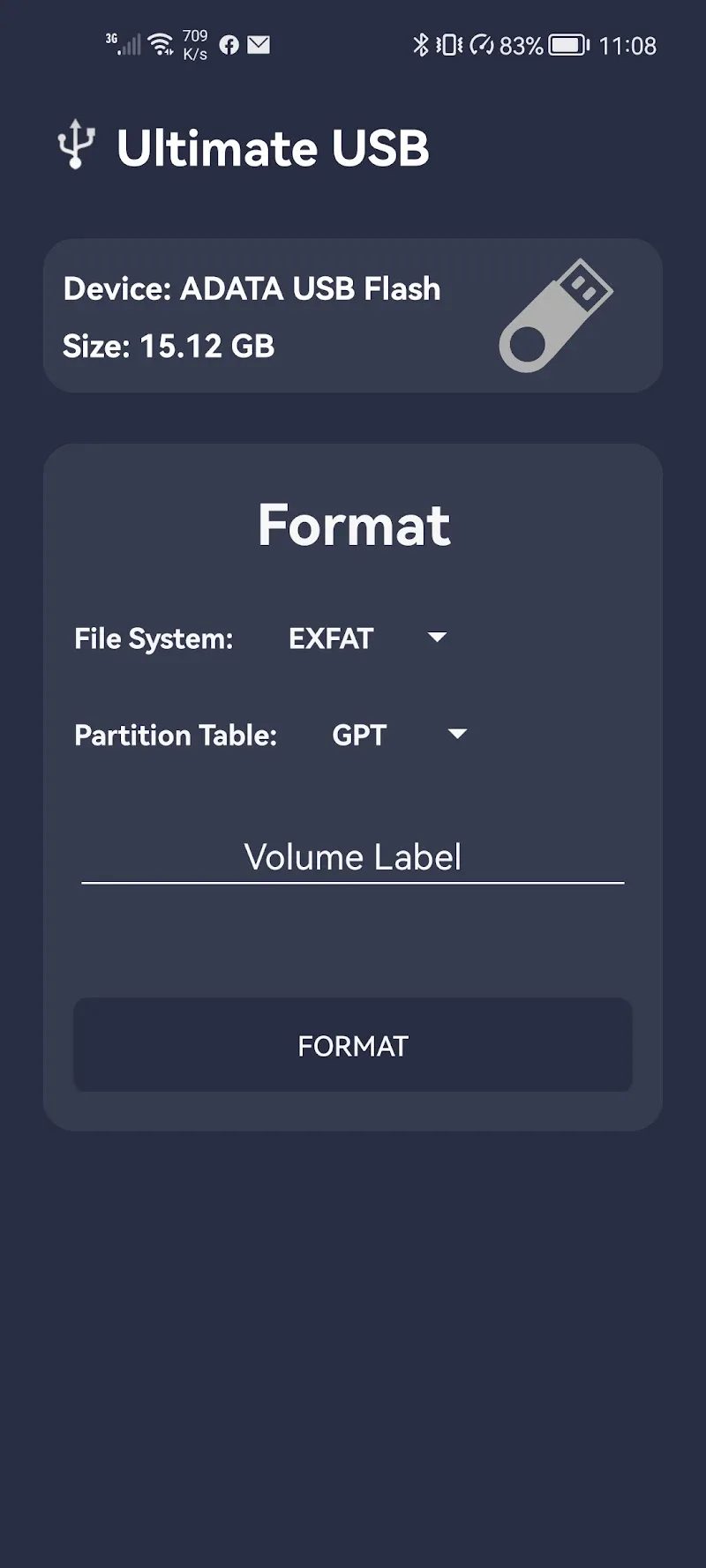
– Standalone Bootable Media Creator: Generate Windows setup flash drives straight from your Android handset with an OTG cable, eliminating the need for an extra PC in critical recovery situations. – Multi-ISO Architecture: Thanks to versatile booting capabilities, you can keep and organize various ISO images on one flash drive, allowing you to alternate between operating system installers without wiping the drive repeatedly. – Complete File Protection: Built-in backup and recovery utilities safeguard your stored documents. You can easily back up your crucial files before initiating the formatting and flashing procedure. – Intuitive Dashboard: Featuring a neat, multi-tab layout, the application presents storage metrics transparently so you can monitor every stage of the setup clearly. – Advanced Partitioning Tools: Taking cues from well-known desktop utilities like Rufus and Ventoy, Ultimate USB MOD APK delivers dependable, pro-level formatting and partition configuration right on Android.
How It Works & Setup Process
Operating Ultimate USB MOD APK is intuitive and streamlined. Simply plug a flash drive into your Android device via an OTG connector. After the application identifies the connected media, you can adjust partition configurations and get the flash drive ready for bootable files. The interface makes it effortless to insert or clear ISO images, functioning as a comprehensive toolbox for device troubleshooting. Even if you lack deep technical expertise, step-by-step guidance walks you through every action with ease. Just download your required OS disc images to local mobile storage and let Ultimate USB MOD APK burn them to your USB stick in a matter of taps.
Conclusion
Ultimate USB MOD APK serves as an essential digital lifeline whenever computer emergencies strike. By harnessing your Android device's processing capabilities alongside comprehensive storage configuration features, it puts full diagnostic and restoration power in your hands. Avoid unnecessary delays or costly repair center visits during an OS breakdown. Grab Ultimate USB MOD APK from GameMod.dev today, follow the clear steps, and turn your smartphone into a reliable, professional tool for crafting Windows boot media anywhere.
How to install
- Download the APK file above to your phone.
- Allow “Install unknown apps” when prompted.
- Open the downloaded APK and tap Install.
- If the package includes OBB/XAPK data, follow the bundled instructions.
MOD APKs are modified builds, so Play Protect may show a warning. Install only if you trust the file; use at your own risk.