
Screenshots
Description
FREE Download 0
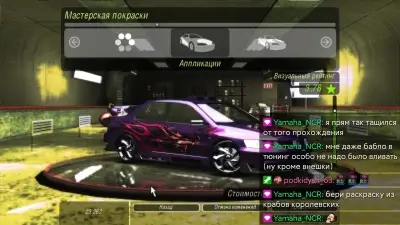
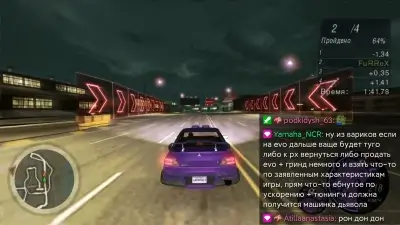
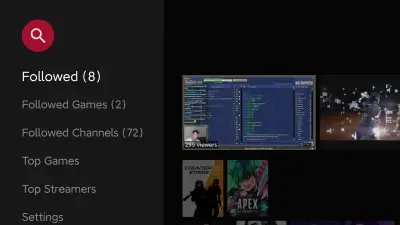
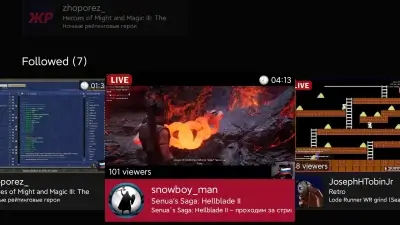
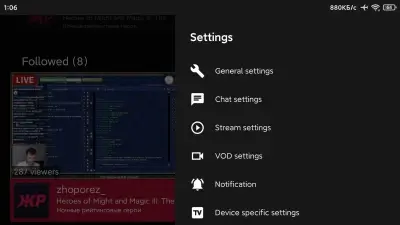
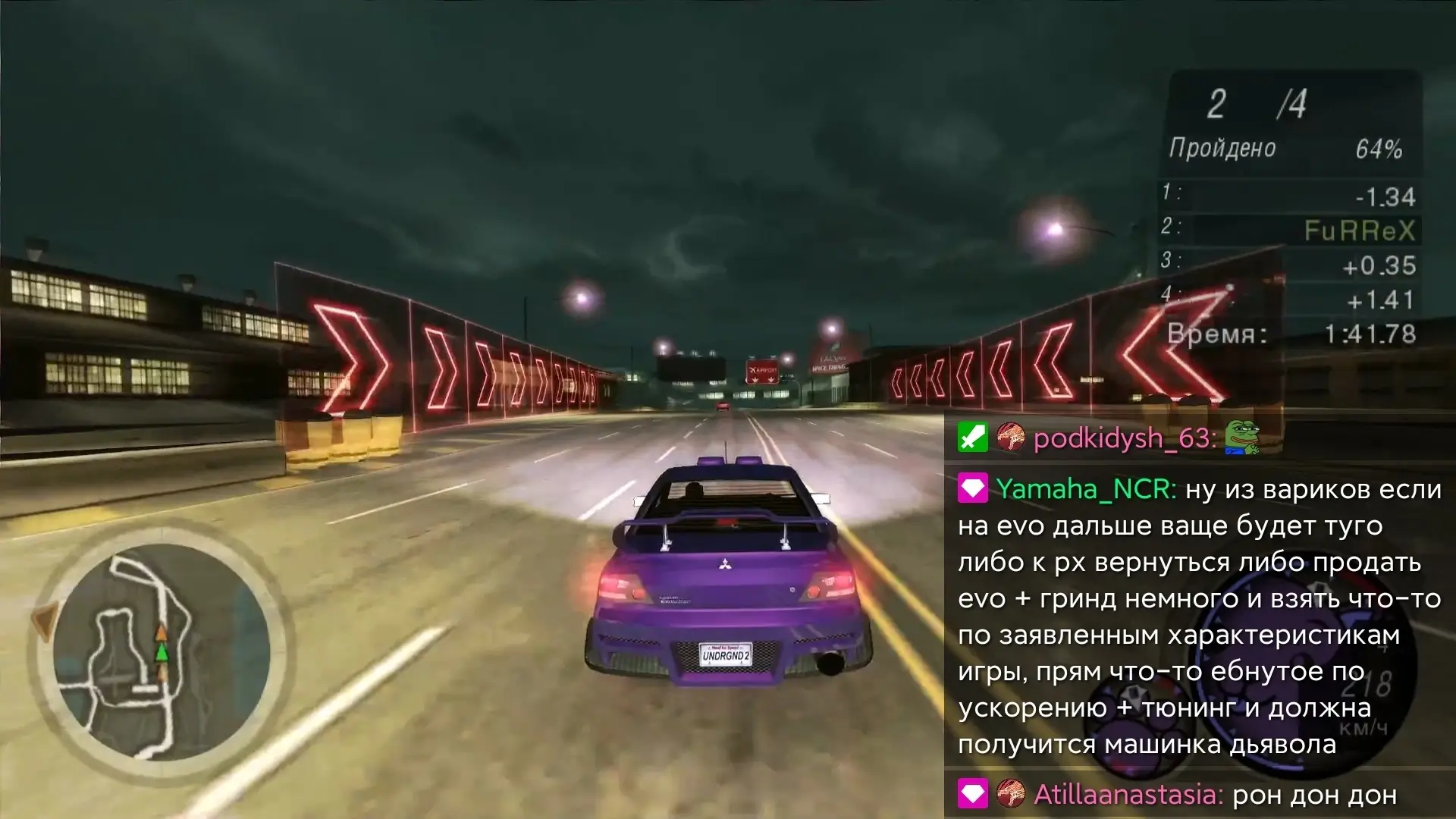
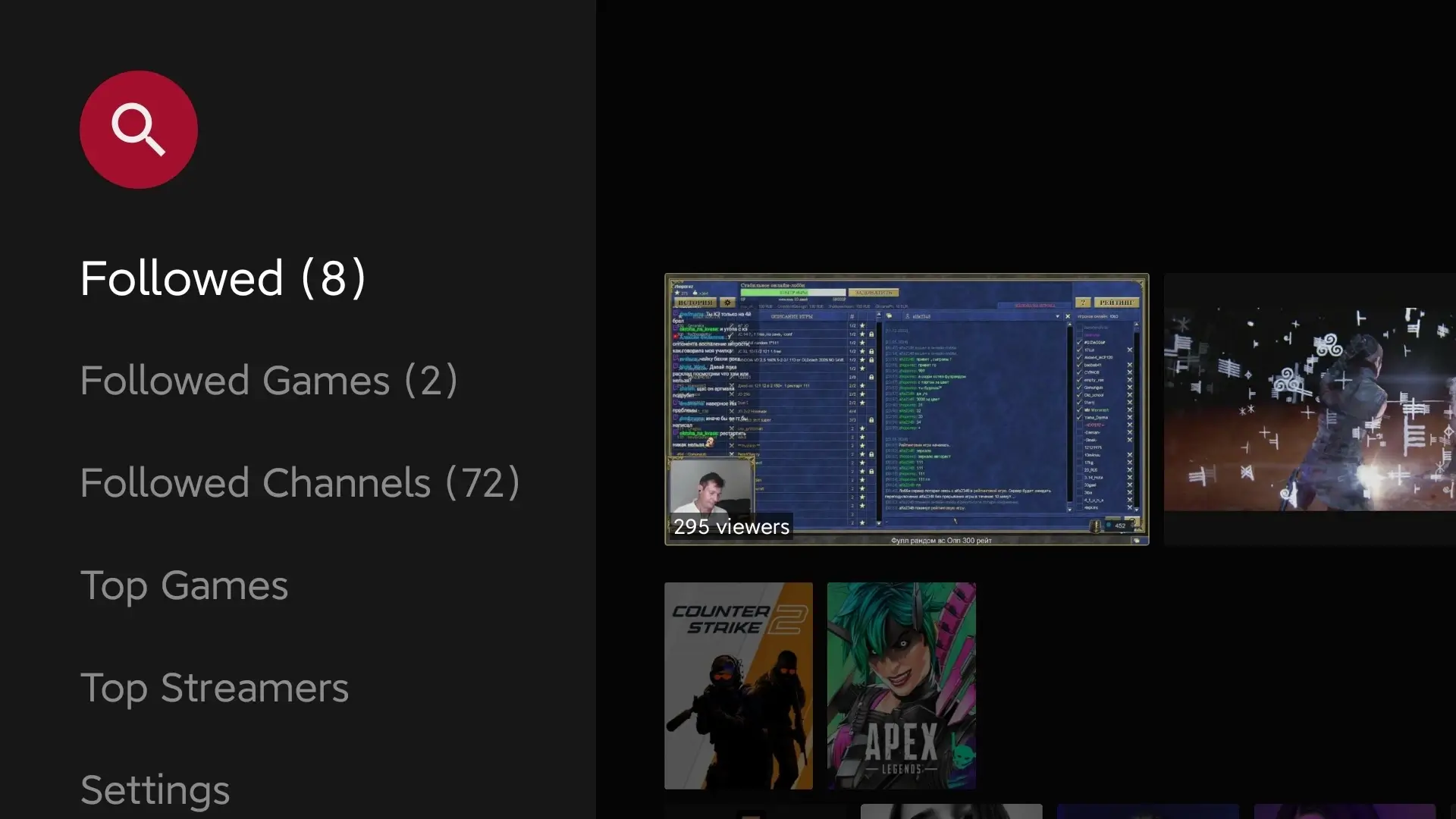
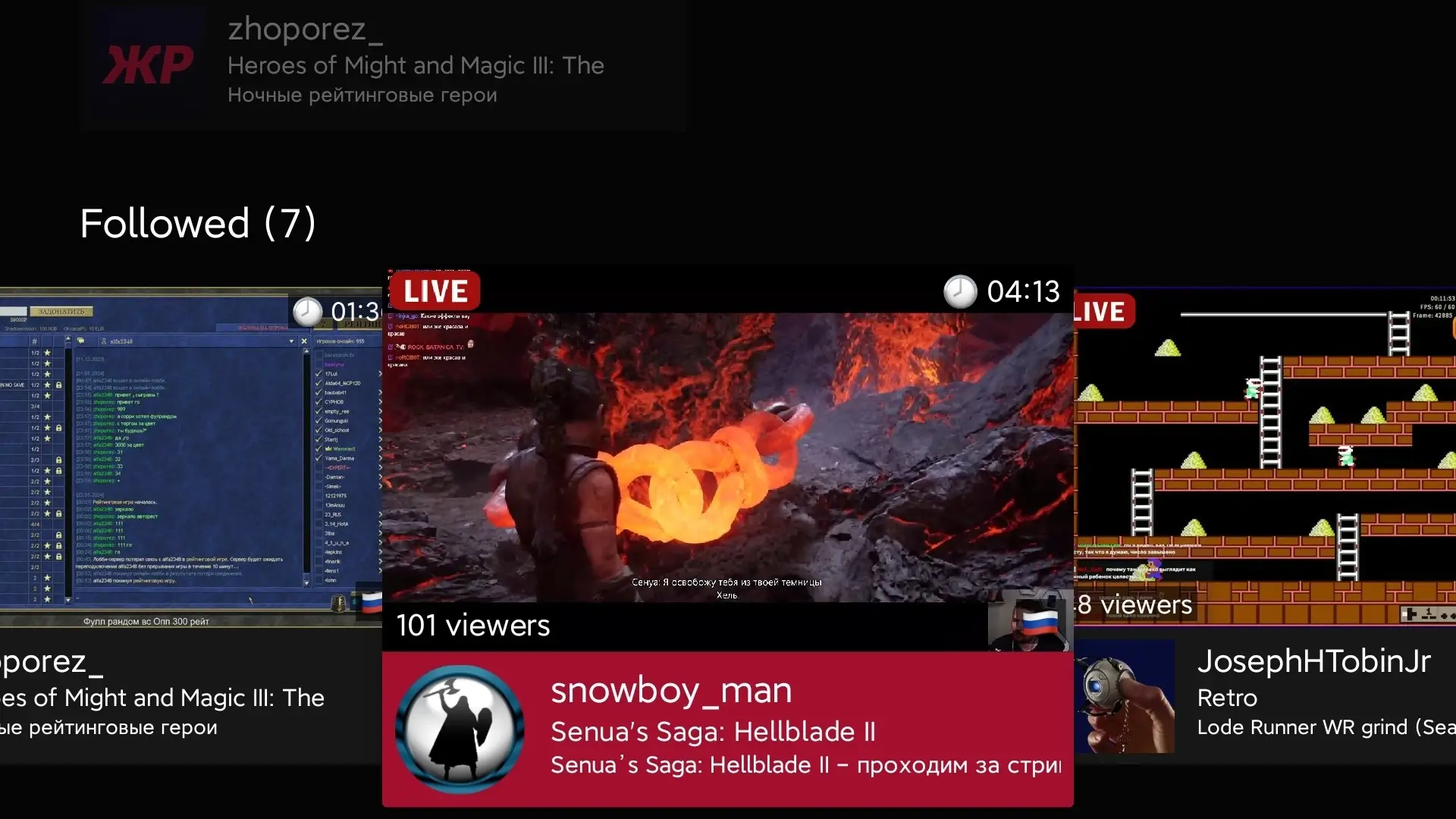
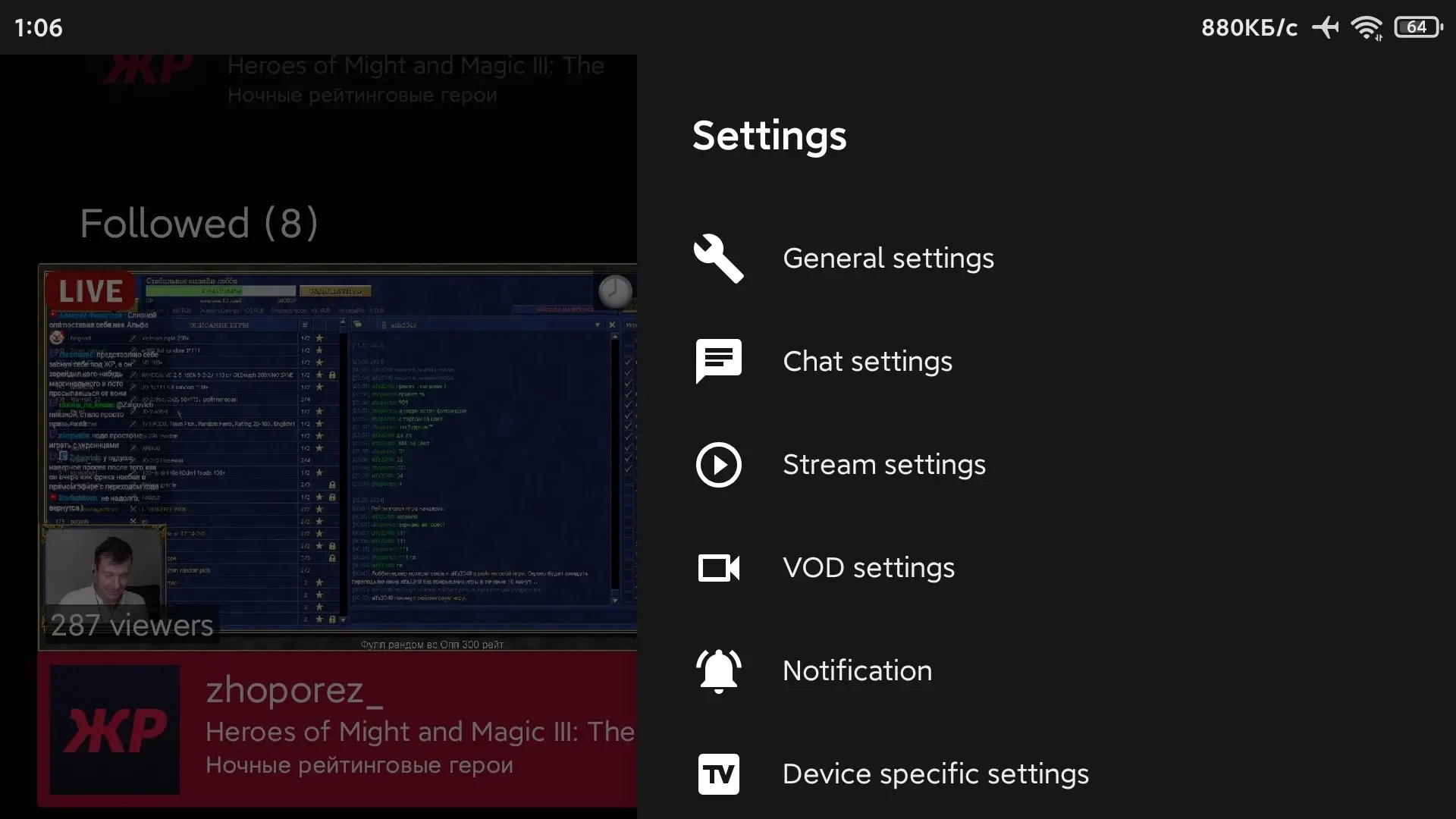
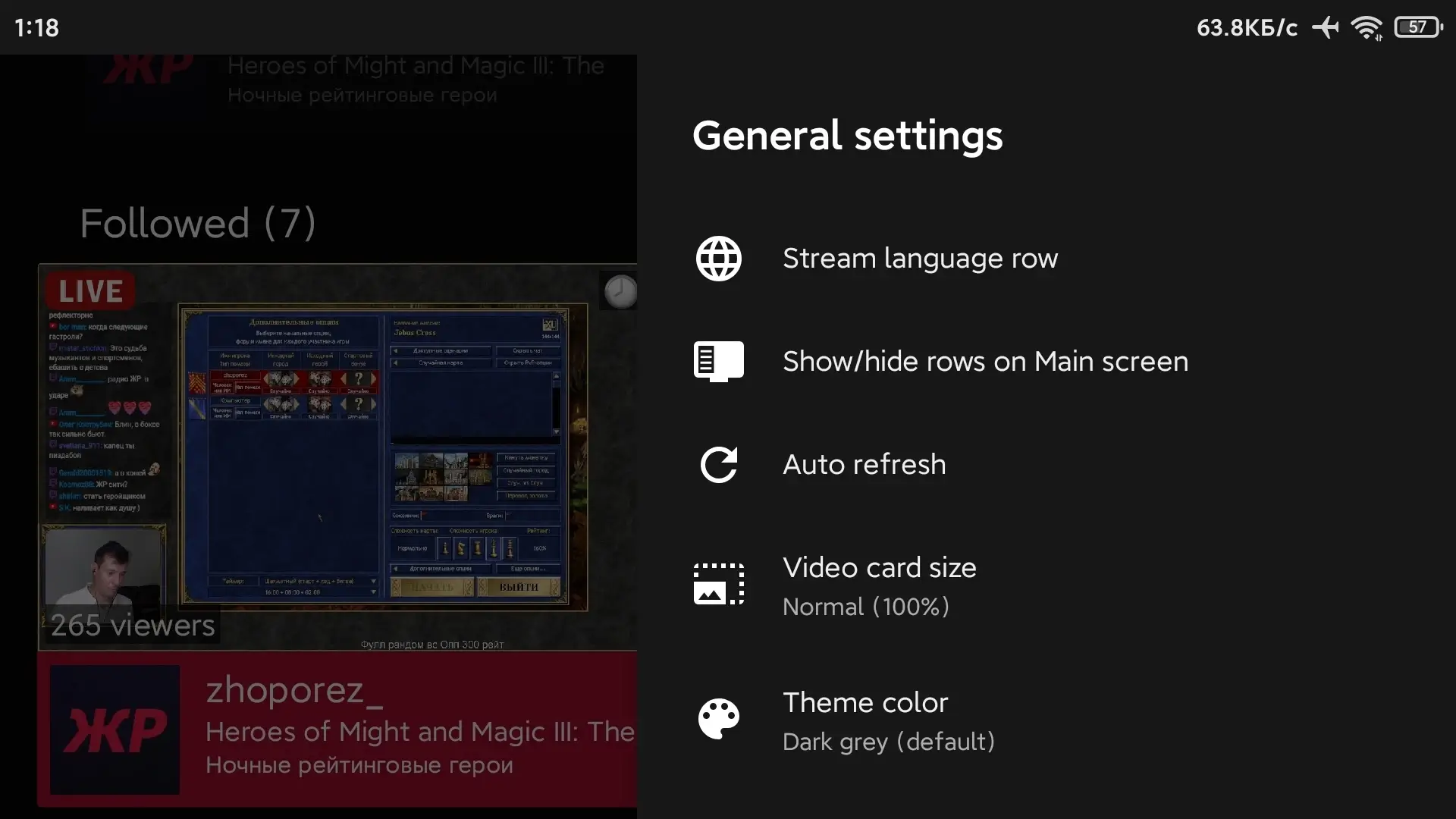
Twitch (S0undTV) - An unofficial client for watching the Twitch streaming service on Android TV devices. The app has a specially designed interface for large screens, providing comfortable viewing of your favorite streams. Watch live streams with the ability to chat, and enjoy the variety of emotions from BTTV, FFZ and 7TV. One of the features of this client is the "Picture-in-Picture" mode with customizable parameters, which will allow you to watch not only a live stream, but also other content at the same time. Twitch (S0undTV) on Android TV has support for video on demand (VOD) and offers a wide range of chat settings, including the ability to filter words, users, and bots.
Subscribe to my channel (FuRReX_KinG) <3
Features of the application:
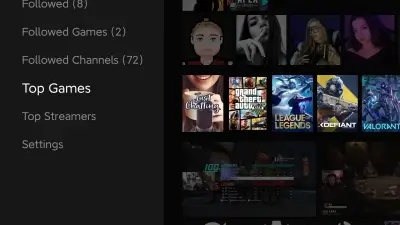
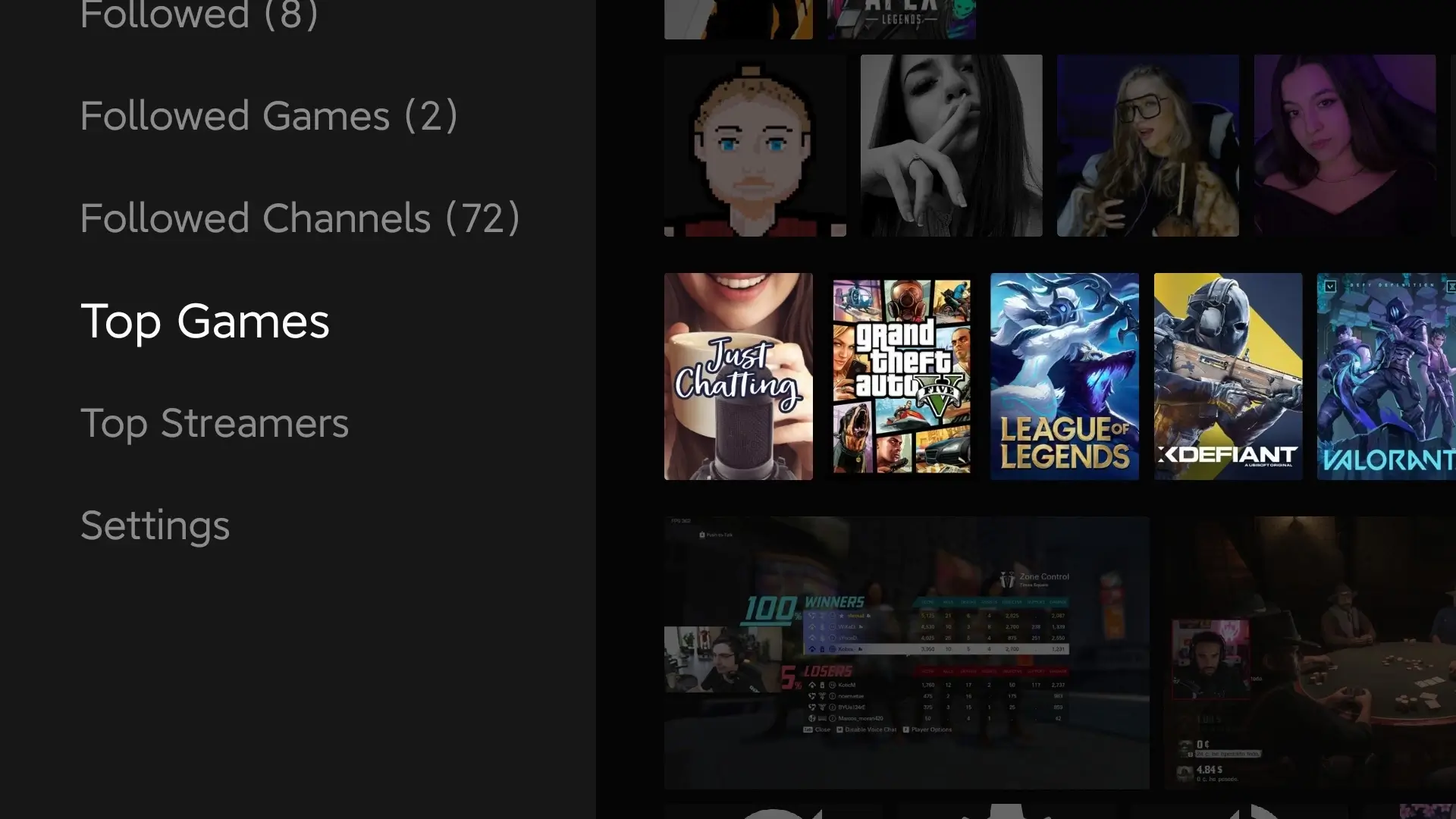
- Unique interface, specially designed for large screens;
- Live streams with chat capability;
- Support for BTTV, FFZ, and 7TV emotes;
- "Picture-in-Picture" mode with customizable parameters;
- Live stream previews;
- "Peekview" - a convenient way to view other content while streaming;
- Ability to use search to quickly find interesting content;
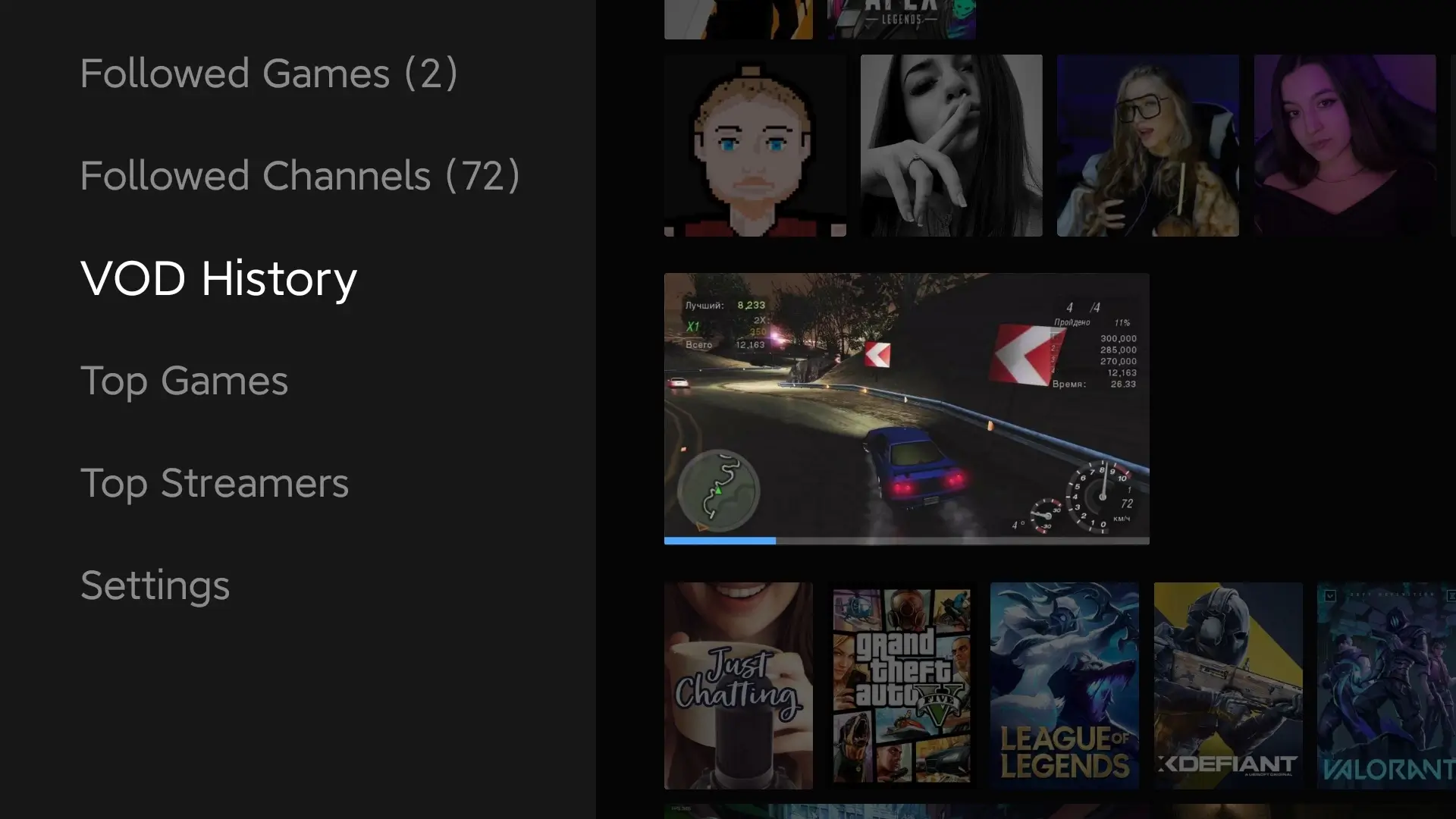
- VOD (video on demand) support with chat;
- Various chat settings, including filtering (words, users, bots);
- Access to tracked channels, ability to add them to favorites for quick access;
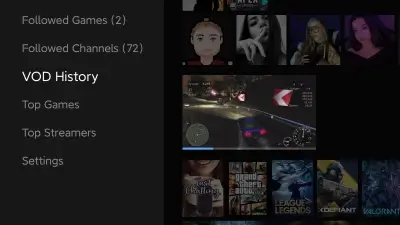
- VOD viewing history with the ability to continue watching;
- Additional features: display of world time;
- Remote control commands for frequently used functions;
- Channel profiles with streamer information;
- Separate stream line for streamers who broadcast live in a specific language;
- Ability to subscribe to users and receive notifications about their online status;
- Multiple interface theme options;
- Basic gesture control in the player, providing convenient content management;
- Recommended channels to expand users' interests;
- Chat message history, allowing you to see what happened on the channel before the user joined.
Source: GitHub Track news You will receive a notification by email when the news changes. Subscribe Subscribed: 0
Screenshots
18 24 42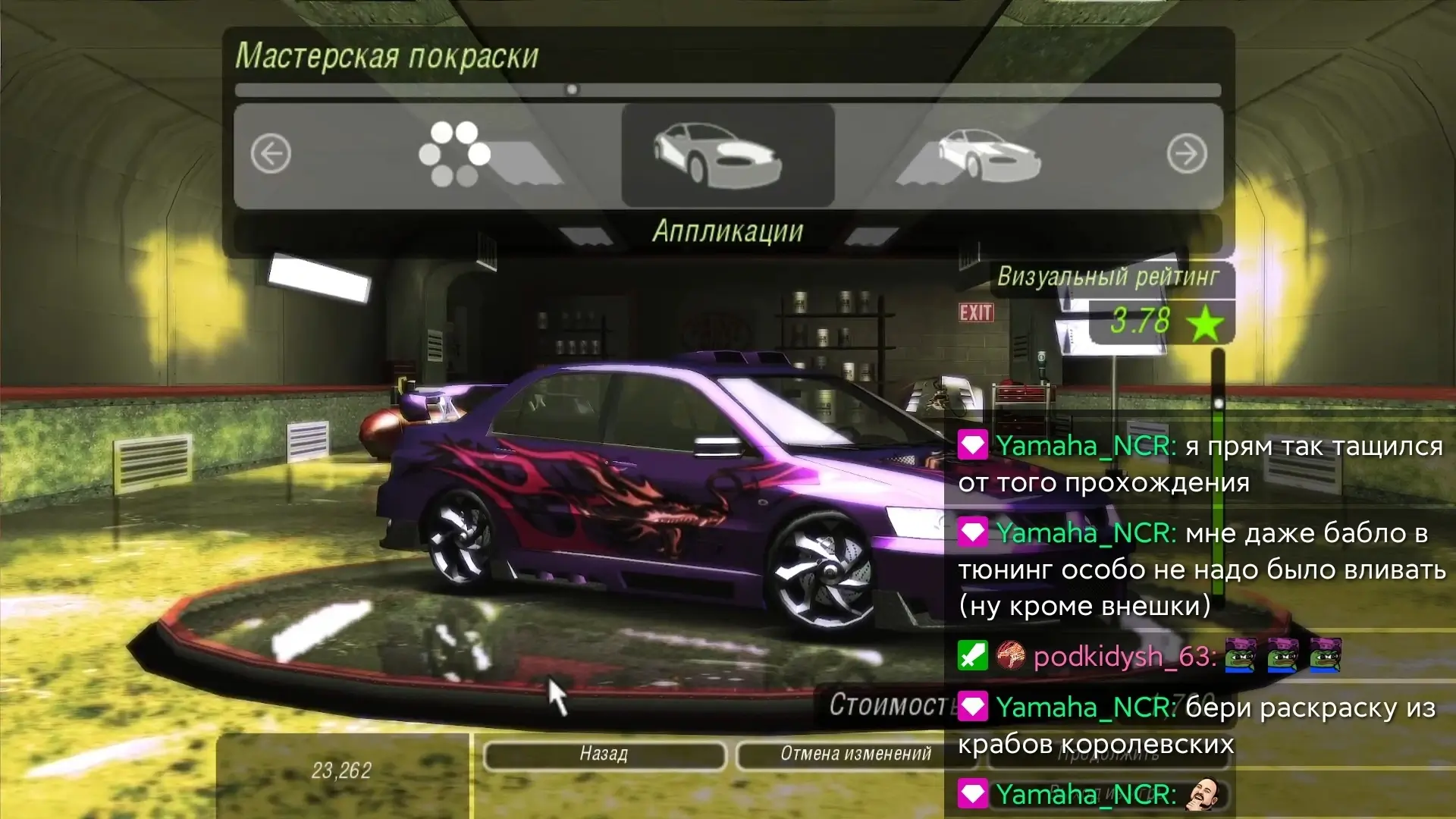
Information
Version 1.5.10 (2024.08.06) OS(MIN) Android 5.0+ Language English Developer S0und Free Status Root Not Required Tags Android TV, Live Broadcast Viewing, Picture-in-Picture Mode, Twitch Player, Offline Viewing, Unique EmojisHow to install
- Download the APK file above to your phone.
- Allow “Install unknown apps” when prompted.
- Open the downloaded APK and tap Install.
- If the package includes OBB/XAPK data, follow the bundled instructions.
MOD APKs are modified builds, so Play Protect may show a warning. Install only if you trust the file; use at your own risk.