
Screenshots
Description
Transform your Android TV! Remap buttons, build custom app docks, and automate your remote for a smarter TV experience. Take full control today!
This build unlocks the full version of the utility, enabling all premium mapping and automation features. With tvQuickActions Pro MOD APK, users get the complete set of professional tools for remote customization and system triggers.
What’s Modified in tvQuickActions Pro
- This version unlocks the full software, giving you access to the complete range of button mapping and automation tools.
Version 3.7.0 weighs 35 MB and uses the package name dev.vodik7.tvquickactions. This build is re-signed, so it cannot be installed over an existing version from the official store.
About tvQuickActions Pro
tvQuickActions Pro is a key mapping and macro automation app built for Android TV and similar platforms. It lets you go beyond the limits of a standard TV remote, tailoring every interaction to your own habits. The app works as a framework for assigning custom actions to hardware keys, freeing you from the factory default button layout and letting you set up controls that suit you. Its user-friendly interface makes it straightforward to configure advanced key mapping and remapping, so you can get more out of your TV with minimal effort.
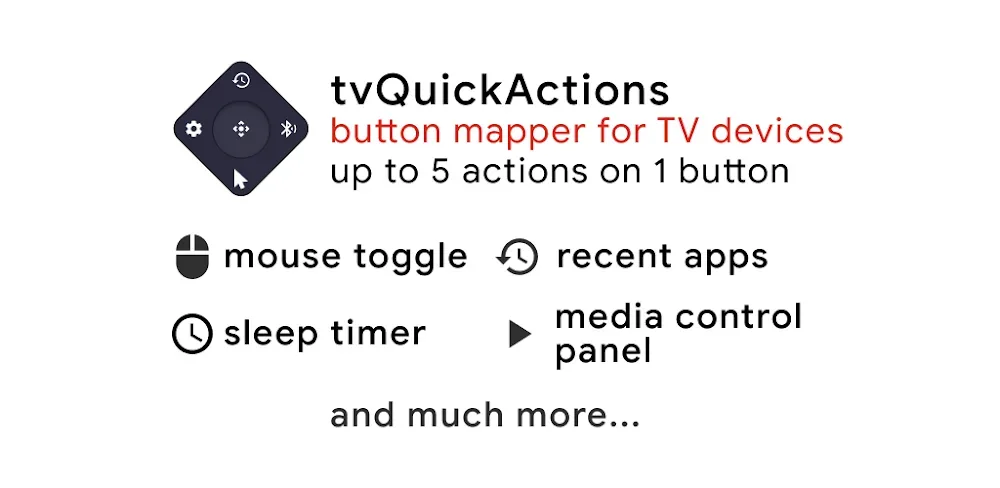
One of the most interesting features is Advanced Multi-Action Mapping. With it, a single remote button can be programmed to trigger up to five different actions. The app distinguishes between input types, such as a single press and a double press, so each gesture can carry its own command. By combining these rules and shortcuts, you can turn one button into a versatile control, whether that means launching a web page or opening a system menu. This gives you plenty of flexibility to design logical shortcuts that fit your workflow.
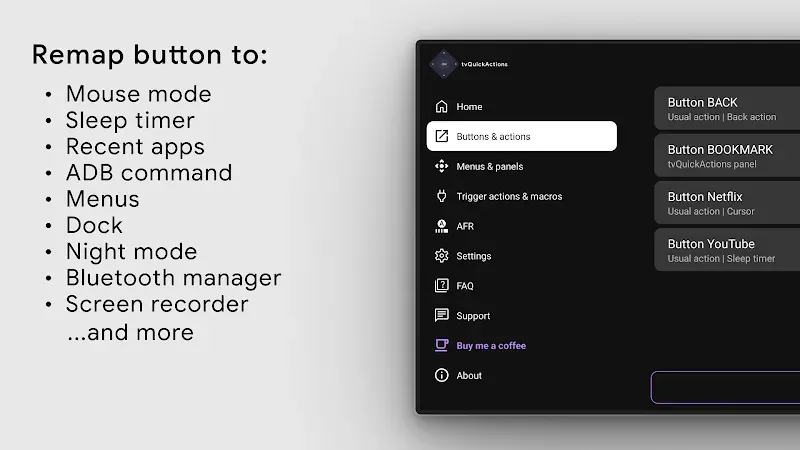
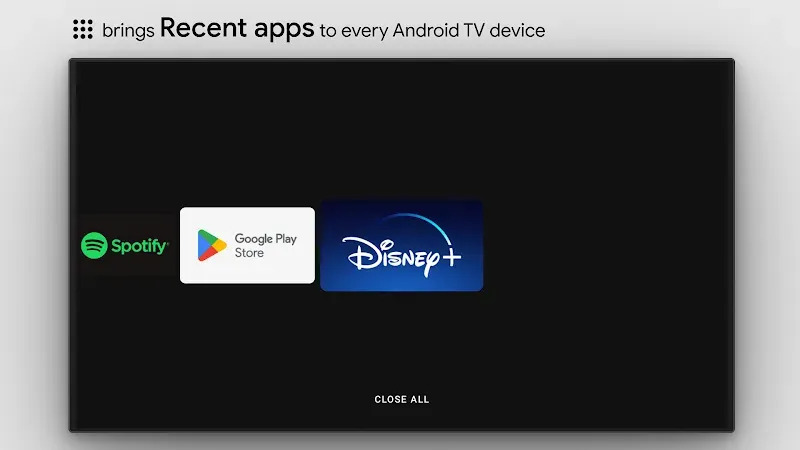
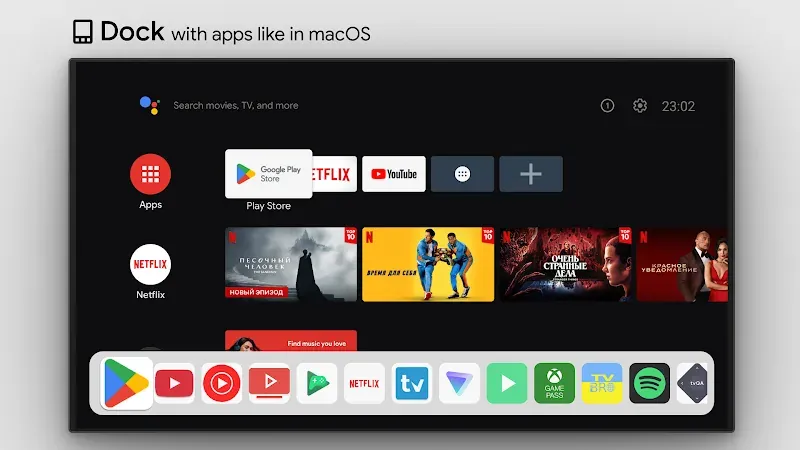
What sets the software apart from its competitors is a built-in application dock inspired by the macOS interface. The dock provides quick access to your favorite apps and can be displayed over the current screen, so you can switch apps without returning to the home screen. Alongside the dock, the software offers button remapping, which lets you change the function of buttons on your TV and remote. The branded buttons on many remotes are often preset to open services like Netflix or YouTube, but with this app you can reassign them to any application you prefer, making your TV work the way you want it to.
The app relies on System Event Automation to tie actions to changes in the TV's hardware state. With this automation, you can link events to the TV starting up or waking from Standby, or to it entering Standby or Sleep. For example, you can have a media player or a Dashboard open automatically the moment the TV powers on, so you can start watching without first going through the TV Input menu. Likewise, you can trigger events when the TV goes to Sleep, letting the system carry out any action or close any running application before it shuts down. Mouse Toggle is designed for apps that were never made for TVs. When it's switched on, your TV remote works as a full-featured mouse, giving you access to functions the standard remote cannot reach. This means you can use apps built for phones and tablets right on your TV's large screen. Together with its other features, Mouse Toggle makes it easy to enjoy mobile and cross-platform apps on the big display.
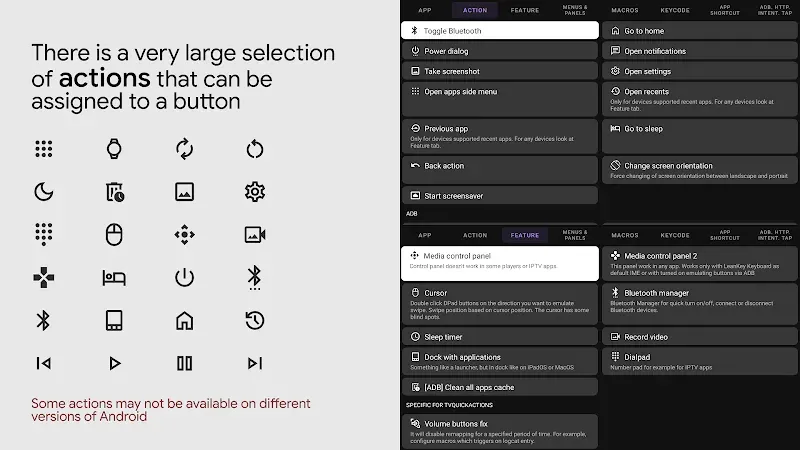
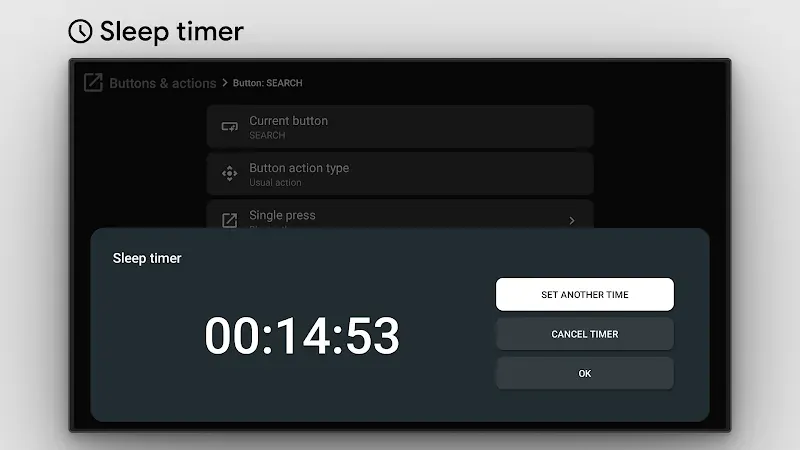
The app adds a range of handy utilities, including adjustable sleep timers, screen rotation controls, and custom menus for managing audio and video processing. Its standout feature is the Quick Menu, which puts hundreds of menu options behind a single button press. Acting as a command center, it extends what your remote can do. Menus and actions are designed to load instantly, and the app is built with TV responsiveness in mind, so your TV won't slow down or lag. It works hand in hand with Android TV and includes a set of tools that streamline streaming and gaming tasks. It is also built to work with home entertainment systems, delivering a smooth and easy-to-use experience.
Key Features
- Advanced Multi-Action Mapping
- macOS-Style Application Dock
- Universal Button Remapping
- System Event Automation
- Mouse Toggle Integration
- Quick Menu
- Custom Sleep Timer
- Screen Rotation Settings
- Quick-Access Menus for System Brightness and Volume
Related MOD APKs
- atvTools
- MovieBox ID: Watch Movies, TV Series, K-Dramas & Anime for Free
- KWGT Kustom Widget Pro
- SnapTube
FAQ
What does the tvQuickActions Pro MOD APK unlock?
This 3.7.0 build of tvQuickActions Pro gives you the Full Version. It works just like the original from tvDev, and every feature is available as soon as installation is complete.
What is the latest version of the tvQuickActions Pro MOD APK?
This 3.7.0 build matches the tvDev update released on July 25, 2026. We don't host older versions. To update, install the file over your current app. If you see a signature conflict, uninstall the existing app first.
Is the tvQuickActions Pro MOD APK safe to download?
This 3.7.0 release of tvQuickActions Pro, provided on GameMod.dev, unlocks the Full Version. It has a 3.8 rating from 20 users here. Root access isn't required. You may see a Play Protect warning, so always download from this page.
Can I use the tvQuickActions Pro MOD APK on PC or iPhone?
Since this is an Android file, it won't run on iPhone. To use the 35M APK on a computer, install an emulator such as BlueStacks or LDPlayer, then drag the file into it.
How to install
- Download the APK file above to your phone.
- Allow “Install unknown apps” when prompted.
- Open the downloaded APK and tap Install.
- If the package includes OBB/XAPK data, follow the bundled instructions.
MOD APKs are modified builds, so Play Protect may show a warning. Install only if you trust the file; use at your own risk.