

MOD features
A VPN is required when accessing from outside the USA. US language support, no libraries (lite version), SDK adjusted for more devices. Removed source, line, param, prologue and local data. Disabled Analytics, Receivers and some services. Disabled signature verification with hook method. Disabled all calls from server-side ad breaks. Optimized graphics and cleaned resources for faster loading. Anti adaptive icon support. Compatible with FireCube, Gen3FS, Lite, 4KMax and SmartFireTV. If you are using the app for the first time, launch it once so the logo appears on the home screen under recent apps.
Screenshots
Description
The Tubi TV MOD APK is built to strip out advertisement interruptions and tune the streaming experience for a range of hardware setups. This version turns off server-side ad requests and clears out internal resources, so content loads faster on both phones and TV-based devices.
What's Modified in Tubi TV
- Accessing content from outside the United States requires a VPN connection.
- The interface and content options are limited to US languages only.
- This lite build removes unneeded libraries to keep the app's footprint small.
- The SDK requirements have been adjusted so the app works on a wider range of Android devices.
- Source, line, parameter, prologue, and local data are stripped from the underlying code.
- Analytics tracking, receivers, and several background services are disabled to improve privacy and performance.
- Signature verification is bypassed through a hook method.
- All server-side calls tied to ad breaks are blocked, so videos are no longer interrupted.
- Graphics are optimized and internal resources are cleaned up for quicker app loading.
- Anti-adaptive icon support keeps the visuals consistent across launchers.
- Specific compatibility is included for FireCube, Gen3 FireStick, Fire TV Lite, 4K Max, and Smart Fire TV.
- Launch the app at least once so the logo displays correctly on the home screen under recent items.
This is version 8.4.1, 46M in size, with the package name com.tubitv. Because this release is re-signed, it cannot be installed as an update over the version from the official store.
About Tubi TV
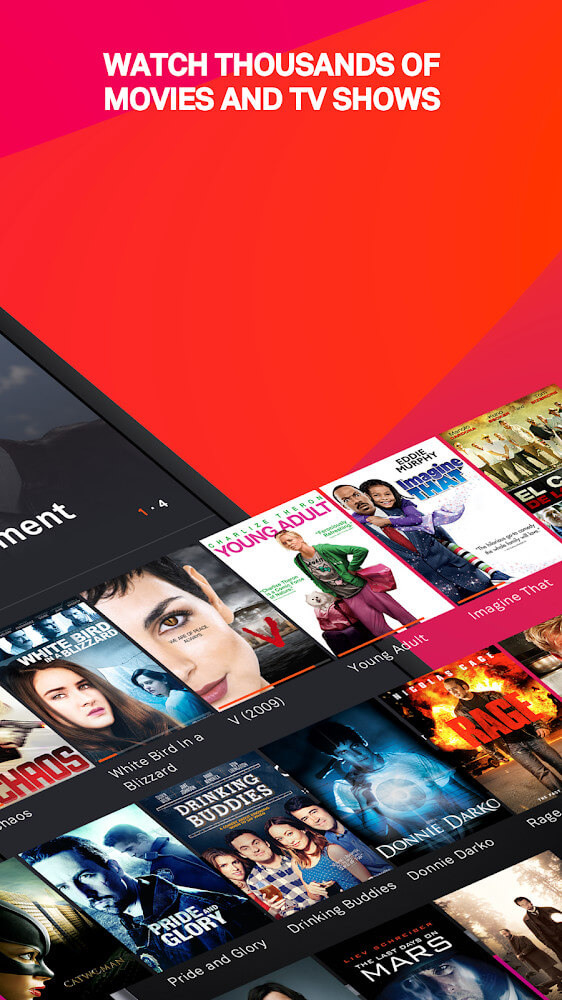
Tubi TV offers popular movies and TV shows completely free, with no subscription or theater fees. The platform is simple to use and adds new titles constantly, giving viewers fresh entertainment options. Rather than focusing on premium production quality, Tubi TV emphasizes quick and effortless access. Viewers can watch content in HD instead of the low-quality, laggy streams common elsewhere. What sets Tubi TV apart from its competitors is its free, ad-supported model. The catalog is nearly endless, spanning mainstream genres like drama and comedy as well as niche ones like sci-fi and horror. A clean, straightforward design with easy navigation keeps users engaged.
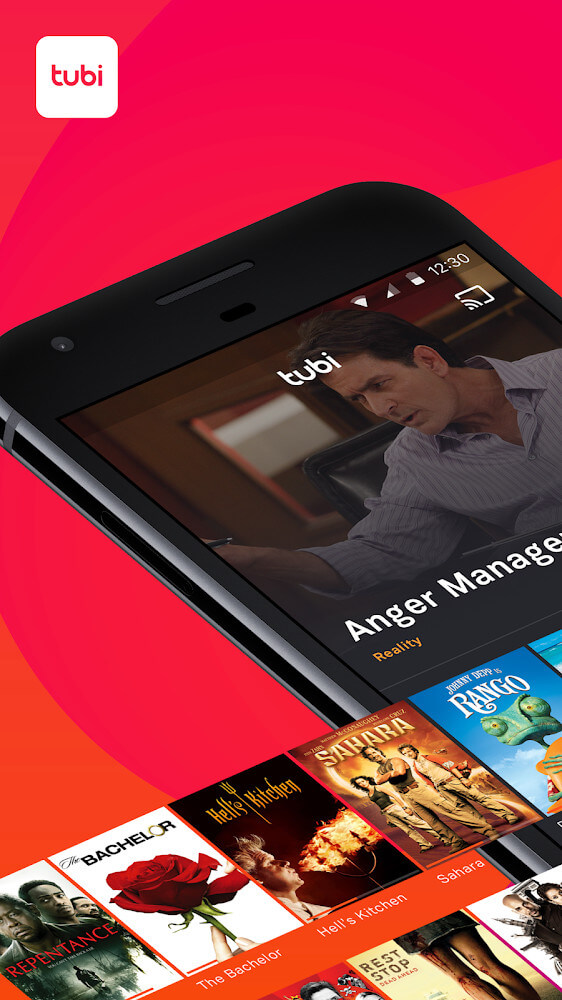
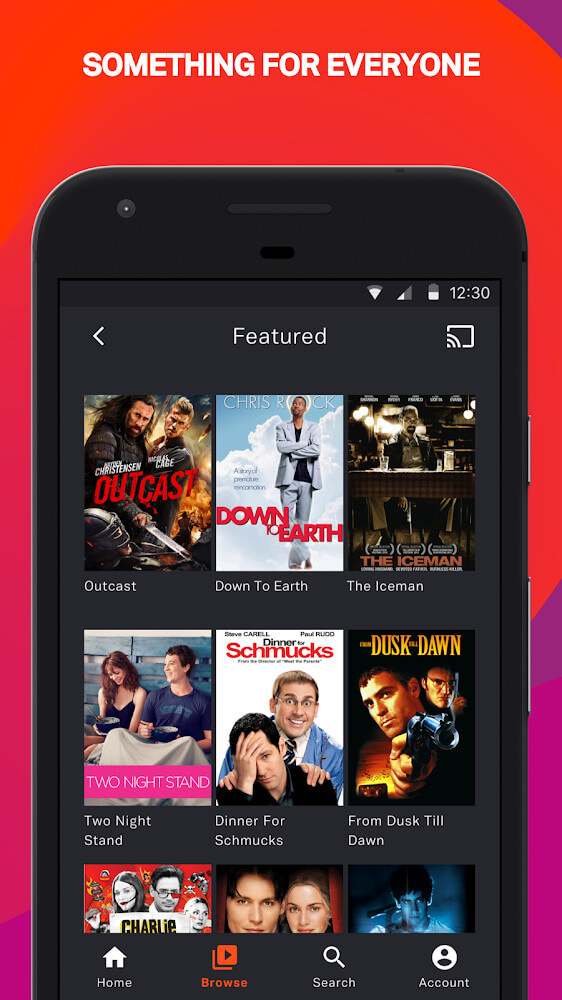
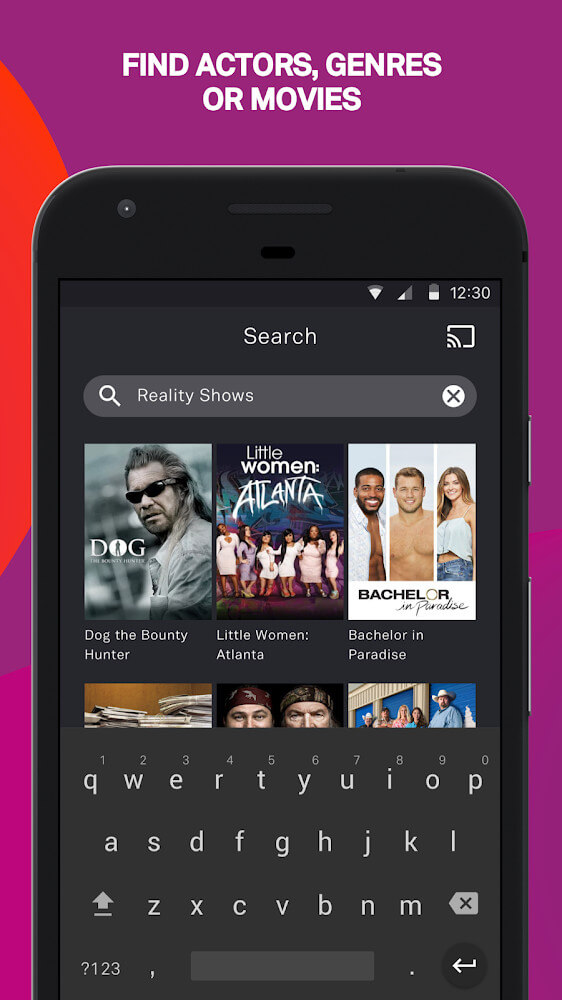
The main interface places key tools in a convenient menu, along with an on-screen search bar. To make browsing easier, the library is organized into four major categories: Popular, Genre, Collection, and Channel. Each category is broken down into smaller, multi-layered subcategories, so users who have forgotten a specific title can still find content by genre. The search engine makes it easy to explore the library even when you only have a vague idea of what you want. Remembering part of a title, a director's name, or an actor's name is enough to locate a film or show. Each listing also provides detailed information, including the genre, runtime, director, and cast.
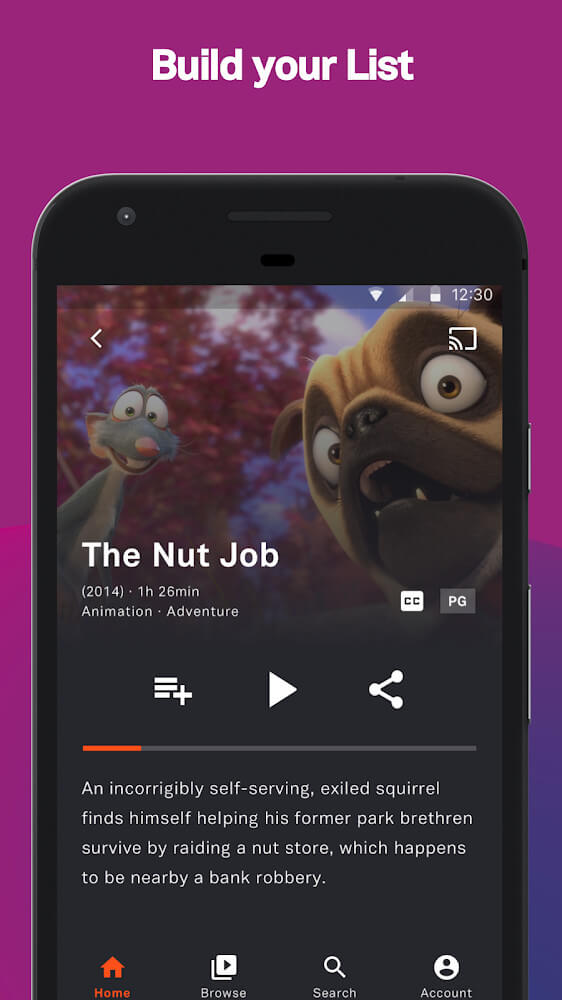
A personalized experience is a key part of any interface, and it is usually built around a user account. An account is not always required, but creating one lets you track your viewing history and preferences as they change over time. One useful feature is the Queue, which saves what you are watching or plan to watch so you can pick up right where you left off, even if you had to stop before finishing. You can also build a list of favorite movies that opens automatically at your next viewing session. The app also suits households with children: parents can monitor a child's activity and control what they watch by reviewing viewing history and choosing appropriate content manually. This helps keep family viewing positive and ensures the content is suitable. Finally, you can use one account across multiple devices, keeping your viewing progress and saved lists in sync.
A right-facing arrow icon on the screen lets users connect titles to their social accounts so they can share new discoveries with friends and family. This feature also allows users to save titles to their personal lists. The app's recommendation system studies viewing habits and suggests content that is trending or closely related to whatever is currently selected. These tailored suggestions help viewers cut down the time and effort needed to find something new to watch. The app's top priority is delivering high-quality content in a way that is easy for everyone to use. Content is organized by genre, and advanced search and sharing options are available to viewers of all ages. The library offers a wide variety of titles comparable to leading professional streaming services. The interface stays clean and fast, focusing on simplicity from searching for a title to starting playback.
Key features
- Search bar that supports queries by director and actor names.
- Content grouped into Popular, Genre, Collection, and Channel sections.
- Detailed information such as running time, genre, and cast.
- Queue system that saves your place so you can resume videos later.
- Create a personalized list of favorite movies.
- Parental controls to monitor viewing history and filter content by age appropriateness.
- Account syncing across multiple devices for a consistent viewing experience.
- Share to social networks using the built-in arrow icon.
Related MOD APKs
- ReelShort
- ZEE5
- Character AI
- Story TV – Watch Short Dramas
FAQ
Does Tubi TV MOD APK remove ads?
This 8.4.1 version of Tubi TV comes with these modifications: Optimized and No ADS. It works exactly like the official Tubi TV app, and all features are ready to use as soon as installation is complete.
What is the latest version of Tubi TV MOD APK?
Version 8.4.1 is the newest Tubi TV release, updated on August 13, 2026. We do not host older versions. To update, install this file over your existing app; if you encounter a signature error, uninstall the previous version first.
Is Tubi TV MOD APK safe to download?
This 8.4.1 Tubi TV APK is the original Tubi TV app with Optimized and No ADS changes. It has a 3.8 rating from 97 users. Root access is not required. You can ignore Play Protect warnings during installation, but always download from this page.
Can I use Tubi TV MOD APK on PC or iPhone?
Since it is an Android file, it will not run on iPhone. To use the 46M APK on a computer, install an emulator such as BlueStacks or LDPlayer, then drag the file into the emulator to start the installation.
How to install
- Download the APK file above to your phone.
- Allow “Install unknown apps” when prompted.
- Open the downloaded APK and tap Install.
- If the package includes OBB/XAPK data, follow the bundled instructions.
MOD APKs are modified builds, so Play Protect may show a warning. Install only if you trust the file; use at your own risk.