
Screenshots
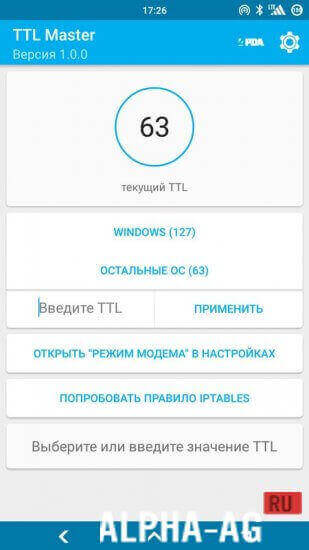
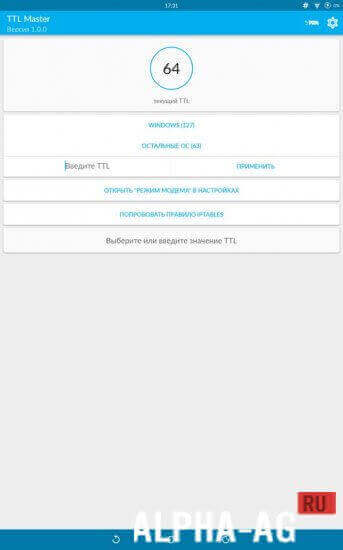

Description
TTL MasterHere is an app that changes your device's TTL to the required (or random) value in order to bypass mobile hotspot tethering restrictions. The utility has been tested on all Russian carriers.
Characteristics
Today, mobile network operators restrict the ability to share the Internet — the so-called tethering. However, this restriction is quite easy to remove using software methods.
Initially, the TTL Master application was developed to bypass tethering restrictions for the mobile operator Yota, but it has also proven effective for other mobile carriers — Tele2, Beeline, MegaFon, MTS, and so on.The program can automatically change the default TTL of your device to a random one so that you do not have to change the values manually (this option is also available). This way, you can ensure continuous hotspot sharing — when the traffic limit on one TTL is exceeded, the program switches to another, and the "counter" is reset.
Features
- Works with all mobile operators.
- Requires root permissions — it is impossible to change TTL without superuser rights.
- Supports automatic TTL change, as well as manual configuration.
How to use?
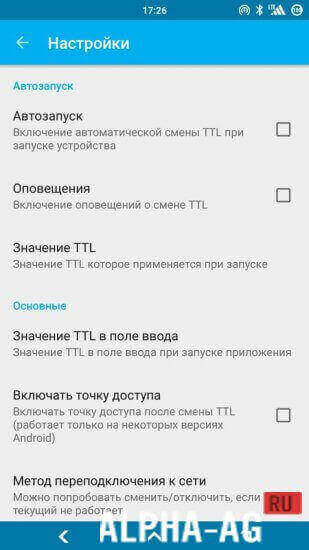
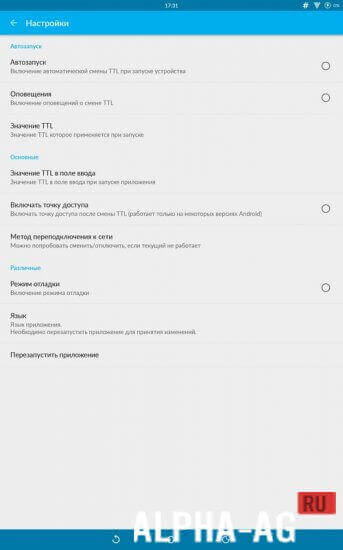
The program features a Russian-language interface, so you will easily navigate the menu. However, you will hardly need it: by default, the app automatically selects the TTL, but it is better to specify the number yourself 64 and click "Apply".
After that, click on "Try IPTABLES rule". The number 64 should appear everywhere.The program is being developed through the joint efforts of several indie developers who take into account the feedback of regular users.
0 Dec 28 Additional information:- Required Android version: 2.2 or higher + root permissions
- Age restrictions: 3+
- Russian localization: present
- Cache installation: not required
Subscribe to our YouTube channel!
Add commentHow to install
- Download the APK file above to your phone.
- Allow “Install unknown apps” when prompted.
- Open the downloaded APK and tap Install.
- If the package includes OBB/XAPK data, follow the bundled instructions.
MOD APKs are modified builds, so Play Protect may show a warning. Install only if you trust the file; use at your own risk.