

MOD features
● No Ads: all advertisements, promotional activities, and related code have been fully stripped or disabled. ● Cleaned layout layouts by hiding and removing ad-related UI elements. ● Disabled all tracking, analytics, and Crashlytics libraries. ● Removed redundant background receivers and services. ● Stripped out Google Play Services, transport components, and Firebase properties. ● Cleaned up unnecessary residual files and junk folders. ● Compressed PNG graphics to reduce image storage down to 1187 Kb. ● Re-compressed dex classes and native libraries for maximum efficiency. ● Applied graphic optimizations and ZipAlign for smoother performance. ● Compact package with an overall APK file size of just 17 Mb. ● Cleaned debug info including source lines, parameters, prologues, and local variables.
Screenshots
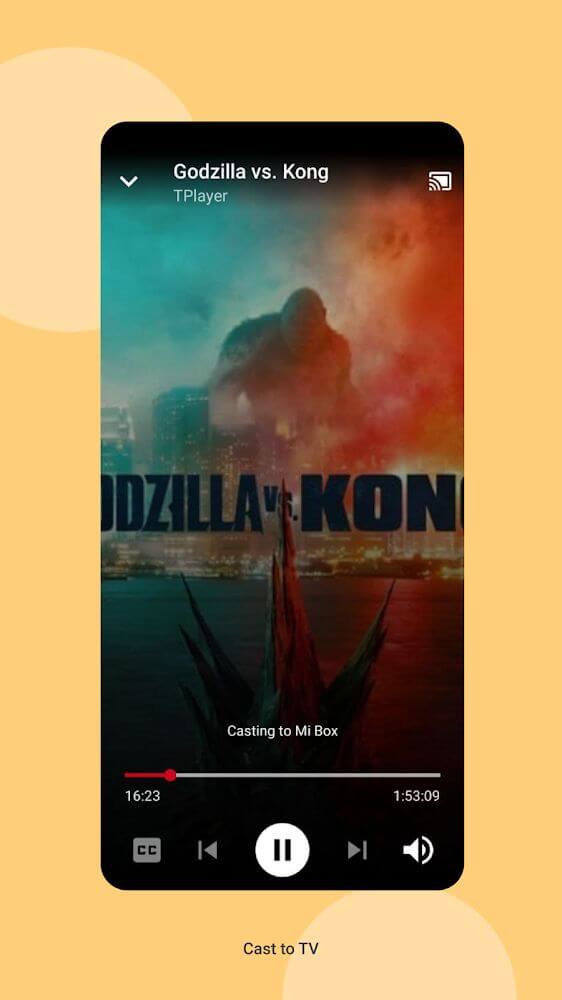
Description
TPlayer stands out as a premier Android video player, offering versatile multi-format playback and rich playback enhancement tools. Enjoy smooth media playback completely free on any Android smartphone.
This release of the TPlayer MOD APK eliminates all ad clutter and background telemetry to ensure a clean, distraction-free user experience. The original app has been heavily streamlined by switching off background services and optimizing assets for a significantly reduced install size.
What's Modified in TPlayer
- All in-app advertisements, ad activities, promotional code snippets, and layout placeholders have been fully disabled or removed.
- Analytics engines and Crashlytics tracking modules have been stripped from the package to block outbound data reporting.
- Redundant background receivers, services, and configuration tags related to Google Play Services, Transport, and Firebase have been pruned.
- Residual junk folders and unused development files have been purged to declutter the internal package structure.
- All PNG graphics were compressed and optimized, taking up just 1187 Kb in total to conserve precious device storage.
- Core classes.dex files along with internal libraries have been re-compressed to deliver smoother runtime performance.
- Extraneous debugging data—such as line numbers, parameter lists, method prologues, and local variables—has been stripped.
- The entire APK has been trimmed down to an ultra-compact file size of only 17 Mb.
This release corresponds to version 8.0b with a package size of 17M and package ID teavideo.tvplayer.videoallformat; as a custom modified build signed with a unique key, it cannot be installed on top of the original Google Play version.
About TPlayer
Online platforms and social media channels have turned digital video into a central medium for news, education, and entertainment. However, handling varied file extensions and missing audio-video codecs often leads to playback errors on mobile devices. Videos will only load smoothly if your phone features the required containers and decoders. TPlayer addresses this challenge head-on, ensuring you can stream or watch any clip effortlessly regardless of where it came from.
Extensive format and codec compatibility sits at the heart of this media player. Alongside ubiquitous standards like MP4 and MKV, TPlayer smoothly plays advanced and niche media such as AAC, FLAC, and M2TS. The built-in decoding pipeline tells your hardware exactly how to handle the video stream without bogging you down in complicated settings. You can watch clips directly from your local storage or stream instantly using external web URLs, bypassing typical Android playback limitations.
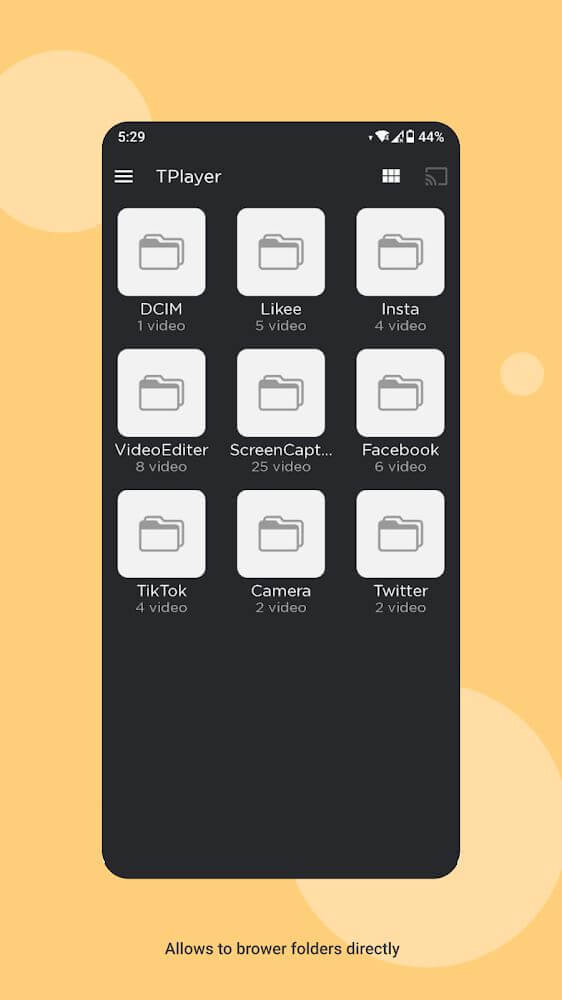
Beyond standard playback, the app introduces an isolated media organization system that functions independently from your primary internal memory and SD card. Rather than lumping every video into one massive gallery, it categorizes files based on their origin. For instance, videos grabbed from Facebook are stored in a dedicated source folder, making it simple to keep track of your downloads and locate clips in seconds.
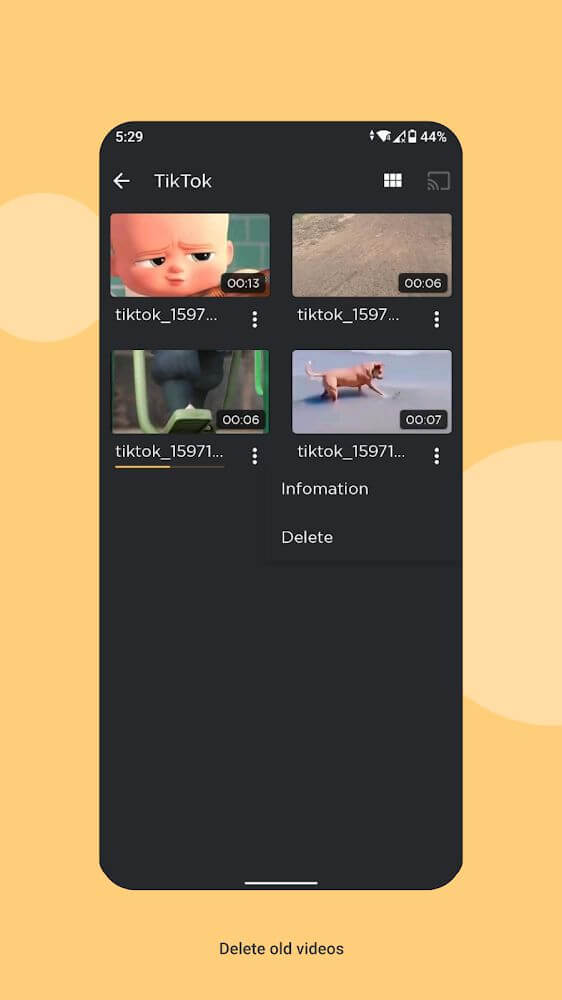
This built-in content manager is tailored to help preserve available phone and SD card memory. It is especially beneficial for users who regularly stream or download heavy high-definition videos that quickly consume free space. By handling files within a responsive, parallel structure while keeping original file names intact, TPlayer lets you access your collection swiftly without causing system stutter.
Watching international media is seamless thanks to comprehensive subtitle integration. If you are dealing with unfamiliar accents or rapid foreign dialogue, the built-in multi-language subtitle engine handles it with ease. Just open the playback menu and select 'Subtitles' to overlay your preferred text track. Processing subtitles will not lag the stream, dip frame rates, or degrade video resolution, ensuring crisp visuals from start to finish.
Delivering a seamless user experience relies on combining straightforward controls with powerful background capabilities. While the app effortlessly handles sophisticated operations like multi-format decoding and link processing, everyday interactions remain effortlessly simple, requiring just basic actions such as uploading or searching. Engine stability stands at the core of the media player, ensuring consistent, high-definition streaming across diverse video sources. Designed around modern entertainment needs—including broad format compatibility, versatile file storage, and multilingual features—it serves as an ideal upgrade over standard default media players. Furthermore, its clean and intuitive interface lets you switch smoothly between your local media folders and the playback screen.
Key Features
- Broad compatibility with popular formats such as MP4, MKV, M2TS, AAC, and FLAC.
- Built-in decoder tools engineered to help your system detect and play uncommon video extensions.
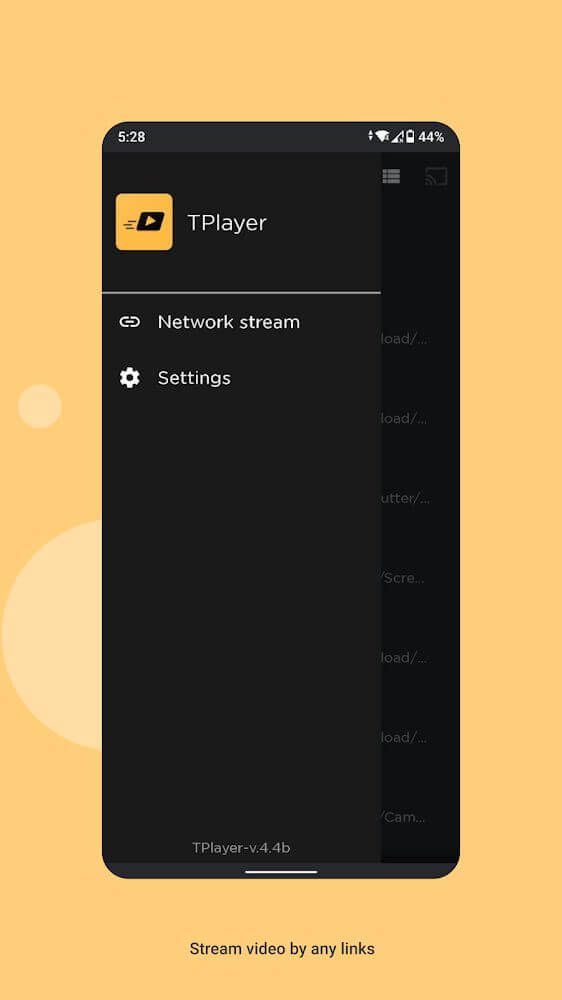
- Stream online content directly by pasting and searching video URLs.
- Instant media uploads for quick and hassle-free playback access.
- Dedicated private locker working alongside your internal storage and external SD card.
- Smart folder organization that sorts media based on upload origin.
- Automated file tagging based on origin sources to streamline search and library browsing.
- Multilingual subtitle support complete with customizable readability options.
- Flexible playback configuration designed to preserve video quality across different speeds.
Related MOD APKs
- ReelShort
- ZEE5
- Character AI
- Story TV – Watch Short Dramas
FAQ
Does TPlayer MOD APK remove ads?
Yes, the TPlayer 8.0b release features full optimization and No Ads. Based on the RN Entertainment release, all modified perks are automatically applied as soon as the installation finishes.
What is the latest version of TPlayer MOD APK?
The current 8.0b release by RN Entertainment was rolled out on March 1, 2026. Only the freshest build is hosted here on GameMod.dev. You can simply update by installing this package over your existing build, though if an installation signature conflict occurs, uninstall the older version beforehand.
Is TPlayer MOD APK safe to download?
Yes, this 8.0b build by RN Entertainment has been modified with Optimized performance and No Ads, earning an average 3.9 score across 30 ratings. It functions smoothly without root permissions. Feel free to bypass standard Play Protect flags, and make sure to grab the file straight from GameMod.dev to secure this verified version.
Can I use TPlayer MOD APK on PC or iPhone?
Because this package is tailored for Android, iOS devices like iPhones are not supported. If you want to run this 17M package on your computer, launch an Android emulator such as LDPlayer or BlueStacks, then simply drag and drop the APK file onto the emulator screen.
How to install
- Download the APK file above to your phone.
- Allow “Install unknown apps” when prompted.
- Open the downloaded APK and tap Install.
- If the package includes OBB/XAPK data, follow the bundled instructions.
MOD APKs are modified builds, so Play Protect may show a warning. Install only if you trust the file; use at your own risk.