
Screenshots

Description
TP-Link TetherWith this app, you can configure and manage your TP-Link router directly from your smartphone.
Gameplay
With this app, you can set up a connection, view information, and manage your TP-Link Wi-Fi router directly from your mobile device.
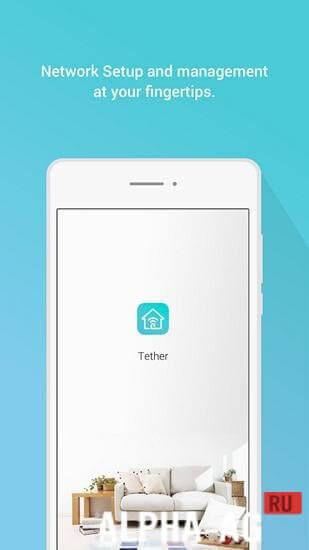
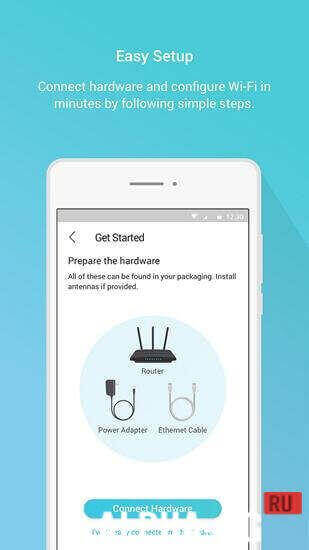
In order for the app to detect your router, you will need to connect to it via Wi-Fi. If you have been using your router for a while, you are most likely already connected to it.When you launch the app for the first time, you will see a brief overview of its features. Swipe through the description and tap the start button. If you are already connected to the network, you will see the router name and its MAC address right there.
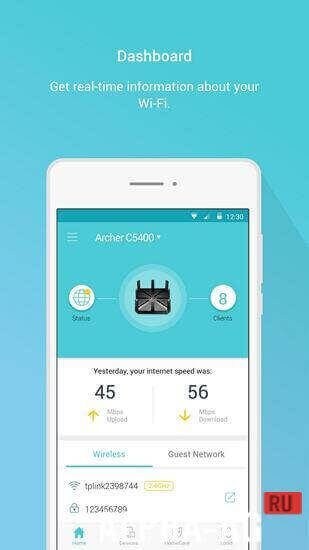
To access the main router management screen, you need to enter the administrator username and password; the default credentials are admin and admin.The app's main screen is divided into several sections: the dashboard, where you can view real-time information about your Wi-Fi and guest network. Tapping the router icon displays its name, model, and firmware version.
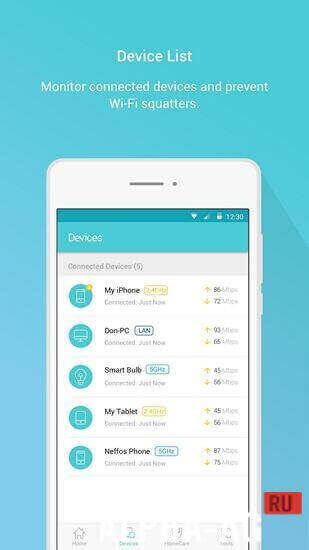
The client tab lists all devices connected to this network, their connection type, and their IP address. Tapping a connected device allows you to view its MAC address and block it. This is useful if an unauthorized user connects to your network.
Key Features
In this app, you can view devices connected to your Wi-Fi router, check device status, and even block unauthorized users in real time. You can also take advantage of parental control features.
It allows you to configure a list of managed devices, specify permitted websites, and set schedules for them. You can also run network diagnostics in the app to check your router and internet connection. You can manage multiple TP-Link devices simultaneously.
0 Sep 23 Additional information:- Android version required: 5.0 or higher
- Age rating: 3+
- Russian localization: none
- OBB/Cache installation: not required
Subscribe to our YouTube channel!
Add commentHow to install
- Download the APK file above to your phone.
- Allow “Install unknown apps” when prompted.
- Open the downloaded APK and tap Install.
- If the package includes OBB/XAPK data, follow the bundled instructions.
MOD APKs are modified builds, so Play Protect may show a warning. Install only if you trust the file; use at your own risk.