
Screenshots
Description
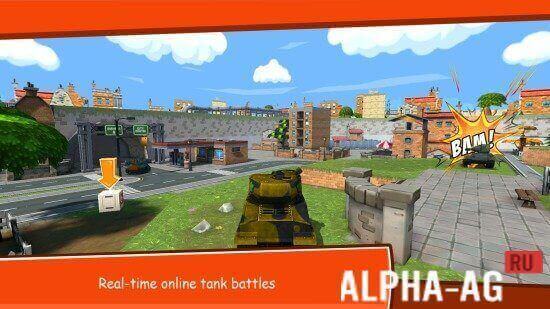
Toon WarsAn exciting simulator in which you will control your tank and take part in thrilling tank battles across colorful locations.
Gameplay
At the beginning of the game, you need to choose a suitable tank to enter dynamic battles against your enemies across various colorful locations. Each tank in the game has its own unique characteristics and is tailored for its own combat style.
For example, by choosing a light tank, you will move quickly around the map, conduct reconnaissance in enemy territory, and strike lightning-fast blows against enemy vehicles.
Using a heavy tank, you will not move as fast, but you will be able to absorb enemy fire with your armor and hit back hard.Several modes will be available to you in the game, such as solo duel and team battle. For each successfully completed battle, you will earn experience and in-game currency.
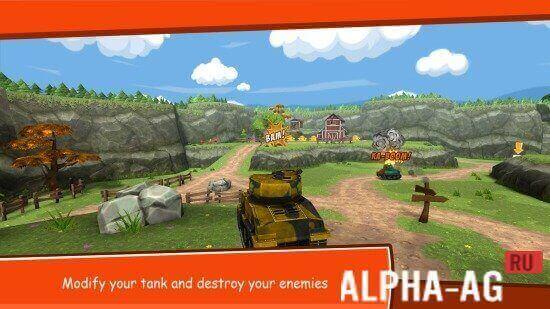
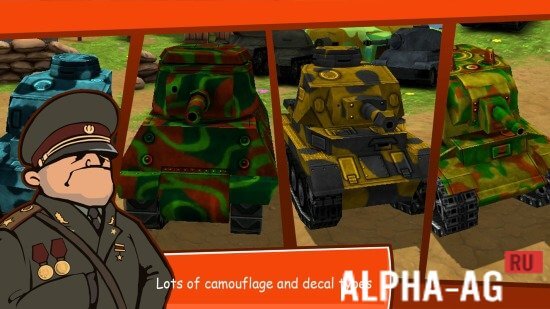
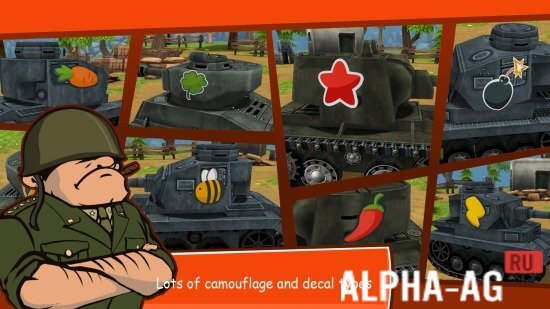
With the experience you gain, you will increase your level, allowing you to unlock new, more powerful tanks.Using in-game currency, you can upgrade your tank's stats, making it more powerful. You will be able to upgrade your tank's engine, chassis, weapon, charge, and armor. You can also use in-game currency to buy new camouflage that makes you less noticeable on the map.
Game Features
The game will delight users with colorful 3D graphics rendered in a cartoon style. A large selection of tanks will be available in the game, which you can use to take part in dynamic battles against other players. You can complete daily quests to earn experience and in-game currency to spend on upgrading your tank. You can also create your own clan or join an existing one to fight alongside your friends against your enemies.
7 Nov 12 Additional information:- Android version required: 5.0 or higher
- Age restrictions: 3+
- Russian localization: none
- OBB/Cache installation: required
Subscribe to our YouTube channel!
Add a commentHow to install
- Download the APK file above to your phone.
- Allow “Install unknown apps” when prompted.
- Open the downloaded APK and tap Install.
- If the package includes OBB/XAPK data, follow the bundled instructions.
MOD APKs are modified builds, so Play Protect may show a warning. Install only if you trust the file; use at your own risk.